
The Phishing Link Moved Into VS Code
What security awareness teams should do after the GitHub poisoned VS Code extension incident. A guide to controls, governance, training, and simulation for developer environments.

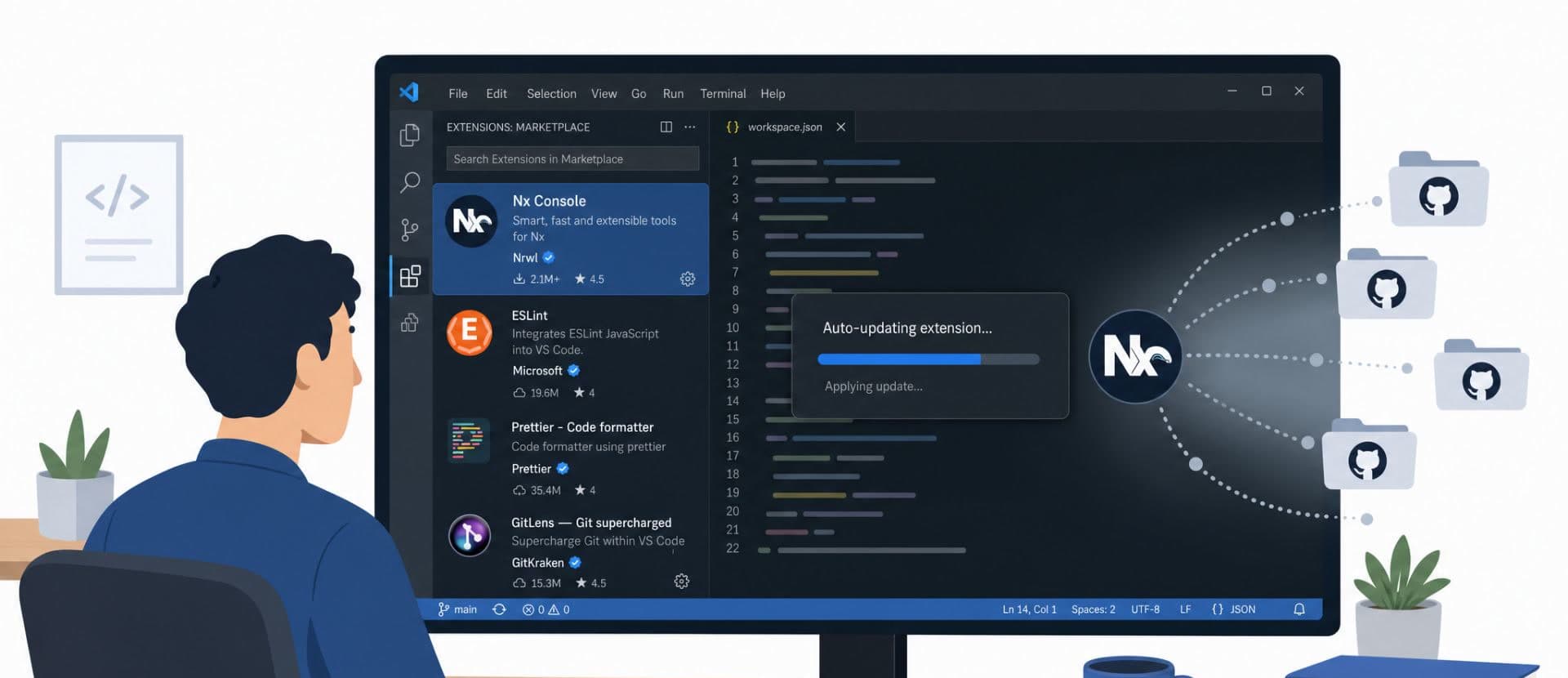
What security awareness teams should do after the GitHub poisoned extension incident
GitHub disclosed that on May 18 it detected and contained a compromise of an employee device involving a poisoned third-party VS Code extension. The company confirmed the activity involved exfiltration of internal repositories, that the attacker's claim of roughly 3,800 repositories was "directionally consistent" with its investigation, and that it rotated critical secrets while continuing log analysis and monitoring.
This is not an isolated incident. In the past year, the Shai-Hulud worm compromised hundreds of npm packages. The AntV supply chain attack hit 323 packages with 16 million weekly downloads in a 22-minute window. A compromised OAuth token from a forgotten AI browser extension led to the Vercel breach. Grafana Labs had its codebase stolen after a single missed token rotation during the TanStack npm compromise. The Cyberhaven Chrome extension was hijacked through a phished developer account and pushed malicious code to users for over 24 hours.
The pattern is consistent: attackers are targeting the tools developers trust.
If you're running a human risk program, the following is guidance on how to think about this new threat. It starts with what actually happened at GitHub, moves into the technical controls your organization should invest in, and ends with the awareness and simulation work that can close the remaining gaps.
Unpacking the Attack
Visual Studio Code is an IDE (Integrated Development Environment). Developers use it to edit and run code. It supports extensions, which are mini-apps that add functionality: the Python extension includes language-specific debugging, for example, and there are extensions for Git integration, linting, AI code completion, and hundreds of other workflows.
Anyone can publish an extension to the VS Code marketplace. By default, anyone can install one. Microsoft performs some scanning and verification, but malicious code still gets through. In some cases the developer of a legitimate extension gets phished, and the attacker uses their credentials to push a malicious update. In other cases, extensions exist that are purely malicious from day one.
The engineer at GitHub didn't do anything wrong. They were using an extension called Nx Console, which had over 2 million installs, was widely trusted, and actively maintained. An attacker pushed a malicious update to Nx Console that was detected and removed within 18 minutes. But because VS Code extensions auto-update by default, a poisoned update can reach already-trusting users without a fresh install decision. The malicious version was live long enough to compromise users who received it during that window. The extension inherited the same permissions the developer needed to do their job. It grabbed code and secrets they had access to. The compromise cascaded from there.
That sequence matters. The developer didn't install a sketchy tool. They didn't ignore a warning. They didn't click a phishing link. A tool they already trusted was weaponized through a supply chain compromise, and the update mechanism delivered the payload without any action on their part.
This is a different category of attack than what most security awareness programs are built to address.
Why This Attack Class Is Different
A phishing simulation tests whether someone gives up a password. A malicious editor extension may not need to ask for one. It may already be running inside the environment where the developer works.
That means it can:
- Read source code and local config files
- Access environment variables and cloud credentials
- Call local CLIs and spawn shell commands
- Make outbound network requests
- Interact with active GitHub sessions
- Inspect package manager tokens
- Execute code the moment a workspace opens
Microsoft's own VS Code documentation confirms that extensions run through the extension host with the same permissions as VS Code itself, including the ability to read and write files, make network requests, run external processes, and modify workspace settings.
A developer's editor is not a sandboxed consumer app. It sits at the intersection of source code, secrets, cloud access, and CI/CD pipelines. For many organizations, it is closer to production than any email client will ever be.
Yet most organizations govern browser extensions more tightly than code editor extensions. That gap is where this attack lived.
What Controls Should Security Teams Push For
First and foremost this is a governance problem. Security awareness teams should partner with security engineering, IT, platform engineering, and developer experience teams to make safer behavior the default, not the exception. Then use awareness to plug the gaps.
1. Inventory installed extensions
You cannot govern what you cannot see. Start by collecting: editor type, extension ID, publisher, version, install source, user, machine, business justification, risk rating. This should include VS Code, Cursor, Windsurf, VSCodium, and any other VS Code-derivative editor used for company work.
Palantir published a detailed writeup on how they approached this. They started by understanding the extension landscape across their fleet using osquery data, then built a controlled allowlist process on top of that reality. Their response was not "tell developers to be more careful." It was inventory, allowlisting, an approval process, and technical enforcement through endpoint management.
2. Move from "anything goes" to an approved extension model
VS Code now supports enterprise extension controls. Microsoft's documentation states organizations can control extensions by publisher, specific extension, version, and platform, but by default all extensions are allowed.
That default is the problem.
A reasonable model:
- Approved core extensions are allowed
- High-risk extensions require review
- Unknown extensions are blocked or require approval
- Teams with access to sensitive systems get stricter rules
- New extension requests have a fast approval process
The request process matters more than the policy. If approval takes three weeks, engineers will route around it. If it takes a Slack message and a quick review, people will use it.
3. Pin versions where risk is high
Version pinning creates operational overhead. For high-risk extensions, the tradeoff is worth it. VS Code enterprise controls allow pinning to specific approved versions, though Microsoft notes that version ranges are not supported, so each approved version must be listed individually.
Don't pin everything. Pin high-risk extensions. Review updates before broad rollout. Pilot with a small group before pushing updates fleet-wide. Keep an emergency block process ready for situations like the Nx Console compromise.
You can check extension risk using a free lookup tool from Koi Security. General best practices are to look at the number of installs, reputation of the developer, reviews, and how actively the extension is maintained.
4. Reduce credential blast radius
A malicious extension becomes far less dangerous if the developer machine does not hold long-lived reusable secrets.
For GitHub specifically: reduce classic PAT usage, prefer fine-grained PATs, enforce maximum token lifetimes, require approval for fine-grained PATs accessing the organization, and move automations toward GitHub Apps instead of user-owned credentials. GitHub documentation confirms that organization owners can set PAT policies, enforce maximum lifetime allowances, and require administrator approval.
The developer-facing message is simple: don't keep powerful long-lived credentials on your laptop.
The control-layer implementation:
- Restrict classic PATs
- Require fine-grained PATs with short maximum lifetimes
- Require approval for tokens accessing the org
- Use GitHub Apps for automation
- Use hardware-backed SSH keys where possible
- Eliminate static cloud keys from developer machines
5. Monitor GitHub account and repository activity
If an endpoint is compromised, assume the attacker will attempt to use whatever the developer can access.
GitHub's audit log captures actions taken by users and integrations, and token data appears for authentication methods including personal access tokens, OAuth tokens, GitHub Apps, deploy keys, and SSH keys.
Teams should alert on: new PATs, new OAuth grants, new deploy keys, new GitHub Apps, repository clone spikes, unusual source code downloads, new Actions secrets, branch protection changes, repository visibility changes, mass secret scanning alerts, and suspicious API usage from unusual locations.
The awareness point is not that every developer needs to monitor audit logs. The awareness point is that developers should report suspicious editor behavior quickly, because every minute of delay shrinks the forensic window for the security team.
Developer Security Training and Simulation
Developers work with different tools, move through different workflows, and carry a different blast radius when compromised. A compromised developer endpoint doesn't just leak email. It can leak source code, secrets, cloud credentials, and CI/CD access.
What training should cover
A good developer security awareness module should address:
- Why editor extensions carry real risk to enterprise environments, using the GitHub and Nx Console incidents as concrete examples
- How extension compromise actually happens: supply chain attacks, credential theft against extension publishers, update poisoning
- How to evaluate an extension before installing it, and what signals are useful vs. what signals are misleading (install count is a data point, not proof of safety)
- What suspicious extension behavior looks like at runtime
- What to do when something feels wrong, and why "quietly uninstall and move on" is the wrong response
- Why long-lived local credentials amplify every endpoint compromise
- How the organization's extension governance works, and how to request new tools without waiting three weeks
We've put together a short training video covering these topics that you can use for free.
Download the video to use in your own training programs.
What simulation should look like
A VS Code extension simulation walks a developer through a scenario: they encounter a useful-looking extension with a plausible name, productivity claims, and reasonable marketplace metrics. The extension then triggers behavior that should raise questions: unexpected shell execution, unusual network access, credential access, or a request to authenticate somewhere unrelated. The developer decides whether to install, inspect, request approval, or report.
The simulation should measure:
- Who recognizes risky signals in the extension listing
- Who checks publisher identity and extension provenance
- Who notices suspicious runtime behavior
- Who reports instead of quietly ignoring
- How quickly the security team gets notified
- Whether the organization's approval process actually functions under pressure
And the debrief should reinforce a short set of principles: install count and marketplace listing are signals, not guarantees. Verified publisher status is useful, not sufficient. Auto-updates can change the risk profile long after install. Extensions can access more of your environment than most people expect. Reporting quickly is the correct response.
The Bottom Line
A strong response to the GitHub incident:
- Educate developers on editor extension risk, with specific examples from this incident and the Nx Console compromise, not abstract warnings
- Govern which extensions can run in your environment, using allowlists and enterprise controls
- Reduce credential blast radius so a compromised endpoint doesn't become a compromised organization
- Monitor GitHub and cloud activity for indicators of unauthorized access
- Create a fast reporting path so developers can flag anomalies without friction
- Simulate the behavior before a real incident forces you to discover your gaps
Mirage Security builds social engineering simulations for developer environments, including VS Code extension scenarios. Get in touch.