Researchers reported a real espionage campaign (“SilkParasite”) targeting Central Asian government bodies using spear‑phishing emails. The attack uses password‑protected RAR files containing malicious Microsoft Office documents; when opened, macros trigger a DLL sideloading chain to install remote access tools. Lures were tailored to look like documents relevant to specific ministries across multiple countries in the region.
How the Attack Worked
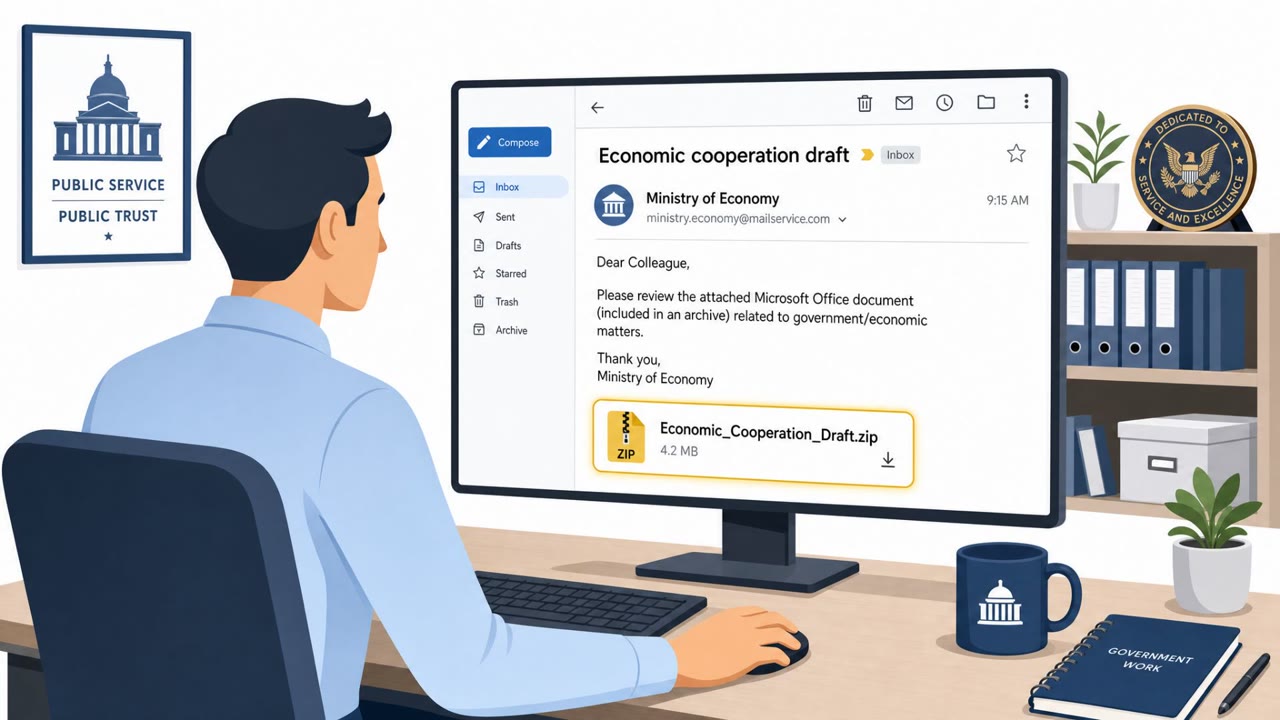
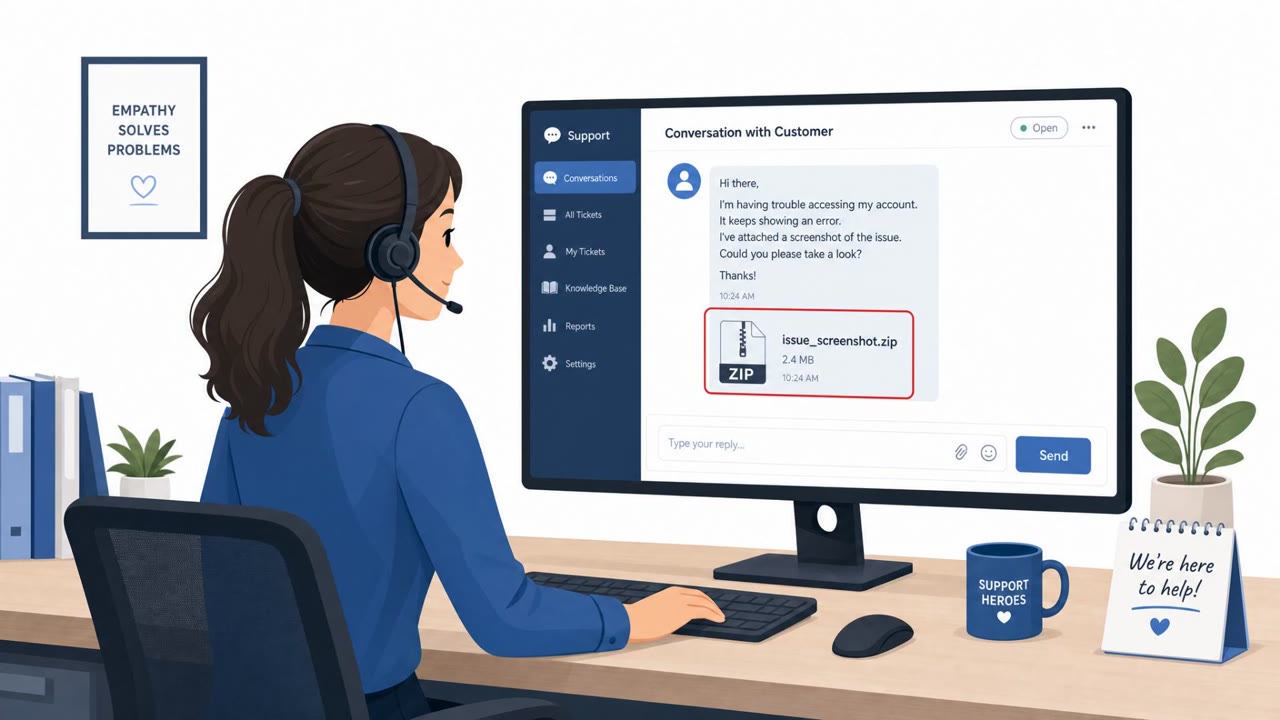
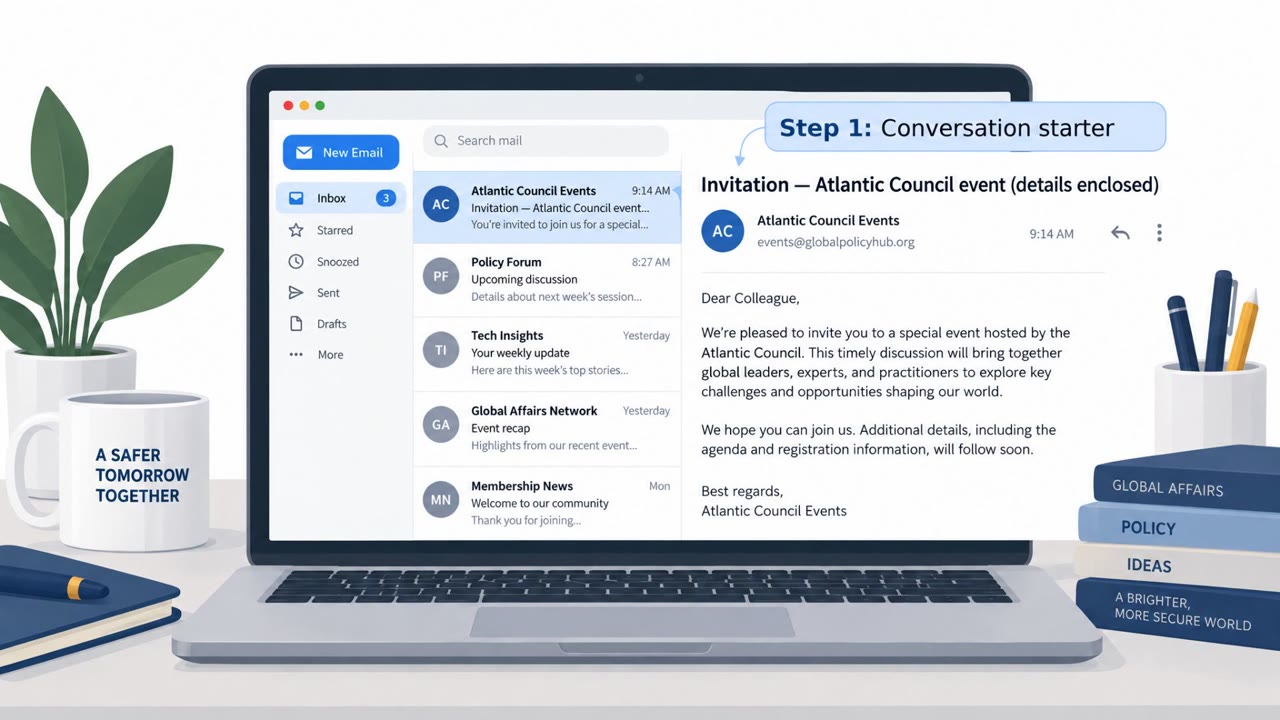
The SilkParasite campaign relies on spear-phishing emails sent to government bodies across Central Asia. The emails deliver password-protected RAR archives containing malicious Microsoft Office documents, with the password to open the archive supplied directly in the email body. This is a deliberate technique: password-protected files are harder for automated email security scanners to inspect, letting the malicious payload slip through.
Once a recipient opens the RAR with the provided password and opens the enclosed Office document, a macro runs that triggers a DLL sideloading sequence. This drops the first-stage payload, eventually leading to the installation of one of several previously undocumented remote access tools, including DriveSilkRAT, CookiETagRAT, NomadRAT, GoginRAT, and NodeEdgeRAT.
Why It Succeeded
The lures were regionally tailored, with documents crafted to look relevant to specific ministries and agencies across Uzbekistan, Turkmenistan, Kyrgyzstan, Tajikistan, Kazakhstan, and at least one Georgian government entity. This tailoring increases the likelihood that a recipient in policy, administrative, or executive assistant roles will trust the document as legitimate correspondence relevant to their work.
The campaign also reportedly checks for the presence of Kaspersky antivirus before executing further stages, suggesting an attempt to evade detection in environments running that security product. This kind of environmental awareness helps the malware avoid triggering alerts in some monitored networks.
What to Watch For
- Password-protected archive attachments where the password is provided in the same email, a pattern used to bypass scanning.
- Office documents that prompt the user to enable macros or content after being opened.
- Sender claims to represent a specific ministry or agency, paired with unusual urgency or unexpected email formatting.
- On the endpoint side, a legitimately signed application loading a library placed beside it while running from an unusual location, described as the most consistent detection surface across the campaign.
Building Resistance
Organizations, especially government administration, executive assistants, policy staff, and IT teams, should treat password-protected attachments as high-risk items requiring verification through a trusted channel before opening. Staff should be trained not to enable macros in email attachments unless their organization has explicitly confirmed it is required and safe.
Security teams should also build detection around DLL sideloading behavior, since this is described as a consistent signal across the campaign's various RAT families. Combining user awareness about regionally tailored, ministry-themed lures with technical monitoring for sideloading activity gives defenders two independent layers of protection against this style of intrusion.
Key findings
- Campaign targets government bodies in Central Asia and is assessed as a China-nexus cluster (medium confidence).
- Initial access described as spear‑phishing delivering password‑protected RAR archives with malicious Office documents; the password is included in the email body.
- Opening the Office document runs a macro that triggers DLL sideloading to drop first‑stage malware.
- Lures were regionally tailored and impersonated specific ministries across Uzbekistan, Turkmenistan, Kyrgyzstan, Tajikistan, Kazakhstan, and one document addressed to a Georgian government entity.
- Macro reportedly checks for Kaspersky AV before executing, suggesting an attempt to avoid detection.
- Multiple previously undocumented RAT families were used (e.g., DriveSilkRAT, CookiETagRAT, NomadRAT, GoginRAT, NodeEdgeRAT).
Who’s being targeted
- Commonly targeted roles: Government employees, Executive assistants, Administrative staff, Policy/foreign affairs staff, IT and helpdesk (government), Security operations/incident response.
- Affected industries: Government (national/federal), Government ministries and agencies.
- Attack channels: email.
- Impersonated: A specific government ministry (regionally tailored).
Red flags to watch for
- Password-protected attachment with password provided in the same email (common to evade scanning)
- Office document prompts to enable macros/content
- Sender claims to be a ministry/agency but uses unexpected email patterns or unusual urgency
Frequently asked questions
What is the SilkParasite campaign?
SilkParasite is an espionage campaign targeting government bodies in Central Asia, assessed as a China-nexus cluster with medium confidence, that uses spear-phishing to deliver remote access tools.
How does the SilkParasite attack chain work?
Victims receive spear-phishing emails with password-protected RAR archives containing malicious Office documents. The password is included in the email body, and opening the document runs a macro that triggers DLL sideloading to drop first-stage malware.
Why is a password included in the phishing email itself?
Providing the archive password in the email body is a common technique to help the malicious file evade email security scanning, since scanners often cannot open password-protected archives.
What should defenders watch for from this campaign?
Defenders should watch for a legitimately signed application loading a library placed beside it while running from an unusual location, which the campaign relies on for DLL sideloading.
Read the video transcript
Imagine an email that looks like it’s from your own ministry, sharing a sensitive document… and it even gives you the password. That’s SilkParasite. They send password‑protected RAR files to Central Asian governments. You open the RAR, then the Office doc, click 'Enable Content'… and a hidden macro quietly installs a remote access tool on your machine. The lures are ministry-themed, regionally tailored for Uzbekistan, Turkmenistan, Kyrgyzstan, Tajikistan, Kazakhstan, even Georgia. They even check for Kaspersky before running. The one tell: a password‑protected RAR and an Office file begging you to enable macros. If you get a government-themed email with a password‑protected RAR and an Office file asking to enable macros, stop. Don’t open it, forward it to the security team and wait for their go‑ahead.