Researchers linked DigiCert’s April 2026 breach to a GoldenEyeDog sub-group that tricked support staff into running a malicious file delivered through a customer support chat. The attackers then abused DigiCert’s support portal features to intercept EV code-signing certificate “initialization codes,” enabling them to obtain and misuse customer certificates to sign malware and evade detection.
How the attack worked
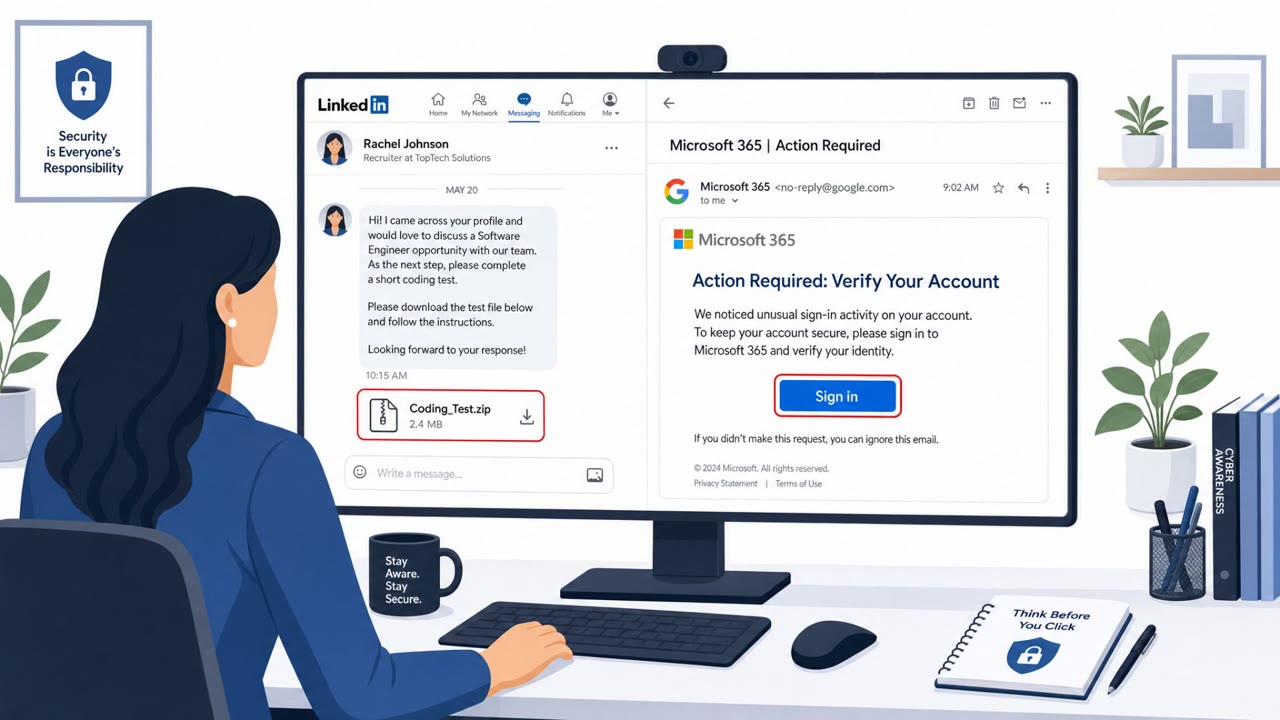
The intrusion began in a customer support chat channel rather than an inbox. A threat actor contacted DigiCert's support team and delivered a ZIP file disguised as a customer screenshot. Instead of an image, the file contained a .scr executable carrying a malicious payload. Once opened by a support analyst, the malware gave the attacker a foothold on that employee's device and, from there, access into DigiCert's internal support portal.
From inside the portal, the attacker was able to view EV code-signing certificate initialization codes tied to approved-but-pending orders. That access let them obtain and misuse customer certificates, ultimately using some of them to sign malware, including artifacts linked to Zhong Stealer, so the malicious files would appear trustworthy and evade detection. Researchers at Expel attributed the activity to a cluster called CylindricalCanine, described as a sub-group of GoldenEyeDog, and connected the tooling to Golden Gh0st RAT.
Why it succeeded
The pretext relied on a routine, low-friction interaction: a customer sharing a screenshot in a support conversation. Support staff are trained to be responsive and helpful, and reviewing an attached file from someone claiming to be a customer is a normal part of that job. The disguise worked because the file type mismatch, a ZIP containing an executable rather than an image, was not an obvious red flag in the flow of a busy support queue.
The impact was amplified by portal features that let authenticated support analysts act on behalf of customer accounts. That capability, useful for legitimate support work, also meant a single compromised analyst session could expose sensitive data like certificate initialization codes.
What to watch for
Key findings
- Attackers contacted DigiCert support through a customer chat channel and sent a ZIP file disguised as a screenshot; it contained a .scr executable with a malicious payload.
- The compromise enabled unauthorized access to DigiCert’s internal support portal and the viewing/interception of EV code-signing certificate initialization codes for approved-but-pending orders.
- DigiCert revoked 60 certificates; 27 were explicitly linked to the threat actor, and some were used to sign “Zhong Stealer” malware artifacts.
- Expel attributed the activity cluster “CylindricalCanine” to a sub-group of GoldenEyeDog, and connected it to Golden Gh0st RAT tooling and delivery tactics.
- Expel noted similar delivery methods via phishing emails and/or support portal submissions, often using files disguised as screenshots and link-based payload delivery.
Who’s being targeted
- Commonly targeted roles: Customer Support, Service Desk / Helpdesk, IT Operations, Security Operations, Identity & Access Management (IAM), PKI / Certificate management teams, Finance teams (APAC-focused per targeting note).
- Affected industries: Certificate authorities / trust services, Cybersecurity / IT security services, Customer support operations, Finance organizations (Asia-Pacific region), Gambling and gaming sectors.
- Attack channels: website, email.
- Impersonated: DigiCert customer (via support chat), Unspecified sender posing as someone sharing a screenshot.
Red flags to watch for
- A ZIP file sent through chat instead of an image upload
- A “screenshot” that is actually an executable (.scr)
- Unusual file type for a support screenshot
- Message pushes you to click a link to retrieve a “screenshot”
- Downloaded content pulls additional payloads from an external server
- File-type mismatch (screenshot delivered as executable/installer rather than image)
Frequently asked questions
How did attackers gain access to DigiCert's support systems?
A threat actor contacted DigiCert's support team through a customer chat channel and delivered a ZIP file disguised as a customer screenshot. The file actually contained a .scr executable with a malicious payload.
What did the attackers do once inside?
They abused DigiCert's support portal features to view and intercept EV code-signing certificate initialization codes for approved-but-pending orders, then used those to obtain and misuse customer certificates.
Were the stolen certificates used for anything specific?
DigiCert revoked 60 certificates, with 27 explicitly linked to the threat actor, and some were used to sign Zhong Stealer malware artifacts to help it evade detection.
Is this the same tactic used elsewhere?
Expel noted the same group, tracked as CylindricalCanine (a GoldenEyeDog sub-group), also distributes files disguised as screenshots through phishing emails and support portal submissions.
Read the video transcript
In April 2026, DigiCert got breached because someone opened a fake “screenshot” ZIP sent in a support chat. The ZIP hid a .scr executable with malware. Once it ran, GoldenEyeDog’s CylindricalCanine group used it to get into DigiCert’s support portal and intercept EV code-signing initialization codes. Here’s the twist: those stolen EV certs were used to sign Zhong Stealer malware, so the files looked trusted. And CylindricalCanine doesn’t just use chat – they also send “screenshot” links in phishing emails that download more payloads. Your move: if someone sends a “screenshot” as a ZIP, .scr, or any executable in chat or email, don’t open it, tell them we only accept screenshots as image uploads, then report it to security.