Cofense reports ongoing mass email campaigns that impersonate trusted brands (and even government agencies) to trick recipients into calling a phone number for “remediation.” The lures typically claim an unauthorized purchase or a password reset and use urgency to pressure victims into acting quickly, shifting the interaction to a phone call where scammers have more control.
How the Attack Worked
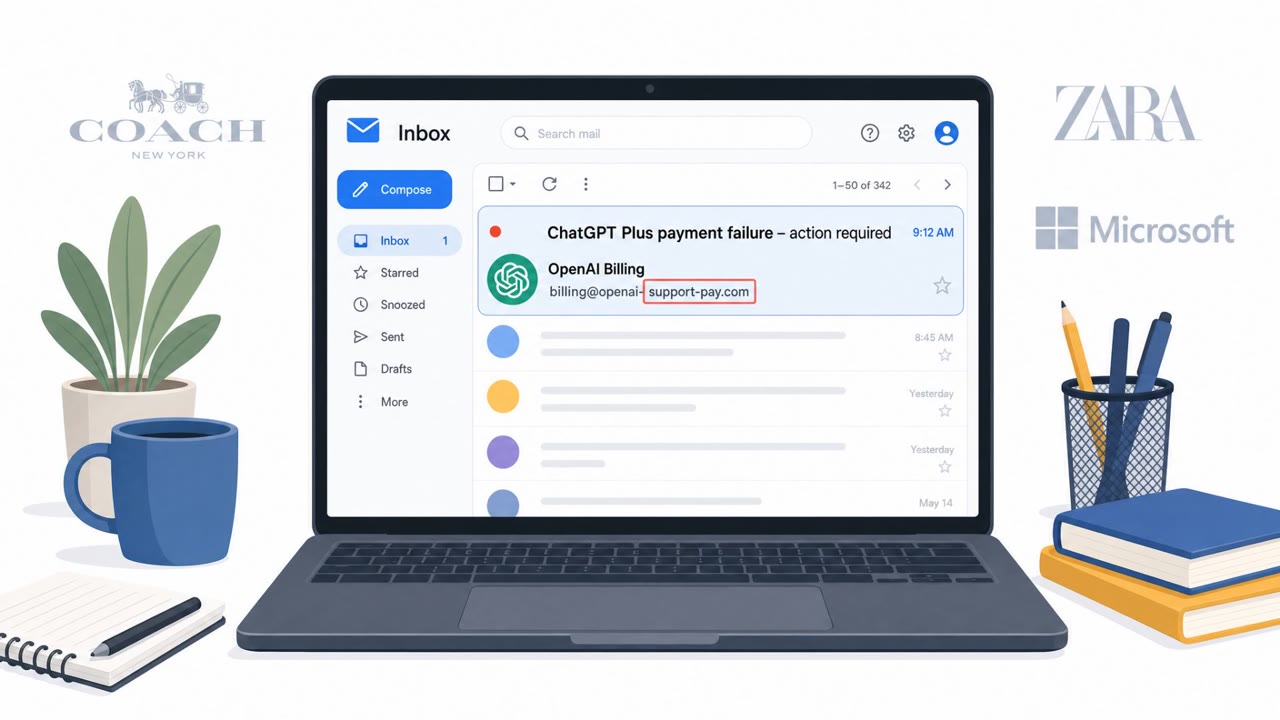
Cofense reports mass email campaigns hitting client inboxes daily that impersonate well-known brands, and in some cases government agencies, to trick recipients into calling a phone number for remediation. The lures typically claim a password reset is needed or that an unauthorized purchase has occurred, creating a sense of loss or account compromise that pressures the recipient to act fast.
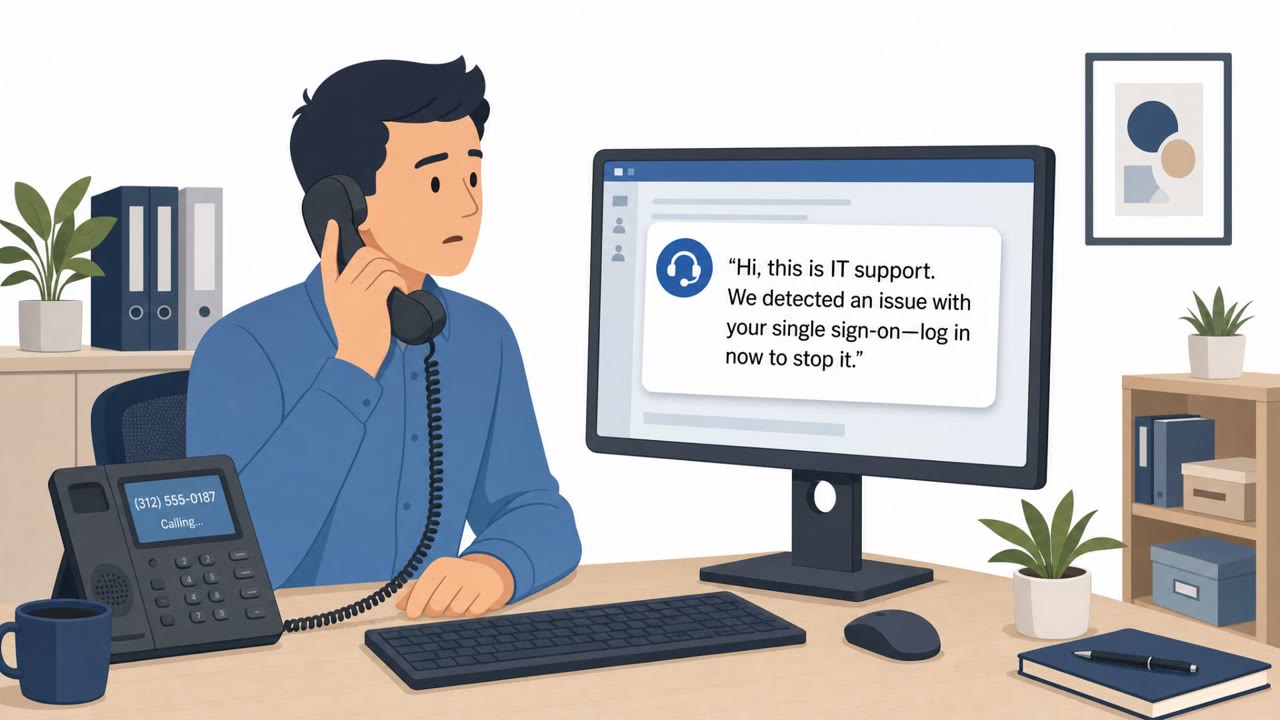
Rather than asking the victim to click a link or enter credentials directly in the email, the goal is to move the conversation off email and onto a phone call. Once on the phone, scammers have far more control over the interaction and can manipulate the victim through live conversation rather than a static message.
Why It Succeeded
Several factors make these campaigns effective:
- Familiar brand names build immediate trust, and email spoofing is executed well enough that messages appear to come from reputable organizations.
- The urgency of an unauthorized purchase or a password reset creates fear of financial or account loss, pushing recipients to act before verifying.
- Some variants add a layer of authenticity with operational links, including ones that appear to be hosted on GitHub, which redirect to a fake invoice page.
- Attackers can rapidly generate many variations of these campaigns, making them harder to detect and block at scale.
What to Watch For
- Unexpected messages about a password reset or a purchase you do not recognize, especially ones that include a phone number instead of a way to reply or log in directly.
- Language that discourages replying to the email and instead insists you call immediately.
- Invoice or confirmation links that do not match the sender's stated brand context, or that lead somewhere unexpected upon closer inspection.
- Any message that leans heavily on urgency and brand familiarity to short-circuit normal skepticism.
How to Build Resistance
Employees should treat unsolicited purchase or password reset alerts as high-risk until verified independently, using a known official number or website rather than any contact information provided in the email itself. Finance and AP staff should be especially cautious with purchase-related lures, and IT or helpdesk teams should expect to be an escalation point when employees receive these messages. Building awareness around the specific pattern of these attacks, brand impersonation, urgency, and a push toward a phone call, gives employees a concrete way to recognize the scam even as the impersonated brand or exact wording changes from campaign to campaign.
Key findings
- Cofense observes these “phonescam” emails hitting client inboxes daily and at scale.
- Messages impersonate well-known brands to build trust and create fear of loss (account compromise or fraudulent charges).
- The primary goal is to push the victim off email and into a phone call by providing a number to contact.
- Some campaigns add authenticity with links, including “operational GitHub links that redirect to a fake invoice.”
- Attackers can rapidly generate many variations (polymorphic campaigns), making detection harder.
Who’s being targeted
- Commonly targeted roles: All employees, Finance/AP, IT/Helpdesk, Executives (high likelihood of brand-targeted scams).
- Affected industries: Multiple industries (Cofense client organizations).
- Attack channels: email, vishing, website.
- Impersonated: A trusted brand’s support/billing team (e.g., Microsoft, Amazon, PayPal, Norton/Geek Squad), Geek Squad (purchase confirmation / invoice team).
Red flags to watch for
- Creates urgency and pressure to act quickly
- Pushes you to call instead of replying in email
- Brand familiarity used to override skepticism
- Unexpected purchase confirmation/invoice
- Uses a legitimate-sounding platform link (e.g., GitHub) to appear authentic
- Mismatch between sender context and where the link ultimately leads (redirect to a fake invoice)
Frequently asked questions
What is a phonescam email?
It is a mass email campaign that impersonates a trusted brand or agency, claims an unauthorized purchase or password reset, and pressures the recipient to call a phone number for remediation instead of replying by email.
Why do attackers push victims to call a phone number?
Moving the interaction to a phone call gives scammers more control over the conversation and lets them manipulate the victim in real time, away from any email-based security controls.
How do these scams add authenticity?
Some campaigns include links hosted on legitimate-seeming platforms like GitHub that redirect to a fake invoice page, adding a layer of credibility to the fraudulent claim.
Which departments are most at risk?
All employees are targeted, but finance and accounts payable staff are more likely to react to purchase-related lures, while helpdesk and IT teams are likely escalation targets.
Read the video transcript
You get an email from “Geek Squad” or “PayPal” screaming: CALL IMMEDIATELY about an unauthorized charge. This is a phonescam: mass emails pretending to be Microsoft, Amazon, or Norton, all trying to push you off email and onto a phone call where scammers take over. One Geek Squad scam even uses a real-looking GitHub link to a 'completed purchase' invoice, but it quietly redirects to a fake invoice and the same pressure to call their number. If an email says there’s an unauthorized purchase or password reset and tells you to call a number, don’t call it, go to the brand’s website or app yourself and check from there.