This bulletin describes multiple real-world social engineering campaigns where attackers trick people into trusting a familiar screen, like a search result “install guide,” a recruiter outreach, or a helpdesk phone call. The lures push victims to paste commands, install fake software, or reset MFA, leading to account takeover or malware installation.
How the attack worked
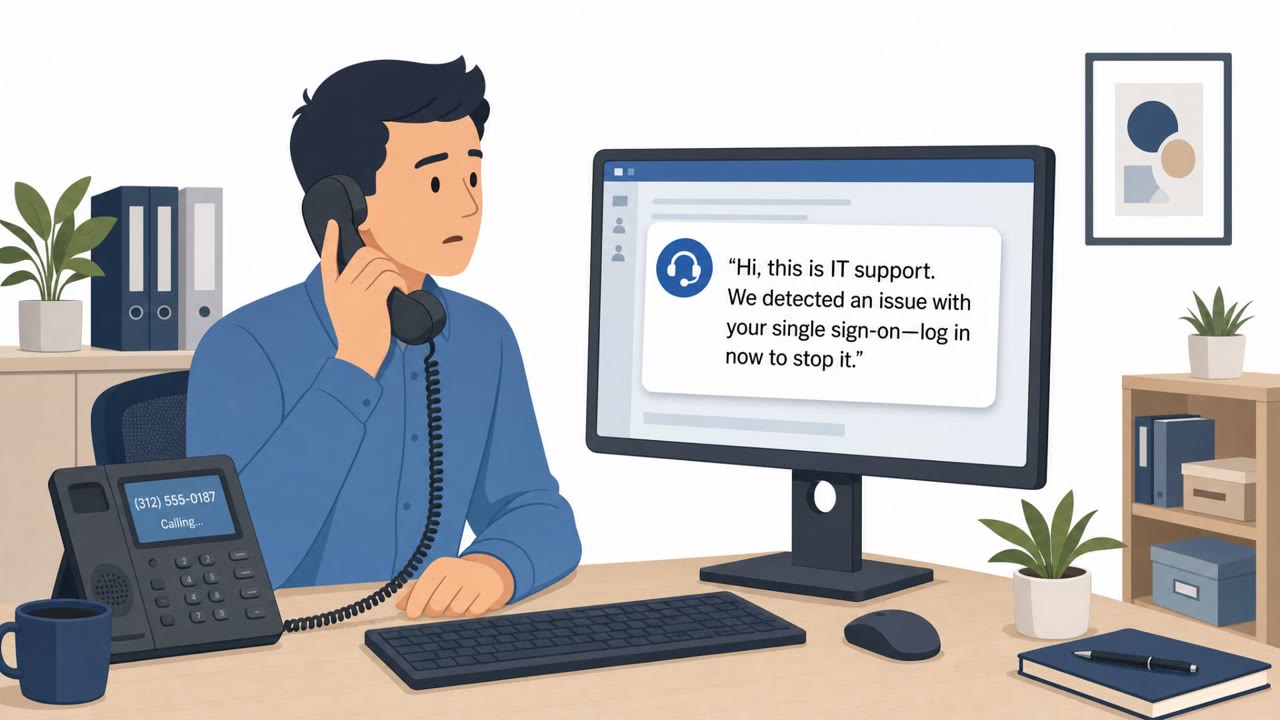
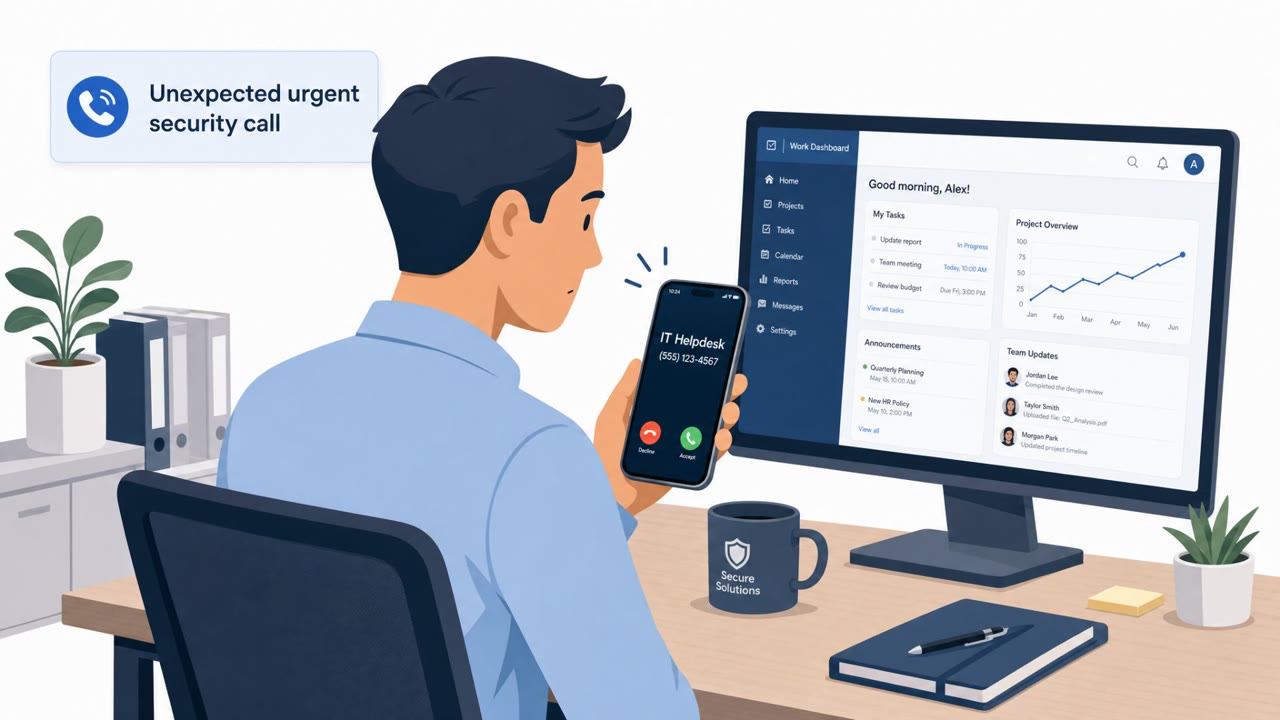
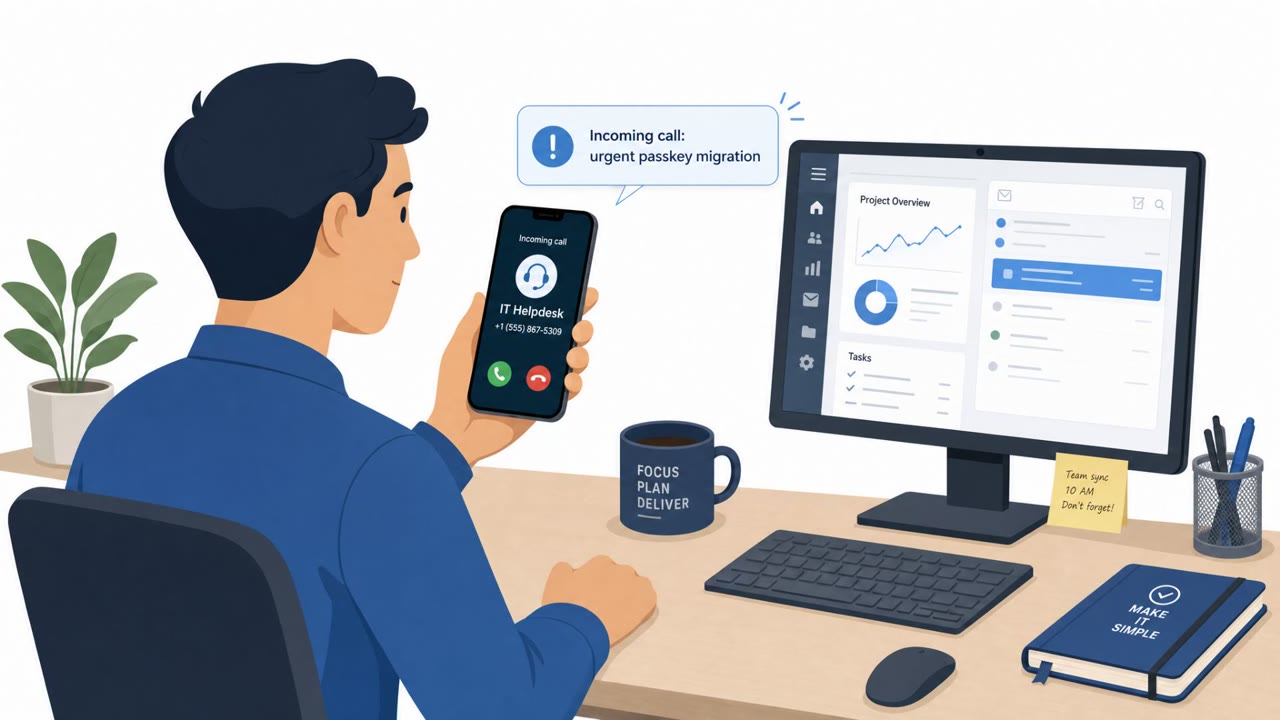
This bulletin describes several distinct but related social engineering campaigns that all rely on the same core idea: trick people into trusting a familiar screen. In one case, sponsored Google search results led users to a fake Apple Support style install guide for Claude, hosted as a claude.ai/share conversation, which told them to open Terminal and paste a curl command. That command ultimately delivered MacSync Stealer. A second campaign used a ClickFix style lure on Windows, telling victims to press Win+R and paste a single command to fix an issue, which instead pulled a payload from a WebDAV endpoint and ran it filelessly via rundll32.exe. A third pattern involved vishing calls impersonating IT helpdesk staff, pressuring targets to approve an MFA reset or device re-enrollment, which opened the door to SSO account takeover.
Why it succeeded
Each lure exploits a moment where people expect help or a quick fix rather than a threat:
- Search results and install guides are treated as trustworthy because they appear alongside real vendor content.
- Troubleshooting instructions that promise a fast resolution discourage users from questioning the request.
- Helpdesk calls exploit the pressure to restore access quickly, especially when framed as resolving a security issue.
- Recruiter impersonation lures use a hiring context to push installation of a fake AI meeting tool that steals credentials and sensitive data.
The common thread is that none of these techniques require exploiting a software vulnerability. They rely entirely on getting a person to take one small, seemingly reasonable action: pasting a command or approving a reset.
What to watch for
- Install instructions coming from a sponsored search result rather than the vendor's official download page.
- Any guide, email, or webpage that instructs pasting a command into Terminal or the Windows Run dialog.
- Unsolicited helpdesk or IT support calls that pressure an immediate MFA reset or device re-enrollment.
- Recruiter or hiring outreach that pushes installation of an unfamiliar meeting or productivity tool.
Building resistance
Organizations can reduce exposure to this pattern of attacks by reinforcing a few habits across the workforce. Employees should be trained to treat any command-paste instruction as a red flag and escalate to IT rather than comply. Software should only be installed from official vendor pages, not from search ads or shared chat links. Helpdesk and identity teams should require strong, out-of-band verification before approving MFA resets or device re-enrollment, since this step is the pivot point into SSO account takeover and downstream SaaS data theft. Given that healthcare, banking, financial services, manufacturing, retail, technology, and energy organizations are all named as affected, these controls apply broadly across sectors rather than to a single industry.
Key findings
- Phishing emails delivered XWorm to targets in Russia and other CIS countries (xplogs22).
- A ClickFix variant tricks users into pasting a command into Windows Run, pulling payloads from a WebDAV share and running them filelessly.
- Google search ads led users to a fake “Apple Support” style Claude install guide that tells them to paste a curl command on macOS, leading to MacSync Stealer.
- Recruiter impersonation was used to push a fake AI meeting tool (“Relay”) that steals credentials and sensitive data.
- Health sector warnings describe ShinyHunters using vishing to trigger helpdesk/MFA resets, leading to SSO takeover and rapid SaaS data theft.
Who’s being targeted
- Commonly targeted roles: All employees, Helpdesk / Service Desk, IT, Executives, Finance, Healthcare operations teams.
- Affected industries: Healthcare, Banking, Financial services, Manufacturing, Retail, Technology, Energy/Utilities.
- Attack channels: website, vishing.
- Impersonated: Apple Support (lookalike install guide hosted as a Claude share conversation), Helpful troubleshooting page / “fix” instructions, IT Helpdesk / Identity Provider support.
Red flags to watch for
- Install instructions come from a sponsored search result rather than the vendor’s official download page
- The “guide” tells the user to paste a curl command into Terminal
- Instructions are hosted in an unusual place (a shared chat/conversation) instead of a real support site
- Any instruction to paste commands into Run/Terminal from the internet is high risk
- The command pulls content from a remote WebDAV share
- The behavior is described as designed to leave “no artifacts on disk”
- Unsolicited calls pressuring immediate MFA resets
- Caller tries to bypass normal ticketing or verification steps
- Request results in changing authentication controls (MFA/device enrollment)
Frequently asked questions
What is a ClickFix attack?
ClickFix is a lure that tells a user to paste a single command into the Windows Run dialog to fix a supposed issue, which instead pulls a payload from a remote WebDAV share and runs it filelessly, leaving no artifacts on disk.
How are fake software install guides being used to spread malware?
Attackers use sponsored Google search results to lead victims to a fake Apple Support style install guide for Claude, which instructs them to paste a curl command into Terminal, ultimately leading to MacSync Stealer.
Why is helpdesk vishing dangerous for MFA and SSO?
Health-ISAC warns that vishing calls are used to trigger MFA resets or device re-enrollment, which can lead to SSO account takeover on platforms like Microsoft Entra, Okta, or Google, followed by rapid data theft from connected SaaS systems.
What should employees do if a website asks them to paste a command?
Employees should treat any instruction to paste a command into Terminal or Windows Run as high risk and escalate to IT or security for verification rather than following it.
Read the video transcript
You Google “how to install Claude on a Mac” and click the top Apple‑looking result, seems safe, right? That ad opens a fake Apple Support–style Claude guide on claude.ai/share. It tells you: open Terminal and paste this one curl command, behind the scenes, it drops MacSync Stealer on your Mac. Same trick on Windows: a “ClickFix” page says, “To fix this issue, press Win+R and paste the following command.” That single line quietly talks to a WebDAV share and runs malware with rundll32.exe, leaving almost nothing on disk. Aha moment: if any website or “support” guide tells you to paste a command into Terminal or Windows Run, stop. Take a screenshot and send it to IT or security before you touch a thing.