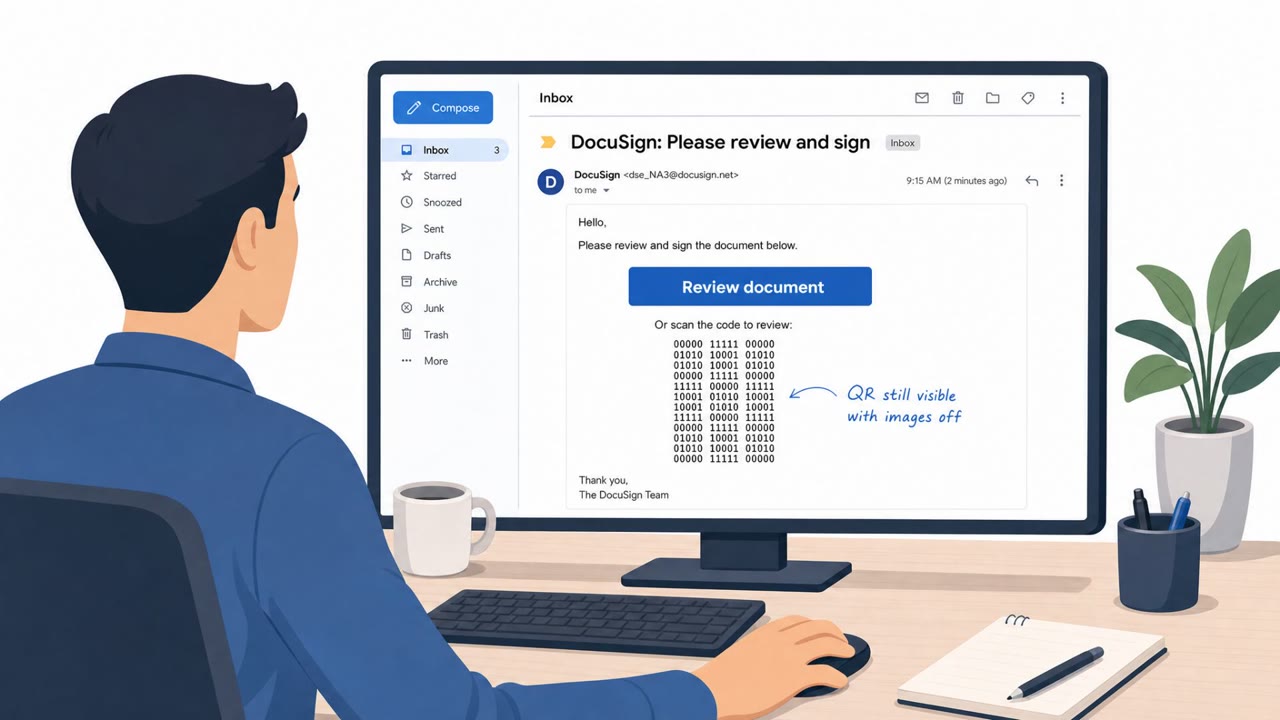
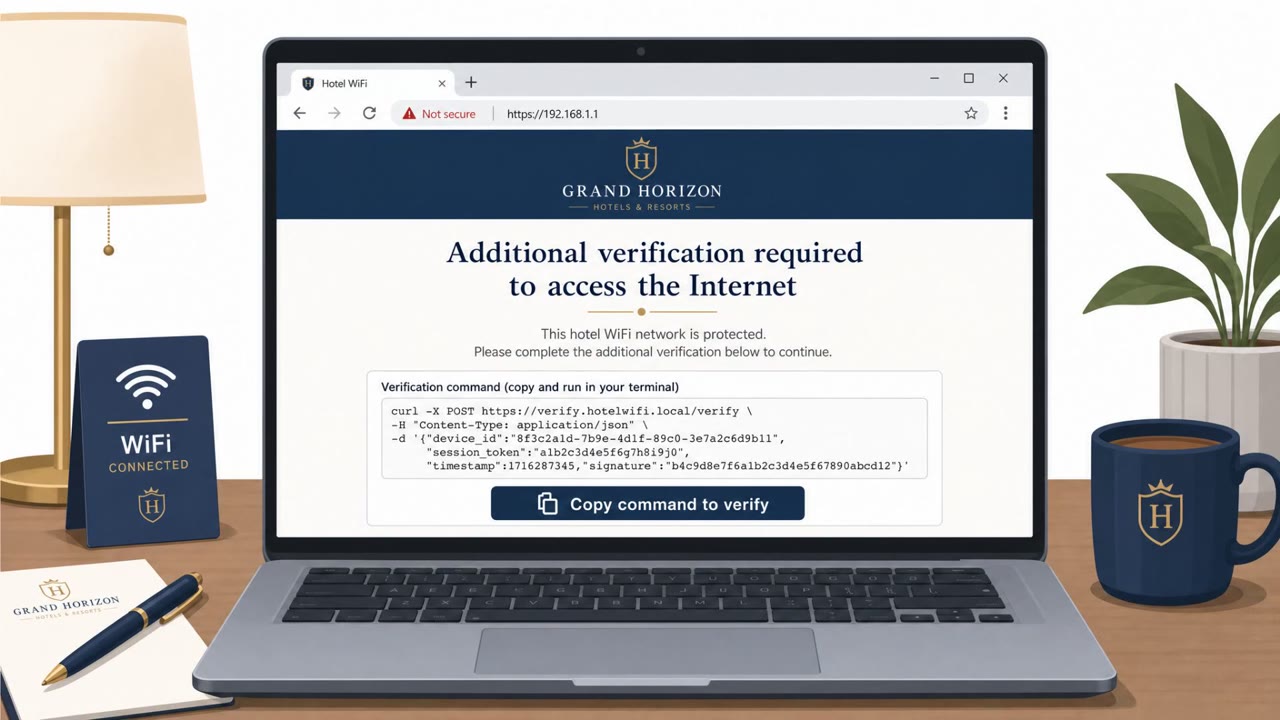
The article reports real-world social engineering operations, including a hotel Wi‑Fi campaign that pushed fake updates and device-code phishing to steal Microsoft 365 access. It also describes an alleged Microsoft Entra vishing campaign tied to data theft claims at Brinks Home, reinforcing the need for stronger identity verification and user training against voice-based scams.
Key findings
- Microsoft attributed the “CaptiveCrunch” campaign to Storm-2945, using compromised hotel networks to deliver fake updates, ClickFix lures, and device-code phishing to steal credentials and establish Microsoft 365 persistence.
- ShinyHunters claimed a Microsoft Entra vishing campaign led to Brinks Home data theft (scope unconfirmed), highlighting the risk of voice phishing against identity systems.
- The UK Police National Legal Database breach exposed contact details that could enable follow-on phishing, impersonation, and extortion.
- The roundup emphasizes identity security and user training as key mitigations alongside patching and monitoring.
Who’s being targeted
- Commonly targeted roles: All employees (especially frequent travelers), Executives, Sales and field teams, Customer Support, IT Help Desk / Service Desk, Identity & Access Management (IAM) administrators.
- Affected industries: Accommodation / Hotels (traveler networks), Home security / alarm services, Government / public sector (law enforcement contacts).
- Attack channels: website, vishing.
- Impersonated: Hotel Wi‑Fi / captive portal support, IT help desk / Microsoft identity support.
Awareness takeaways
- Do not install “updates” or run “fixes” offered by public Wi‑Fi captive portals; use trusted update mechanisms or a secure connection instead.
- Treat device-code and Microsoft 365 login/consent prompts as high-risk, verify you initiated them before taking any action.
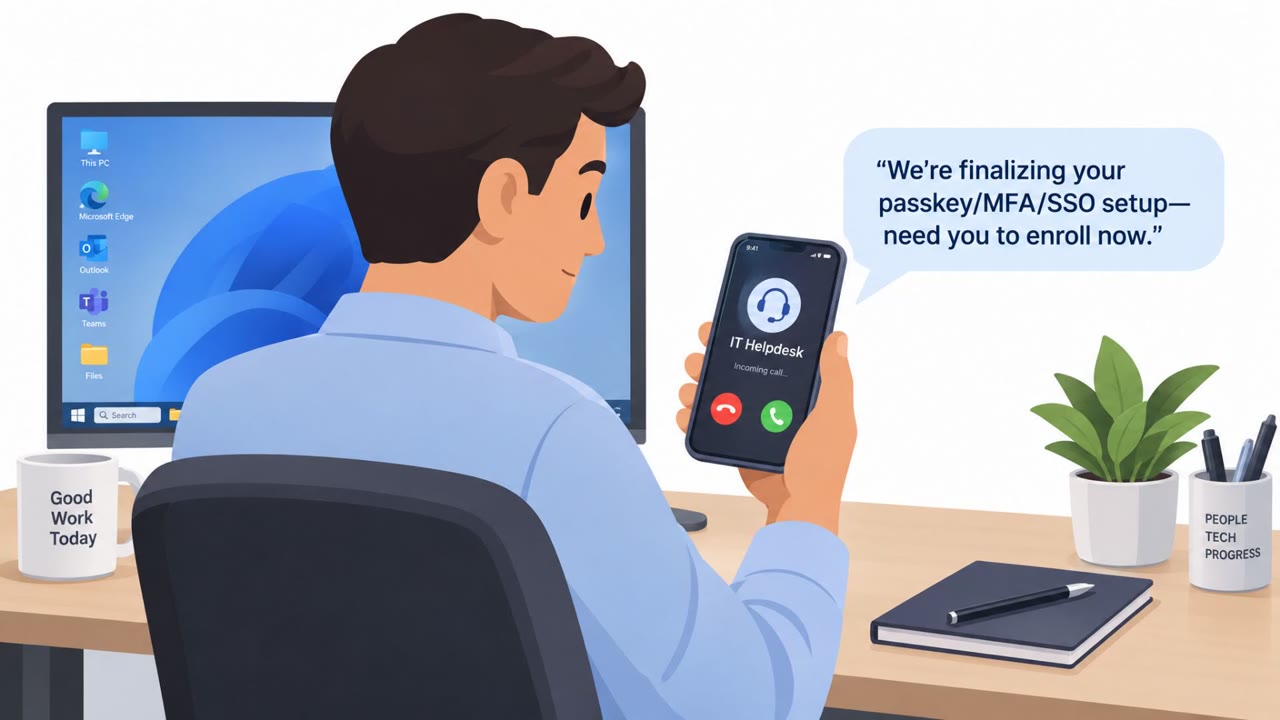
- Train employees to resist voice phishing and improve help-desk identity verification to reduce Entra/identity-account takeovers.
- Warn staff when large contact lists are exposed, because attackers can use that data for tailored impersonation and extortion attempts.
Red flags to watch for
- A Wi‑Fi login page asking you to install software or run a “fix” to get internet access
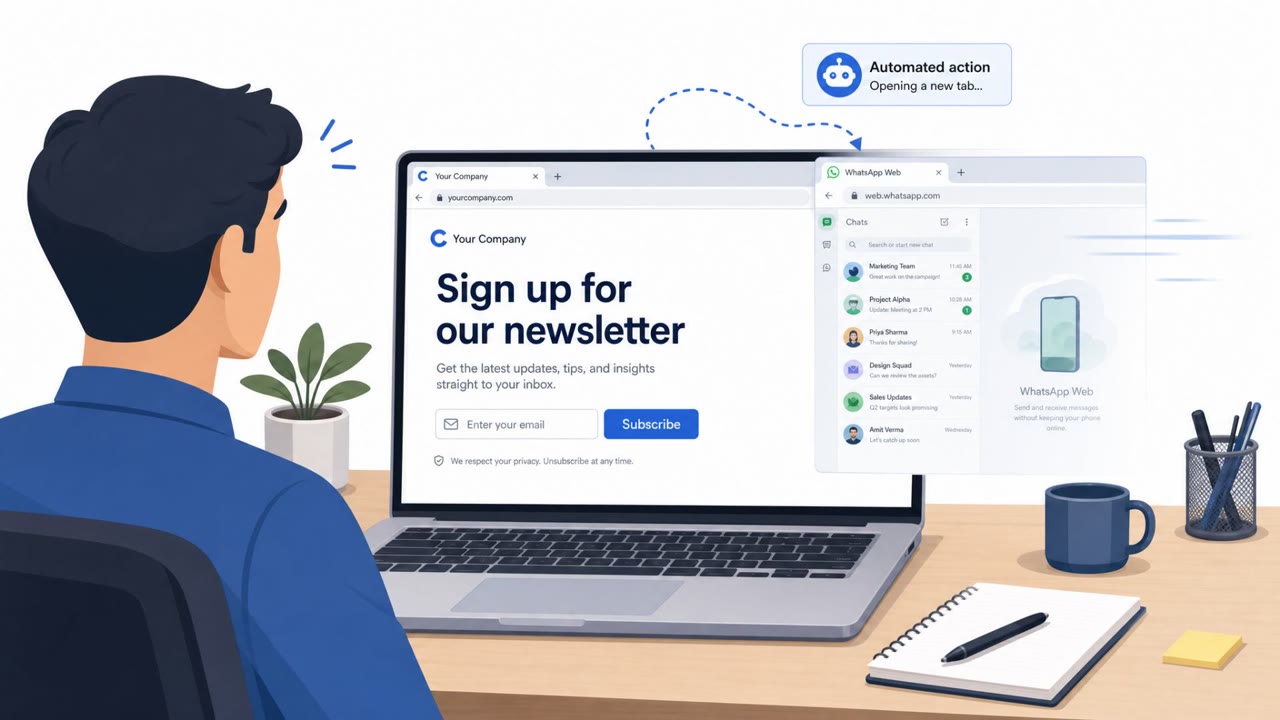
- Unexpected “update” prompts that don’t come from your device’s official update mechanism
- Anything that appears after joining public Wi‑Fi that pressures immediate action
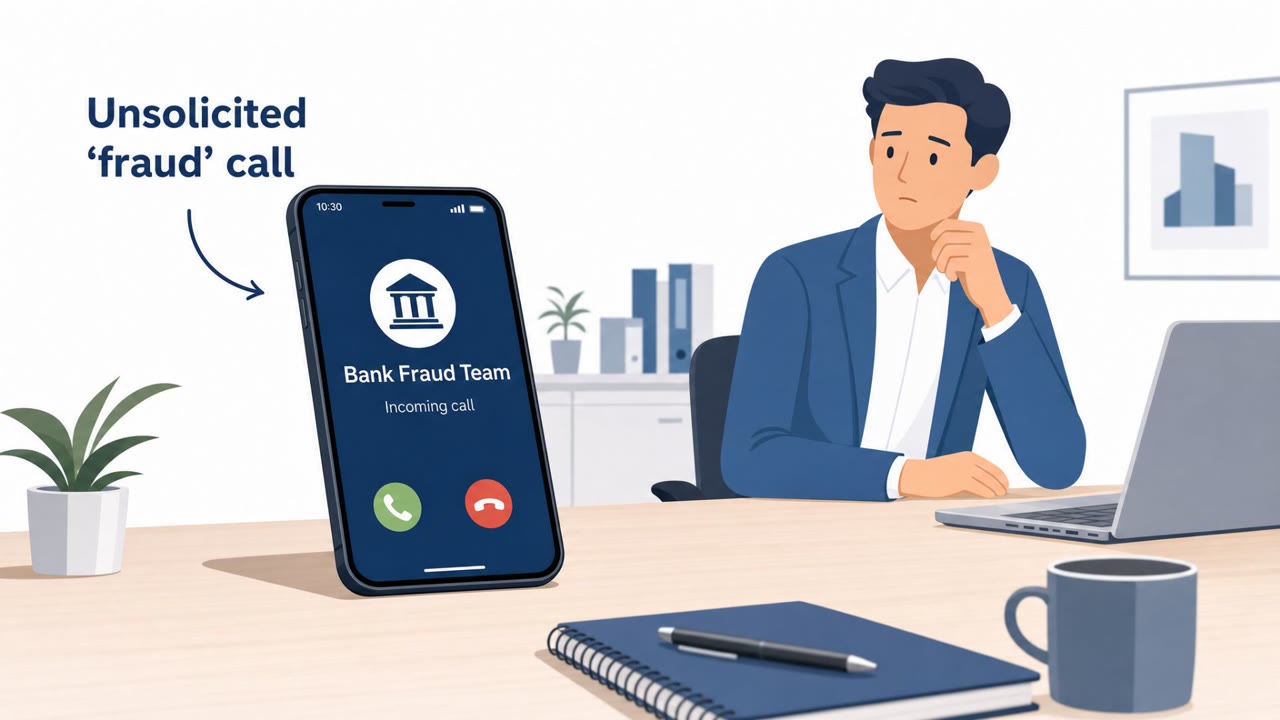
- Unsolicited phone call about identity/account security asking you to take immediate action
- Pressure to approve a login/verification you did not initiate
- Caller cannot be verified via known internal channels
Read the video transcript
You check into a hotel, join the Wi‑Fi, and a page pops up: “Wi‑Fi access requires a quick update to continue.” Microsoft says the CaptiveCrunch campaign on hotel Wi‑Fi pushed fake updates, ClickFix “fixes,” and device-code phishing to quietly steal Microsoft 365 access and keep it. Same playbook on the phone: ShinyHunters bragged about a Microsoft Entra vishing campaign, someone calls, “Hi, this is support about your Entra account, approve this login now,” while a random Microsoft 365 prompt appears on your screen. Here’s the rule: if public Wi‑Fi or a caller tells you to install an update or approve a Microsoft login you didn’t start, stop and hang up or close it, then contact our IT team through our normal channels.