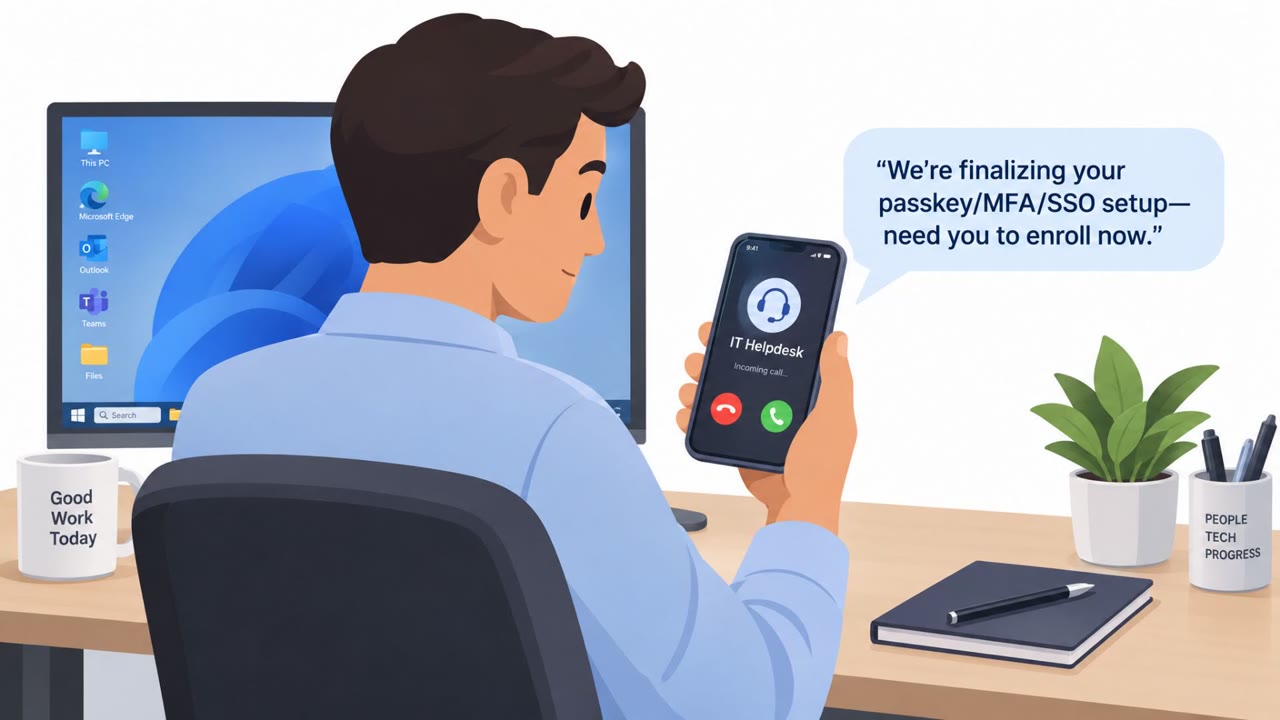
This roundup describes real-world social engineering, including phishing emails that impersonate ChatGPT billing to steal payment card data and a convicted attacker who posed as Snapchat support to trick people into handing over login codes. The common theme is impersonation of trusted brands to pressure users into taking an immediate action (pay, verify, or share an authentication code).
How the attacks worked
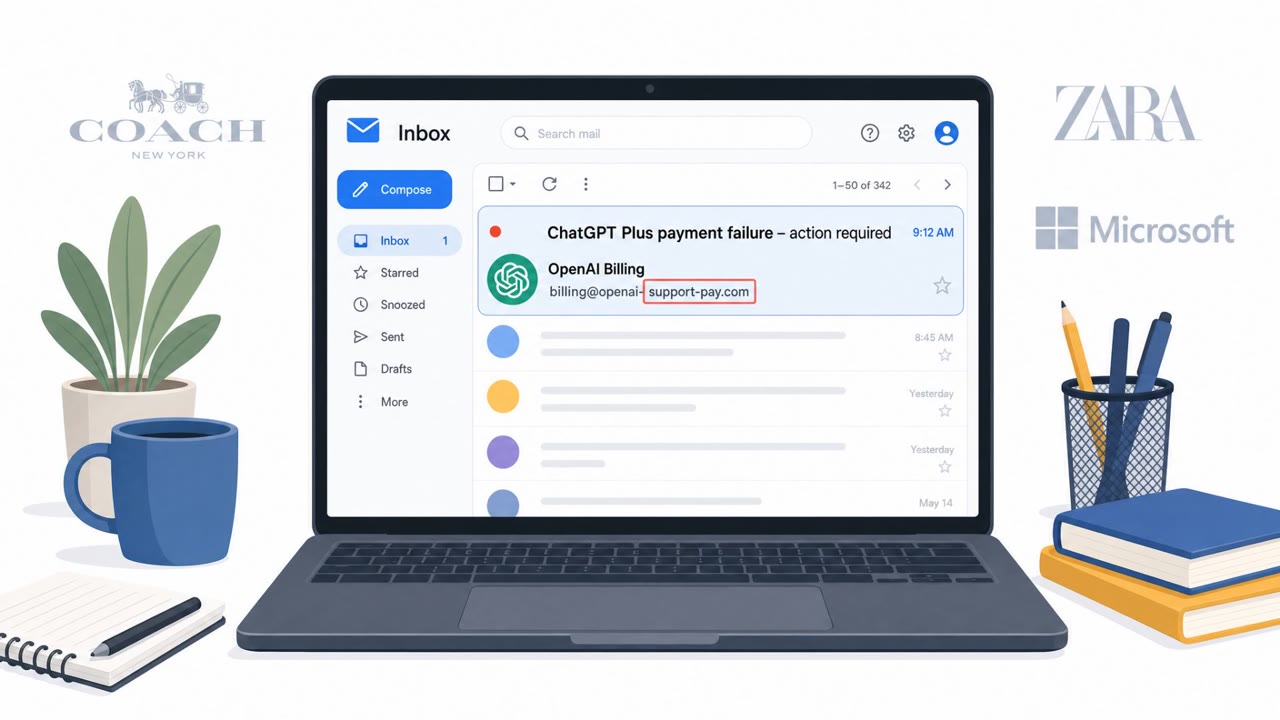
Two separate incidents in this roundup share the same underlying playbook: impersonate a trusted brand and pressure the target into an immediate action. In the first, phishing emails impersonated ChatGPT Plus billing, telling recipients an urgent payment update was needed and directing them to an embedded link to enter payment card details. In the second, a convicted attacker posed as Snapchat support over the phone, asking victims to read back the one-time authentication code they had just received in order to "verify" or "secure" their account.
Why it succeeded
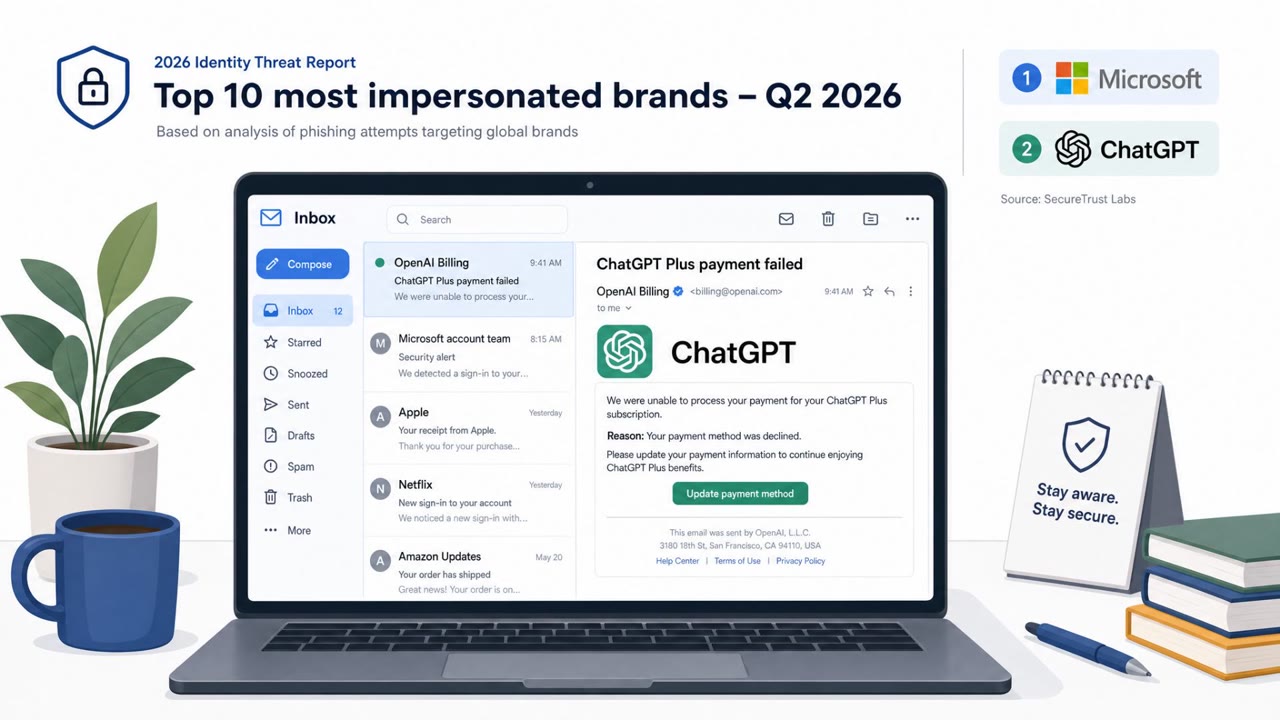
Both scenarios relied on borrowed trust and urgency rather than technical exploitation. ChatGPT has entered the top 10 most-impersonated brands, meaning recipients are increasingly likely to encounter a message that looks plausible simply because the brand is popular and widely used. Microsoft remains a heavily impersonated brand as well, showing that attackers gravitate toward services people already trust and use daily. In the Snapchat case, the attacker leaned on the appearance of legitimate support outreach, which lowered the target's guard long enough to extract the authentication code before it expired.
What to watch for
- An unexpected billing notice for a service the recipient may not even use
- A request to pay or update payment information through an embedded link rather than logging in directly through the official site or app
- Any caller claiming to be "support" who asks for a verification or authentication code
- Unsolicited contact creating urgency around an account issue that was never reported by the user
- Pressure to act immediately without time to verify the request through official channels
Building resistance
Defenders across finance, executive, and IT/helpdesk roles are common targets for billing-themed phishing, while all employees remain potential targets for support impersonation calls. Practical steps include:
- Verify billing messages independently and avoid clicking embedded payment links, going instead to the official site or app
- Treat any request for a one-time passcode or MFA code as a red flag, regardless of who claims to be asking
- Use phishing-resistant MFA wherever possible to reduce the impact of stolen codes
- Train customer support and helpdesk staff to recognize social engineering attempts that mimic their own workflows
- Reinforce that legitimate support representatives will never ask a user to read back a verification code
The common thread across both cases is impersonation of a trusted name paired with a call to act quickly, whether that means paying, verifying, or sharing a code. Recognizing that pattern, rather than trying to spot every individual brand being spoofed, is the more durable defense.
Key findings
- Phishing campaigns are impersonating ChatGPT billing/ChatGPT Plus to steal payment card information.
- Microsoft remains a heavily impersonated brand in phishing campaigns.
- A convicted attacker impersonated Snapchat representatives to trick victims into giving up authentication codes, leading to account takeovers and theft of private content.
Who’s being targeted
- Commonly targeted roles: All Employees, Finance, Executives, Customer Support/Helpdesk, IT/Security.
- Affected industries: Information/Media (social media platforms), Consumers/individual users, Technology/SaaS.
- Attack channels: email, vishing.
- Impersonated: ChatGPT / ChatGPT Plus billing, Snapchat (Snap) representative.
Red flags to watch for
- Unexpected billing notice for a service the recipient may not use
- Payment requested via embedded link instead of logging in through the official site/app
- Brand impersonation pressure to act quickly
- Any "support" caller asking for authentication/verification codes
- Unsolicited contact claiming urgent account issues
- Identity not verified via official support channels
Frequently asked questions
What is the ChatGPT billing phishing scam?
It is a phishing campaign that sends fake ChatGPT Plus billing notices urging recipients to click an embedded payment link and enter payment card details, part of a broader trend of AI brands entering the top 10 most-impersonated brands.
How did the Snapchat support scam work?
An attacker impersonated Snap representatives and used social engineering to convince victims to read out authentication codes they had just received, which allowed account takeovers and theft of private content.
How can employees avoid falling for these scams?
Verify billing messages independently instead of clicking embedded payment links, and never share one-time passcodes with anyone, even someone claiming to be official support.
Why is brand impersonation so effective?
Widely trusted brands like Microsoft and popular AI tools create a false sense of legitimacy, and urgency around billing or account security pressures people into acting before they verify the request.
Read the video transcript
You might trust a text that says, “Hi, this is Snapchat Support,” or an email about your ChatGPT Plus billing… and that’s the problem. Real campaigns send fake ChatGPT Plus billing emails to steal your card, while others call pretending to be Snapchat support just to grab the authentication code that hits your phone. Here’s the aha: no real support, Snapchat, Microsoft, ChatGPT, anyone, will ever need the one-time code that was sent to you. The moment you read that code out, you’ve handed them your account. If you get a billing email or a support call, stop and do this: hang up, close the email, and go straight to the official app or website yourself to check your account.