Research shows attackers can weaponize CSS inside HTML emails to reach beyond the message area in some webmail clients, enabling UI spoofing, token/session theft, and even near real-time capture of what a victim types. The same CSS-based tricks can also manipulate AI email assistants connected to inboxes, turning “summarize my inbox” into unintended data exposure.
How the attack worked
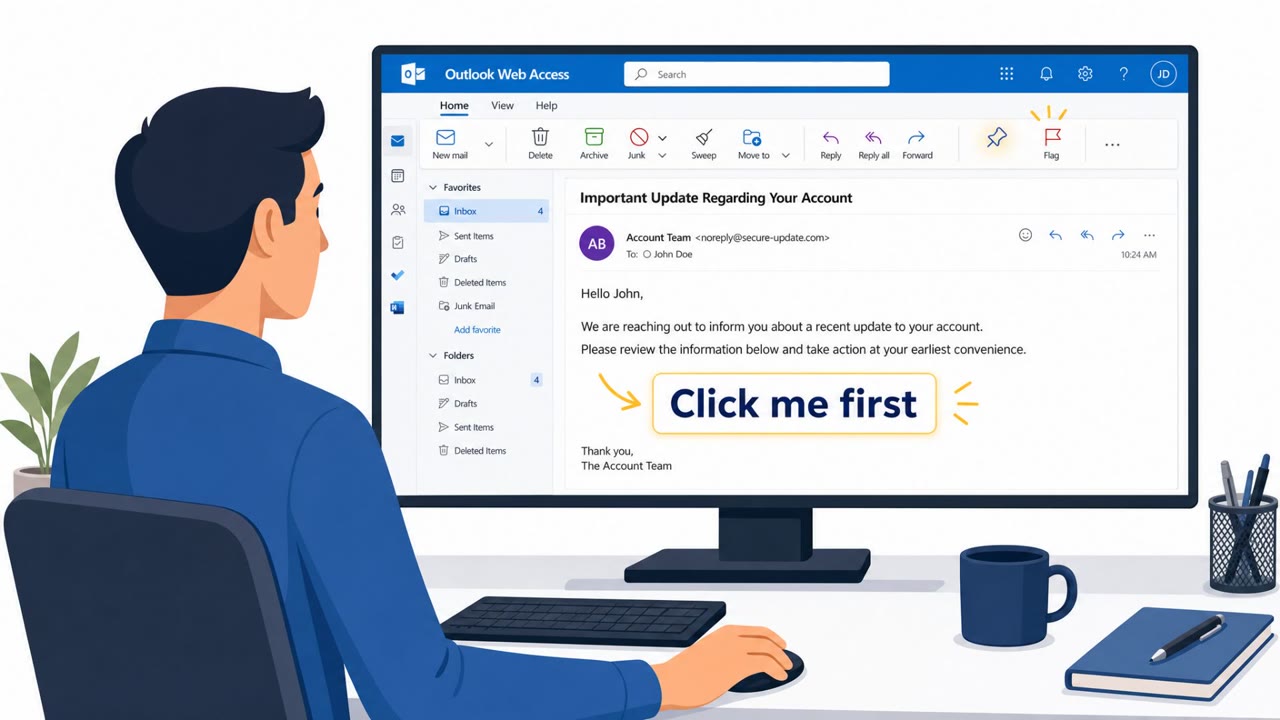
Research from PortSwigger demonstrated that plain CSS embedded in HTML emails can be used to steal passwords, hijack sessions, and manipulate AI tools reading your inbox. The attack paths fall into two categories: abusing CSS features that webmail clients already permit, and exploiting mismatches between what sanitizers approve and what browsers actually render. In one Outlook example, a CSS gadget broke the boundary between an untrusted email and the trusted webmail UI, allowing a dropdown menu to be disguised as a password field that captured whatever the victim typed in something close to real time.
Why it succeeded
These techniques succeeded because CSS features like position:fixed allow an element to be placed anywhere on the page, breaking the trust boundary that is supposed to separate email content from the surrounding mailbox interface. In a Yahoo/AOL scenario, a copy/paste gap in Firefox drafts briefly preserved active styling long enough to leak a 12 character email-login token used to sign in as the victim. The sanitizers approved certain CSS, but browsers rendered it differently than expected, creating a gap attackers could exploit.
AI assistants add a new angle
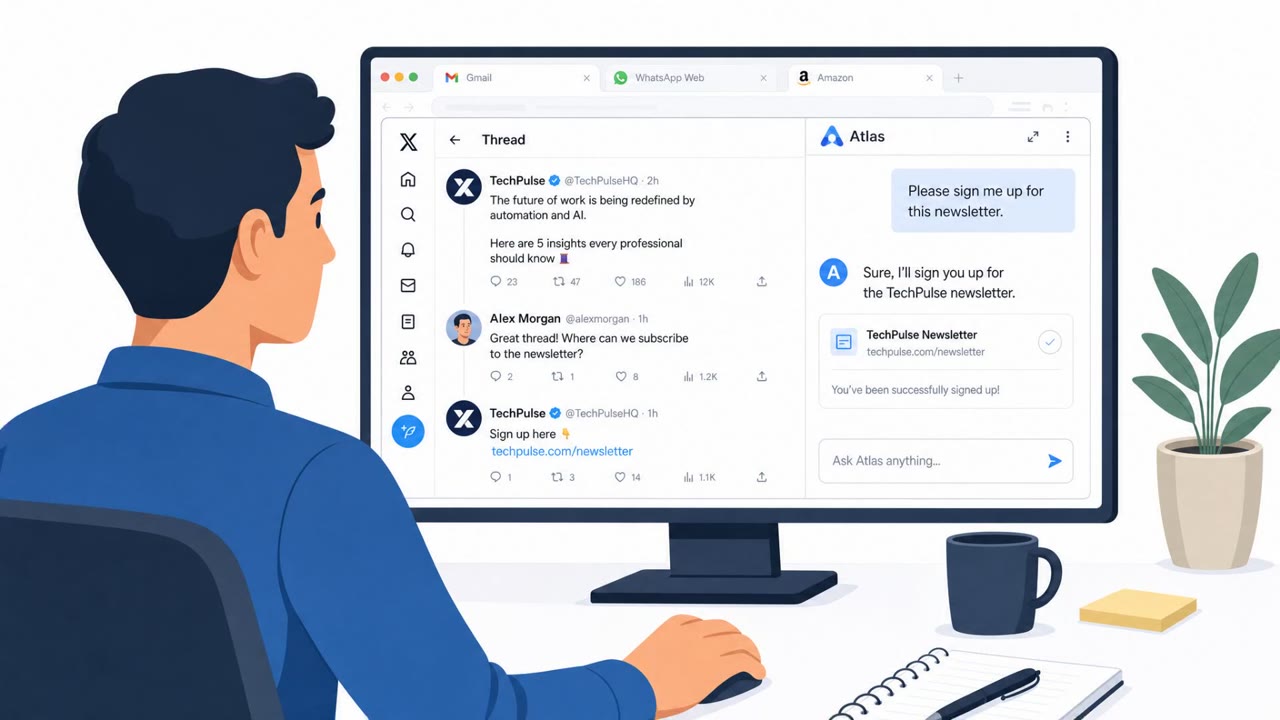
The same tricks extend to AI tools connected to inboxes. In a Gmail example, a CSS image-set() fallback triggered external requests despite sanitization and was chained into an indirect prompt-injection email processed through a connected Gmail integration. The injected instructions caused the AI assistant to retrieve a token and place it in an HTML draft, and viewing that draft leaked it. In another case involving OpenAI Atlas, hidden CSS pseudo-elements showed humans harmless content while an AI model read a completely different, hidden instruction underneath, turning a normal inbox summarization request into unintended data exposure.
What to watch for
- Password or re-authentication prompts appearing inside an email body rather than on the real sign-in page
- UI elements such as dropdowns or fields that seem to be part of the email rather than the actual webmail site
- Instructions to copy and paste unusual formatted content into a draft
- AI assistant actions that produce unexpected drafts or inserted HTML content
Building resistance
Treat any in-email credential prompt as suspicious and only enter passwords on a sign-in page you navigate to yourself. Avoid following copy/paste instructions in webmail drafts, especially involving HTML or styled content, since this can leak tokens or session data. For teams using AI copilots connected to email, assume that any message could contain hidden instructions meant for the AI rather than the human reader, and avoid letting these tools auto-act on inbox content without a review step.
Key findings
- PortSwigger demonstrated real attack chains where "plain CSS" in emails can be used to "steal passwords, hijack sessions, and manipulate AI tools reading your inbox."
- Attack paths include (1) abusing CSS features webmail already permits and (2) exploiting mismatches between what sanitizers approve and what browsers render.
- Outlook example: UI spoofing plus a sanitizer bypass (“CSS gadget”) can break the boundary between an untrusted email and the trusted webmail UI, enabling password capture via a disguised control.
- Yahoo/AOL example: a copy/paste gap in Firefox drafts can briefly preserve active styling long enough to leak a 12-character email-login token used to sign in as the victim.
- Gmail example: a CSS `image-set()` fallback can trigger external requests despite sanitization and was chained into an indirect prompt injection against an AI assistant connected to Gmail, leading to token exposure via an HTML draft.
- OpenAI Atlas example: hidden CSS pseudo-elements can show humans harmless content while an AI model reads different hidden instructions (AI-targeted deception).
Who’s being targeted
- Commonly targeted roles: All employees, Executives, IT/helpdesk, Security awareness trainees, Teams using AI copilots/agents for email.
- Affected industries: Technology (webmail/email providers), General business users of webmail, Organizations using AI email assistants/integrations.
- Attack channels: email.
- Impersonated: Webmail provider sign-in / security prompt (e.g., Outlook UI), Login / account access flow (email sign-in), A legitimate-looking email that the user’s AI assistant will process (AI-agent trap).
Red flags to watch for
- Password entry requested inside an email body (not the real sign-in page)
- UI elements (dropdown/fields) appear to be part of the email rather than the site
- Unexpected credential prompts while already signed in
- Instructions to copy/paste unusual formatted content into a draft
- Unsolicited “verification” steps not coming from an official help page
- Any workflow that asks you to expose or handle login codes outside the normal sign-in screen
- AI assistant actions cause unexpected drafts or inserted HTML content
- AI output includes sensitive codes/tokens or asks to perform unusual steps
- Email looks benign to humans but triggers odd AI behavior
Frequently asked questions
How can CSS in an email steal login credentials?
CSS can be used to spoof UI elements inside webmail, such as disguising a dropdown menu as a password field, so that whatever the victim types is captured in something close to real time.
Can AI email assistants be tricked by these attacks?
Yes, hidden CSS can show a human harmless text while an AI model reads a completely different, hidden instruction underneath, leading to indirect prompt injection when the assistant processes the email.
What is the risk with copy/pasting into webmail drafts?
In Firefox, HTML pasted into a draft can briefly keep its active styling before sanitization strips it out, which researchers showed could be exploited to leak a 12 character login token.
What should employees watch for to avoid these attacks?
Be suspicious of any password prompt appearing inside an email body, avoid following copy/paste instructions involving formatted content, and review AI assistant actions rather than letting them auto-act on inbox content.
Read the video transcript
Imagine an email that can steal your password without a single link click. PortSwigger showed that plain CSS in HTML emails can break out of the message window, spoof Outlook’s UI, and capture whatever you type almost in real time. One demo even disguised a dropdown menu as a password field to hijack your session. Same trick hits tokens and even AI. In Yahoo and AOL, styled content pasted into a draft in Firefox briefly keeps active CSS long enough to leak a 12‑character login token. In Gmail, a CSS image-set fallback was chained into an indirect prompt injection against an AI assistant, exposing data from an HTML draft. Here’s the rule: if a password box or verification step appears inside an email, no matter how real it looks, stop. Close it, and sign in by opening your webmail or app yourself, never through the email’s UI.