The article describes real intrusions where attackers impersonate a company helpdesk and lure employees into "passkey, MFA, or SSO setup" steps. Victims are sent links via text (often to personal phones), leading to account takeover through adversary-in-the-middle phishing or device-code authorization, followed by cloud data theft from SharePoint, OneDrive, and Exchange.
Key findings
- Microsoft is tracking intrusions that begin with helpdesk impersonation using calls and texts tied to passkey/MFA/SSO setup.
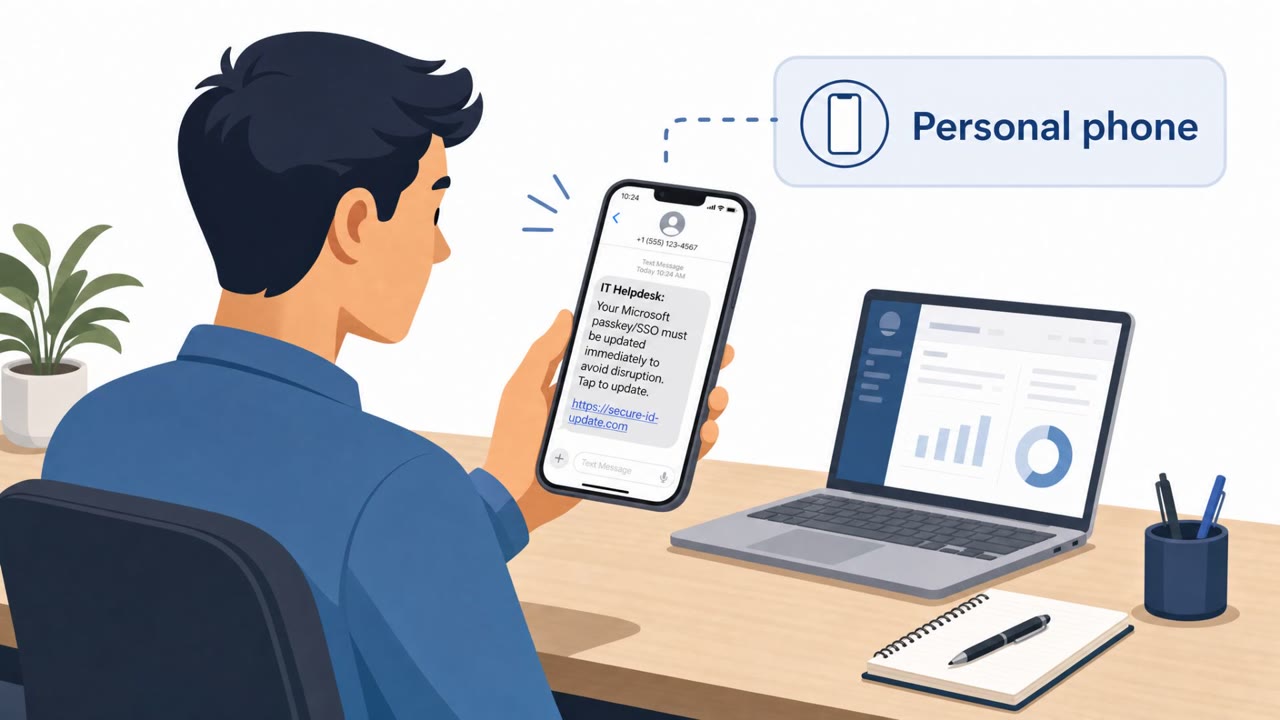
- Attackers send links to employees’ personal phones, reducing corporate endpoint visibility for investigators.
- Initial access is achieved via adversary-in-the-middle (AiTM) phishing or device-code authorization (the passkey crypto is not being broken).
- After access, attackers register an attacker-controlled authentication method and enumerate the tenant via Microsoft Graph.
- Data theft targets SharePoint, OneDrive, and Exchange and is throttled (generally under 1,000 files/emails per hour) over hours or days.
Who’s being targeted
- Commonly targeted roles: All Employees, Executives, Finance, HR, IT Helpdesk, Identity & Access Management (IAM).
- Affected industries: Cross-industry (any Microsoft 365 / Entra ID tenant), Information Technology, Professional Services, Finance, Healthcare, Government.
- Attack channels: vishing, smishing, website.
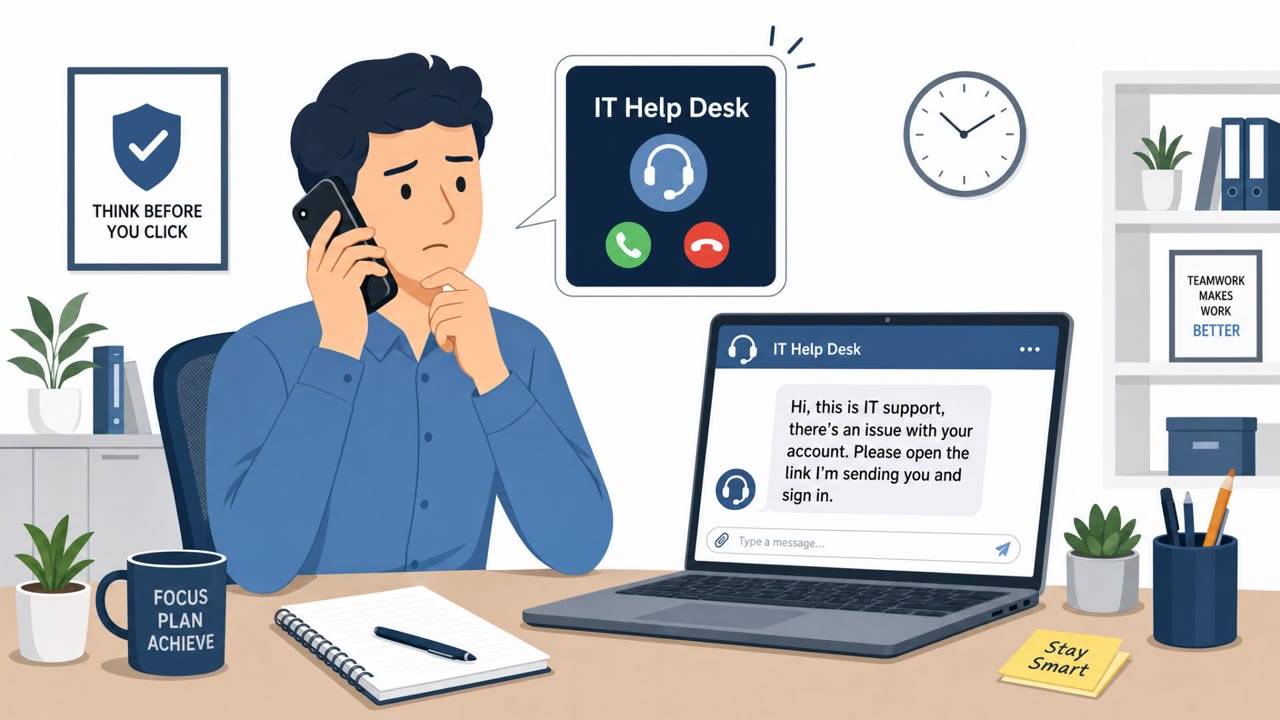
- Impersonated: Internal IT Helpdesk, Company Helpdesk / Identity Team.
Awareness takeaways
- Train staff to verify helpdesk outreach (especially for passkey/MFA/SSO changes) using a known, official contact method, not the number that called/texted.
- Warn employees not to trust security-enrollment links delivered to personal phones; require enrollment through a known internal portal or approved app.
- Coach users that “passkey setup” can be a cover story, attackers aren’t breaking passkeys, they’re tricking users into authorizing access.
- Add internal guidance: if an unexpected sign-in is followed by prompts to add a new authentication method, stop and report immediately.
Red flags to watch for
- Unsolicited helpdesk call/text pushing urgent enrollment
- Link sent to a personal phone for an account/security change
- Request results in an unexpected sign-in/authorization prompt
- Security enrollment initiated from an SMS link rather than a known internal portal
- Enrollment flow asks for unexpected authorization approval
- Message routes you away from standard company support channels
Read the video transcript
You get a call: “Hi, this is the helpdesk. We’re finalizing your passkey and SSO setup, need you to enroll now.” Sounds legit, right? Then a text hits your personal phone: “Passkey setup required: use this link to finish enrollment for SSO.” You tap, a browser opens, and a perfect-looking Microsoft login appears, but it’s an AiTM phishing page or device-code flow stealing your session. Here’s the twist: passkey cryptography isn’t being broken at all. The “passkey setup” is just the cover story. Once you approve, they quietly add their own authentication method, then spend hours pulling data from SharePoint, OneDrive, and Exchange under your identity. If anyone calls or texts you about passkey, MFA, or SSO setup, don’t use their link or number, hang up, then contact the helpdesk through our official portal or known support channel instead.