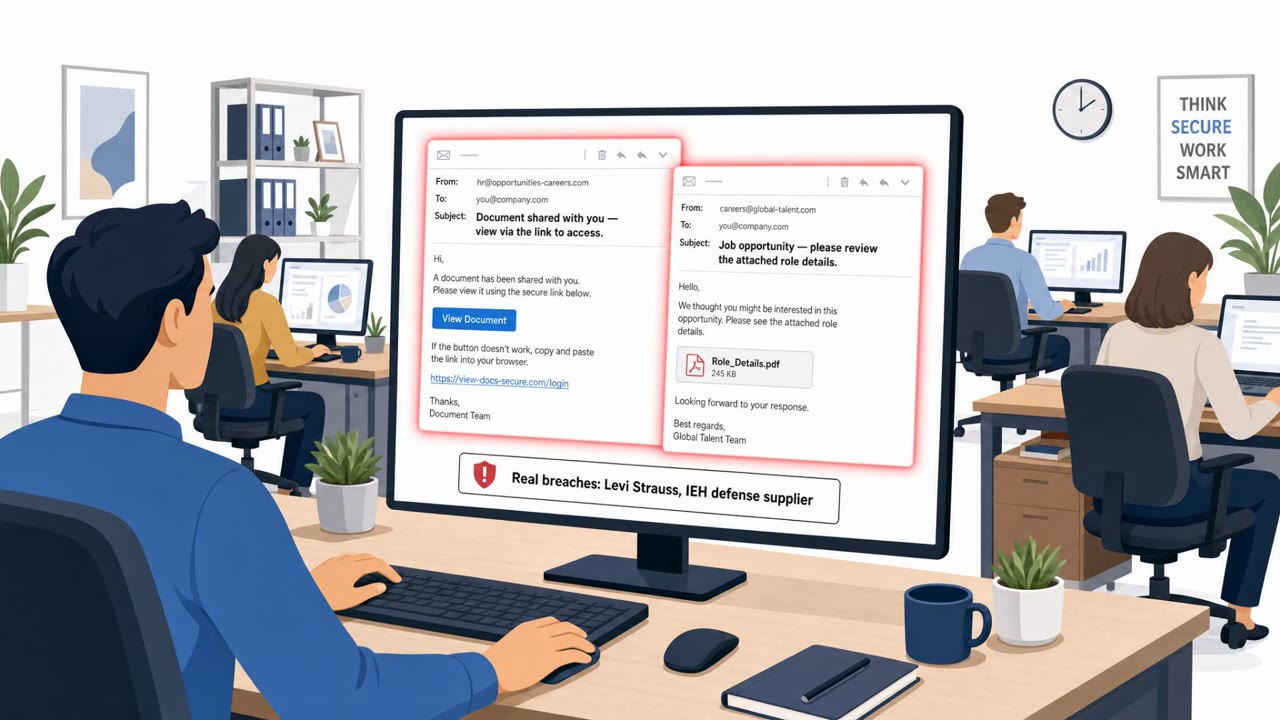
Researchers observed a real phishing campaign that abused Microsoft 365’s Direct Send feature to make emails look like they came from the victim organization’s own domain, without compromising an employee account. The campaign was timed to mimic human sending patterns during U.S. Eastern business hours and often used malicious attachments and mismatched reply-to addresses to capture responses.
Key findings
- KnowBe4 observed nearly 29,800 confirmed phishing emails in July and August abusing Microsoft 365 Direct Send.
- Emails were timed to look human-sent, peaking around 2pm U.S. Eastern time on Mondays and Tuesdays.
- Because Direct Send can make mail appear to originate from an organization’s own domain without an account compromise, “internal-looking” email cannot be assumed safe.
- Roughly 35% of observed messages had malicious attachments, and thousands used mismatched reply-to addresses.
- Defenders were advised to look for the header “X-MS-Exchange-Organization-AuthAs: Anonymous,” enforce DMARC reject, and disable Direct Send if not needed.
Who’s being targeted
- Commonly targeted roles: All employees, Executive assistants, Finance, HR, IT helpdesk, Security team.
- Affected industries: Any organization using Microsoft 365 (cross-industry).
- Attack channels: email.
- Impersonated: Victim organization’s own domain (spoofed internal sender appearance via M365 Direct Send).
Awareness takeaways
- Treat ‘internal-looking’ email as untrusted, verify unexpected requests even if the sender appears to be your own company domain.
- Be suspicious of unexpected attachments and don’t open them unless you can confirm the request through a trusted channel.
- Check for Reply-To mismatches before responding, attackers may redirect your reply to an external address.
- Have IT/security validate whether Microsoft 365 Direct Send is needed; if not, disable it and harden email authentication.
Red flags to watch for
- Message looks internal but was sent without an employee account compromise
- Attachment present in a message that is unexpected for the recipient
- Reply-To address does not match the apparent internal sender/domain
Read the video transcript
You get an email at 2pm on Monday: subject line, “Document attached (please review)”, and it’s from your own company domain. But this could be a Microsoft 365 “Direct Send” phish. KnowBe4 saw nearly 29,800 of these in two months, many timed to feel human-sent, with about a third carrying malicious attachments. Here’s the trick: the email looks internal, but the Reply-To quietly points to an external address, and the attachment is unexpected. Internal-looking does not mean safe. If an “internal” email has an unexpected attachment or odd Reply-To, stop. Don’t open it, forward it to the security team and ask if it’s legit.