A researcher found fake Claude “download” pages hosted on claude.ai and promoted via paid Google Ads. The pages tricked users into clicking “download” and running an install command that actually installed an information-stealing malware, leveraging the trust of a legitimate domain and legitimate-looking ads.
How the Attack Worked
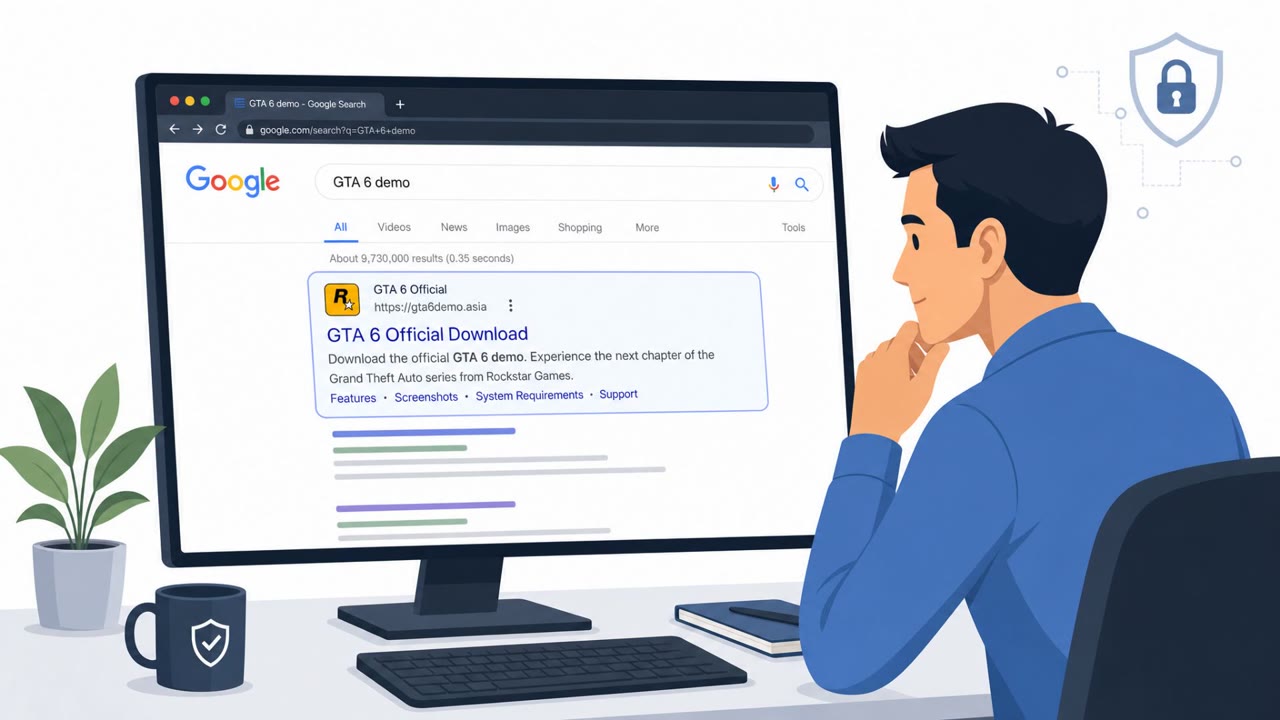
A researcher identified fake Claude download pages hosted directly on claude.ai, made possible through the platform's user-generated artifacts feature. Attackers promoted these fake pages using paid Google Ads, giving the lure two layers of legitimacy: a trusted domain and a well-placed advertisement. When a user searched for a Claude desktop download, the ad and page appeared as a normal, credible result.
Once a user clicked the download button, they were prompted to run an install command on their computer. Rather than installing the Claude application, this command installed an infostealer, a type of malware designed to harvest credentials and other sensitive data from the victim's device.
Why It Succeeded
This attack worked because it exploited trust in two places at once. The domain, claude.ai, is legitimate, and the ad appeared through Google's own advertising platform, both of which most users treat as reliable indicators of safety. Attackers did not need to build a convincing fake domain; they abused a legitimate platform's user-generated content capability to host the lure instead.
The attack also relied on a common but risky behavior: running an install command copied from a webpage. Many users are accustomed to following setup instructions from download pages without pausing to verify the source or the command's contents.
What to Watch For
- Being asked to run an install command from a web page instead of using an official app store or verified installer
- A download flow reached through an ad result rather than a known or verified path
- Software download pages hosted through user-generated content features, even on domains that appear legitimate
These red flags apply broadly across teams that download and install AI tools, including developers, engineering staff, and general employees.
Building Resistance
Organizations and individuals can reduce risk from this type of attack by adopting a few consistent habits:
- Treat ads and top search results as untrusted; verify software downloads through known official paths, such as bookmarks or vendor pages navigated to directly
- Avoid running install commands copied from websites unless IT or security has verified the source and installation method
- Stay cautious even with legitimate domains when the content involved is user-generated or unexpected, since attackers can abuse trusted platforms to host lures
This attack targeted a broad range of roles, including all employees, IT helpdesk staff, and developers and engineering teams, reflecting how widely AI tool downloads are used across an organization. Because the lure combined a trusted domain with a paid ad, technical filtering alone was insufficient; awareness of these red flags is a necessary complement to technical controls.
Key findings
- Fake Claude download pages were hosted on claude.ai using user-generated artifacts.
- Attackers promoted the fake pages through paid Google Ads to appear legitimate.
- The “download” action led users to run an install command that installed an infostealer.
Who’s being targeted
- Commonly targeted roles: All employees, IT helpdesk, Developers/Engineering, Security awareness training participants.
- Affected industries: Technology, Professional services, Any organization where employees download AI tools.
- Attack channels: website.
- Impersonated: Claude (hosted on claude.ai via user-generated artifacts).
Red flags to watch for
- Being asked to run an install command from a web page instead of using an official app store or verified installer
- The download flow coming from an ad result rather than a known/verified path
- Unexpected “artifact”/user-generated page hosting a software download
Frequently asked questions
How did attackers make the fake Claude download page look legitimate?
The fake page was hosted directly on claude.ai using user-generated artifacts and was promoted through paid Google Ads, so both the domain and the ad appeared legitimate.
What happened when a user clicked download?
Clicking download led users to run an install command that actually installed an information-stealing malware rather than the Claude application.
Why is this attack considered medium sophistication rather than highly advanced?
It relied on abusing ad placement and a trusted domain's user-generated content feature rather than novel technical exploitation, but it still succeeded by exploiting user trust in familiar platforms.
How can employees avoid falling for similar fake AI tool download pages?
Employees should navigate to software downloads through known official paths, such as bookmarks or vendor pages typed directly, rather than clicking ad results, and avoid running install commands from websites unless verified by IT.
Read the video transcript
You Google “Claude desktop download,” click the top Google Ad, and land on what looks like a real claude.ai page. Here’s the trick: researchers found fake Claude download pages hosted right on claude.ai using user-generated artifacts, pushed with paid Google Ads. The big “Download” button gives you a terminal command that actually installs an infostealer. The domain looks legit, the ad looks legit, that’s the point. The red flag is the flow: you came from an ad, landed on an artifact page, and it’s asking you to copy-paste an install command from the web into your machine. One rule: if a download page tells you to run an install command, stop and contact IT before you paste anything into Terminal or Command Prompt.