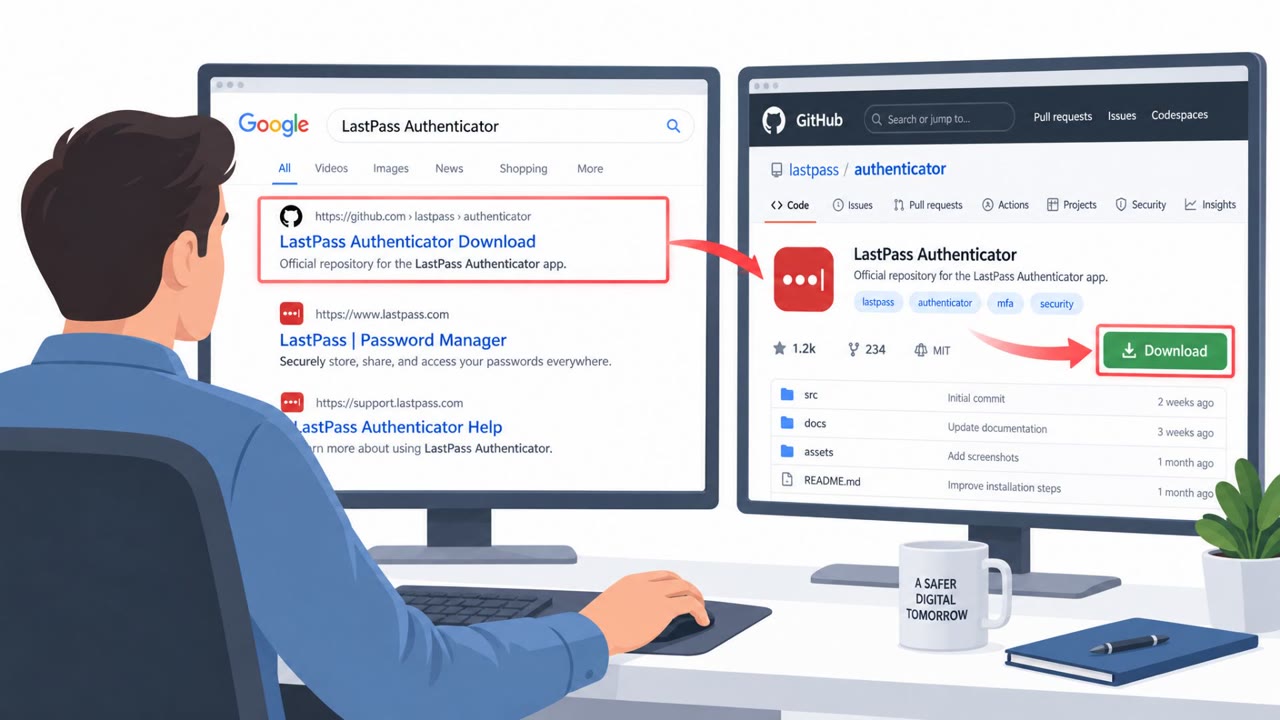
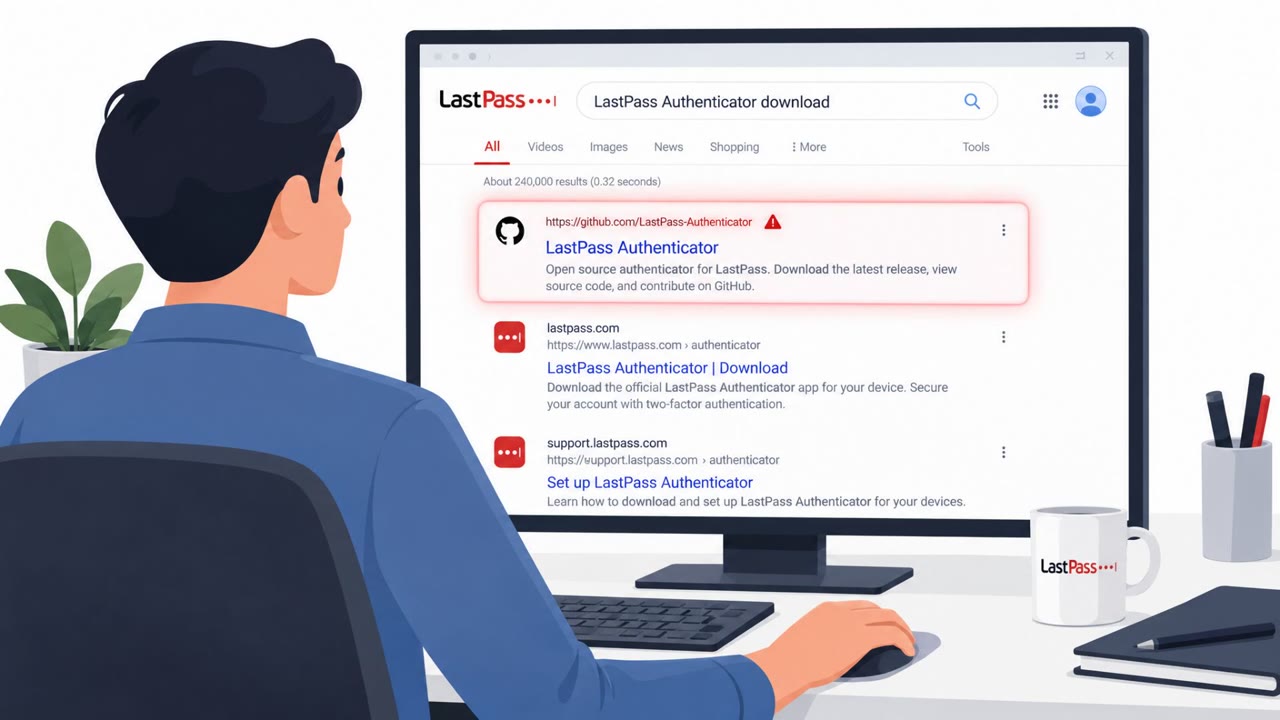
Attackers impersonated LastPass on GitHub and tricked people searching for the “LastPass Authenticator download” into installing a fake installer. The infection chain used a Microsoft-signed driver to disable many security tools, then deployed an infostealer that stole passwords, crypto wallets, and messaging session data. LastPass says it was not breached, attackers only abused its brand and user trust.
Key findings
- Attackers created a fake GitHub organization impersonating LastPass, using real branding and fake trust badges to convince users to download a malicious “authenticator.”
- The campaign used multi-stage redirection (including GitHub Pages and a server behind Cloudflare) to deliver malware and rotate infrastructure.
- A Microsoft-signed kernel driver was used to disable “145 different antivirus and EDR products,” enabling infostealer deployment.
- LastPass states it was not breached; the lure was distributed outside official LastPass channels and GitHub is not an official distribution channel.
- The infostealer (tracked by LastPass as “Rapuncel”) targeted browser passwords, crypto wallet files, tokens/sessions (e.g., Discord/Steam), Telegram data, Windows Credential Manager, and screenshots.
Who’s being targeted
- Commonly targeted roles: All employees, IT, Security, Helpdesk, Procurement.
- Affected industries: Software and SaaS, Technology, Any organization whose employees download tools from GitHub.
- Attack channels: website.
- Impersonated: LastPass, LastPass (and other spoofed brands).
Awareness takeaways
- Treat “official-looking” GitHub pages as untrusted unless the vendor explicitly lists GitHub as an approved download channel.
- Don’t rely on trust badges or “clean scan” claims (including VirusTotal screenshots) as proof a download is safe, verify the source and distribution path.
- A valid Microsoft signature does not automatically mean a driver/file is safe; follow approved software install processes and report unexpected installers immediately.
- If you downloaded security tools/authenticators from random links recently, escalate quickly for review, these campaigns are actively maintained and can steal credentials and sessions.
Red flags to watch for
- Repository/org is on GitHub even though the vendor does not distribute there
- Trust badges like “VirusTotal Approved” presented as proof of safety
- Download flow includes unexpected redirects or broken/404-looking pages
- Multiple unexpected redirects after clicking download
- Intermediate pages look like error pages (e.g., “broken 404”) but still redirect
- Recently changed download endpoints/hosts over short time windows
Read the video transcript
You Google “LastPass Authenticator download” and click a top result on GitHub that looks totally official. But it’s fake. Someone impersonated LastPass on GitHub, then used redirects and a Microsoft-signed driver to slip in the Rapuncel infostealer that drains browser passwords, crypto wallets, and chat sessions. Here’s the trap: GitHub is not a LastPass distribution channel. Those “VirusTotal Approved” badges were meaningless, and that Microsoft signature only proved the driver passed a pipeline, not that it was safe. Your move: if you ever downloaded an authenticator or security tool from a GitHub link, stop and report it to IT now so they can check for Rapuncel.