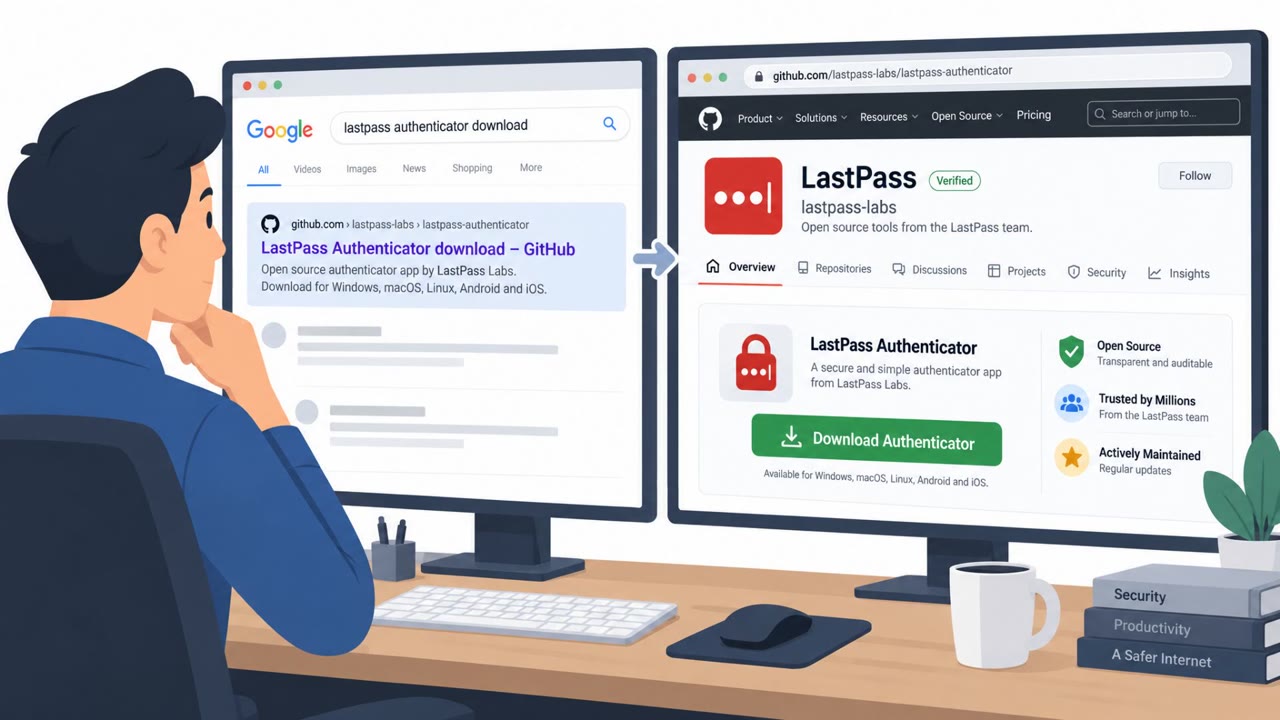
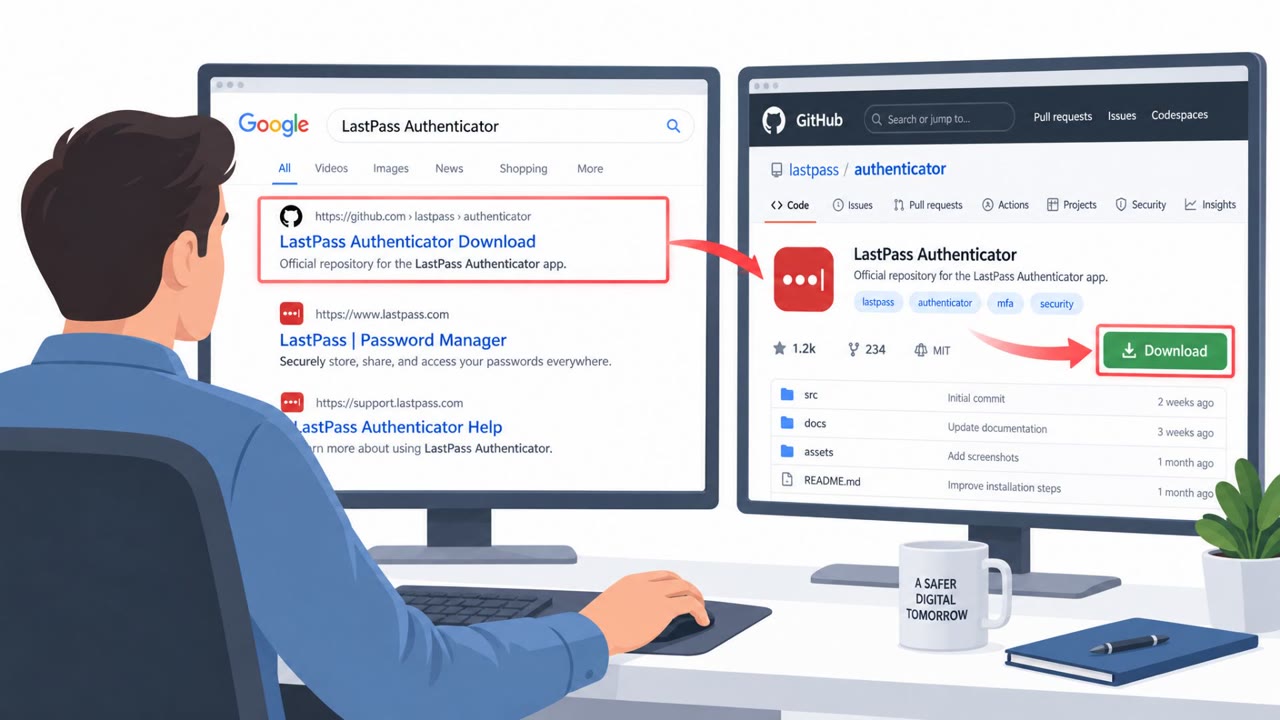
Researchers found attackers impersonating LastPass with a fake GitHub “LastPass Authenticator” download page that tricks people into downloading a large ZIP and running a fake installer. The installer uses a Microsoft-signed Windows driver to shut down antivirus/EDR tools, then runs a password stealer that exfiltrates saved browser passwords, wallet files, and app sessions.
How the attack worked
This campaign relied on a fake GitHub page built to look like an official LastPass Authenticator product listing. The page was optimized to appear in search results for terms like "LastPass Authenticator download," a classic search engine lure that catches users who search for software rather than navigating directly to the vendor's site. Clicking the download button routed victims through several GitHub pages before landing on an attacker-controlled server that served a large ZIP file, padded with junk data so it would slip past scanners with size limits.
Inside the ZIP was a renamed copy of a real Microsoft debugging tool, vsdbg.exe, placed next to a malicious file named vsdbg.dll. Running the fake installer triggered DLL side-loading, allowing the attacker's code to execute under the guise of a legitimate Microsoft tool. From there, the installer attempted to gain administrator or SYSTEM privileges and installed a kernel driver as a service.
Why it succeeded
The kernel driver, named by researchers as Alinubx.sys, was signed through Microsoft's hardware compatibility program, giving it the appearance of trustworthiness. Because the driver operates below the level where antivirus and EDR tools run, it was able to work through a list of 145 security process names and terminate each one it found running. With defenses disabled, an infostealer then harvested browser-saved passwords, crypto wallet files, session data for apps like Discord, Steam, and Telegram, and Windows Credential Manager contents.
The attacker infrastructure reportedly hosted impersonation pages for at least 40 brands, suggesting this fake LastPass page was one instance of a broader, repeatable download-impersonation pattern rather than an isolated one-off lure.
What to watch for
- Software downloads hosted on GitHub instead of the vendor's official site or app stores
- Downloads that route through multiple redirect pages before reaching the actual file
- Unusually large installer ZIP files, which may be padded to evade scanners
- Unexpected components inside an installer, such as a debugging tool name like vsdbg.exe
- Security tools that suddenly stop functioning after running a new installer
Building resistance
Organizations should reinforce that authentication and security apps, including tools like LastPass Authenticator, should only be downloaded from official vendor sites or official app stores, never from a GitHub search result. IT and security teams should plan for scenarios where AV or EDR tools appear to stop working unexpectedly, since attackers can use signed drivers to disable them before stealing data. If a user has already run a suspicious installer, treat every password saved in the browser on that machine as compromised: change those passwords from a separate, clean device and review account activity for anything unusual.
Key findings
- Attackers used a fake GitHub page that appears in search results for “LastPass Authenticator download” to lure victims into downloading a malicious ZIP.
- The fake installer uses DLL side-loading (renamed vsdbg.exe plus a malicious vsdbg.dll) and attempts to gain admin/SYSTEM privileges, then installs a kernel driver as a service.
- The kernel driver (named by researchers as Alinubx.sys) is signed via Microsoft’s hardware compatibility program and contains a kill list of 145 security processes to terminate AV/EDR.
- After disabling security tools, an infostealer steals browser-saved passwords, crypto wallet files, and session data for apps like Discord/Steam/Telegram, plus Windows Credential Manager contents.
- The attacker infrastructure hosted impersonation pages for at least 40 brands, suggesting this is part of a broader brand-impersonation download campaign.
Who’s being targeted
- Commonly targeted roles: All Employees, IT, Security Operations, Developers, Helpdesk/Service Desk.
- Affected industries: Software and SaaS (password managers), Any organization whose employees download tools from the web (cross-industry), Consumers/end users.
- Attack channels: website, github.
- Impersonated: LastPass (fake product page/repository), LastPass (fake installer).
Red flags to watch for
- Software download is hosted on GitHub instead of the vendor’s official site/app stores
- Download requires going through “several GitHub pages” and then redirects to an external server
- Unusually large ZIP file padded with junk files
- Installer uses unexpected components (debugging tool name ‘vsdbg.exe’)
- Requests/admin elevation behavior (attempts to gain administrator rights)
- Security tools suddenly stop working after running the installer
Frequently asked questions
How did attackers impersonate LastPass on GitHub?
They created a fake GitHub page at github.com/LastPass-Authenticator that ranks in search results for terms like LastPass Authenticator download and looks like a real product page, then redirected visitors through several GitHub pages to an attacker server serving a large ZIP file.
How does the fake installer disable antivirus software?
The installer side-loads a malicious DLL via a renamed Microsoft debugging tool, elevates privileges, and installs a Microsoft-signed kernel driver named Alinubx.sys that carries a list of 145 antivirus and security process names and terminates each one it finds running.
What should someone do if they ran the fake installer?
Treat every password saved in the browser on that machine as stolen, change those passwords from a separate, clean device, and review account activity for anything unusual.
What data does the stealer take after disabling security tools?
It steals browser-saved passwords, crypto wallet files, session data for apps like Discord, Steam, and Telegram, and Windows Credential Manager contents.
Read the video transcript
You Google “LastPass Authenticator download” and see a GitHub link that looks totally legit. That’s the trap. You click it, land on a fake GitHub “LastPass Authenticator” page, hit Download, bounce through several GitHub pages, and end up with a huge 140‑meg ZIP on your desktop. You unzip and run the installer, vsdbg.exe next to vsdbg.dll. Behind the scenes it uses DLL side-loading, a Microsoft-signed driver called Alinubx.sys kills your antivirus, then a stealer quietly grabs every saved browser password, wallet file, and app session. Here’s the move: if you ever need LastPass or any authenticator, skip search results. Go straight to the vendor’s official site or app store and download only from there.