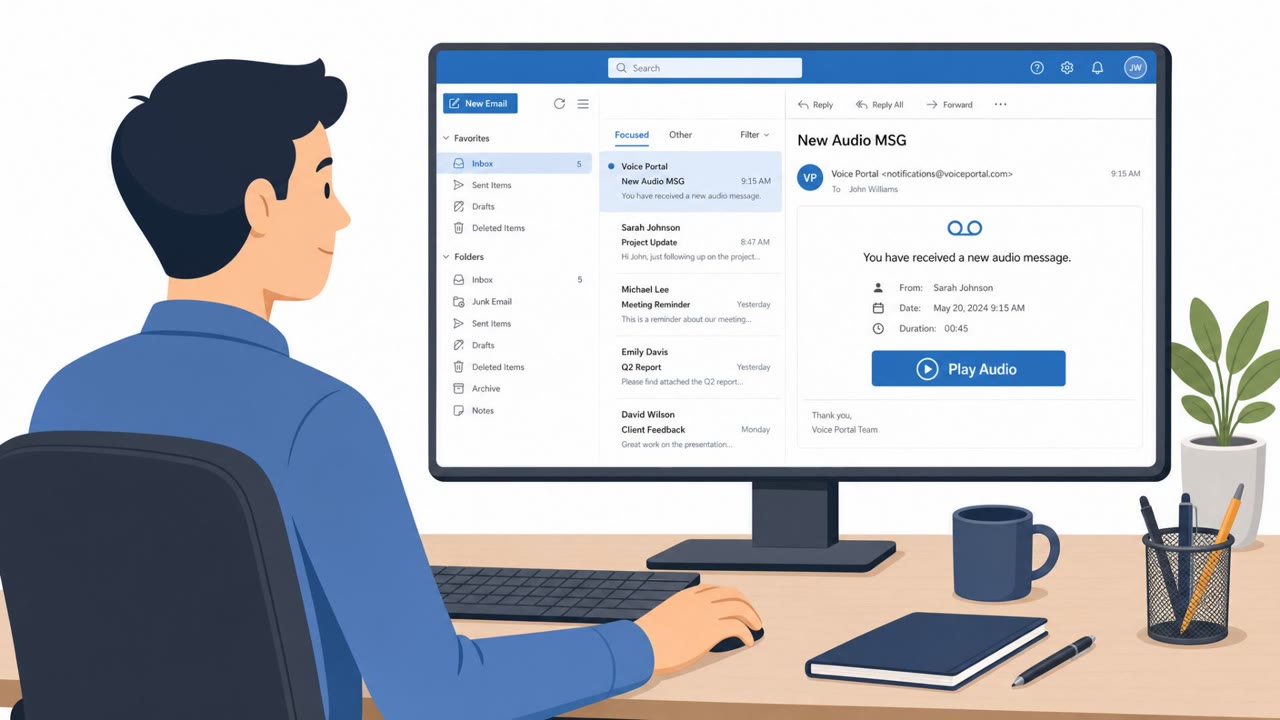
Researchers reported a phishing setup that clones WhatsApp and Instagram login pages and uses valid HTTPS (TLS) certificates to look legitimate. Victims are lured via WhatsApp messages about “verification,” “pending payments,” or “customer support,” then sent to typosquatted lookalike domains to steal passwords and one-time codes.
Key findings
- Researchers observed newly activated phishing and interface-cloning infrastructure aimed at WhatsApp and Instagram users.
- The suspicious domains obtained valid SSL/TLS certificates from mainstream CAs (Let’s Encrypt, Google Trust Services, Amazon), making the pages appear “secure” via HTTPS.
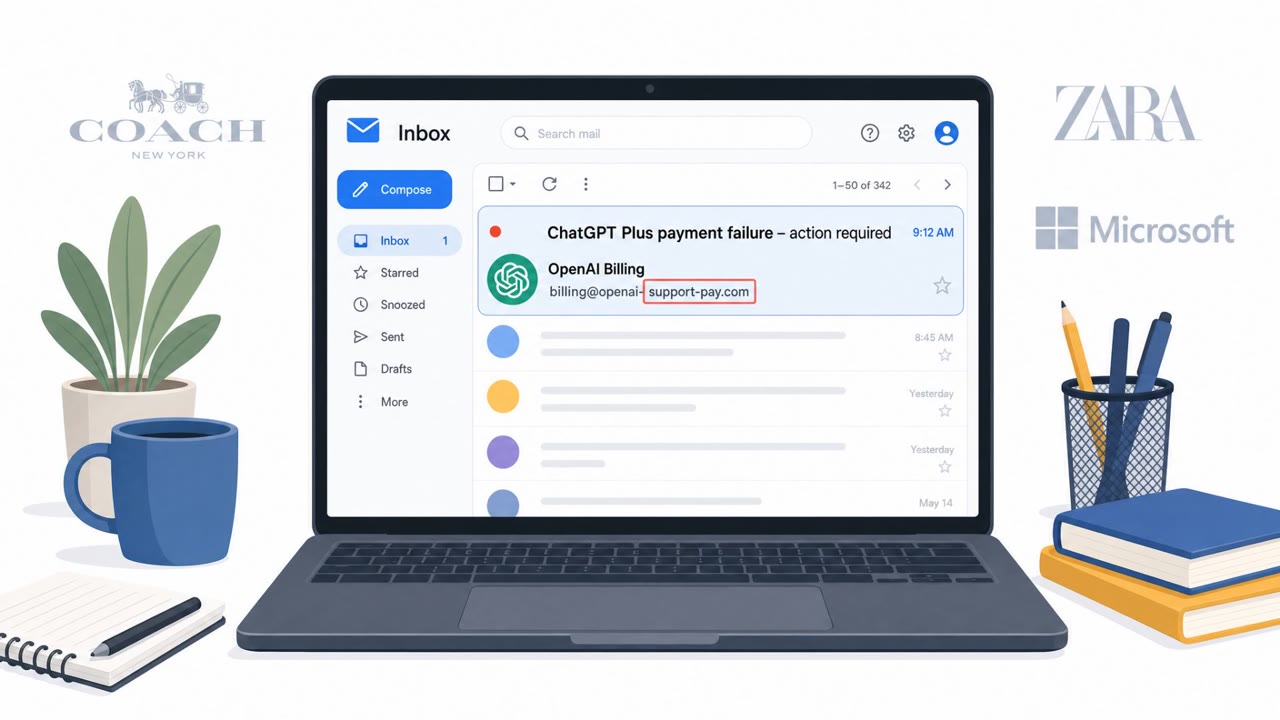
- The domains use typosquatting (character substitutions, added words, spelling variations) to mimic brand domains.
- Victims are lured by WhatsApp messages claiming account verification is needed, a payment is pending, or support action is required, then routed to a cloned login page to harvest credentials and one-time codes.
- The core trick is user trust in the padlock/HTTPS indicator, encryption does not equal legitimacy, especially on mobile where full URLs may be truncated.
Who’s being targeted
- Commonly targeted roles: All employees, Executives, Finance, Customer Support, Sales, Mobile device users.
- Affected industries: Social media / messaging users, Consumer internet services, Enterprises whose employees use WhatsApp/Instagram on mobile devices.
- Attack channels: whatsapp, website.
- Impersonated: WhatsApp/Instagram support, WhatsApp/Instagram payments or customer service.
Awareness takeaways
- Treat the padlock/HTTPS as “encrypted,” not “trusted”, always verify the full domain before entering credentials.
- Avoid logging in from unexpected links in chats; open the official app/site directly instead.
- Never share unsolicited verification codes (one-time codes); they can enable account takeover.
- Be extra cautious on mobile where the full URL may be hidden; expand and inspect the entire address.
Red flags to watch for
- Unexpected message urging verification/support action
- Link goes to a lookalike (typosquatted) domain rather than the official domain/app
- Site shows HTTPS/padlock but the domain name is slightly wrong (extra words, spelling variations)
- Sense of urgency around a payment
- Request for verification code (one-time code) outside the official app
- Mobile browser shows only part of the address, hiding the typosquat
Read the video transcript
You get a WhatsApp message: “Your Instagram needs verification, tap here.” The site is HTTPS, padlock and all. Here’s the trick: they clone the real WhatsApp or Instagram login and even grab legit TLS certificates from Let’s Encrypt or Google Trust, so the padlock looks perfect while the domain is slightly wrong. They push urgency: “payment pending” or “support action required,” then ask for your password and a one-time code. On mobile, the browser hides most of the URL, so you just see the padlock and the brand name up front. Remember this: padlock means encrypted, not trusted. If a chat tells you to log in, don’t tap the link, open the official WhatsApp or Instagram app yourself and check there.