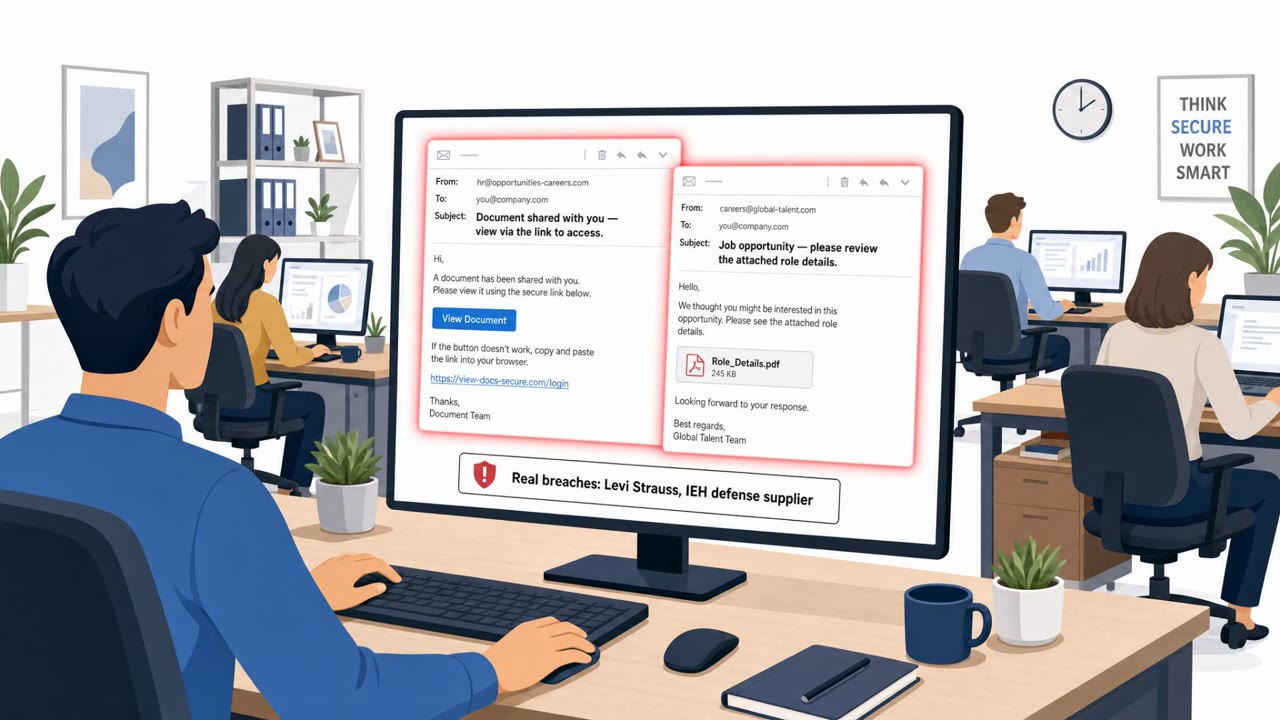
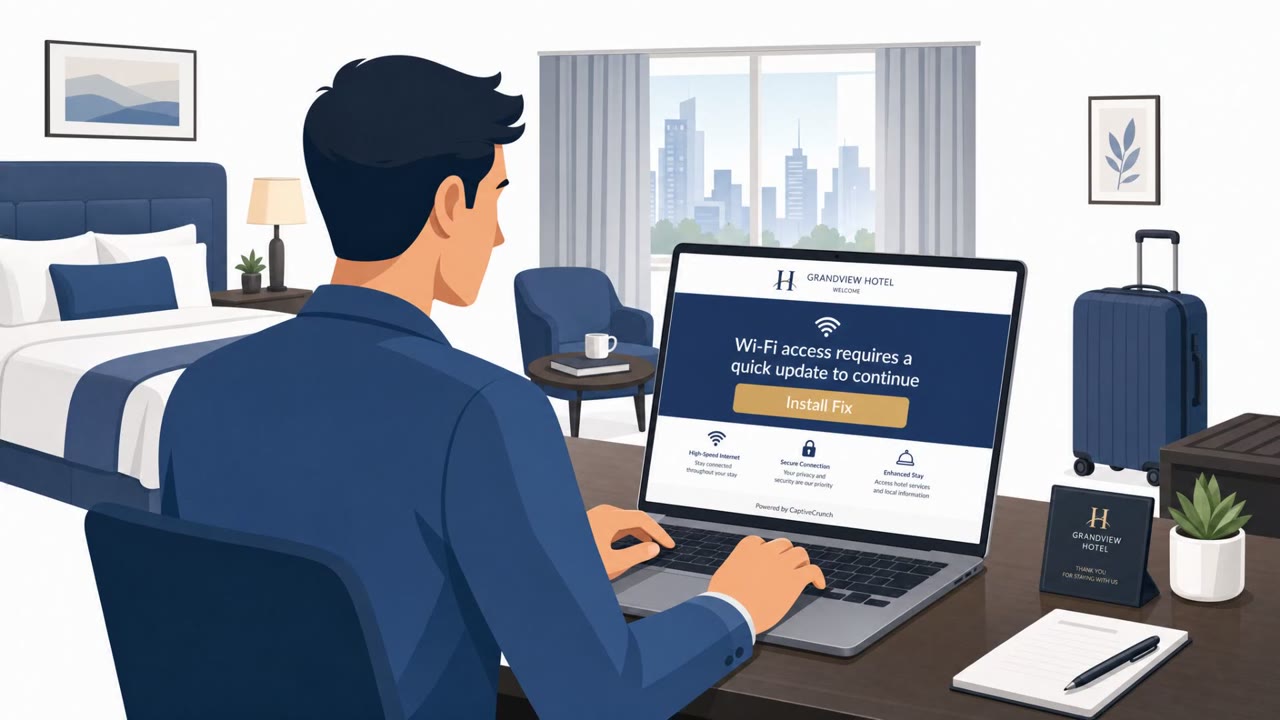
This weekly roundup highlights multiple real-world social engineering threats, including fake IT help-desk phone calls that push employees to phishing sites to steal passwords and one-time authentication codes. It also describes credential-phishing sites impersonating WhatsApp and Instagram that use valid HTTPS certificates to look legitimate, especially on mobile devices. Separately, a confirmed Levi Strauss incident is attributed to social engineering that led to compromised employee computers.
How the attack worked
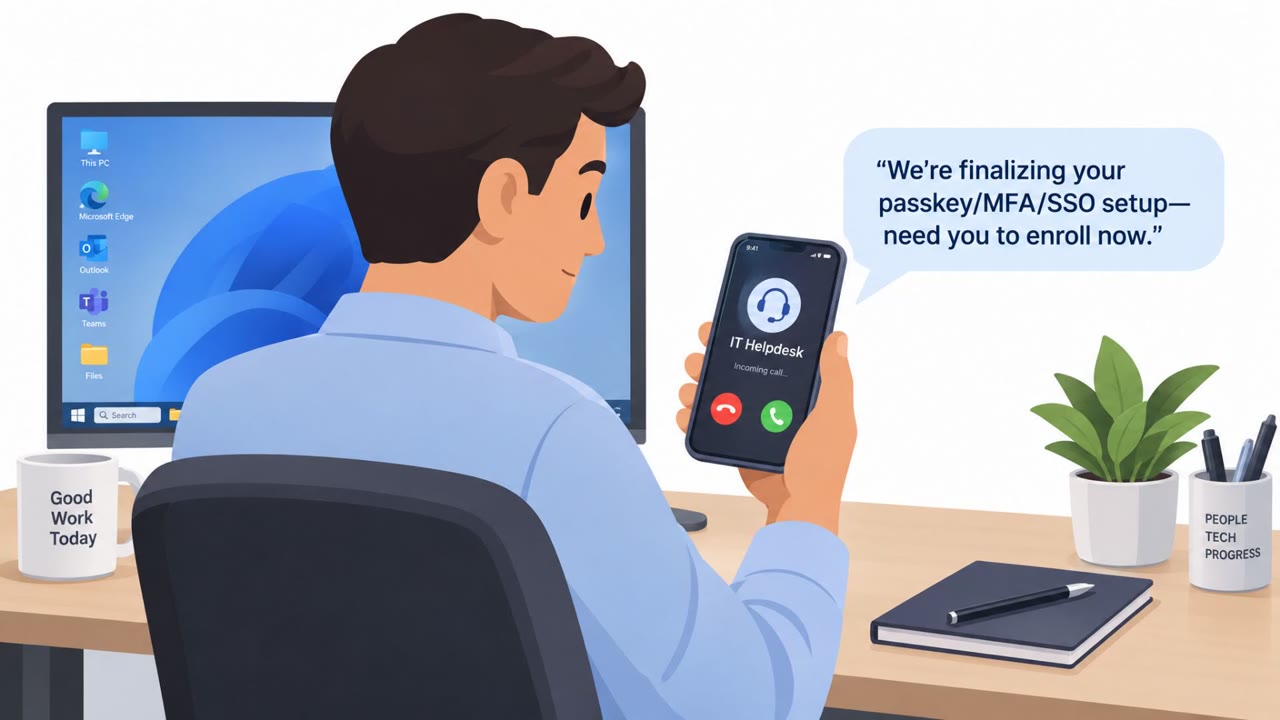
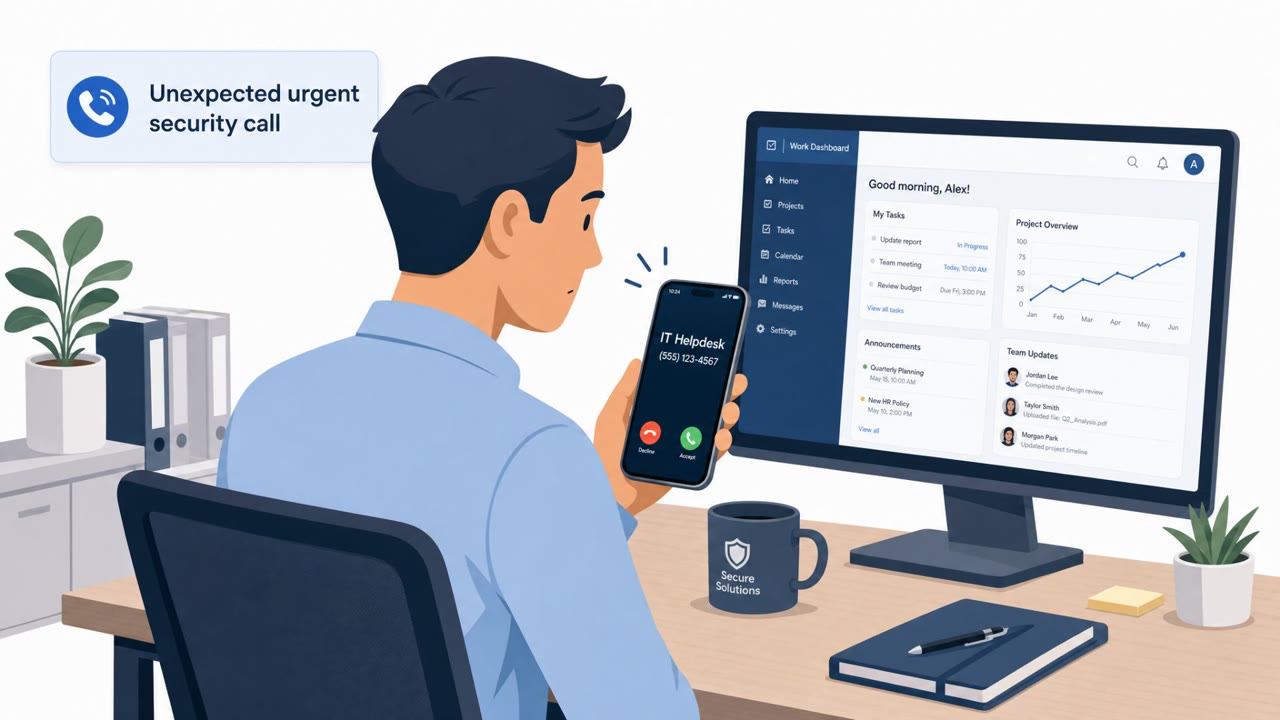
In one pattern described in this roundup, attackers impersonated internal IT support staff over the phone. They told employees there was an urgent account or security issue and pushed them to a phishing site to sign in and resolve it. The page was built to capture both the employee's password and their authentication code in real time. This phone-based activity reportedly touched infrastructure tied to more than 200 organizations, with finance, operations, and executive staff among the targeted roles.
A second pattern relied on lookalike domains impersonating WhatsApp and Instagram. These sites used valid TLS certificates, so browsers showed the padlock icon and treated the connection as secure, even though the domain itself was not the real service. Victims were prompted to sign in or verify their account, handing over credentials and one-time verification codes to the attacker instead.
Why it succeeded
Both scenarios exploit trust signals people are trained to rely on. A phone call from "IT support" carries authority, especially when framed as urgent. A valid HTTPS certificate carries the same kind of implied trust, since many users equate the lock icon with a safe site. On mobile devices this is worse, because smaller screens can hide deceptive URLs, making it harder to notice a slightly altered domain before entering credentials.
What to watch for
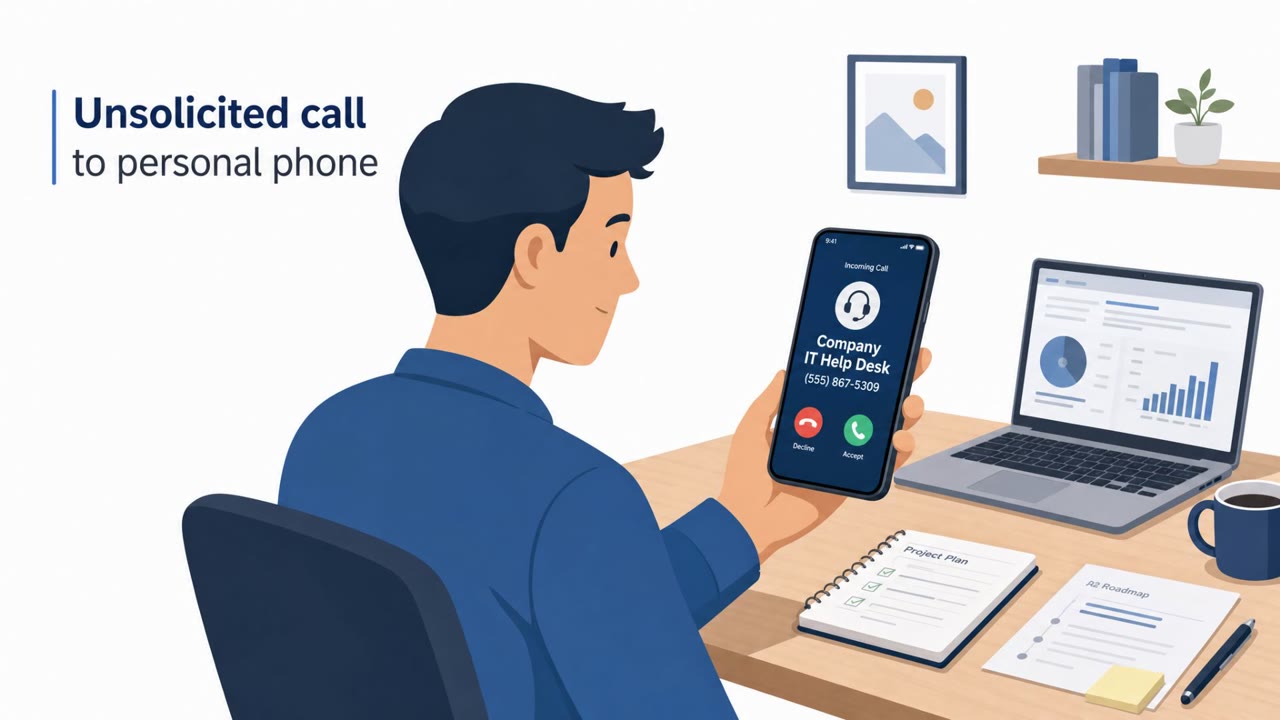
- An unsolicited call claiming to be IT support that asks you to log in through a link
- A request to read back or enter an authentication or verification code during a call or after clicking a link
- Urgency or pressure to complete a login immediately
- A login or verification page that arrived from an unexpected message rather than a bookmarked or typed-in address
- A domain name that looks close to a familiar service but is not quite right, even if HTTPS is present
Building resistance
- Establish a trusted help-desk verification procedure, such as calling a known internal number rather than trusting an inbound call or a link
- Prohibit entering credentials or authentication codes after an unsolicited call or message
- Reinforce that HTTPS and the padlock icon do not prove a site is legitimate; the actual domain still needs to be checked
- Treat one-time passcodes as something that should never be shared or typed into a page reached from an unexpected link
- After any suspected compromise, contain affected devices and rotate exposed credentials quickly, as was done following a reported incident involving compromised employee computers at Levi Strauss
Key findings
- Attackers impersonating IT support staff used phone calls to steer employees to phishing sites that capture passwords and authentication codes “in real time,” targeting 200+ organizations.
- Lookalike WhatsApp/Instagram phishing domains used valid TLS (HTTPS) certificates to appear trustworthy and steal login verification codes; mobile users are at higher risk due to reduced URL visibility.
- Levi Strauss reported a breach in which attackers used social engineering to compromise three employee computers and expose corporate data.
Who’s being targeted
- Commonly targeted roles: Finance, Operations, Executives/Managers, IT help desk, All employees (especially mobile users).
- Affected industries: Finance, Retail/Apparel, Healthcare/Dental insurance, Logistics and transportation.
- Attack channels: vishing, website.
- Impersonated: Internal IT support / help desk, WhatsApp or Instagram login/verification page.
Red flags to watch for
- Unsolicited help-desk call asking you to sign in via a link
- Request for an authentication code (MFA) during an inbound call
- Pressure/urgency to complete the login immediately
- HTTPS/lock icon is present but the domain name is slightly wrong
- Login/verification request arrives unexpectedly
- On mobile, the full domain may be hidden or hard to inspect
Frequently asked questions
How do fake IT help-desk vishing calls work?
Attackers call employees posing as internal IT support, claim there is an urgent account issue, and direct the victim to a phishing site to sign in, capturing passwords and authentication codes in real time.
Does HTTPS mean a login page is safe?
No. Lookalike WhatsApp and Instagram phishing domains used valid TLS certificates to appear trustworthy, so the lock icon alone does not confirm a site is legitimate.
Why are mobile users more at risk from these lookalike sites?
Smaller screens on mobile devices can hide or truncate deceptive URLs, making it harder for users to spot a slightly wrong domain name before entering credentials.
What should employees do if they get an unexpected help-desk call?
They should refuse to enter credentials or authentication codes during the call and verify the request through a known, trusted internal channel instead of the link provided.
Read the video transcript
Imagine this: you get a call, “Hi, this is IT support, there’s an issue with your account, open the link I’m sending and sign in.” These fake help‑desk vishing scams have hit over 200 companies, steering people to phishing sites that grab your password and MFA code in real time. Here’s the nasty twist: the site can even show HTTPS and a lock, just like real WhatsApp or Instagram, especially on mobile where the full address is hidden. Your move: if anyone calls or messages you to 're-authenticate' via a link, hang up, ignore the link, and contact our real help desk using the number on the intranet.