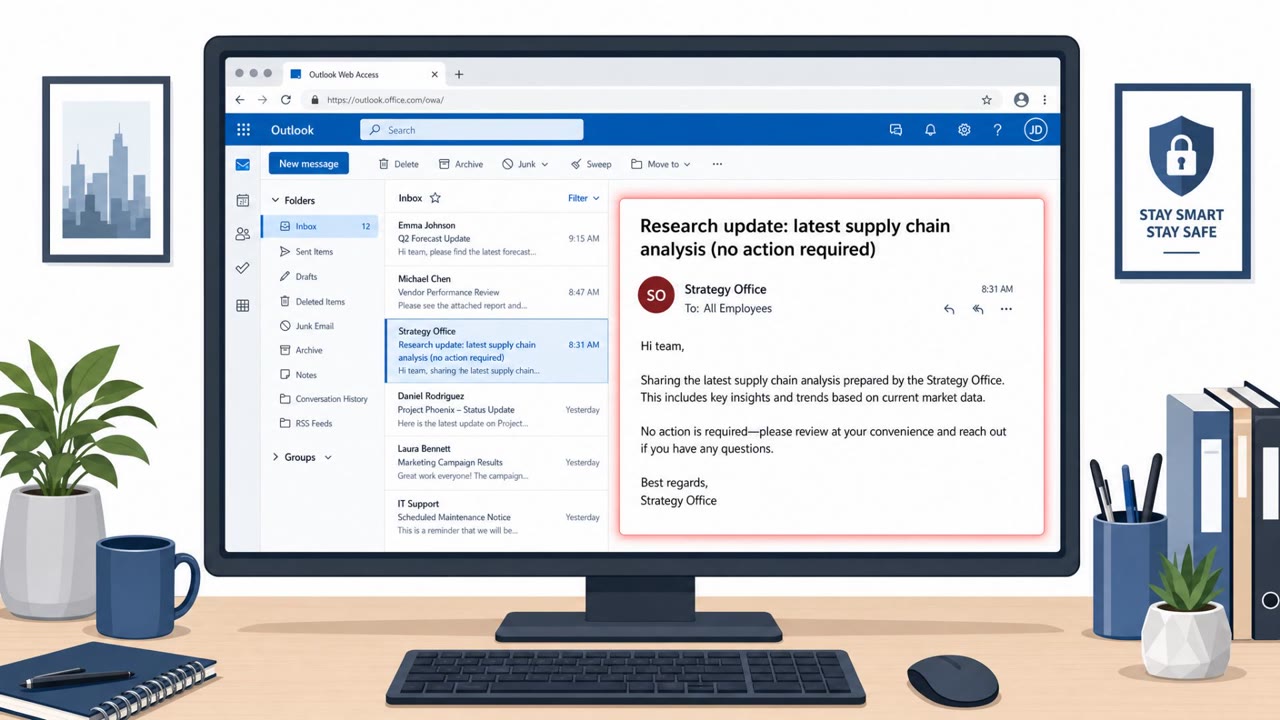
A Russia-linked group (TA488) abused a stored XSS flaw in on‑prem Microsoft Exchange Outlook Web Access (OWA) so that simply opening a specially crafted HTML email could run attacker JavaScript inside the victim’s logged-in webmail session. The campaign used business-themed subject lines and hid the exploit in seemingly harmless embedded images, leading to long-lasting mailbox access by stealing tokens/credentials and changing mailbox permissions for persistence.
Key findings
- Attackers exploited CVE-2026-42897 (stored XSS) in on-prem Exchange OWA using a “half-click” workflow: opening the email triggers execution.
- Lure emails were “intentionally generic and business-oriented” and included specific subject lines to look legitimate.
- Malicious code was concealed in HTML email content, specifically via an image element with a malicious “onload” handler and Base64-encoded JavaScript hidden in URL fragments (#).
- The OWAReaper implant operated in the browser (no files written to disk) and targeted mailbox data, OAuth tokens, and browser-stored credentials.
- Persistence was achieved by abusing Exchange mailbox permissions (granting Owner permissions to the built-in Default mailbox user), intended to survive password changes and rebuilds.
Who’s being targeted
- Commonly targeted roles: All staff who use Outlook Web Access (OWA), Executives and assistants, Operations and analyst teams likely to open business-report emails, IT/Exchange administrators, Security operations / incident response.
- Affected industries: Any organization running internet-facing on‑premises Microsoft Exchange Server / Outlook Web Access (OWA).
- Attack channels: email.
- Impersonated: Generic business contact or analyst/newsletter sender (not specifically named), Generic business sender (not specifically named).
Awareness takeaways
- Treat ‘just opening an email’ in webmail as a potential risk; report suspicious or unexpected HTML-heavy emails even if they have no links or attachments.
- Be cautious of overly generic, business-themed emails that look like routine reports, these can be crafted to blend into normal work.
- If your organization uses on‑prem Exchange/OWA, patch quickly and assume prior exposure may require investigation beyond patching (mailbox permissions, tokens, and auditing).
- Train users and responders to recognize that embedded images/icons inside emails can hide harmful behavior, not just attachments and links.
Red flags to watch for
- Email contains embedded images/icons with hidden behavior (script runs on open)
- Message appears “completely benign,” relying on curiosity/normal workflow rather than a link or attachment
- Unusually generic business-themed subject meant to blend in
- No link or attachment is needed, risk is in simply opening/previewing HTML email in webmail
- HTML contains images with unexpected “onload” behavior
- Content is designed to look normal and “business-oriented”
Read the video transcript
You know that “safe” feeling of just opening an email in Outlook Web Access? For CVE-2026-42897, that’s all it takes. This is a “half-click” OWA exploit: opening a businessy email about pipelines or global gas markets silently runs attacker JavaScript hidden in an image tag. Their OWAReaper code lives in your browser, skimming mailbox data, OAuth tokens, even changing mailbox permissions so Default suddenly has Owner access, surviving password changes. If you see a generic, metrics-heavy email in OWA that feels out of place, especially HTML with lots of icons, don’t just read it, hit Phish Alert and report it immediately.