Research and incident examples show attackers increasingly using trusted collaboration tools (like Microsoft Teams and Slack) to impersonate IT/support or known community members, then push victims to phishing sites, approve MFA prompts, or run malicious files. Because messages come through authenticated, familiar channels, they can look routine and bypass traditional email-focused defenses.
Key findings
- Attackers increasingly misuse collaboration platforms (Teams/Slack) for identity phishing, impersonation, credential theft, and malware delivery.
- Unit 42 reports collaboration-tool malicious alerts “more than quadrupled” over 12 months and that “99% of the alerts generated related to chat phishing operations.”
- Attackers exploit external federation/guest access/trusted relationships to reach victims through authenticated channels that look normal.
- Real incidents include malware delivered via a RAR sent in a Teams chat and credential theft via Slack DMs that led to a fake Google Workspace login and certificate installation.
- Post-compromise persistence/exfiltration can be done via legitimate integrations, such as a Slack webhook used to send stolen privileged credentials.
Who’s being targeted
- Commonly targeted roles: All employees, IT helpdesk / IT support, Engineering / Developers, Open source maintainers, Security operations (SOC).
- Affected industries: Technology, Software supply chain / open source, Manufacturing, Any organization using SaaS collaboration tools (Teams/Slack).
- Attack channels: teams, slack, website.
- Impersonated: Internal IT support (or trusted personnel), A known coworker/contact using a compromised account, Known Linux Foundation community leader.
Awareness takeaways
- Treat Teams/Slack messages as potential phishing, even if they come from an authenticated platform or familiar workspace.
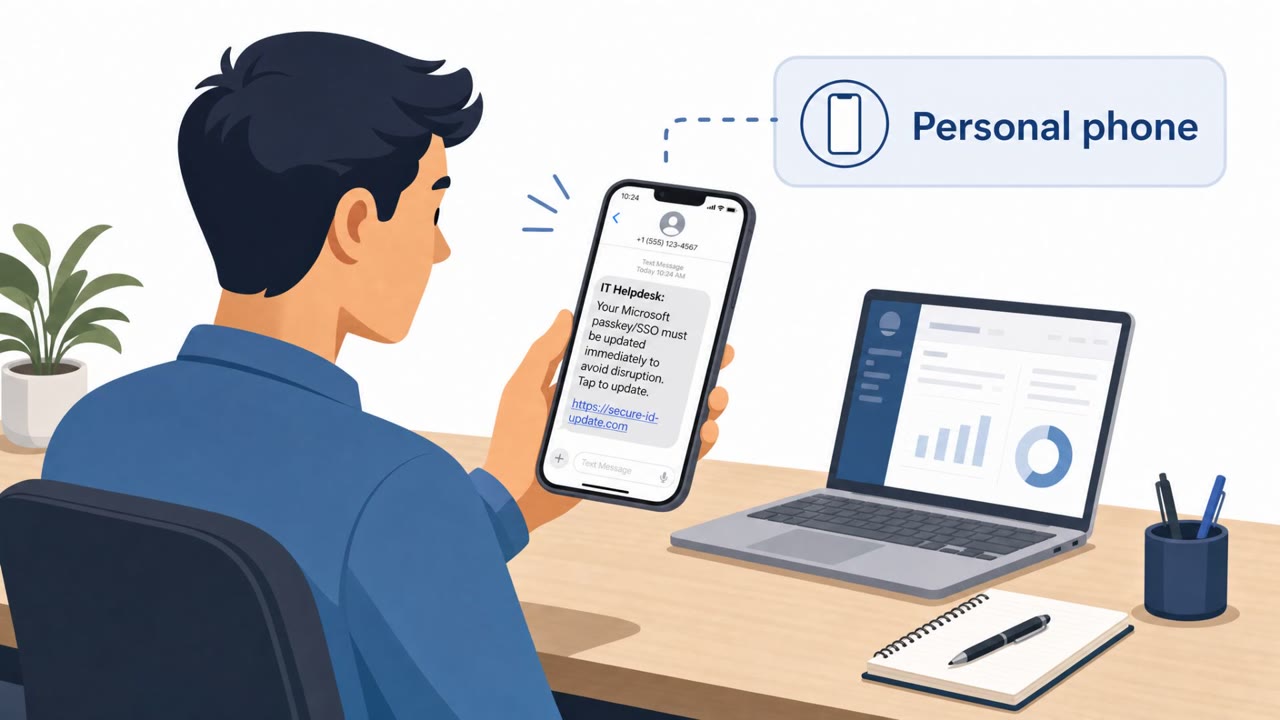
- Be suspicious of chat-based requests to click links, approve MFA prompts, install remote access tools, or share credentials.
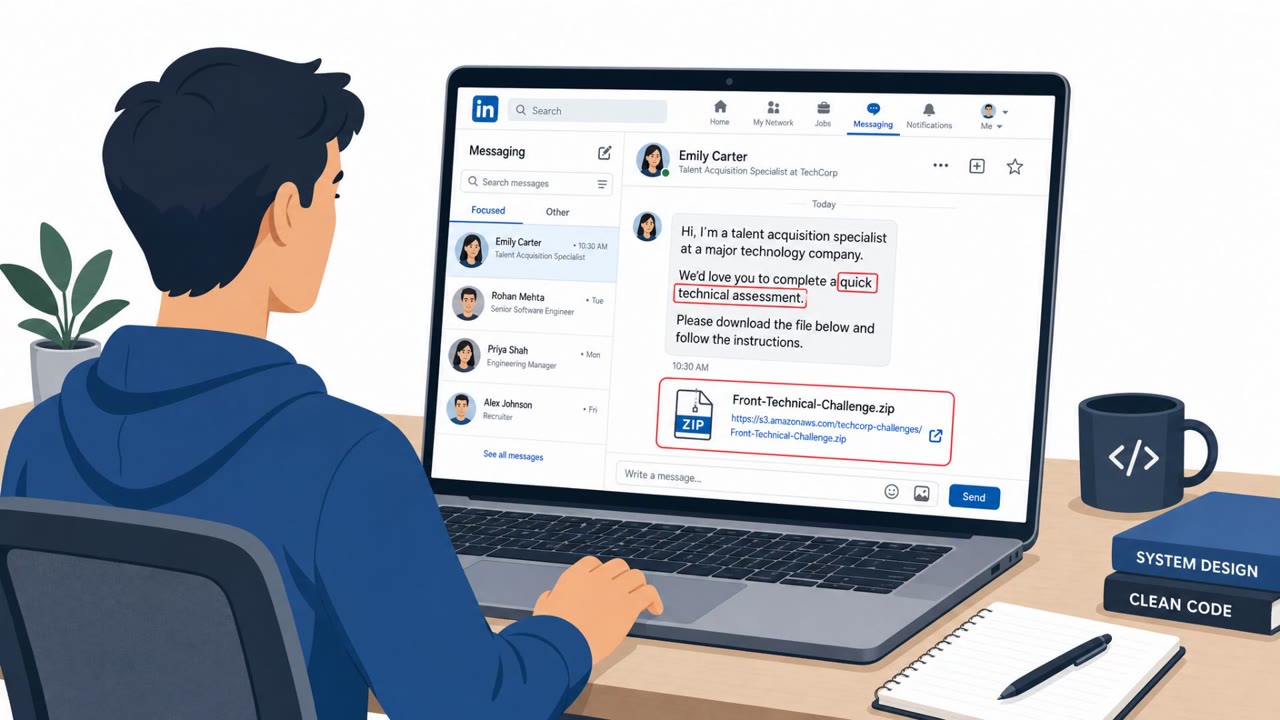
- Do not open unexpected archives or executables received via chat; report them to security.
- Never install certificates or run downloaded binaries as part of an ‘authentication’ or ‘verification’ process.
Red flags to watch for
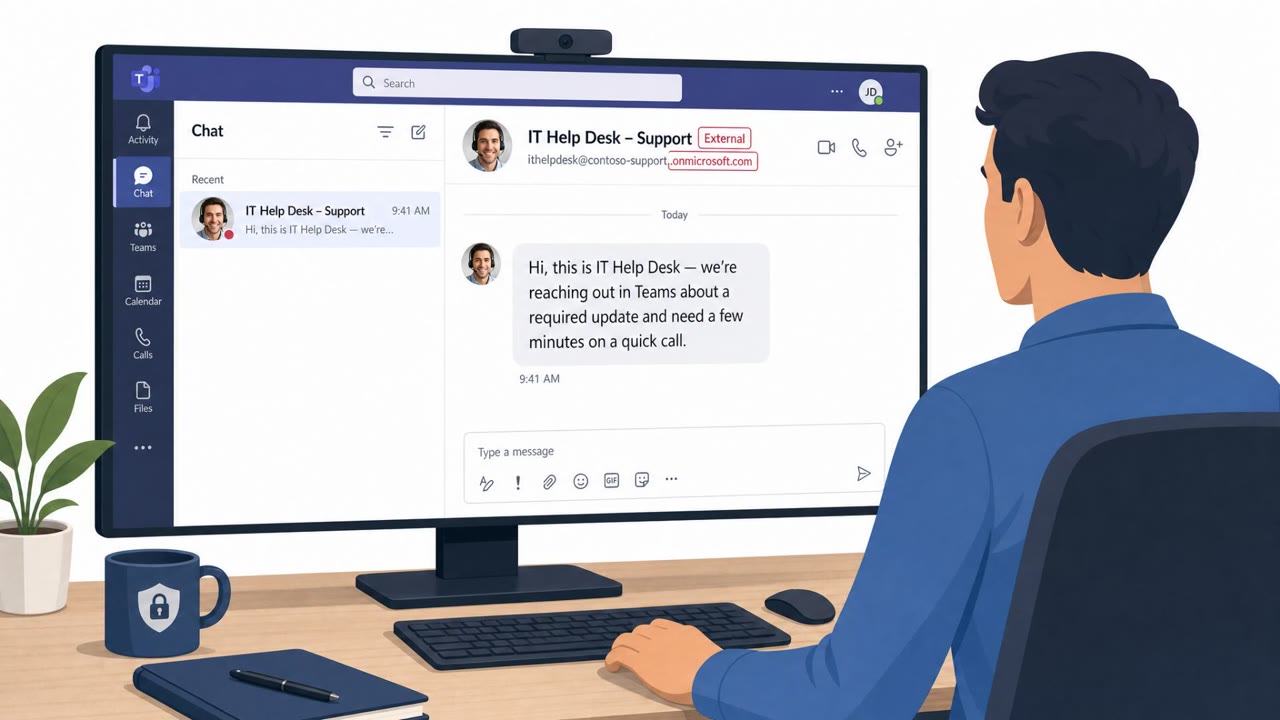
- Unexpected IT outreach via chat from an unfamiliar or external account
- Pressure to click a link or approve an MFA prompt you didn’t initiate
- Conversation initiated via external federation/guest context
- Unexpected archive file (.rar) received over chat
- Instruction to open/run content from Downloads
- File extracts a DLL (not a normal business document)
- Login request delivered via Slack DM with an external web link
- Site requests a “verification code” and then asks to install a root certificate
- Unexpected download/execution prompts during “authentication”
Read the video transcript
You’re in Teams, a chat pops up: “Hi, this is IT support, we need you to verify your account.” Looks normal, right? Attackers are skipping email and living in Teams and Slack now. Unit 42 saw chat-based phishing alerts more than quadruple, and 99% were phishing ops. The playbook: they DM you as IT or a coworker, send a link to a fake login, push you to approve an MFA prompt, or drop a RAR file that quietly unpacks malware. Aha moment: if a chat asks you to click a login link, approve MFA you didn’t start, or open an unexpected file, pause and report it to security instead of responding.