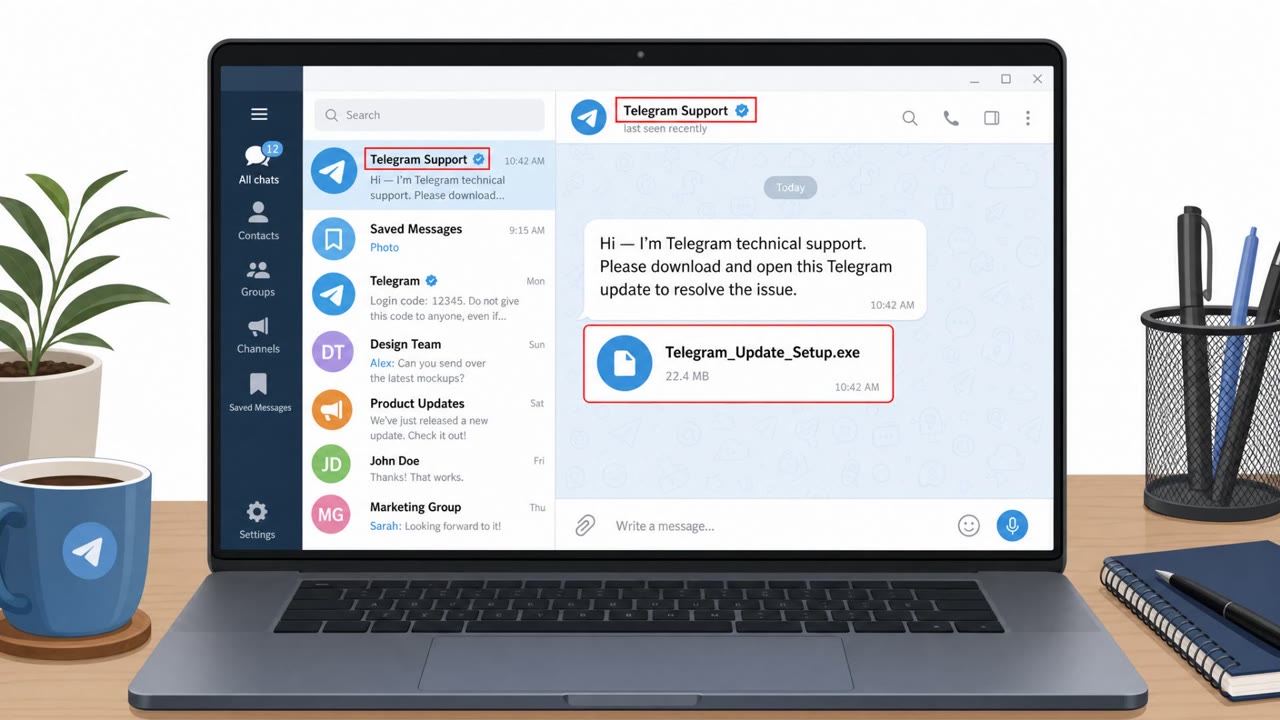
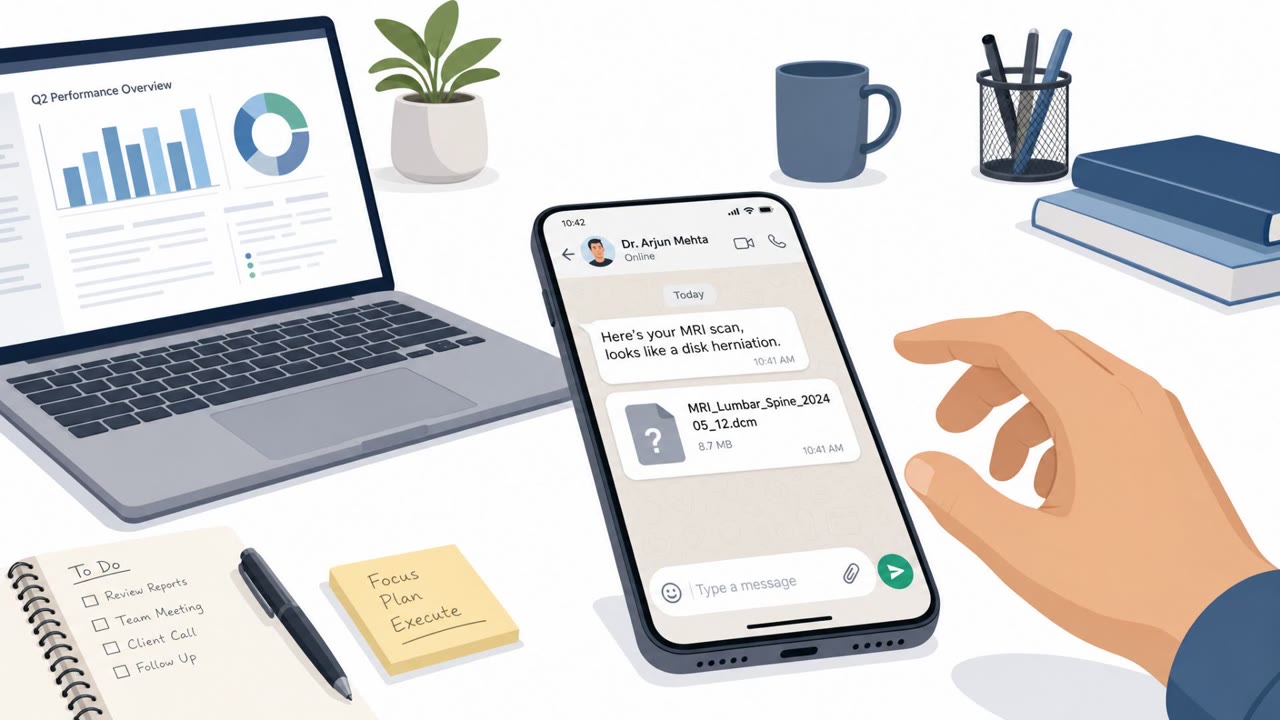
Government agencies say Iranian intelligence-linked attackers are targeting dissidents, journalists, and activists with Windows malware controlled through Telegram. The attack starts with a trust-building message impersonating someone the victim knows or app support, then delivers a file disguised as legitimate software (or even MRI results). Once opened, the malware quietly installs and can steal messages and emails, take screenshots, and turn on the microphone.
How the Attack Worked
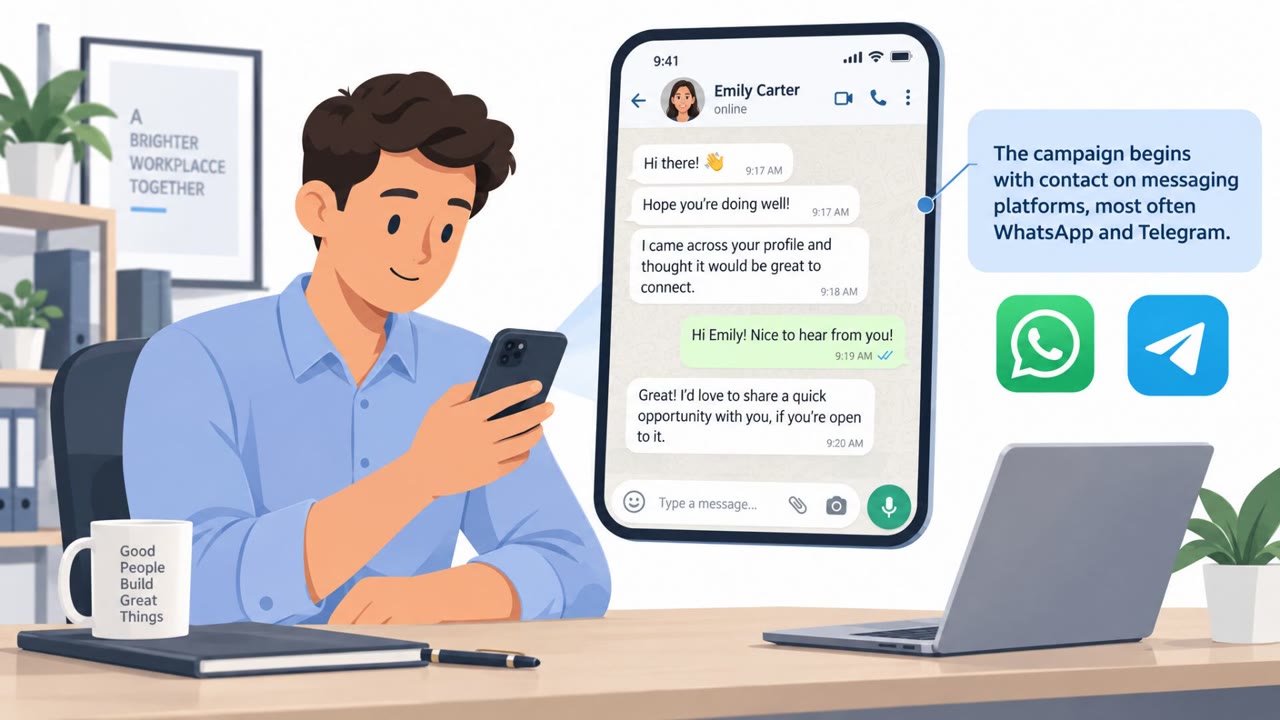
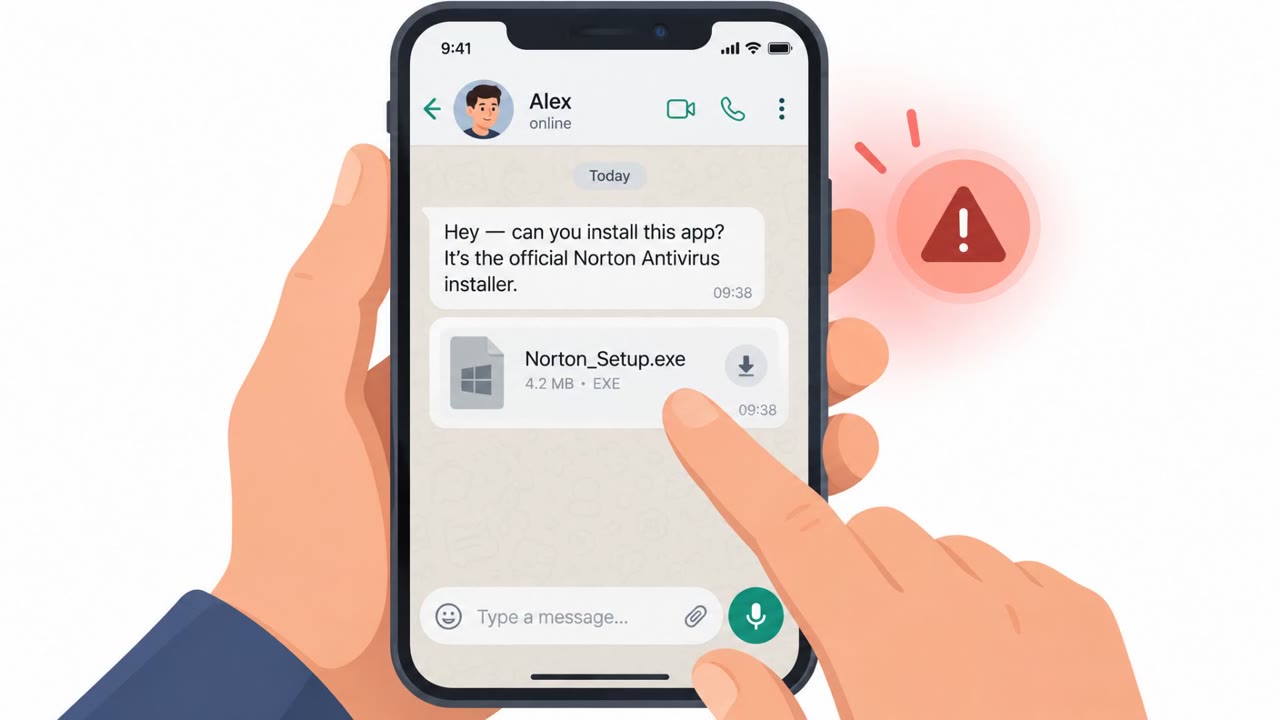
Government agencies report that this campaign begins with a simple message rather than a technical exploit. Attackers pose as someone the target already knows, or as tech support for a messaging app, and spend time building trust before delivering a file. That file is disguised as a legitimate program, including well-known names like Telegram itself, KeePass, Norton Antivirus, Adobe Flash Player, the AI tool Pictory, and RunwayML. In some cases the file was made to look like MRI scan results instead of software, showing how far the pretext can be tailored to the individual target.
Once the target opens the file, a convincing fake screen appears on the surface while the real malware installs quietly in the background. The malware is then controlled through Telegram and is capable of stealing emails and chat data, taking screenshots, and activating the device microphone.
Why It Succeeded
This attack relies almost entirely on trust and context rather than technical trickery. Because the first contact comes through a chat message from what looks like a known contact or a legitimate app support channel, targets have little reason for initial suspicion. The use of recognizable brand names for the disguised files, including security products like Norton, adds a layer of false reassurance. Framing the payload as something urgent or personal, such as medical results, increases the likelihood that a target opens it without pausing to verify.
Who Is Being Targeted
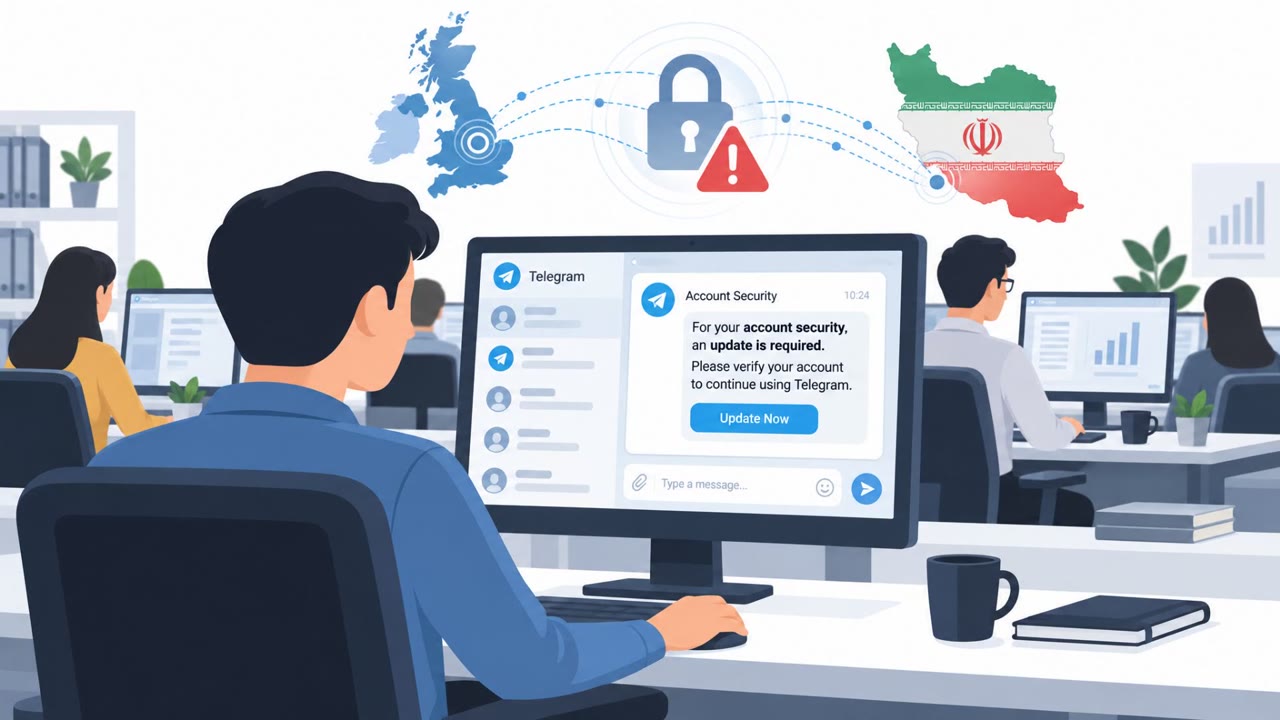
The campaign is aimed at dissidents, journalists, and activists globally. These are high-risk individuals for whom a compromise is not just a data breach but a potential safety issue, since stolen information has reportedly appeared on pro-Iranian leak sites. Organizations supporting this population, including media outlets and civil society groups, should treat this as a duty-of-care issue, not only an IT security issue.
What to Watch For
- Unexpected messages claiming to be app support or tech help
- Pressure to install software sent directly through chat instead of an official app store or website
- File names or branding that mimic well-known products
- A suspicious Windows Run key entry named SMQDService or winappx
- Unexpected network connections to Telegram, cloud storage, or proxy services
Building Resistance
Treat unexpected chat attachments as high risk and verify requests through a separate, trusted channel before opening anything. Only install software from official websites or app stores, even when the request appears to come from a recognizable security or productivity brand. Be skeptical of any support request that asks you to run an installer, since a fake screen can be used to distract while malware installs in the background. Finally, encourage reporting of unusual system behavior or unexpected network activity to IT so indicators like these can be investigated quickly.
Key findings
- Attackers initiate contact via a message and build trust by impersonating a known contact or messaging-app tech support before sending a disguised file.
- Malware is controlled via Telegram and can steal emails and chat data, take screenshots, and activate the microphone.
- Common disguises included legitimate-looking apps (e.g., Telegram, KeePass, Norton, Adobe Flash Player) and even MRI scan results.
- The campaign targets dissidents, journalists, and activists globally; stolen information has appeared on pro-Iranian leak sites, increasing personal safety risk.
- Indicators include suspicious Windows “Run” key entries (e.g., SMQDService or winappx) and network connections to Telegram plus cloud/proxy services.
Who’s being targeted
- Commonly targeted roles: Executive leadership, Journalists and media staff, Public affairs / communications, HR and people-ops (duty of care for at-risk staff), Security awareness program participants, IT helpdesk (to recognize impersonation and handle reports).
- Affected industries: Media and journalism, Civil society / human rights organizations, Political advocacy and activist groups.
- Attack channels: telegram.
- Impersonated: Tech support for a messaging app, Someone the target knows.
Red flags to watch for
- Unexpected “support” contact via chat message
- Pressure to install software sent through a message instead of an official app store/website
- Software filename/branding mimics well-known products (e.g., Telegram, KeePass, Norton)
- Unexpected sensitive attachment delivered via chat
- File/app type does not match the conversation context
- Attachment triggers a “convincing fake screen” instead of normal behavior
Frequently asked questions
How does this Iranian spyware campaign start?
The attack begins with a message. Attackers pose as someone the target knows or as tech support for a messaging app, building trust before sending a file disguised as a legitimate program.
What disguises does the malware use?
Reported disguises include popular apps like the AI video app Pictory, the password manager KeePass, Telegram itself, RunwayML, Norton Antivirus, and Adobe Flash Player. In some cases the file was made to look like MRI scan results.
Who is being targeted?
Dissidents, journalists, and activists globally are the primary targets, with stolen information reportedly appearing on pro-Iranian leak sites.
What technical signs indicate infection?
Indicators include a suspicious Windows Run key entry named SMQDService or winappx, and unexpected network connections to services like api.telegram.org, cloud storage providers, and proxy services.
Read the video transcript
The attack begins with a message, someone on Telegram says there’s a problem with your app and sends a “fix.” They pose as a friend or app support, then send a file that looks like Telegram, KeePass, Norton, even MRI scan results. You open it, see a convincing fake screen, while spyware quietly installs. From there, it can read your emails and chats, take screenshots, even turn on your microphone. On infected PCs, it hides as Windows startup entries like SMQDService or winappx and talks to Telegram and cloud services in the background. If you ever get a chat message asking you to install software or open a sensitive file, even if it looks like Telegram, Norton, or MRI results, stop and verify through a separate trusted channel before you touch it.