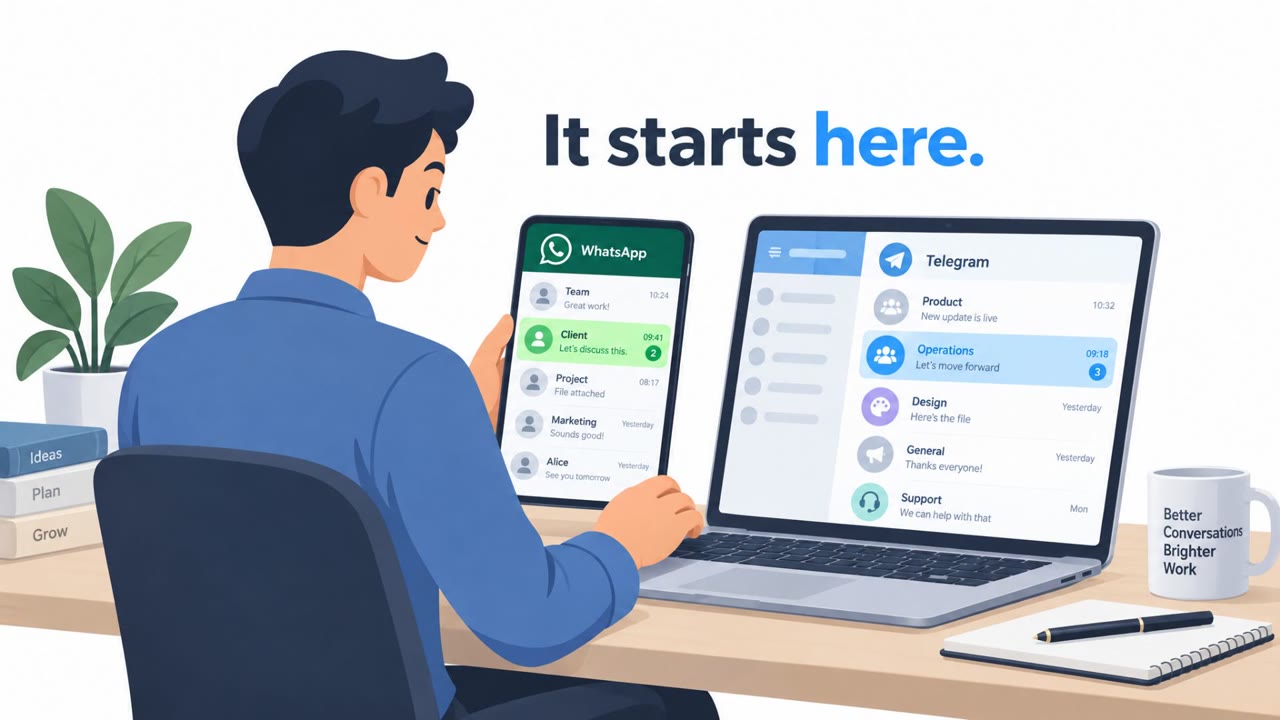
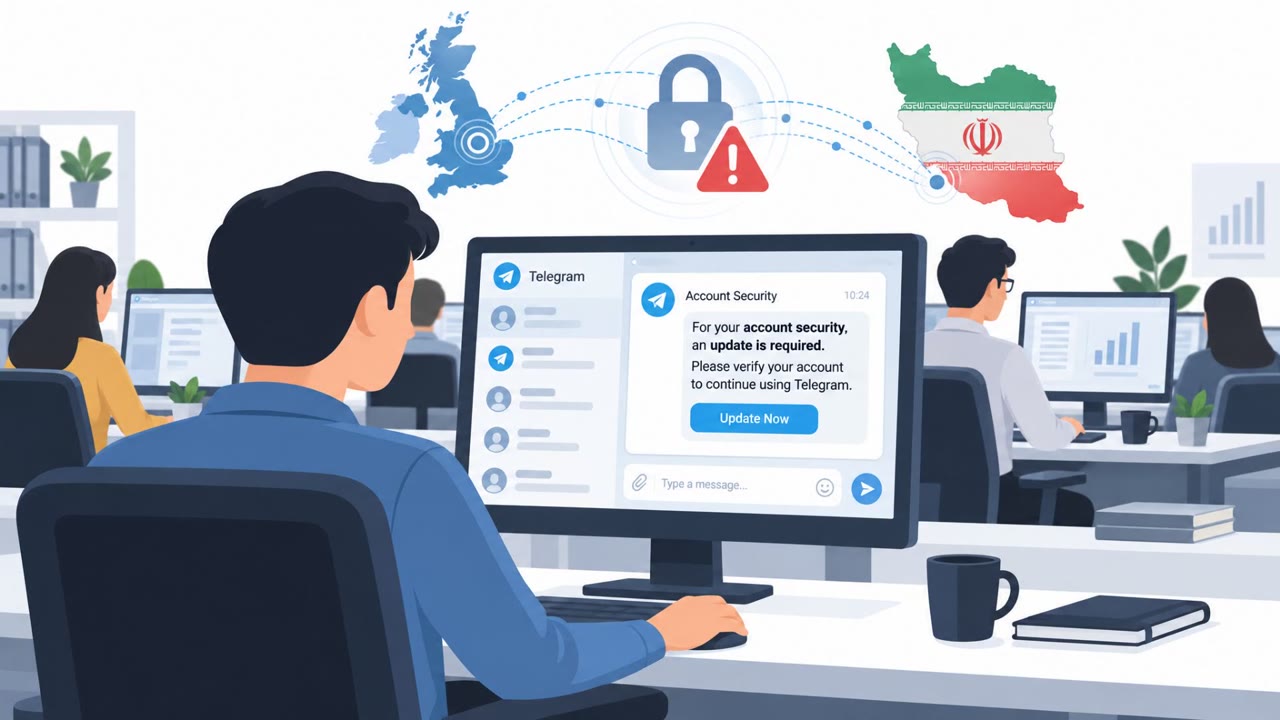
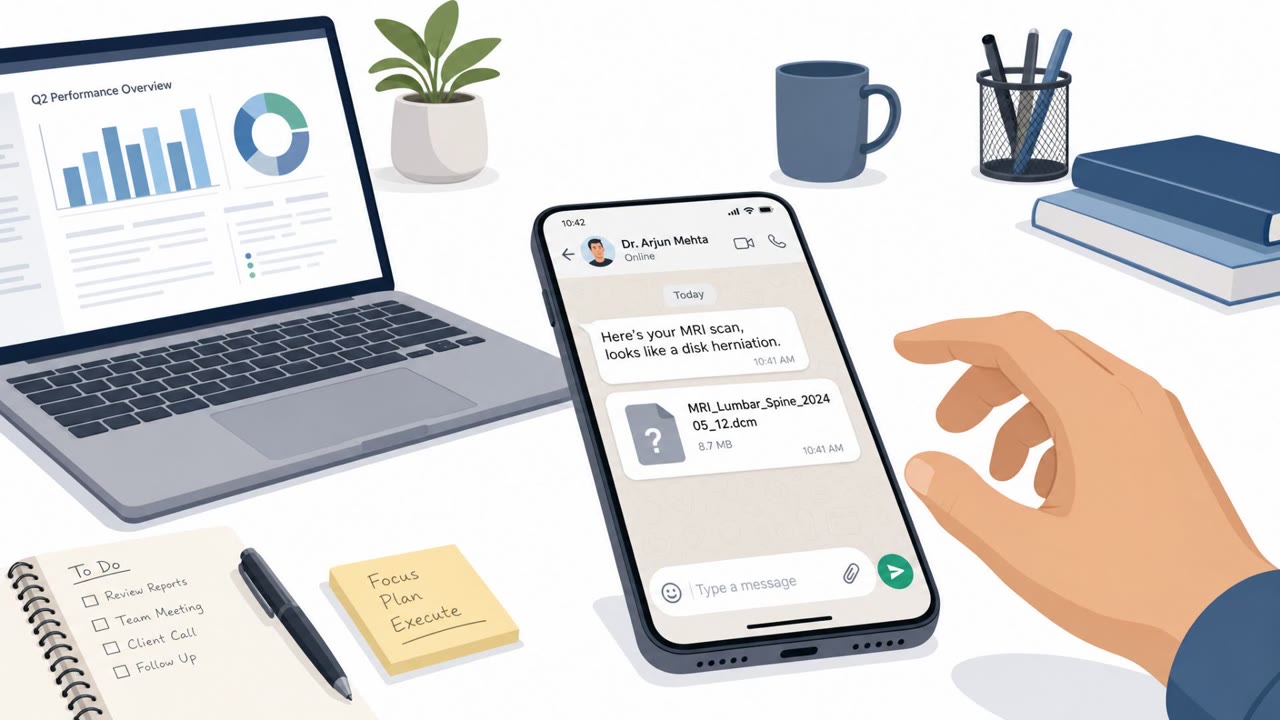
UK, US, and Dutch authorities reported Iranian state-linked cyber actors using social messaging apps like Telegram and WhatsApp to build trust with dissidents, activists, and journalists. The actors then convince targets to open “legitimate-looking” files (fake apps or documents like MRI results) that secretly install CHOSEN BRICK malware to steal messages, emails, contacts, and other sensitive information.
How the attack worked
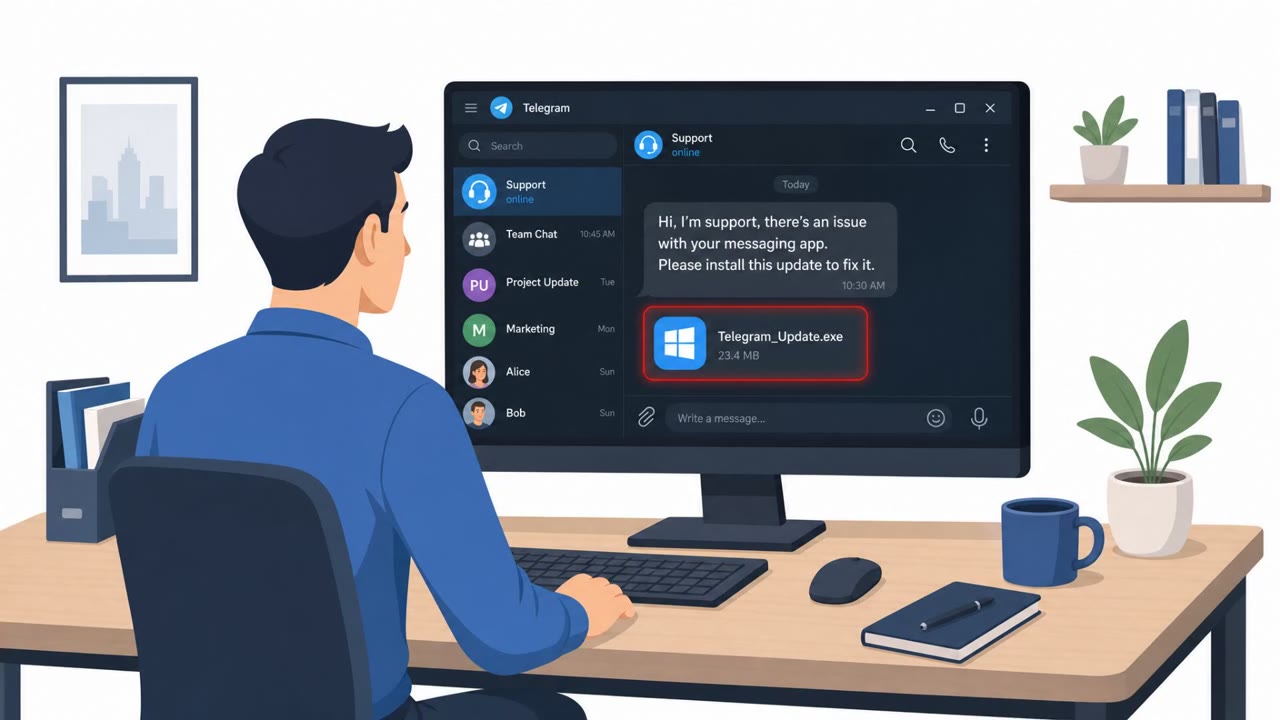
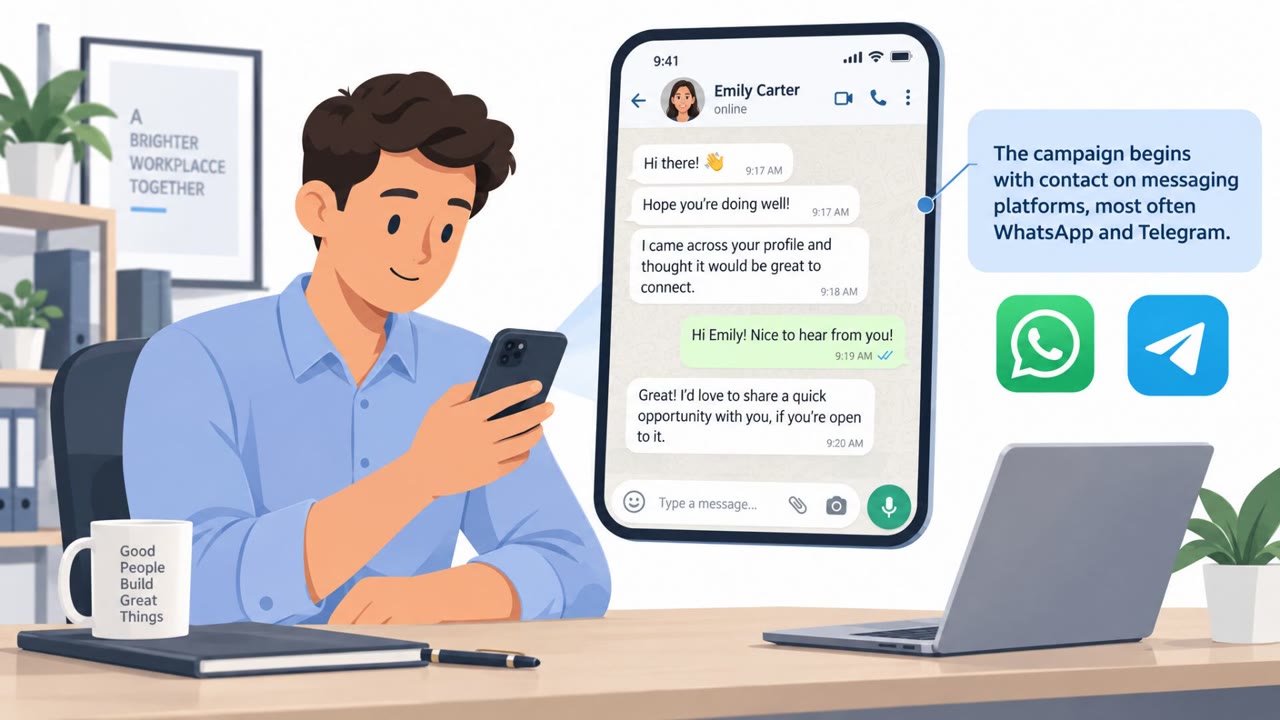
According to the UK NCSC advisory, Iranian state-linked cyber actors approached dissidents, activists, and journalists directly through social messaging apps, primarily Telegram and WhatsApp. The actors posed as trusted entities, sometimes claiming to be an individual the target already knew, other times posing as technical support from the messaging platform itself. This initial contact was used to build rapport over time before any malicious content was introduced.
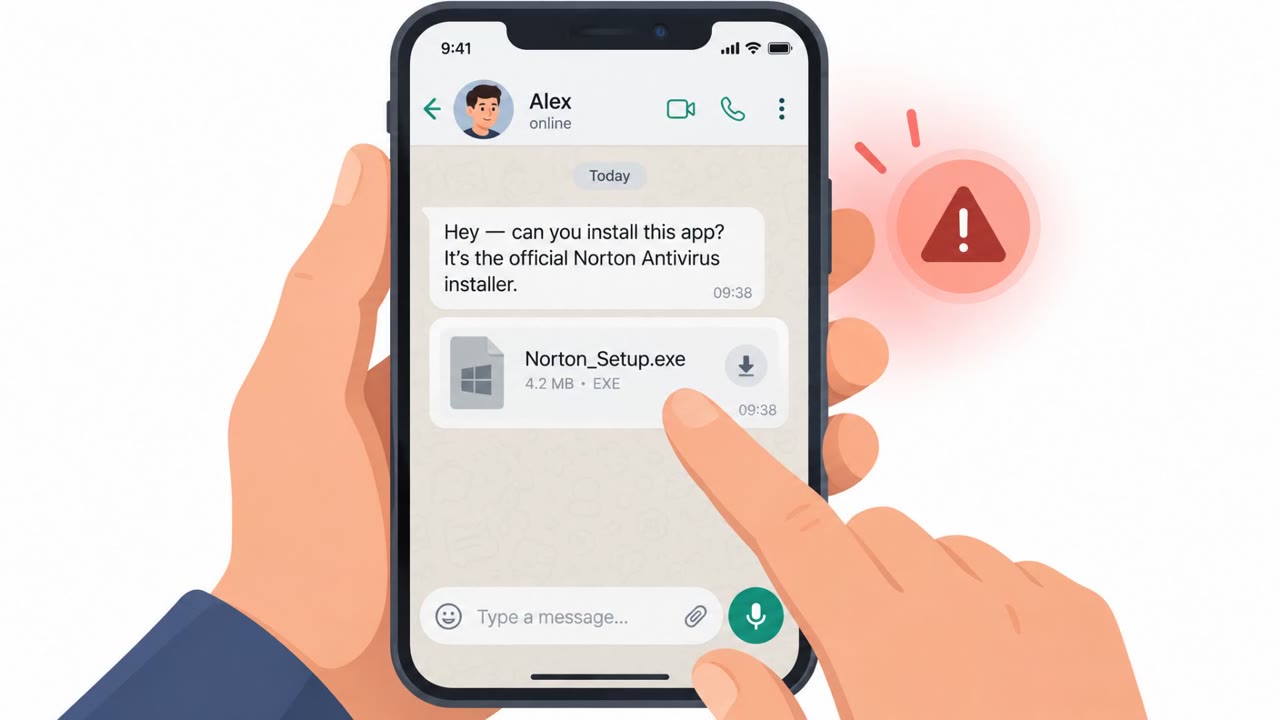
Once trust was established, the actor persuaded the target to download and open a file that looked authentic. Observed lures included installers disguised as well-known software such as Telegram, Norton Antivirus, Adobe Flash Player, KeePass, Pictory, and RunwayML, as well as documents presented as MRI scan results. Opening these files led to the installation of CHOSEN BRICK malware, which uses Telegram for command-and-control and can steal emails, messages, screen captures, contacts, and other sensitive information.
Why it succeeded
The approach worked because it relied on gradual trust-building rather than a single urgent message. By impersonating a known contact or platform support, the actor lowered the target's guard before ever requesting a download. The file types chosen, familiar apps and personal medical documents, were designed to feel routine and non-threatening rather than suspicious.
When a work device blocked delivery, the actor adapted by asking the target to open the file on a personal device instead, bypassing corporate security controls entirely. This flexibility meant a single technical safeguard was not enough to stop the attack chain.
What to watch for
- Unsolicited chat messages that build rapport before pushing a file download
- Contacts claiming to be platform
Key findings
- Actors initiate contact over social messaging platforms (notably Telegram/WhatsApp) while pretending to be trusted entities.
- They build rapport first, then persuade the target to download and open a file that looks authentic (fake apps or documents).
- Observed lures included installers disguised as common software (e.g., Telegram, antivirus, KeePass) and files that looked like “MRI scan results.”
- If delivery to a work device is blocked, the actor may ask the target to open the file on a personal device to bypass corporate controls.
- CHOSEN BRICK uses Telegram for command-and-control and can steal emails, messages, screen captures, and other sensitive data; some victim data later appeared on pro-Iranian leak sites.
- The advisory highlights specific domains that may appear in logs unexpectedly (e.g., api[.]telegram[.]org, vultrobjects[.]com, storjshare[.]io).
Who’s being targeted
- Commonly targeted roles: All staff (with emphasis on at-risk individuals), Journalists / newsroom teams, Executive leadership, Communications and public-facing staff, NGO / human rights organization staff, IT helpdesk and security teams (for reporting and response).
- Affected industries: Media and journalism, Human rights and civil society organizations (NGOs), Government / public sector (dissident monitoring), Technology platforms (messaging apps used as delivery channels).
- Attack channels: telegram, whatsapp.
- Impersonated: Telegram technical support, Someone previously known to the target, Trusted entity sharing a recommended tool/application.
Red flags to watch for
- “Support” contacts you first via chat and pushes a file download
- Being asked to install software sent directly in a message instead of using an official app store/site
- Pressure to switch from work device controls by moving to a personal device
- Unexpected sensitive attachment delivered via chat
- File tries to appear legitimate while doing something in the background
- Sender identity can’t be verified through a known, separate channel
- Software installer delivered via direct message instead of official source
- The app name is well-known, but the download method is unusual
- Asked to move the process to a personal device if a work device blocks it
Frequently asked questions
How do Iranian cyber actors initiate contact with targets?
They reach out over social messaging platforms like Telegram and WhatsApp, pretending to be trusted entities such as technical support or someone the target already knows.
What kind of files are used to deliver the malware?
Lures include installers disguised as common software like Telegram, Norton Antivirus, Adobe Flash Player, and KeePass, as well as documents that appear to be MRI scan results.
What happens if a work device blocks the malicious file?
The actor may ask the target to open the file on a personal device instead, which helps evade corporate security controls.
What does the malware do once installed?
CHOSEN BRICK uses Telegram for command-and-control and can steal emails, messages, screen captures, and other sensitive data, some of which has later appeared on pro-Iranian leak sites.
Read the video transcript
Imagine this: you’re on Telegram, and “Telegram Support” suddenly messages you about a problem with your account. This is how CHOSEN BRICK malware lands: they build friendly chat on Telegram or WhatsApp, then send a fake app or document, like a Telegram installer, antivirus, KeePass, or even bogus MRI scan results, for you to open. Once you run it, CHOSEN BRICK quietly talks back over api.telegram.org and similar domains, grabbing your messages, emails, contacts, even screenshots, and some of that data has shown up on pro-Iranian leak sites. If anyone on chat, even “support” or a known name, sends you software or a document to install, don’t open it. Go to the official app store or vendor site yourself, and report it to security.