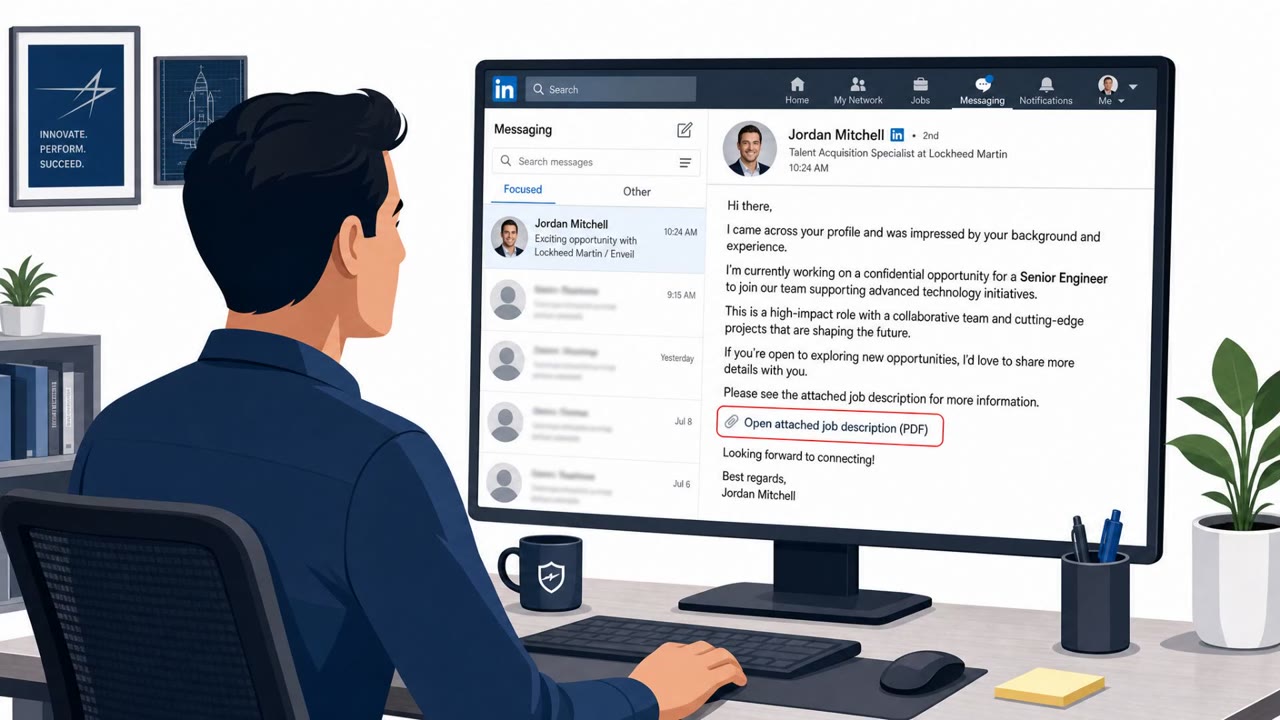
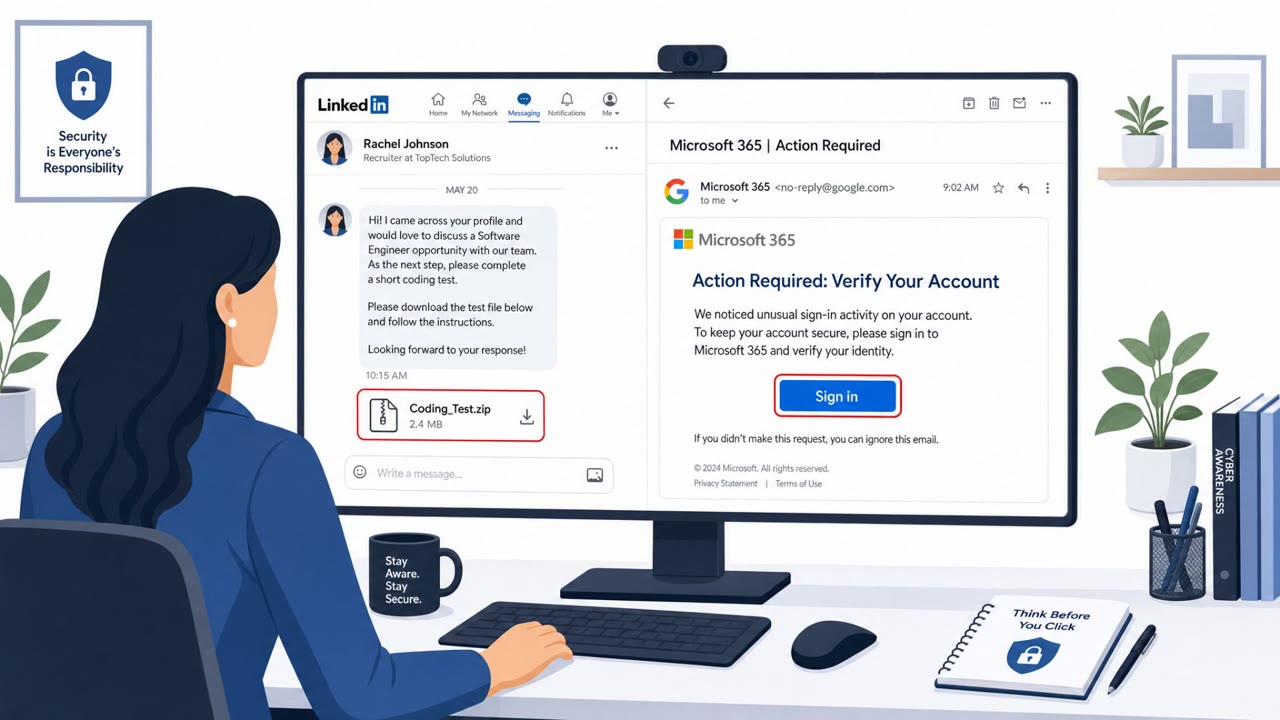
Researchers say the North Korea-linked Lazarus group ran “Operation Dream Job,” posing as recruiters and sending fake job offers to lure targets into downloading trojanized PDF tools and opening booby-trapped PDFs. The campaign focused largely on defense-related organizations and used both a Windows zero-day and fake company websites to deliver malware and gain deep control of victims’ systems.
Key findings
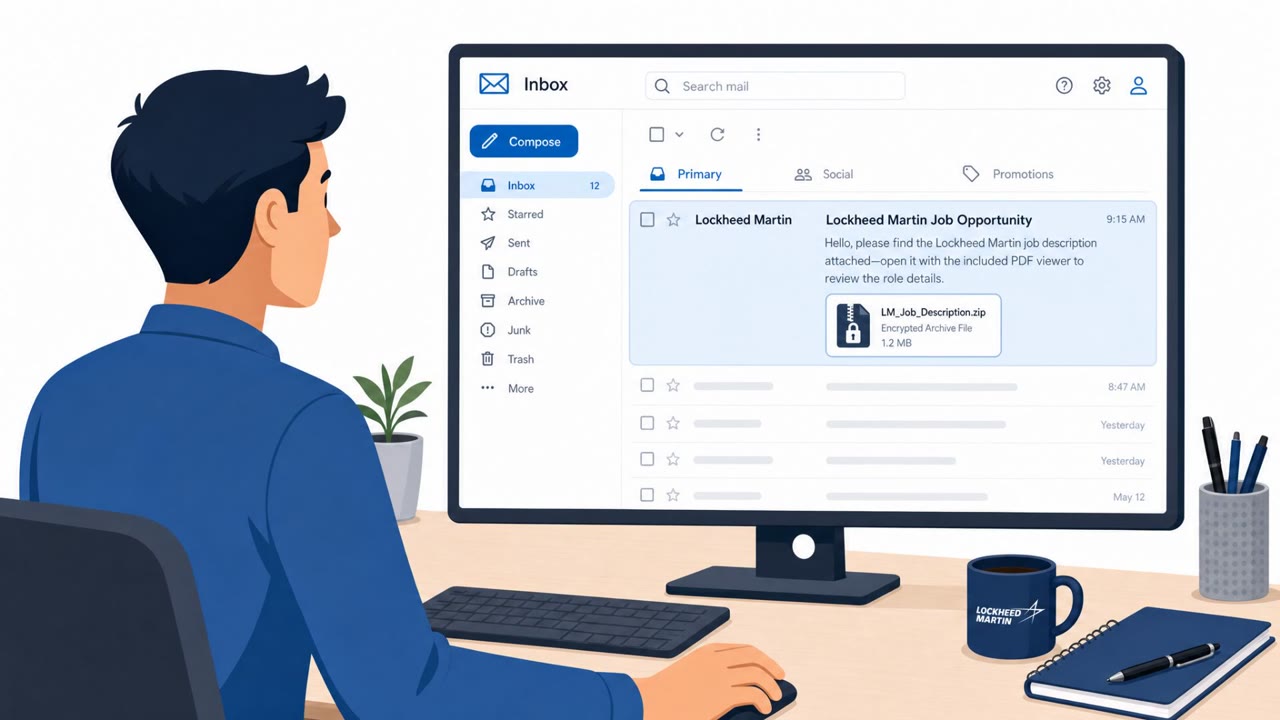
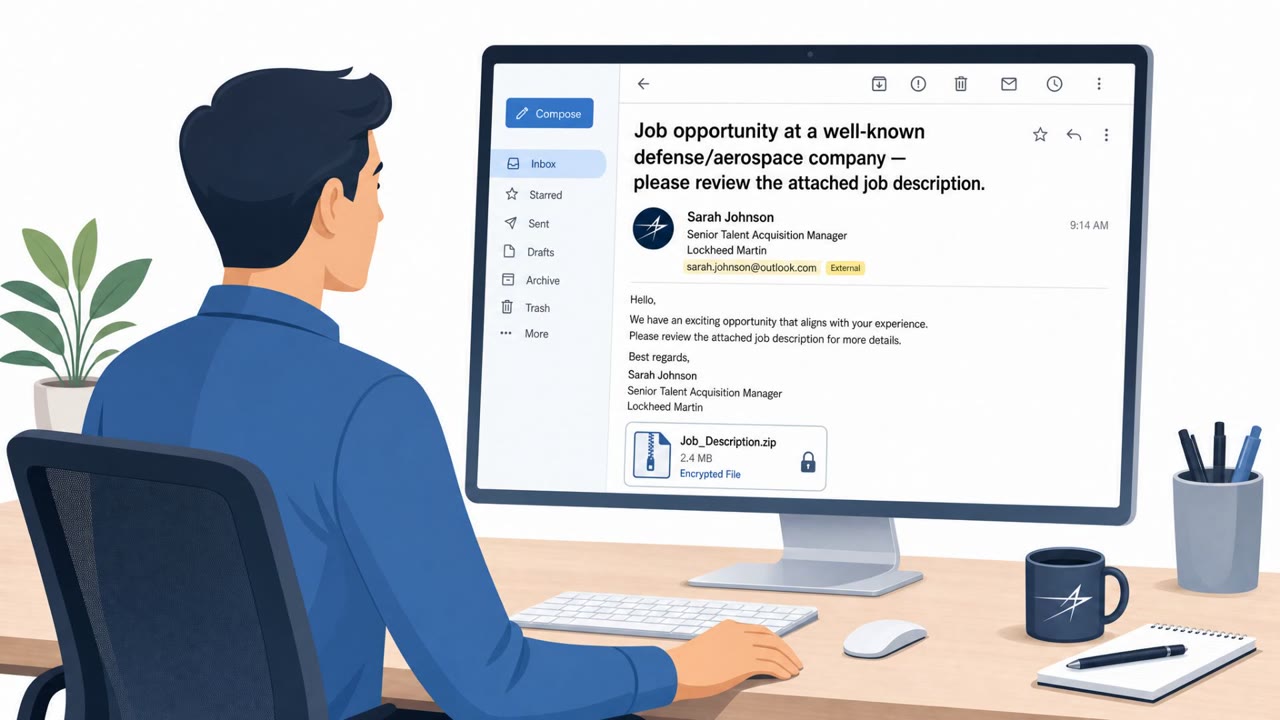
- Lazarus ran “Operation Dream Job,” posing as recruiters and luring victims with job opportunities at well-known companies (e.g., a decoy document with a Lockheed Martin job description).
- Victims were directed to download malicious files, including an encrypted ZIP containing a legitimate PDF viewer, a malicious DLL (DLL sideloading), and an encrypted payload disguised as a PDF.
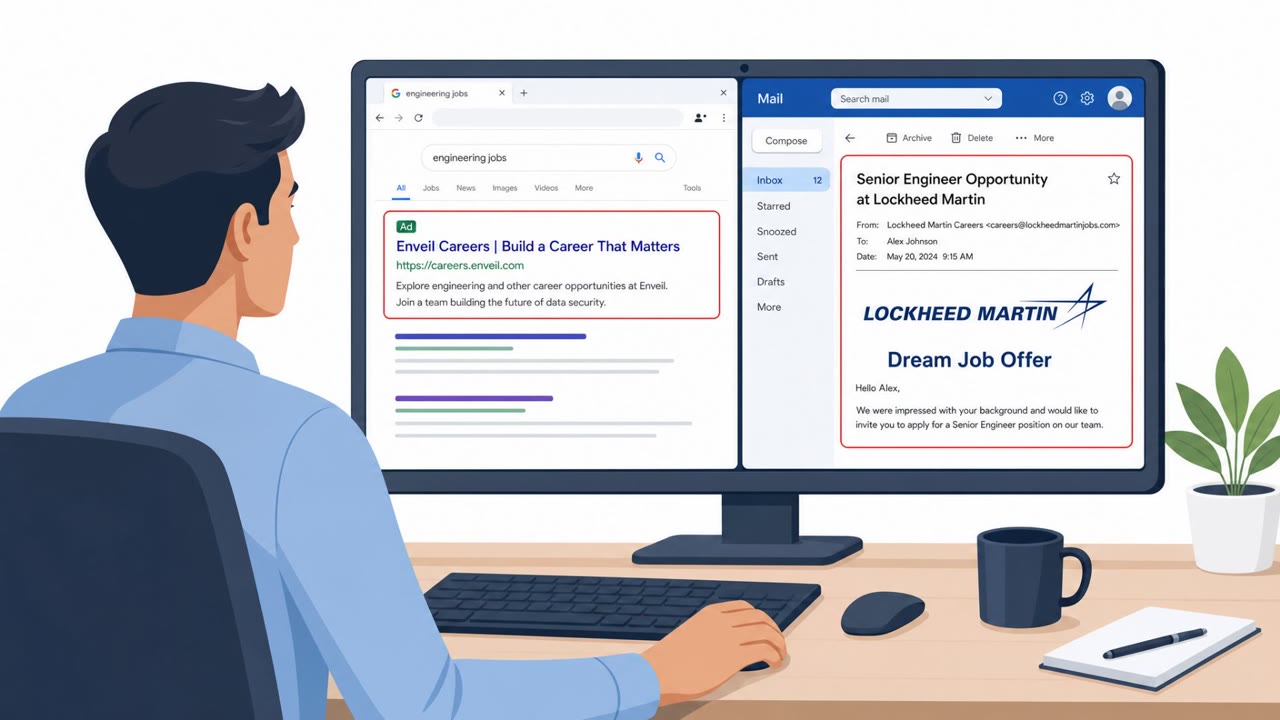
- A second chain used fraudulent job offers impersonating Enveil and instructed targets to download “SecurityPDF,” a trojanized PDF viewer; opening an attacker-prepared PDF triggered payload execution and installed the “Troy” backdoor.
- Attackers exploited a Windows local privilege escalation zero-day (CVE-2026-68820) to gain SYSTEM privileges; Microsoft patched it on August 11, 2026.
- Lazarus compromised Roundcube webmail and other servers to relay command-and-control traffic, including deploying a PHP web shell called “RelayShell.”
- In at least one case, a compromised organization in France was used to send spear-phishing messages to additional targets.
Who’s being targeted
- Commonly targeted roles: Defense sector staff, Engineering, IT / System administrators, Security operations, HR / Talent acquisition, Executive leadership.
- Affected industries: Defense sector, Government, IT (system administrators/IT professionals).
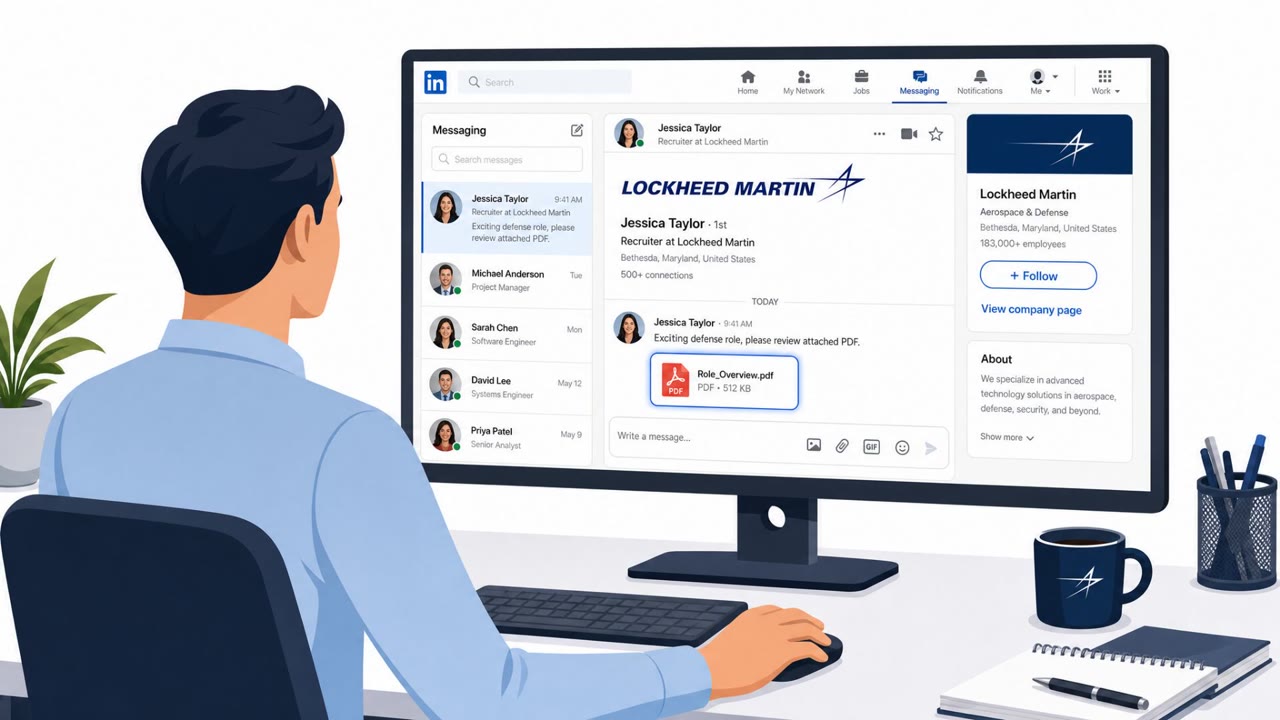
- Attack channels: linkedin, email.
- Impersonated: Recruiter (job opportunity at well-known companies, e.g., Lockheed Martin), Enveil (impersonated by attackers).
Awareness takeaways
- Treat unsolicited recruiter/job outreach as untrusted until independently verified via official company channels.
- Do not install “special” viewers or tools to open a document from a job offer; use approved software and report the message to security.
- Watch for brand impersonation and lookalike websites in hiring-related communications; check the exact domain before downloading anything.
- Defense-sector and IT staff should be specifically briefed that job-offer phishing can be used for high-impact espionage, not just credential theft.
Red flags to watch for
- Unsolicited recruiter outreach with urgent push to open/download files
- Job documents delivered as encrypted archives or unusual file formats
- Recruiter cannot be verified through official company channels
- Job offer instructs you to install a specific “viewer” from a website rather than using standard tools
- Vendor website looks real but is not the official domain (lookalike site)
- A PDF that requires a special viewer to open is unusual and risky
Read the video transcript
You get a LinkedIn message: “Hi, I’m recruiting for Lockheed Martin, saw your profile…” Sounds flattering, right? This is Lazarus’ “Operation Dream Job.” They pose as recruiters, send a Lockheed Martin job description, then push you to download an encrypted ZIP with a PDF viewer and a “job details” PDF. In another chain, fake Enveil job offers tell you to install a special PDF tool called “SecurityPDF” from a lookalike website, then open their attached PDF. One click, and the Troy backdoor plus a Windows zero‑day give them SYSTEM‑level access. Here’s the move: if any job offer tells you to download a special viewer or tool to open their PDF, stop and forward it to Security, do not install it, no matter how good the job sounds.