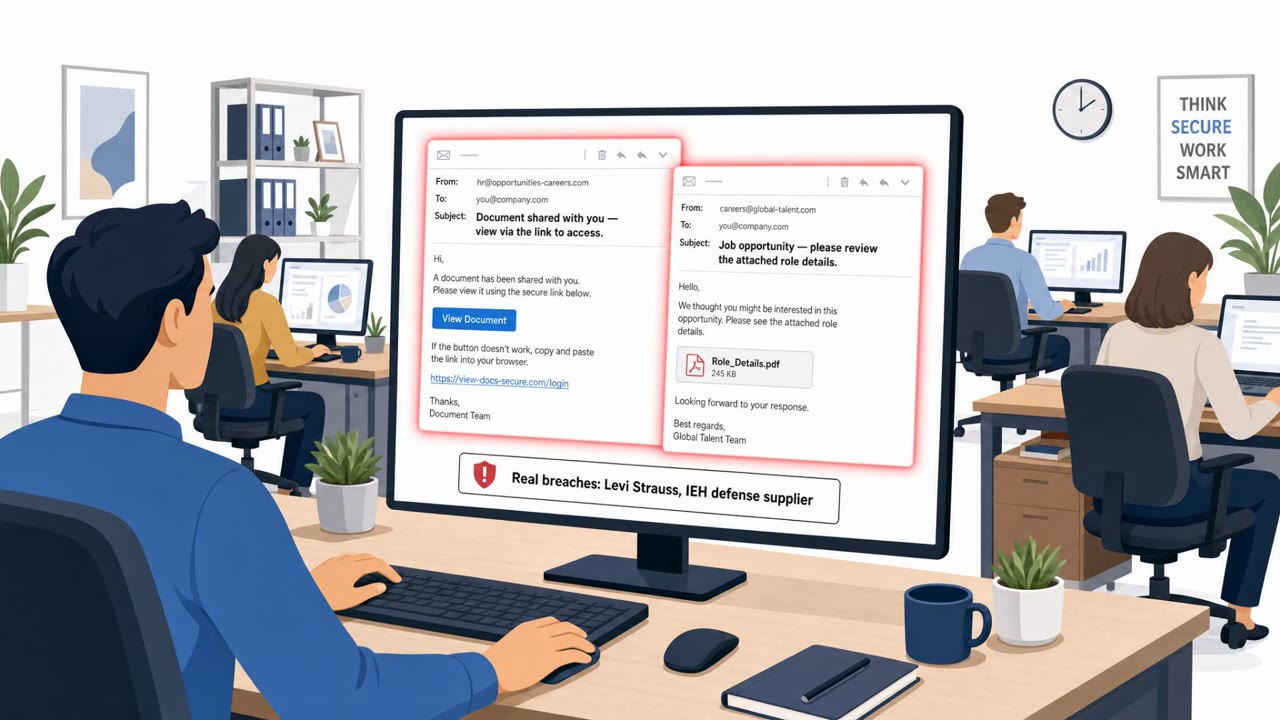
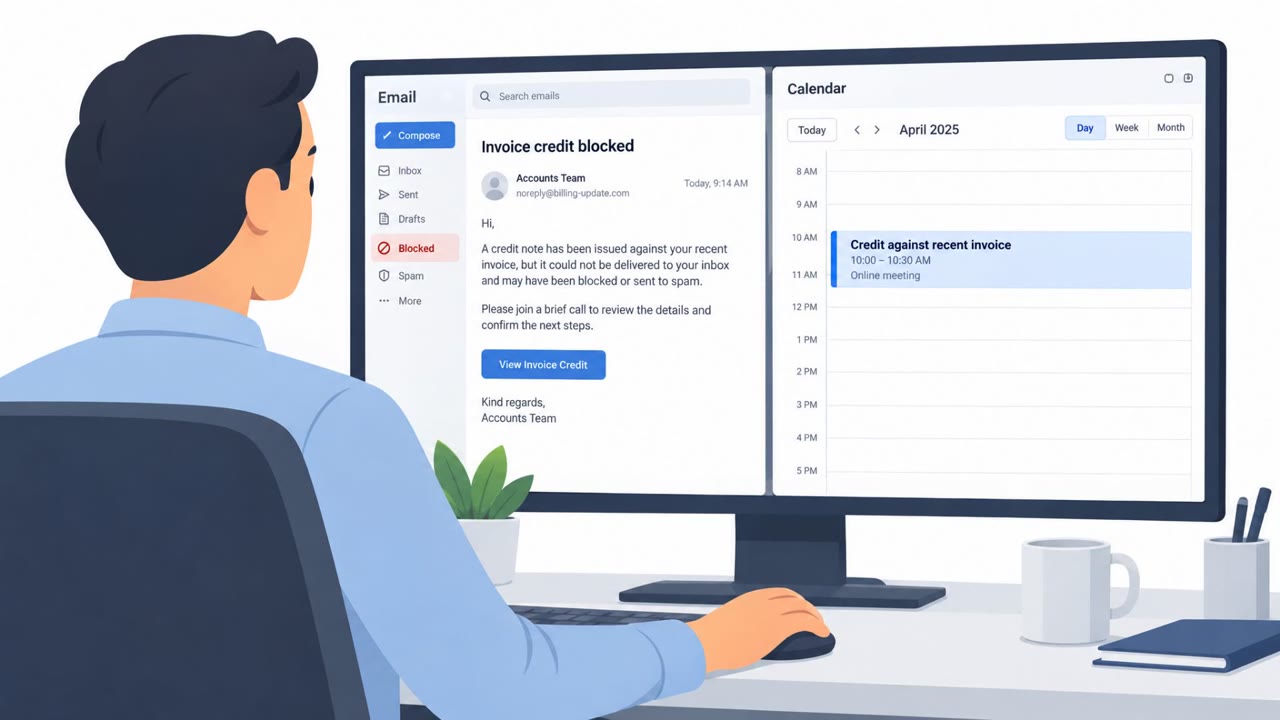
Researchers describe a real, ongoing Lazarus-linked campaign where targets are lured with attractive job offers and tricked into downloading a PDF viewer and “job description” documents. Opening the files installs backdoors and, in at least one wave, attackers used a Windows zero-day to gain deep control and reduce security visibility. The campaign heavily targets defense, aerospace, and aviation organizations, especially in Europe and India.
Key findings
- Operation Dream Job uses job-offer lures to trick targets into downloading and opening files that install malware.
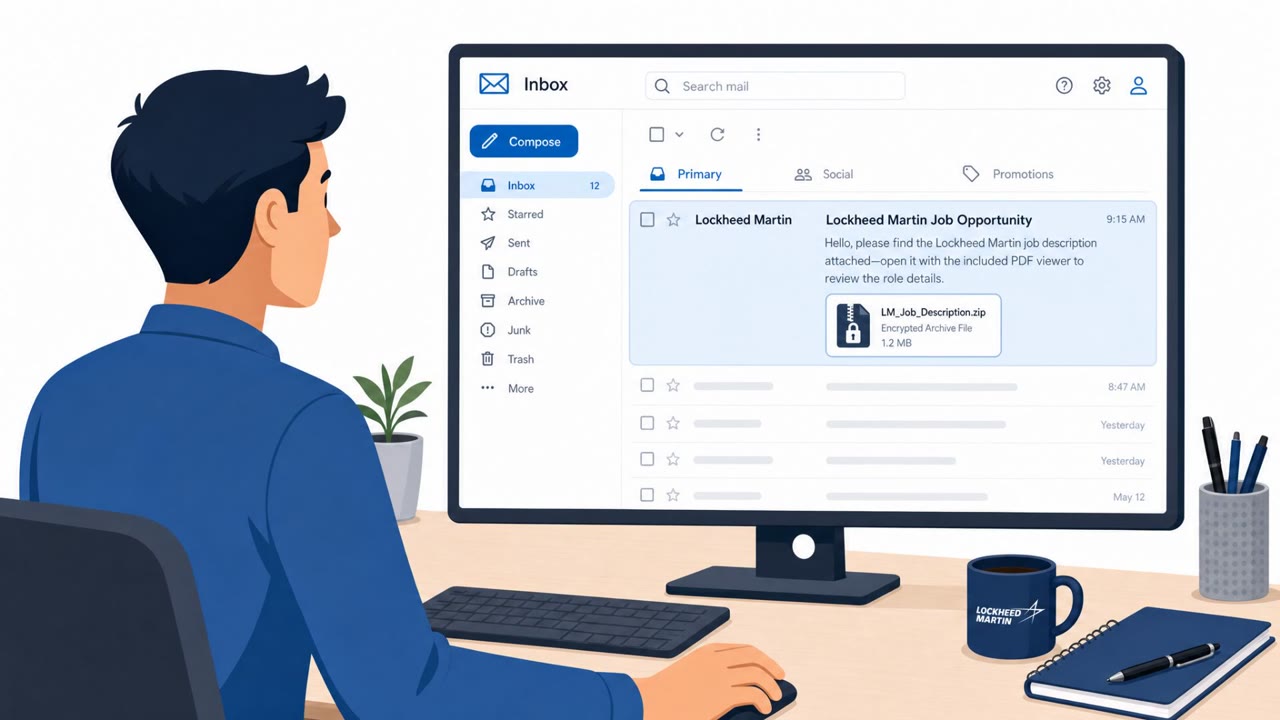
- Attackers used encrypted ZIP archives containing a legitimate PDF viewer plus a malicious DLL and payload disguised as a PDF.
- A newer infection chain uses a trojanized PDF viewer (“SecurityPDF”) plus a crafted PDF that triggers payload extraction and execution.
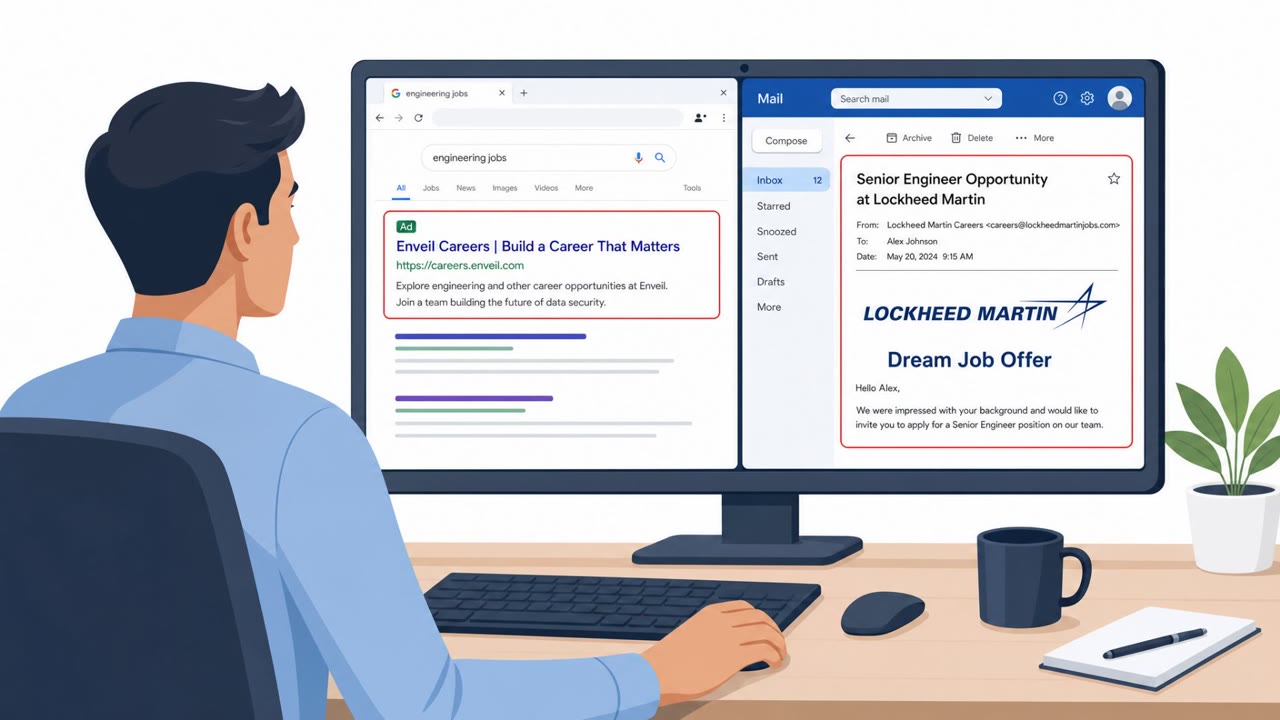
- The campaign included impersonation websites and SEO to make downloads look legitimate (notably impersonating Enveil).
- Lazarus exploited a Windows zero-day (CVE-2026-68820) to gain SYSTEM privileges and deploy the FudModule kernel rootkit.
- Attackers also exploited vulnerable Roundcube webmail servers (CVE-2025-49113) and used RelayShell webshells as relay infrastructure.
- In at least one case, a compromised Western European organization was used as a trusted launch point for further spear-phishing.
Who’s being targeted
- Commonly targeted roles: Engineering, Aerospace/Aviation staff, Defense program teams, HR/Recruiting, Executive leadership.
- Affected industries: Defense, Aerospace, Aviation.
- Attack channels: email, website.
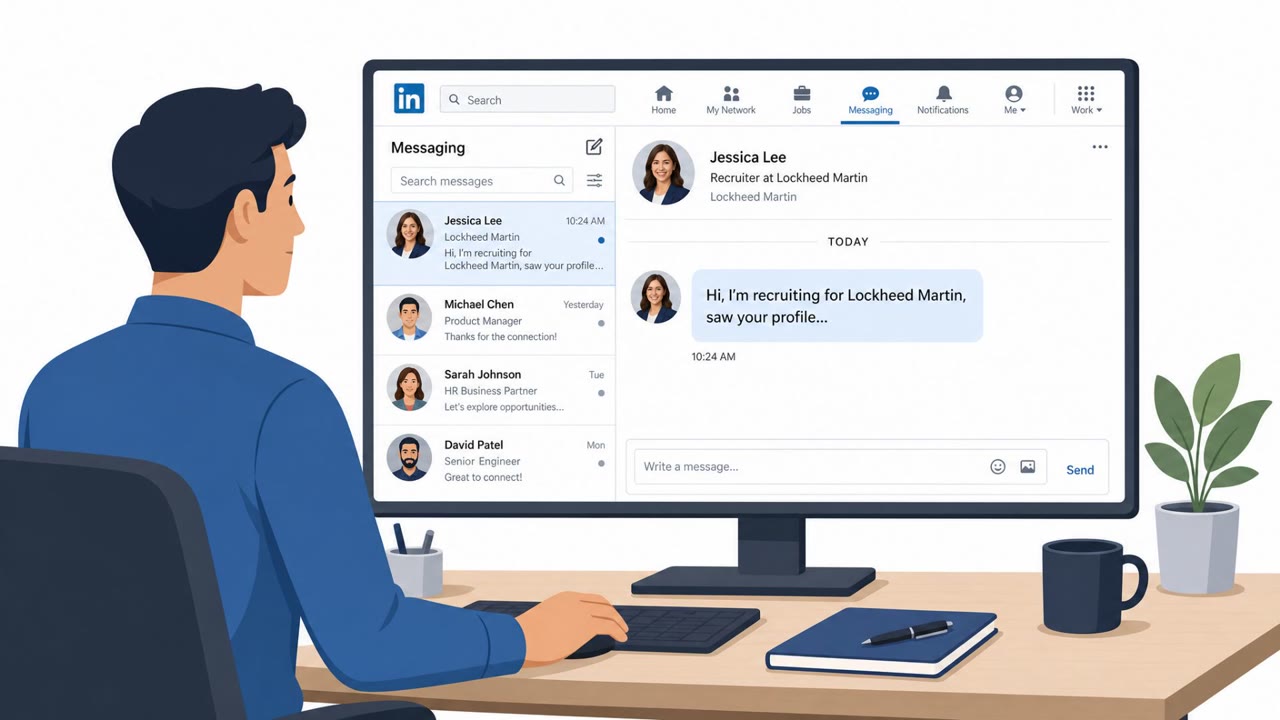
- Impersonated: Recruiter for a well-known defense/aerospace company, Enveil (impersonated as the hiring company/vendor).
Awareness takeaways
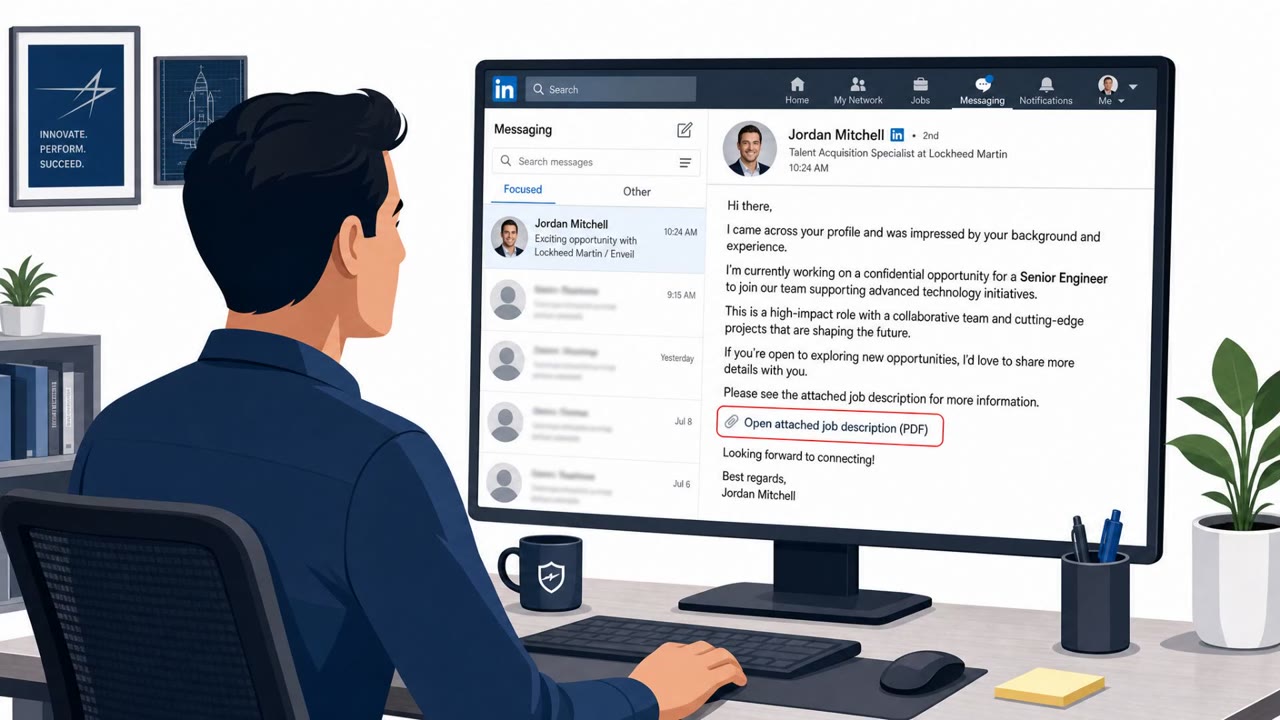
- Treat unsolicited job opportunities (especially in defense/aerospace) as high-risk and verify the recruiter and company through independent channels before opening files.
- Never run a ‘viewer’ or other executable received via a job application message just to read a document; use approved tools and security review processes.
- Be suspicious of vendor downloads reached via search results; attackers can use SEO and lookalike sites to make malicious installers seem legitimate.
- Assume attackers may split delivery into steps (document first, ‘tool’ later) to evade defenses; report any multi-step download instructions to security.
Red flags to watch for
- Encrypted ZIP archive sent unexpectedly
- Instructions to run a viewer executable to read a PDF
- Decoy “job description” content used to distract while malware runs
- Download link points to a lookalike ‘vendor’ website found via search results
- Viewer behaves unusually (e.g., asks to use a specific app to open a simple PDF)
- Hidden execution triggered by opening a document
Read the video transcript
You get an email from a recruiter: “Job opportunity at a well-known defense company, see attached job description.” Sounds legit, right? This is Operation Dream Job. The ZIP hides a “PDF viewer” EXE, a fake PDF, and a malicious DLL. You run the viewer, a decoy job description opens, and in the background malware installs using a Windows zero-day. In another wave, they impersonate Enveil, push a trojanized “SecurityPDF” from a lookalike website, and any PDF with a hidden marker triggers payload execution every time you open it. Here’s the move: if a job email or vendor says “download our special viewer” to open a PDF, stop. Don’t run it, forward the message to security and ask them to check it.