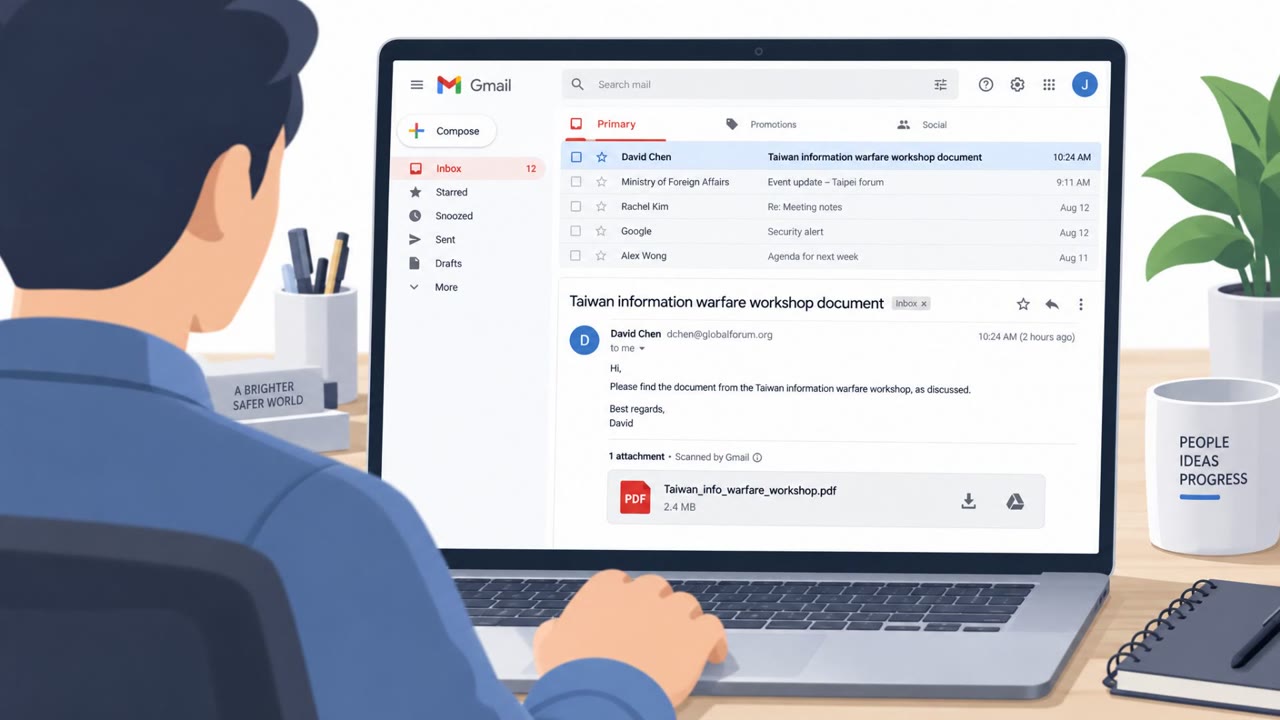
Researchers observed a real phishing campaign that abused Microsoft 365’s “Direct Send” feature to deliver messages that looked like they came from trusted internal addresses (HR, accounting, admin). The emails commonly used familiar business lures like invoices, payment approvals, voicemail alerts, and OneDrive file shares, and were timed to hit employees during US Eastern business hours.
Key findings
- KnowBe4 observed 29,785 confirmed phishing emails abusing Microsoft 365 Direct Send in July–August 2026.
- Attackers timed sends for US Eastern business hours, peaking just before noon and around 2pm EST, mainly Monday–Tuesday.
- Emails appeared to come from trusted internal roles (HR, accounting, admin) and could bypass normal email gateways by going direct to Exchange Online MX.
- About 35% of phishing emails carried attachments, and “virtually all” of those were classified as threats.
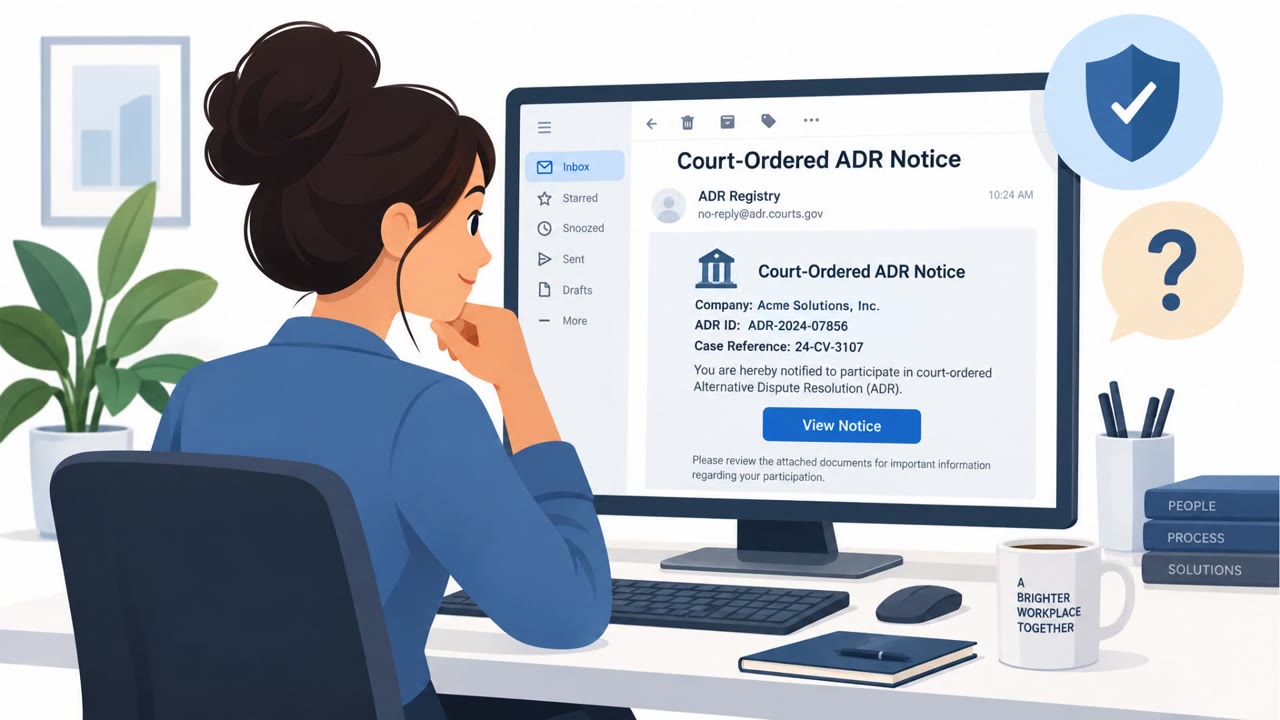
- Common lures included fake document requests, internal voicemail alerts, invoices/payment approvals, and fake OneDrive file shares.
- 4,023 malicious emails used a mismatched reply-to domain to route responses directly to the attacker.
- One observed send reached 900 recipients at once.
Who’s being targeted
- Commonly targeted roles: All employees, Finance / Accounts Payable, HR, Executive assistants, IT / Email administrators.
- Attack channels: email.
- Impersonated: Internal HR, Accounting / Accounts Payable, Admin / internal employee (spoofed).
Awareness takeaways
- Treat “internal-looking” emails as suspicious if the request is unexpected (HR, invoices, approvals, voicemail, file shares).
- Be extra cautious during peak business hours, attackers may time phishing to when staff are busiest.
- Don’t reply to suspicious emails, attackers may use a different reply-to domain to capture responses.
- If you manage email controls, strengthen anti-spoofing settings (DMARC/DKIM) and limit Direct Send paths.
Red flags to watch for
- Email appears to be from HR but arrived via an unauthenticated path (Direct Send abuse)
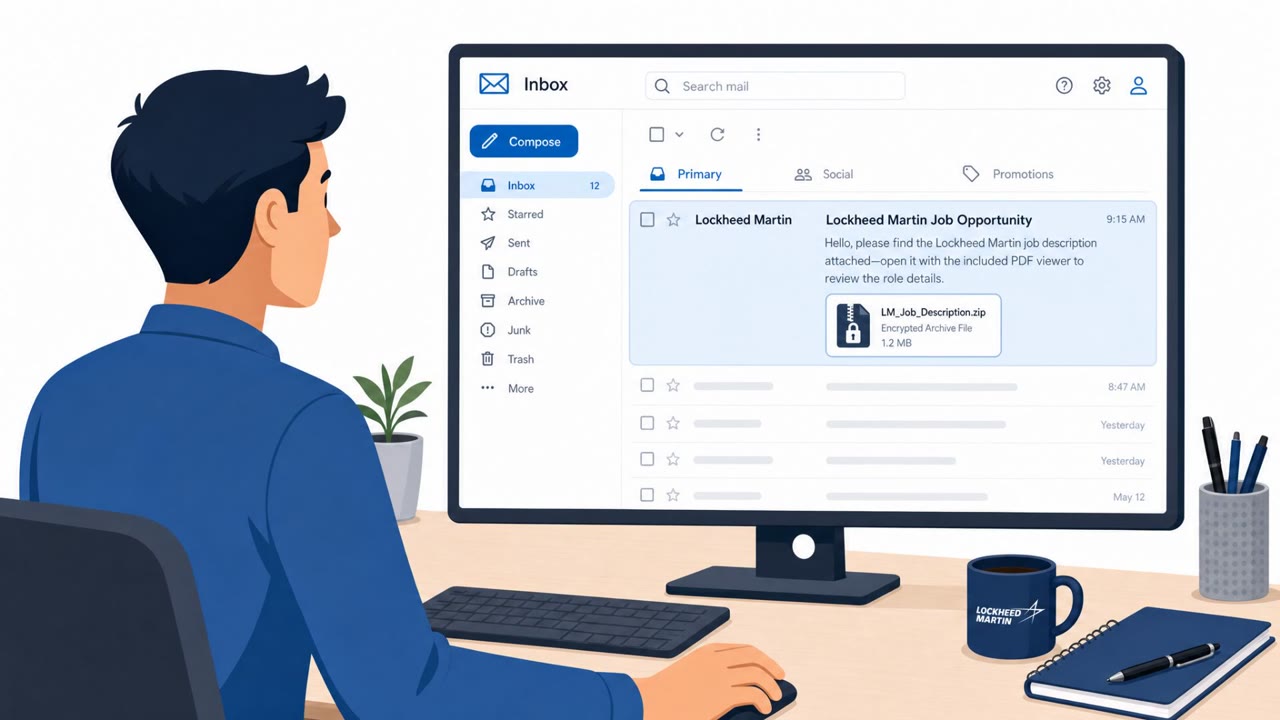
- Unexpected attachment tied to a vague “document request”
- Reply-to address points to a different domain
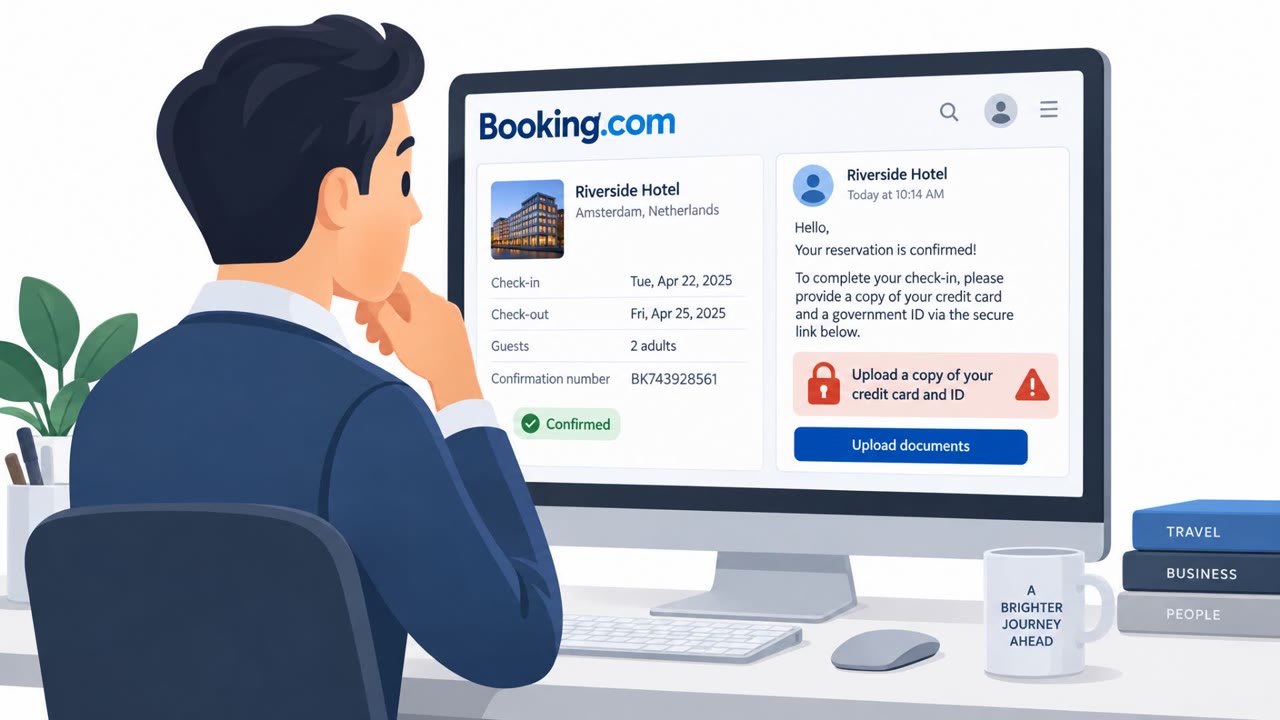
- Unexpected invoice/payment approval request
- Attachment is the primary action driver
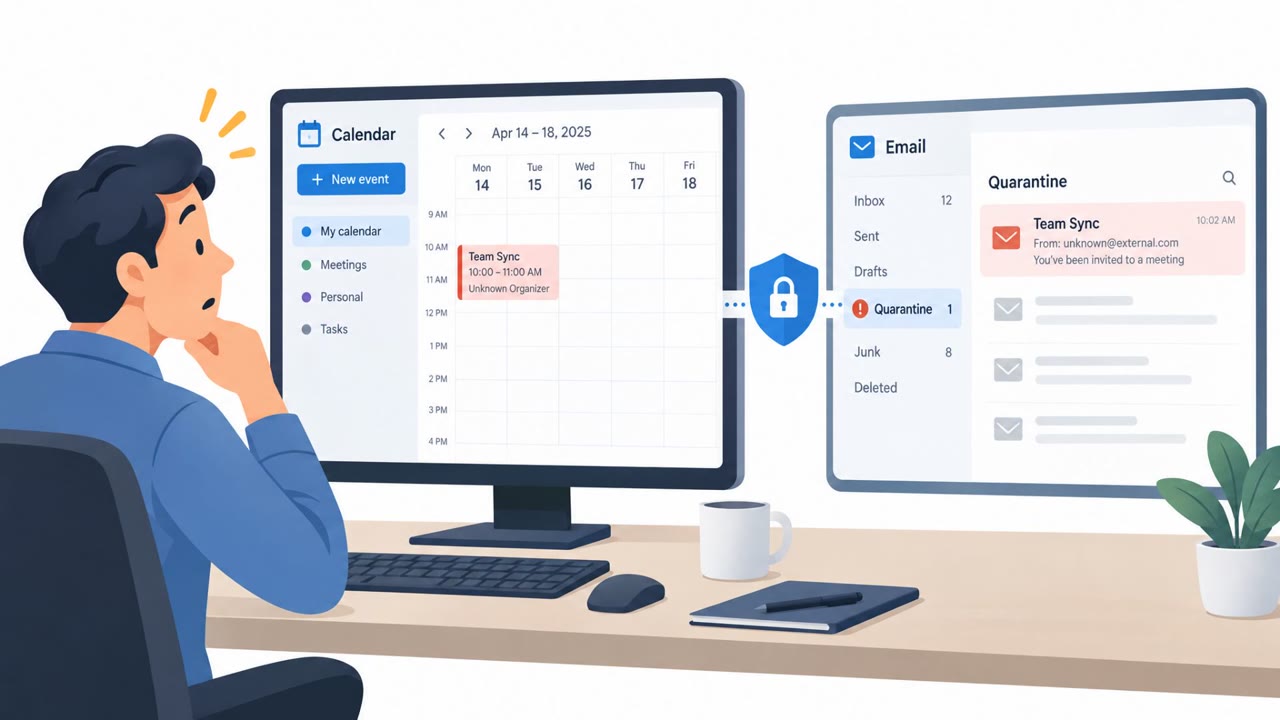
- Message appears internal but bypassed normal security routing (sent via Exchange Online MX endpoint)
- Unexpected OneDrive share from an internal-looking sender
- Link prompts login or downloads a file unexpectedly
- Attack timed during peak business hours to catch employees busy
Read the video transcript
It’s 11:58am, you’re hungry, and an email from “HR” pops up: “Action required: Document request.” Behind the scenes, Microsoft 365 Direct Send let this hit your inbox as if it came from inside HR, skipping the usual email gateway checks. Here’s the trick: vague document or invoice request, risky attachment, and a reply-to that quietly points to a completely different domain to catch your response. If an internal HR or invoice email is unexpected, especially with an attachment, stop. Don’t reply or open it, report it with the Phish alert button.