Researchers reported a real phishing campaign that uses legitimate Microsoft OAuth and Teams pages to make the journey look trustworthy. Instead of hosting a fake login site on a suspicious domain, the attackers render the phishing page inside the victim’s own browser using a temporary “blob URL,” reducing the usual warning signs.
How the attack worked
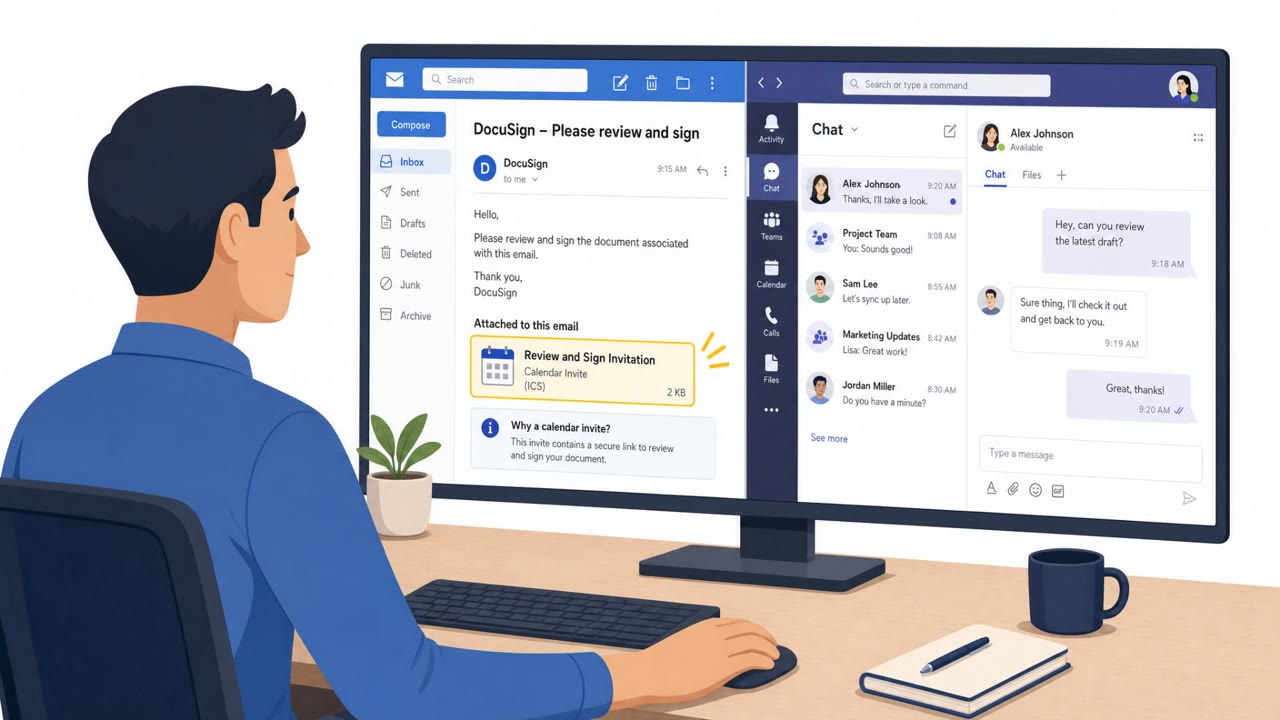
This campaign begins with a DocuSign-themed email carrying a calendar invite as an attachment, designed to look like an ordinary meeting request rather than a document link. The invite is not the actual payload. Instead, it contains a crafted redirect parameter that eventually sends the victim through Microsoft Teams. Teams then loads a resource from an external domain, cdn.bloom[.]io, which results in a phishing page being rendered from a blob URL entirely on the victim's machine, rather than delivered from a standard web server.
Why it succeeded
The technique works because the victim's journey passes through genuine Microsoft OAuth and Teams infrastructure before the fake login page ever appears. Since the phishing content is assembled locally in the browser using a blob URL, there may be no separate phishing website for defenders or filters to identify and block. A service worker and sandboxed iframe give the attacker's backend the ability to send live instructions and adjust what the victim sees in real time, adding further flexibility that static phishing pages lack.
What to watch for
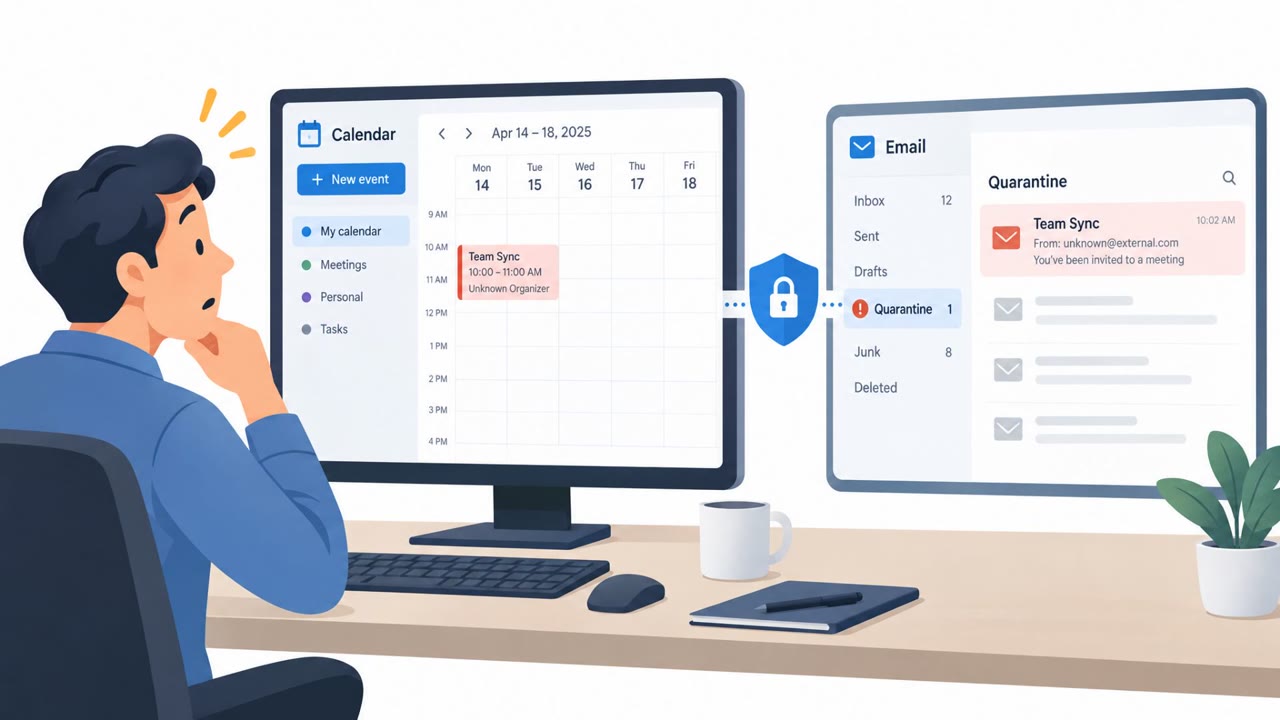
- An unexpected DocuSign-related meeting invite that arrives as a calendar attachment instead of a normal document link
- A sign-in flow that bounces through multiple redirects or unusual destinations before requesting credentials
- Microsoft Teams unexpectedly loading content from an external domain
- Authentication experiences involving a blob URL rather than a conventional website address
- New service worker activity appearing during a login session tied to externally loaded content
How to build resistance
Employees, especially those in finance, HR, and executive roles who frequently handle signing requests, should treat unexpected DocuSign or e-signature invites as worth verifying through a separate known channel before interacting with them. Because this attack relies on the appearance of legitimate Microsoft OAuth and Teams infrastructure, users should not assume a sign-in prompt is safe simply because it looks like it belongs to a trusted service. Adopting phishing-resistant multifactor authentication, such as FIDO2 keys or passkeys, reduces the impact if credentials are still captured. Security operations and identity teams should also shift detection efforts toward behavioral signals, including blob URL activity in authentication contexts and service worker registrations tied to externally loaded content, since this style of attack removes many of the domain-based indicators that traditional phishing detection has relied on.
Key findings
- Victims are routed through legitimate Microsoft OAuth and Microsoft Teams infrastructure before seeing the fake login experience.
- The phishing content is rendered locally using a browser “blob URL,” so there may be no obvious phishing website to block.
- The initial lure is a DocuSign-themed email with a calendar invite attachment designed to look like a normal meeting request.
- Microsoft Teams loads a resource from an external domain (cdn.bloom[.]io), which leads to the phishing page being rendered via a blob URL.
- The phishing page uses a service worker and a sandboxed iframe, enabling the attacker backend to send live instructions and change what the victim sees.
Who’s being targeted
- Commonly targeted roles: All employees, Executives, Finance, HR, IT/Identity & Access Management, Security Operations.
- Affected industries: Multiple industries (any organization using Microsoft 365/OAuth and Teams).
- Attack channels: email, website.
- Impersonated: DocuSign, Microsoft (OAuth/Teams sign-in experience).
Red flags to watch for
- Unexpected DocuSign-related meeting invite rather than a normal document link
- Sign-in flow includes unusual redirect steps or destinations
- Login prompt appears after bouncing through Microsoft services in an unexpected way
- Teams unexpectedly loads content from an external domain
- Authentication experience involves a blob URL (browser-generated local URL) rather than a normal website
- Browser shows new service worker activity tied to externally loaded content during login
Frequently asked questions
What is a blob URL phishing attack?
It is a technique where the phishing login page is assembled locally inside the victim's browser using a temporary blob URL instead of being hosted on a separate suspicious website, which removes many traditional warning signs.
How does the DocuSign calendar invite fit into this attack?
The campaign starts with a DocuSign-themed email containing a calendar invite attachment that looks like a normal meeting request, but its real purpose is to route the victim toward a crafted redirect and eventually a fake Microsoft login.
Why does this attack bypass typical phishing defenses?
Because victims are routed through genuine Microsoft OAuth and Teams infrastructure and the final phishing page is rendered locally via a blob URL, there is often no obvious malicious domain or website for security tools to flag.
What can security teams do to detect this kind of attack?
Teams are advised to monitor OAuth authorization flows and redirect chains for unexpected destinations, inspect blob URL activity during login, and flag service worker registrations tied to externally loaded content.
Read the video transcript
You get an email: “Meeting invitation: DocuSign, Review and sign document.” Looks like a normal calendar invite, right? You open it, click through, and it even bounces you through real Microsoft OAuth and a Teams page. So your guard drops… but that’s the trick. Behind the scenes, Teams quietly loads cdn.bloom.io, then your browser builds a fake Microsoft login inside itself using a blob URL, no obvious phishing site, just a perfect-looking sign-in box waiting for your password. If you get an unexpected DocuSign meeting invite that sends you through odd Microsoft redirects, stop and verify it with the sender over chat or phone before you sign in.