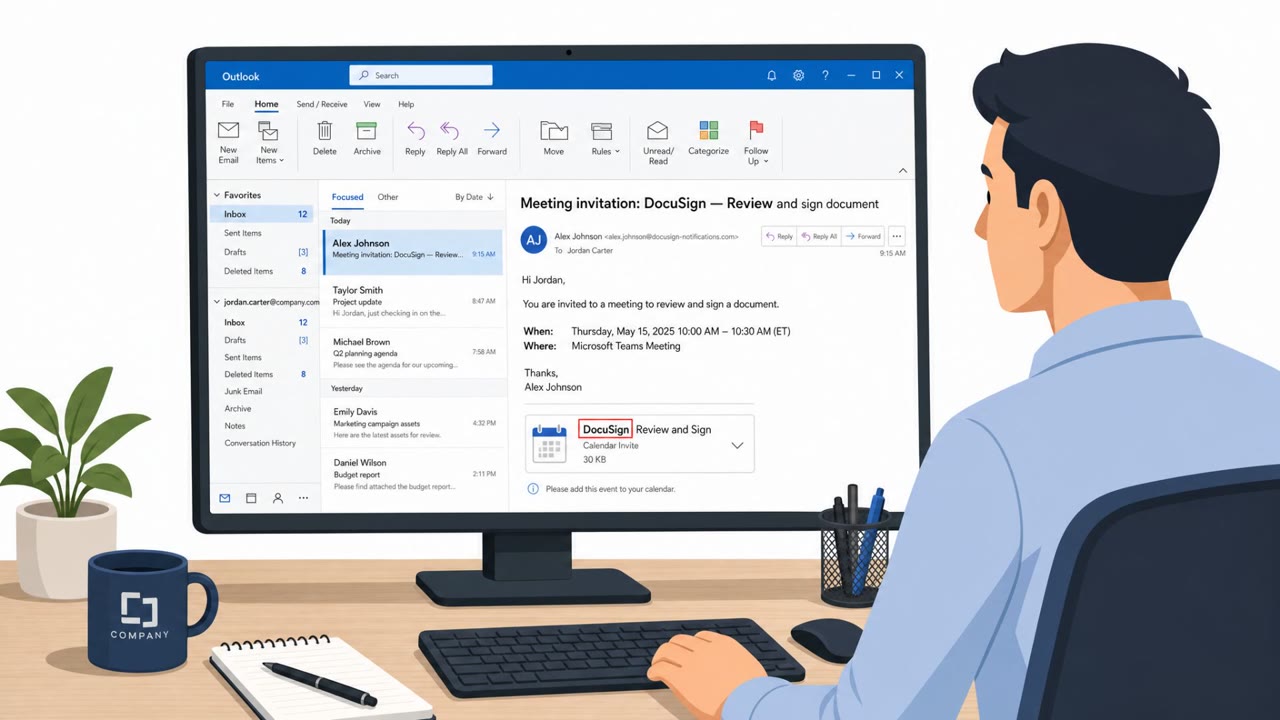
Barracuda observed a real phishing campaign that avoids hosting a traditional fake website. Instead, victims are led through Microsoft Teams to load a resource that their browser converts into a “blob URL,” rendering the phishing page only inside the victim’s browser, making it harder for scanners and blocklists to catch.
Key findings
- Attack starts with a DocuSign-themed email containing an attached calendar invite to appear legitimate.
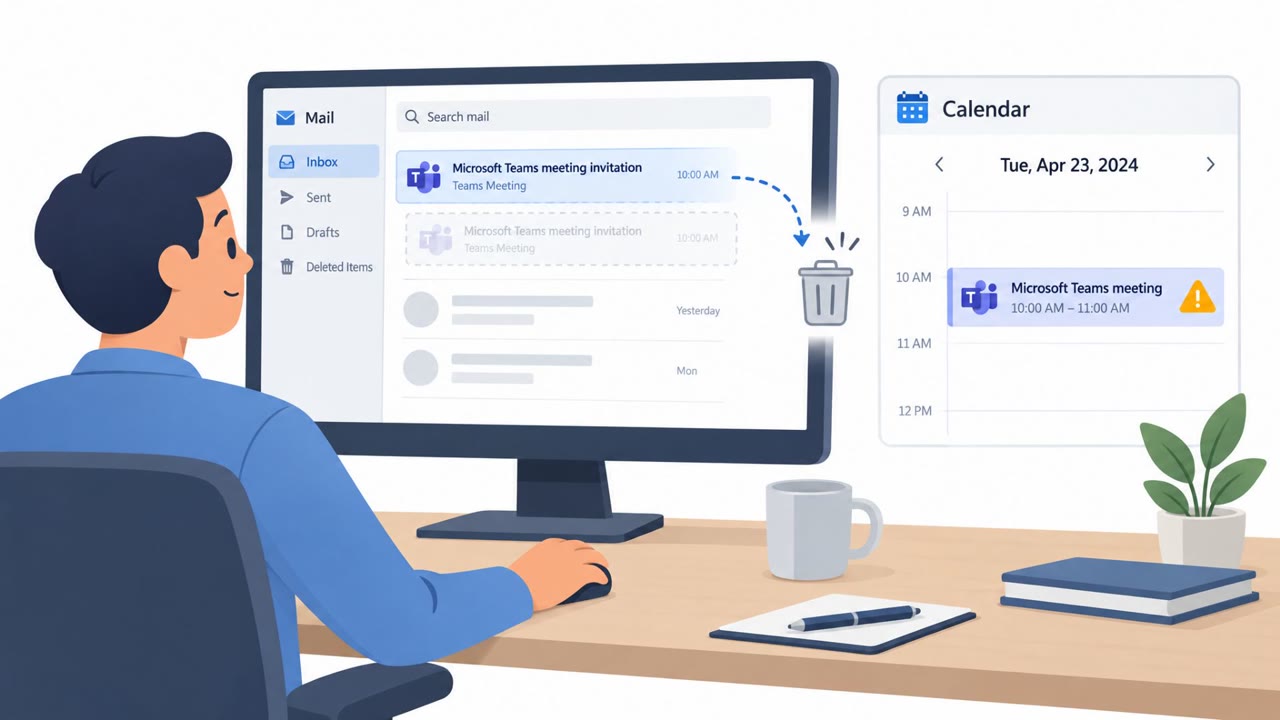
- A crafted redirect sends the victim to Microsoft Teams, which loads an external resource hosted on cdn.bloom[.]io.
- The victim’s browser converts that resource into a blob URL, so the phishing page exists only inside the browser rather than on a normal web page.
- The phishing kit uses service workers/iframes and hidden command-and-control configuration, indicating a centrally managed platform.
- Because the flow is wrapped in trusted Microsoft assets, it is less likely to trigger traditional URL/domain-based detections.
Who’s being targeted
- Commonly targeted roles: All employees, Executives, Finance, Legal, HR, Sales, IT/Helpdesk.
- Affected industries: Cross-industry (any organization using Microsoft 365/Teams and receiving e-signature documents).
- Attack channels: email, website.
- Impersonated: DocuSign (brand-themed email).
Awareness takeaways
- Treat unexpected DocuSign-style requests as suspicious, especially if they include odd extras like calendar invites, and verify with the sender via a known-good channel.
- Be cautious of links that route you through trusted services (like Microsoft Teams) before showing content; attackers may use trusted platforms to hide where you’re really going.
- If a sign-in page appears unexpectedly during a document/viewing workflow, stop and report it, this campaign is designed so there may be “no phishing page to block.”
Red flags to watch for
- Unexpected calendar invite attached to a document-signing email
- Being routed through Microsoft Teams for a document-signing flow you didn’t initiate
- Unusual link destinations/redirects before reaching any real document
Read the video transcript
Imagine this: you get a DocuSign email with a calendar invite attached, and it all opens inside Microsoft Teams. You click, get bounced through a crafted redirect into Teams, which quietly loads cdn.bloom.io. Your browser turns that into a blob URL, so the phishing page lives only inside your browser, there’s almost nothing for filters to block. Here’s the trick: it looks like a normal sign-in, wrapped in trusted Microsoft assets, but you got there from an unexpected DocuSign email, through Teams, and now a blob URL login pops up out of nowhere. If a DocuSign request sends you through Teams and then a surprise login or blob URL appears, stop, don’t sign in. Report it to security right away.