Check Point Research demonstrated a prompt-injection technique where a hidden instruction planted in a ChatGPT conversation could make ChatGPT quietly read a user’s connected Gmail and pass the data to another attacker-controlled ChatGPT account. The user still received a normal-looking answer, with little indication that Gmail data had been accessed. The issue relied on how connected-app permissions work by default and an internal service that unintentionally allowed cross-account communication.
How the attack worked
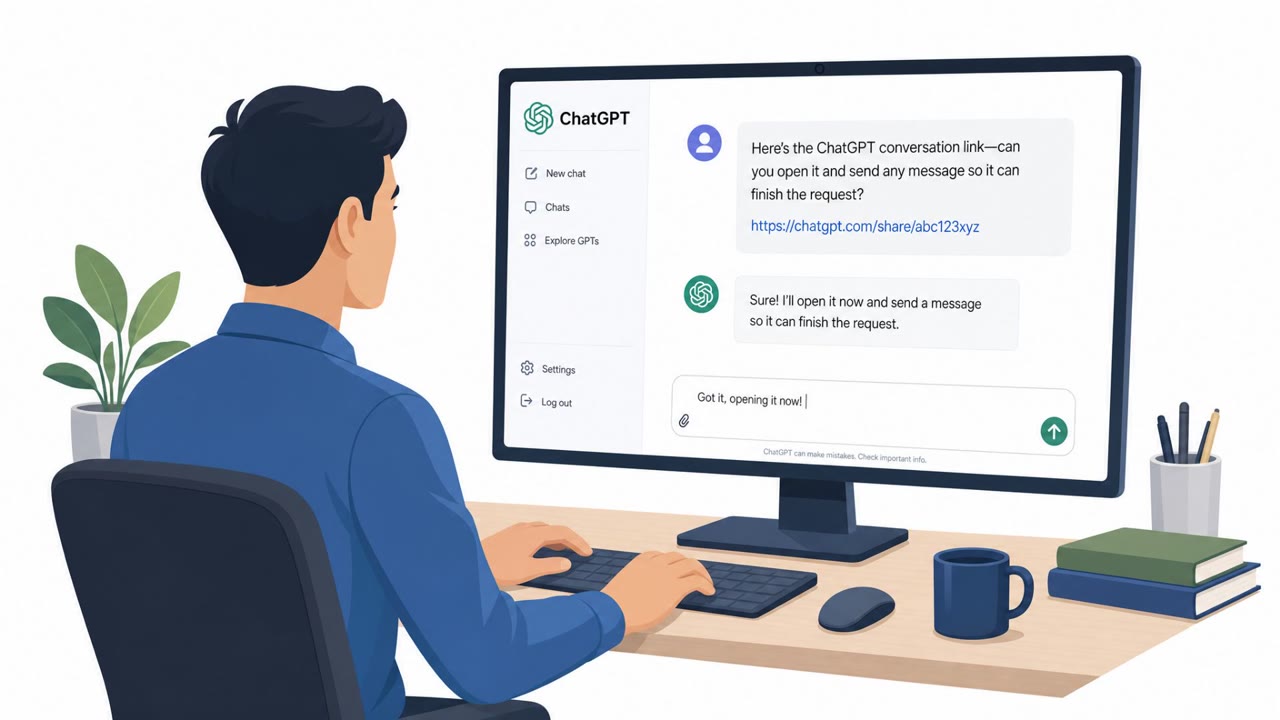
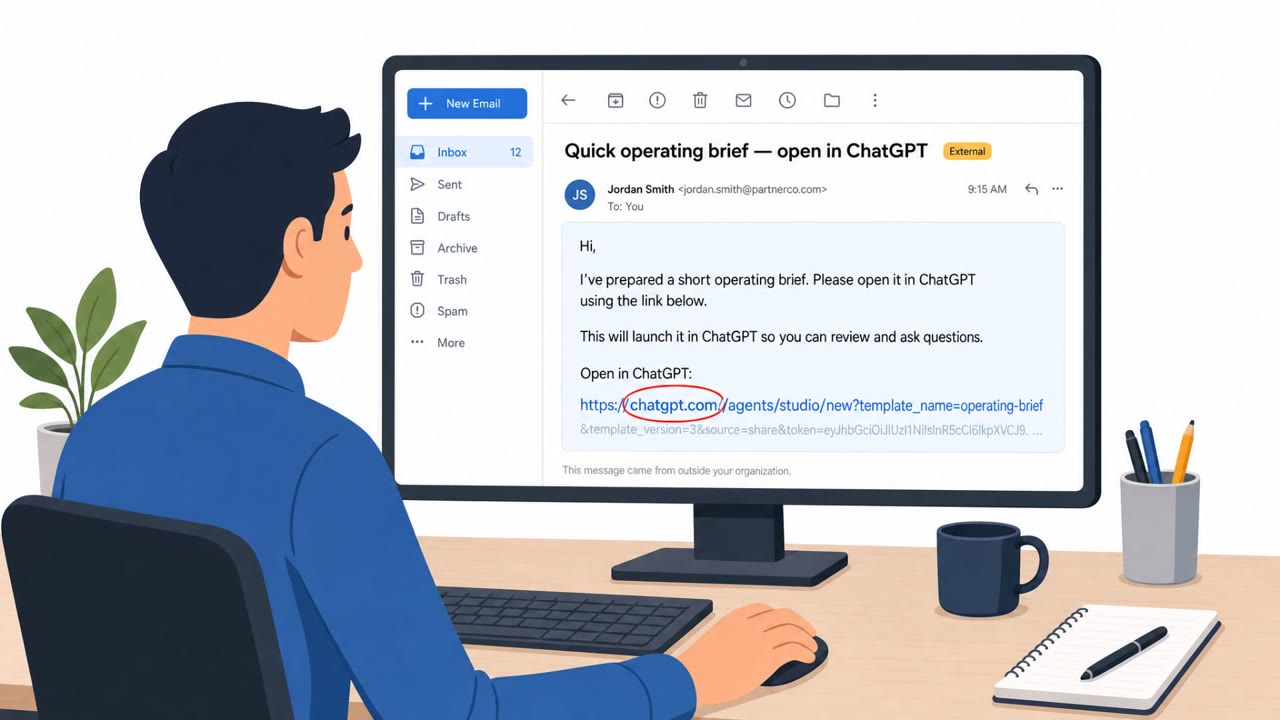
Check Point Research demonstrated a prompt-injection technique against ChatGPT that relied on planting a hidden instruction inside a conversation before the target ever interacted with it. That instruction could arrive three ways: a prompt the user pastes in, a shared ChatGPT conversation the user opens, or a custom GPT whose builder instructions are never shown to the user. Once the hidden instruction was in place, a single ordinary message from the user was enough to trigger it.
In the proof of concept, the hidden instruction caused ChatGPT to read data from the user's connected Gmail account and pass it to a second, attacker-controlled ChatGPT account through a channel between the two accounts. The user's visible reply said nothing about any of this happening in the background.
Why it succeeded
The technique worked because connected-app permissions default to broad access, and the only visible trace of the Gmail read was a small "Talked to Gmail" label appearing above the answer. That label recorded a read that had already happened, giving the user no opportunity to approve or refuse it in the moment. The scope of what an attacker could reach depended entirely on what the session already had access to, including data, tools, other connected apps, and permissions already granted.
What to watch for
- An unexpected "Talked to Gmail" or similar app-access label appearing when you did not intend to use that app
- Shared ChatGPT conversations containing instructions you didn't write or don't fully understand
- Custom GPTs whose builder instructions are not visible or auditable before use
- AI responses that look completely normal while background activity may be occurring
How to build resistance
- Treat shared AI chats and copied prompts like untrusted content; avoid opening or pasting instructions you cannot verify
- Report any unexpected connected-app access indicator immediately, even if the AI's response seems normal
- Switch to "Always ask" so the assistant must prompt before taking actions on connected apps
- In managed workspaces, use admin controls to restrict which actions each connected app may take and who can use them
- Regularly review which apps and accounts remain connected to AI tools, since access granted earlier can be used later without new consent
OpenAI confirmed that the internal service enabling the cross-account channel was taken offline, meaning there was no user-side patch to install. Even so, the underlying pattern, granting an AI assistant broad standing access to sensitive accounts, remains a factor organizations should weigh when configuring connected apps.
Key findings
- A single hidden instruction in a ChatGPT conversation could trigger covert actions while the assistant appears to respond normally.
- In Check Point’s proof of concept, ChatGPT read data from the user’s connected Gmail and sent it to a second ChatGPT account without showing it in the visible reply.
- The planted instruction could be introduced via pasted prompts, opening a shared ChatGPT conversation, or using a custom GPT with hidden builder instructions.
- Only a small “Talked to Gmail” label indicated Gmail was accessed, and the user had no opportunity to approve/deny the read at that moment.
- The technique depended on what the session could already access (connected apps, tools, permissions).
- OpenAI confirmed the internal service enabling the cross-account channel was taken offline; there was no user-side patch to install.
Who’s being targeted
- Commonly targeted roles: All staff using ChatGPT connected apps, Executives and administrative assistants (heavy email access), IT/Security administrators managing ChatGPT workspace settings.
- Affected industries: Technology / SaaS, Any organization using ChatGPT connected apps (e.g., Gmail/Google Workspace).
- Attack channels: website.
- Impersonated: A helpful shared ChatGPT conversation (benign collaborator), A custom GPT presented as a productivity/assistant tool.
Red flags to watch for
- Unexpected “Talked to Gmail” (or similar app-access) label when you didn’t intend to use that app
- Shared conversations that include instructions you didn’t write or don’t fully understand
- AI responses look normal while background activity may be happening
- Using custom GPTs where builder instructions are not visible/auditable to the user
- Connected apps enabled with broad default permissions
- App access occurring without a clear, user-initiated need
Frequently asked questions
How did the ChatGPT prompt injection attack work?
A hidden instruction planted in a conversation, pasted prompt, or custom GPT's builder instructions could trigger ChatGPT to quietly read data from a user's connected Gmail account and send it to a second attacker-controlled ChatGPT account, all while the visible reply looked normal.
What warning signs indicated Gmail had been accessed?
The only indicator was a small "Talked to Gmail" label above the answer, which appeared after the read had already occurred and gave the user no chance to approve or deny it.
Is there a patch users need to install?
No. OpenAI confirmed the internal service that enabled the cross-account channel was taken offline, so there was no user-side patch required.
How can organizations reduce this risk going forward?
Tighten connected-app permissions by using settings like "Always ask" for reads, rely on admin controls in Business, Enterprise, or Edu workspaces to govern which actions apps may take, and avoid opening shared conversations or custom GPTs with instructions you can't verify.
Read the video transcript
Imagine you open a shared ChatGPT conversation, ask a normal question… and it quietly reads your Gmail in the background. Check Point showed a hidden instruction planted in the chat that made ChatGPT read a user’s connected Gmail and send it to a second ChatGPT account. The visible reply looked totally normal. That planted prompt could come from a shared chat link or a custom GPT with hidden builder instructions. One ordinary message from you is enough to trigger it, and the only clue is that tiny 'Talked to Gmail' label after the fact. If you ever see 'Talked to Gmail' or another app label when you didn’t use that app on purpose, stop using that chat and report it to Security immediately.