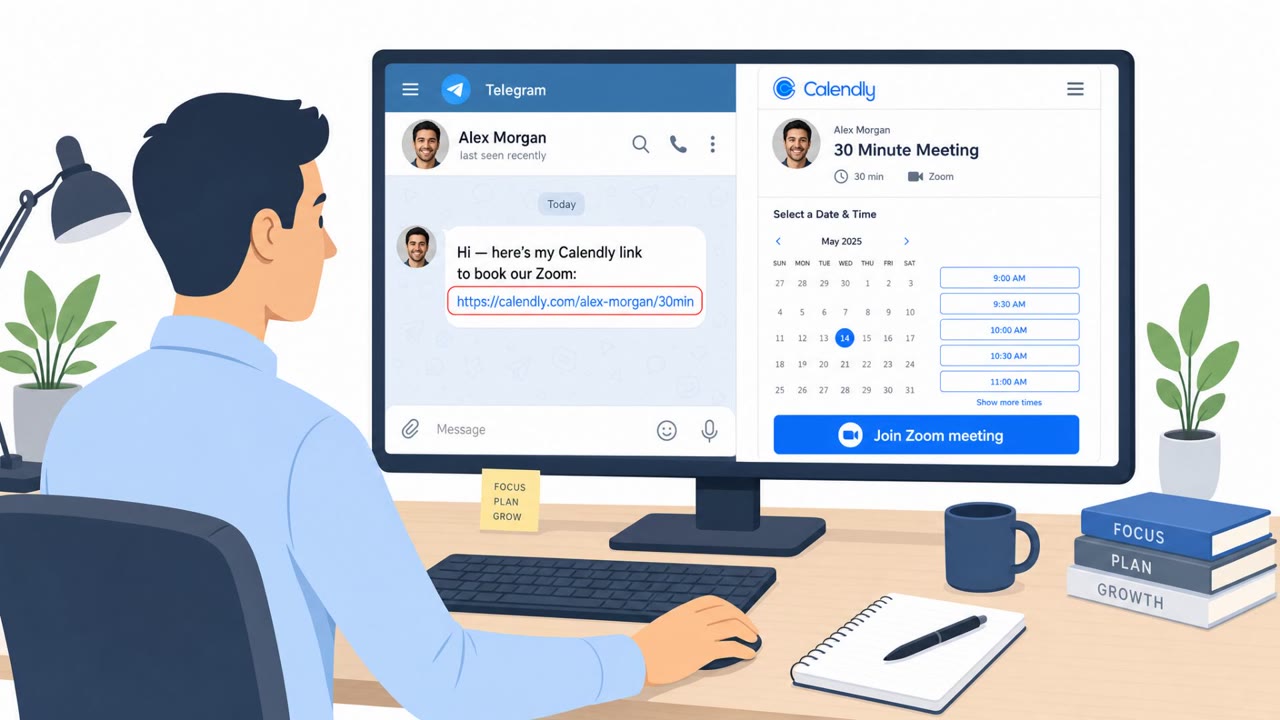
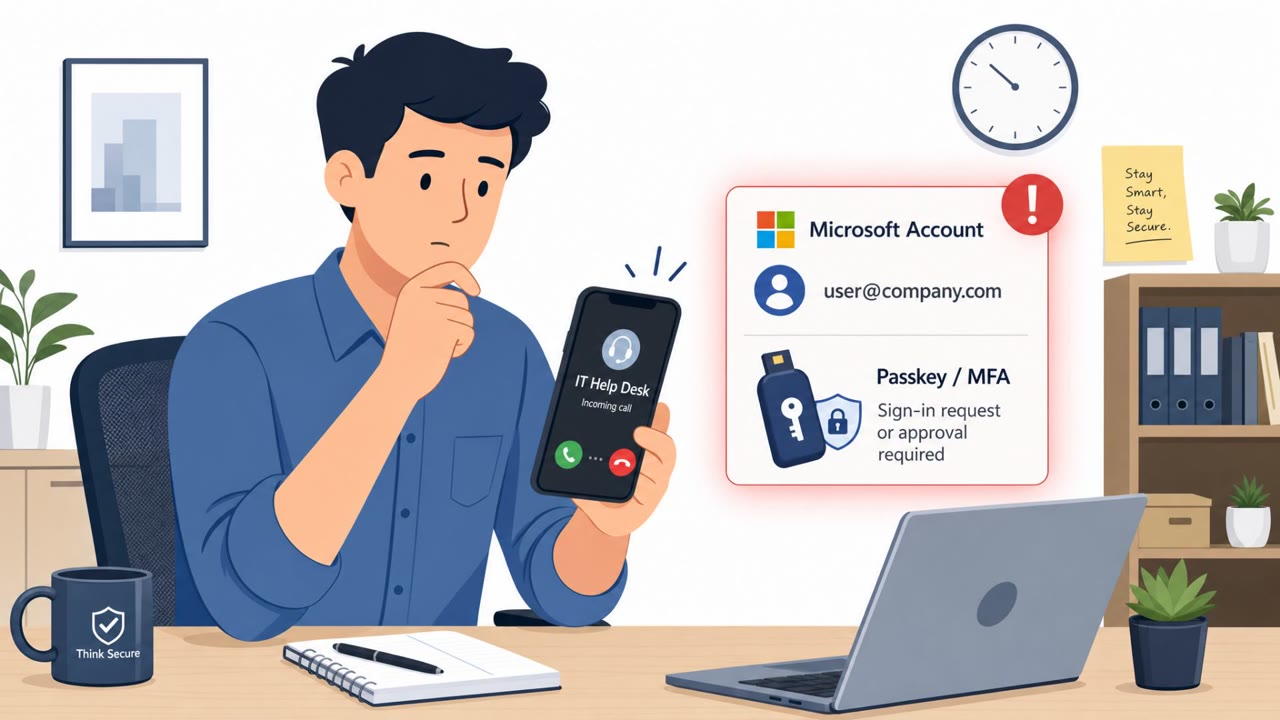
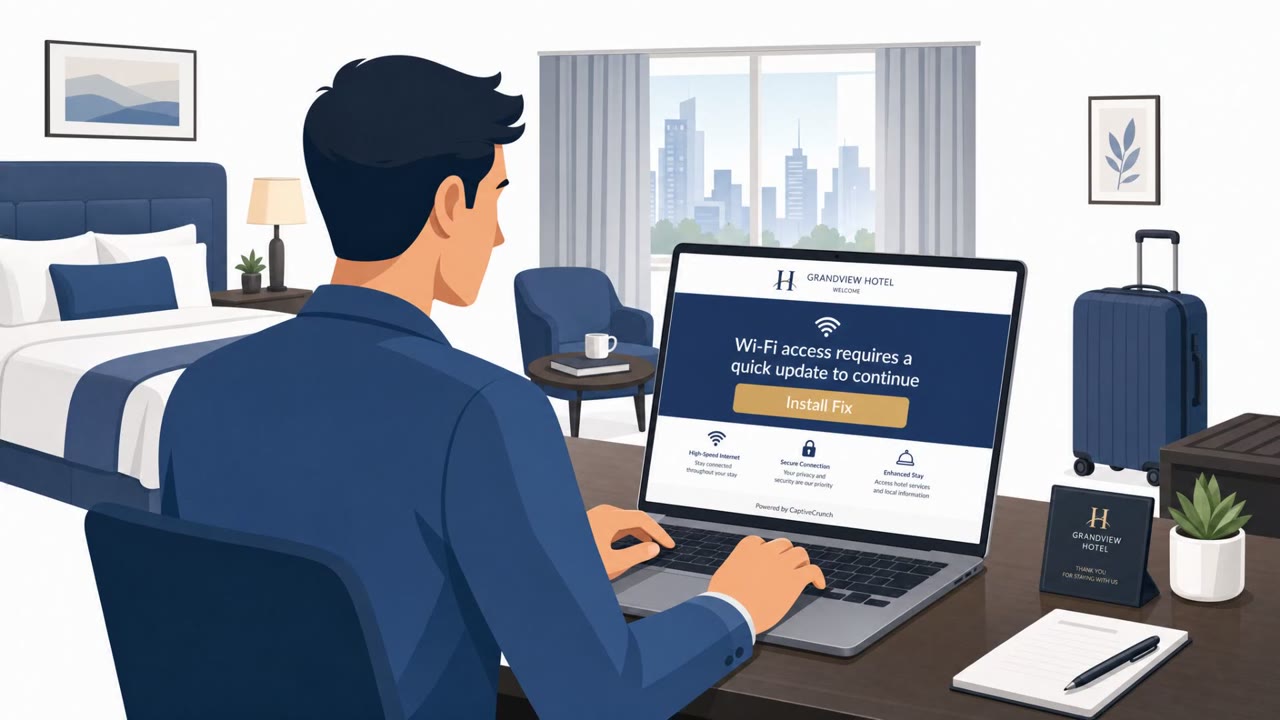
Researchers described a now-patched flaw ("AgentForger") where a single benign-looking ChatGPT link could silently create and publish an attacker-controlled Workspace Agent inside a company. If an employee was already logged in and had connected apps (like email, Drive, Slack, or Teams), the agent could run on a schedule, take "TASK" instructions via email, and exfiltrate results back to the attacker.
How the attack worked
This attack, referred to as "AgentForger," began with a single link that looked like an ordinary invitation to open a ChatGPT productivity template. The link embedded a malicious prompt directly in its URL parameters. If the recipient was already logged into ChatGPT, clicking the link opened the Agent Builder in their authenticated session and automatically submitted the embedded prompt, no further clicks or approvals required. From there, the prompt instructed ChatGPT to create a new agent, attach the victim's already-authorized connectors (such as email, Drive, Slack, or Teams), and set every connector's approval setting to "Never ask."
Why it succeeded
The technique worked because it relied entirely on conditions that already existed in a normal workday: an employee logged into ChatGPT Workspace with connected business apps. There was no separate credential theft step needed to plant the agent, since the attack rode on the victim's existing session and permissions. Once published, the attacker made the agent persistent by scheduling it to run every hour, and the agent used inbound emails with a "TASK" subject line as a channel for ongoing remote instructions, sending results back to the attacker automatically.
What to watch for
- Links containing long, unusual URL parameters, especially ones referencing agent templates or embedded prompts
- An AI agent appearing in your Workspace that you did not knowingly build
- Connector approval settings switched to "Never ask" without your review
- Unexpected hourly or scheduled automation activity tied to your account
- Emails with subject lines starting "TASK" that you did not expect, or unexplained outbound emails compiling results
- Teams messages from coworkers containing login links that redirect to a slightly off Microsoft sign-in page
How to build resistance
Organizations using ChatGPT Workspace or Enterprise features should train employees, especially executives, executive assistants, operations, and finance staff, to treat unexpected agent-builder links as high-risk and to verify them before clicking, particularly while already logged in. Because the rogue agent could also impersonate the victim on Microsoft Teams to send further phishing links leading to a fake Microsoft login page, reinforcing Teams-based phishing awareness across all employees is equally important. Regularly reviewing connected agents, their connector permissions, and any scheduled automation can help catch this kind of silent persistence before it leads to broader business email compromise scenarios.
Key findings
- A single phishing link could open ChatGPT Agent Builder in the victim’s authenticated session and auto-submit attacker instructions embedded in the URL.
- The attack relied on the victim already being logged in and having authorized connectors (e.g., Outlook/Gmail/Drive/Slack/Teams).
- The malicious prompt could create an agent, attach connectors, set approvals to "Never ask," publish it, and schedule it hourly for persistence.
- The agent could use inbound emails with a subject starting "TASK" as ongoing commands and email results back to the attacker.
- A compromised user’s Teams account could be used to send phishing links to coworkers, leading to a fake Microsoft login page for credential theft.
Who’s being targeted
- Commonly targeted roles: Executives, Executive Assistants / Chiefs of Staff, Operations, Finance, IT / Security, All Microsoft Teams users, Employees who use ChatGPT Workspace/Enterprise and connected connectors.
- Affected industries: Any organization using ChatGPT Workspace/Enterprise features, Technology, Finance and accounting teams (via BEC and inbox rules-like workflows), Operations and executive support functions (chief-of-staff workflows).
- Attack channels: email, website, teams.
- Impersonated: ChatGPT / an internal AI productivity workflow, A legitimate internal requester sending tasks (via normal email), A coworker (the victim) on Microsoft Teams.
Red flags to watch for
- A link that includes long URL parameters (e.g., "initial_assistant_prompt=")
- Unexpected creation/publishing of an agent you didn’t build
- Connector permissions set to "Never ask" without your review
- Emails with subjects starting "TASK" that trigger automated actions
- Unexpected automated outbound email with compiled results
- Hourly/scheduled agent activity you did not configure
- Unexpected login prompt reached from a Teams chat link
- Slightly off Microsoft login page URL/domain
- Unusual request coming from a coworker without context
Frequently asked questions
How did a single link create a rogue ChatGPT agent?
The link embedded a malicious prompt in the URL to ChatGPT's Agent Builder. If the victim was already logged in, ChatGPT opened the Builder in their authenticated session and auto-submitted the prompt without any further interaction.
How did the rogue agent stay active after the initial click?
The malicious prompt configured the agent to publish and schedule itself to run every hour, turning the initial click into a persistence mechanism inside the victim's connected apps.
How did attackers send instructions to the rogue agent?
Attackers emailed the victim's mailbox with a subject line starting with "TASK"; the agent checked for these emails during each run, executed the instructions, and emailed results back to the attacker.
Could this lead to further compromise beyond the agent itself?
Yes, the rogue agent could impersonate the victim to send phishing links on Microsoft Teams to coworkers, redirecting them to a fake Microsoft login page to steal credentials.
Read the video transcript
You get an email: “Quick operating brief, open in ChatGPT.” Link looks legit: chatgpt.com… so you click. Behind the scenes, that one click opens ChatGPT Agent Builder in your logged-in session and auto-submits a hidden prompt in the URL to forge a “chief-of-staff” agent in your Workspace. The rogue agent silently hooks into Outlook, Drive, Slack, Teams, flips connectors to “Never ask,” publishes itself, and runs every hour, reading TASK emails and emailing results back out like a hidden coworker. Your move: if a ChatGPT link opens Agent Builder or you see connectors set to “Never ask” and agents you don’t remember creating, stop and report it to Security immediately.