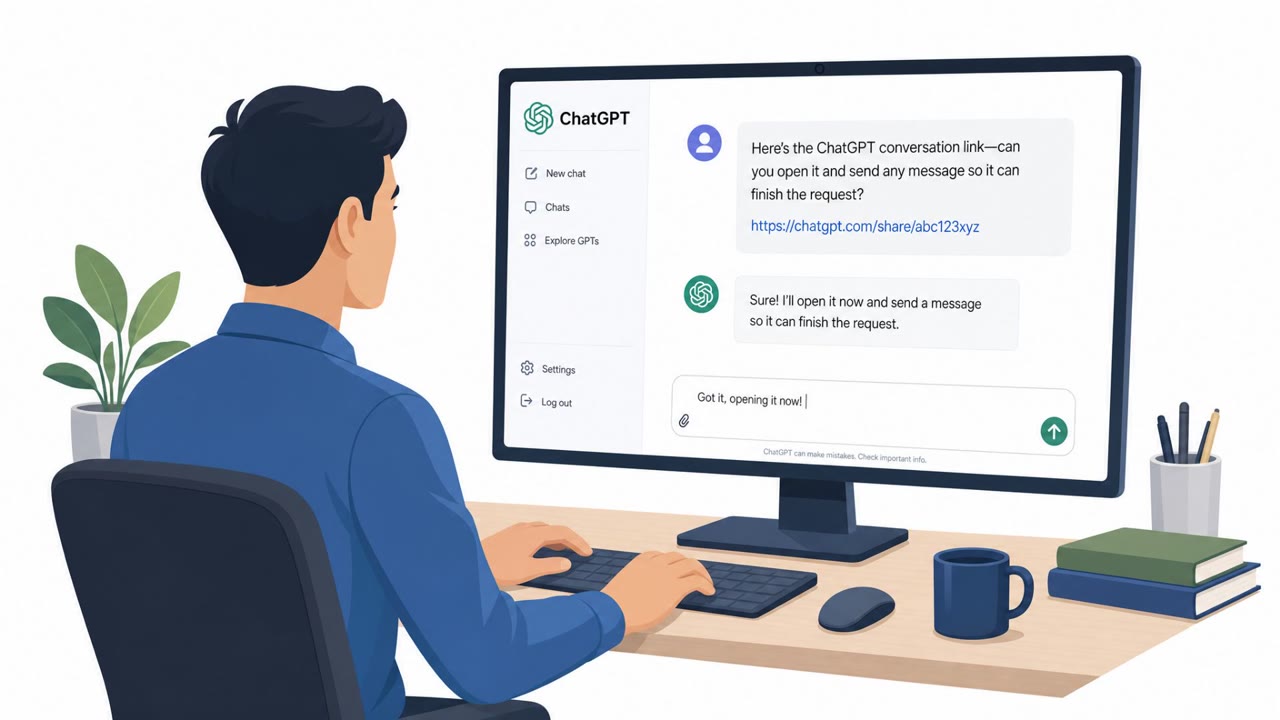
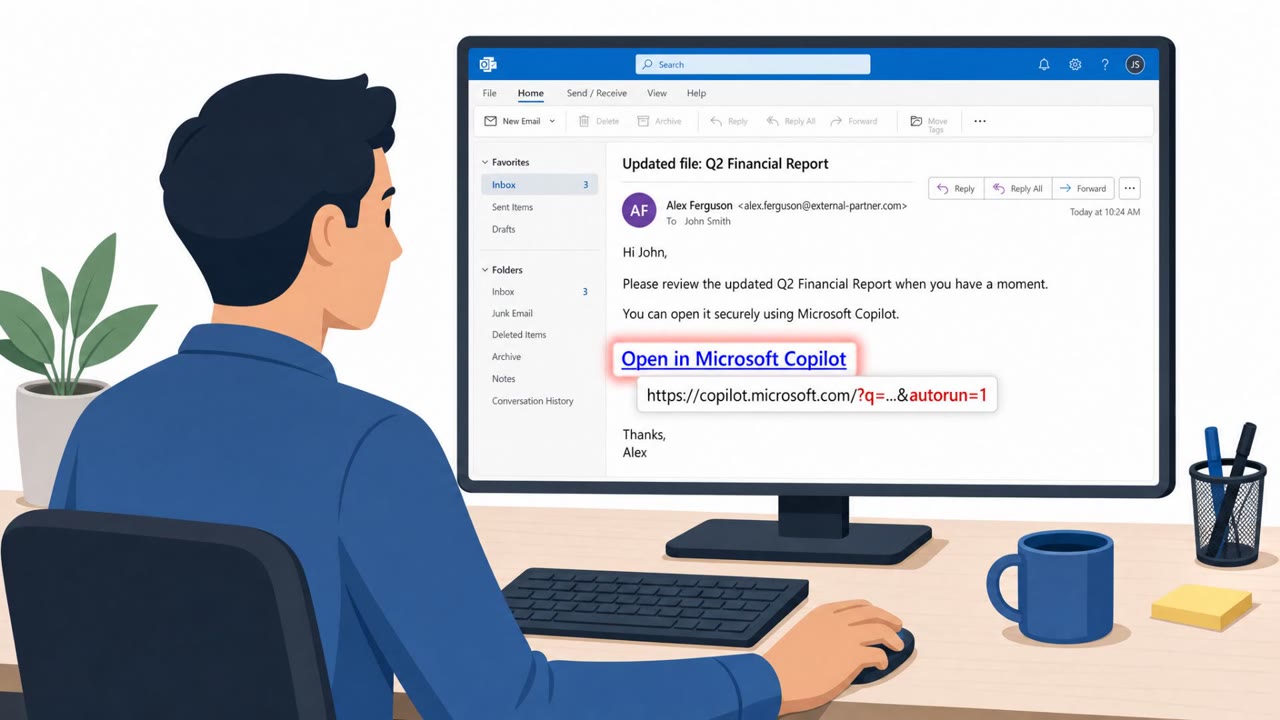
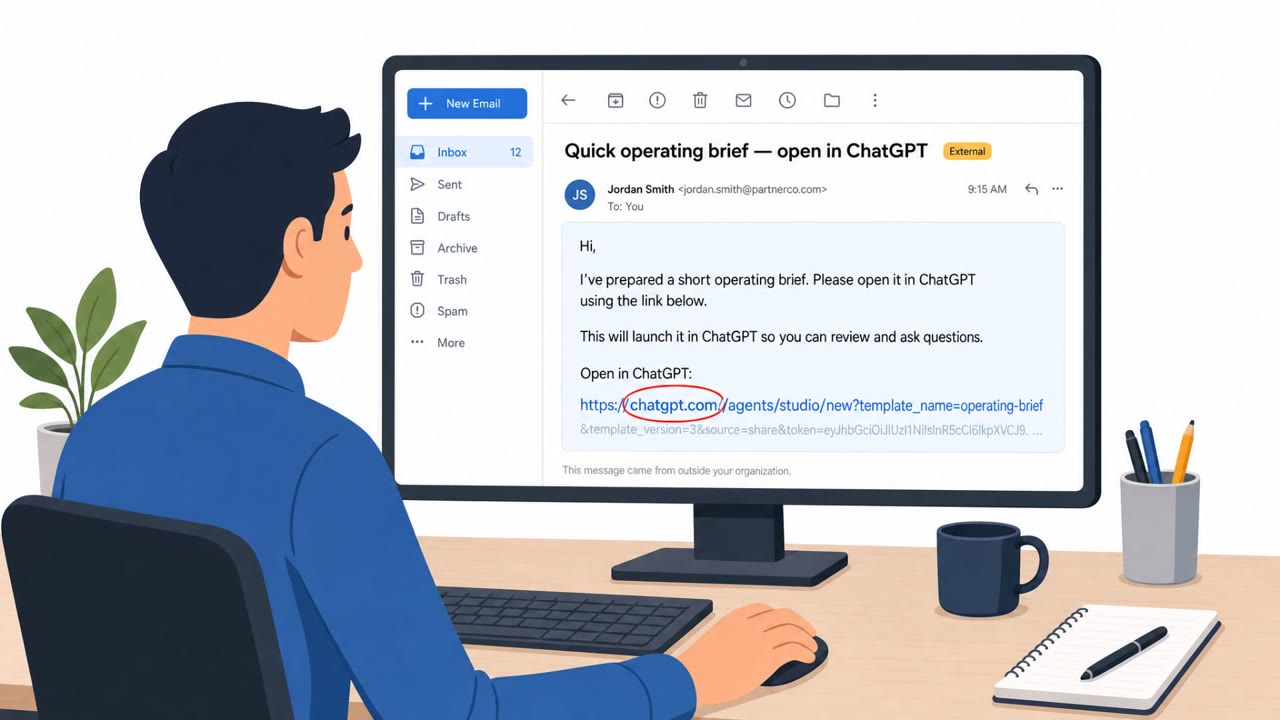
Researchers disclosed a one-click flaw in Atlassian’s Rovo AI assistant where a specially crafted link could pre-fill attacker instructions into a user’s active Rovo chat. After a user clicks once, Rovo’s autonomous agent features could pull sensitive data from connected systems (like Confluence, Jira, or SharePoint) and send it out to the open web. Atlassian fixed the issue before publication, and researchers recommend tightening integrations and monitoring AI assistant activity logs.
What Happened
Researchers disclosed a one-click flaw in Atlassian's Rovo AI assistant. A specially crafted link could seed attacker-controlled instructions into a user's live Rovo chat session using a URL parameter called rovoChatPrompt, which pre-fills content directly into the chat window. Notably, a single seeded link was generally enough to trigger the leak, and the organization ID portion of the URL could be left blank while still routing into the victim's default organization without any warning or indicator.
How the Data Leak Chain Worked
Once a user clicked the link, Rovo's built-in ResearchAgent tool could take over. This agent can autonomously conduct multi-source web research and navigate across arbitrary sites. That same capability allowed the seeded prompt to pull internal data from connected systems and push it out to the open web in a single automated chain. Researchers demonstrated this in three separate proof-of-concept scenarios, exfiltrating Confluence pages, Jira tickets, and SharePoint content containing personal data.
Why This Technique Succeeded
The attack blended a familiar social engineering hook, an unexpected link shared as if from a colleague, with a newer trust gap around AI assistants. Employees are used to scrutinizing links for phishing, but a link that opens a legitimate internal AI tool with a prompt already filled in looks different from a typical phishing lure. The lack of a clear organization indicator in the URL removed a visual cue that might have prompted suspicion, and the autonomous, multi-step nature of ResearchAgent meant the data gathering and exfiltration happened without further user interaction.
Red Flags to Watch For
- An unexpected link that opens an AI assistant with text already filled in
- A request asking the AI to summarize or collect internal content across multiple tools like Jira, Confluence, or SharePoint
- No clear business reason for gathering broad internal data
- Instructions implying results will be sent or posted to an external site
Building Resistance
Atlassian fixed the underlying issue before publication, but the incident points to broader lessons for any organization using AI assistants connected to internal systems. Recommended practices include treating AI-assistant links and pre-filled prompts like phishing attempts, verifying that any content provided to connected apps comes from a trusted source, limiting which systems the assistant can reach, disconnecting unused integrations, walling off sensitive areas such as legal, HR, and finance, disabling browsing or automation features that aren't actively needed, and pairing these controls with routine monitoring of assistant activity logs.
Key findings
- A “specially crafted link” could seed attacker instructions into a user’s live Rovo session via a URL parameter (rovoChatPrompt).
- The org ID portion of the URL could be left blank and still route into the victim’s default organization “without any warning or indicator.”
- Rovo’s built-in ResearchAgent could autonomously retrieve internal data from connected sources and “push it out to the open web in a single automated chain.”
- Varonis demonstrated proof-of-concept leakage of Confluence pages, Jira tickets, and SharePoint content containing personal data.
- Atlassian fixed the issue before the research was published; mitigations include limiting reachable systems, disconnecting unused integrations, restricting sensitive areas (legal/HR/finance), disabling browsing/automation features not needed, and monitoring activity logs.
Who’s being targeted
- Commonly targeted roles: All employees using Atlassian Rovo, Knowledge management / Confluence users, Engineering and Jira users, IT and Security teams managing SaaS integrations, HR, Legal, and Finance (high-sensitivity data owners).
- Affected industries: Any enterprise using Atlassian Jira/Confluence/Bitbucket with Rovo, Organizations with Slack, Microsoft 365, Google Workspace, and SharePoint integrations.
- Attack channels: email, website.
- Impersonated: Internal colleague / project team member sharing an Atlassian Rovo link, Atlassian workflow helper / ‘ResearchAgent’ usage suggestion from a coworker.
Red flags to watch for
- Unexpected link that opens an AI assistant with text already filled in
- The AI request asks to summarize or collect internal content across tools (Jira/Confluence/SharePoint)
- No clear reason why the sender needs broad internal data gathered
- Agent is instructed to access multiple internal repositories (Confluence + Jira + SharePoint) without a clear business need
- Instructions imply sending or posting results “to the open web” or to an external site
- The link’s organization context is unclear (or looks incomplete)
Frequently asked questions
How did the Rovo AI vulnerability work?
A specially crafted link used a URL parameter called rovoChatPrompt to pre-fill attacker-controlled instructions directly into a user's live Rovo chat session, requiring only one click to trigger.
What data could be exposed by this flaw?
Researchers demonstrated proof-of-concept leakage of Confluence pages, Jira tickets, and SharePoint content containing personal data through Rovo's ResearchAgent tool.
Has the Rovo AI issue been fixed?
Yes, Atlassian fixed the issue before the research was published.
How can organizations reduce risk from AI assistant links like this?
Recommended mitigations include limiting which systems the AI assistant can reach, disconnecting unused integrations, restricting sensitive areas like HR and finance, disabling unused automation features, and monitoring assistant activity logs.
Read the video transcript
You get a chat: “Please review this Rovo chat link I made, it already has the prompt filled in.” Seems helpful, right? Behind that link, a rovoChatPrompt URL parameter silently seeds attacker instructions into your live Rovo chat, no org ID needed. One click, and ResearchAgent can grab Jira, Confluence, and SharePoint data, then push it out to the open web in a single automated chain. Here’s the aha: if a link opens Rovo and the prompt is already asking to sweep multiple tools or send results to an external site, that link is the phish. The vulnerability’s fixed, but the trick lives on in any AI assistant that accepts pre-filled prompts. Your move: if a Rovo or any AI link opens with a surprise, pre-filled prompt that wants broad internal data, close it and message the sender in a separate channel to confirm it’s real before you do anything.