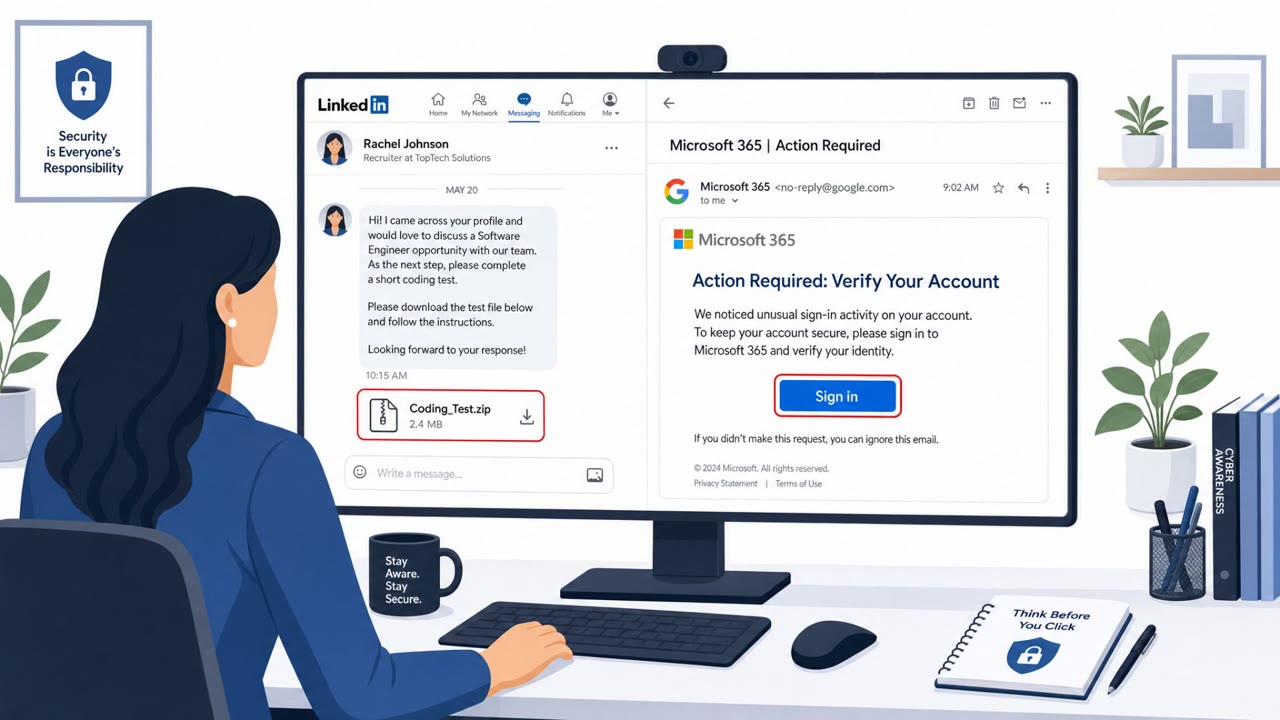
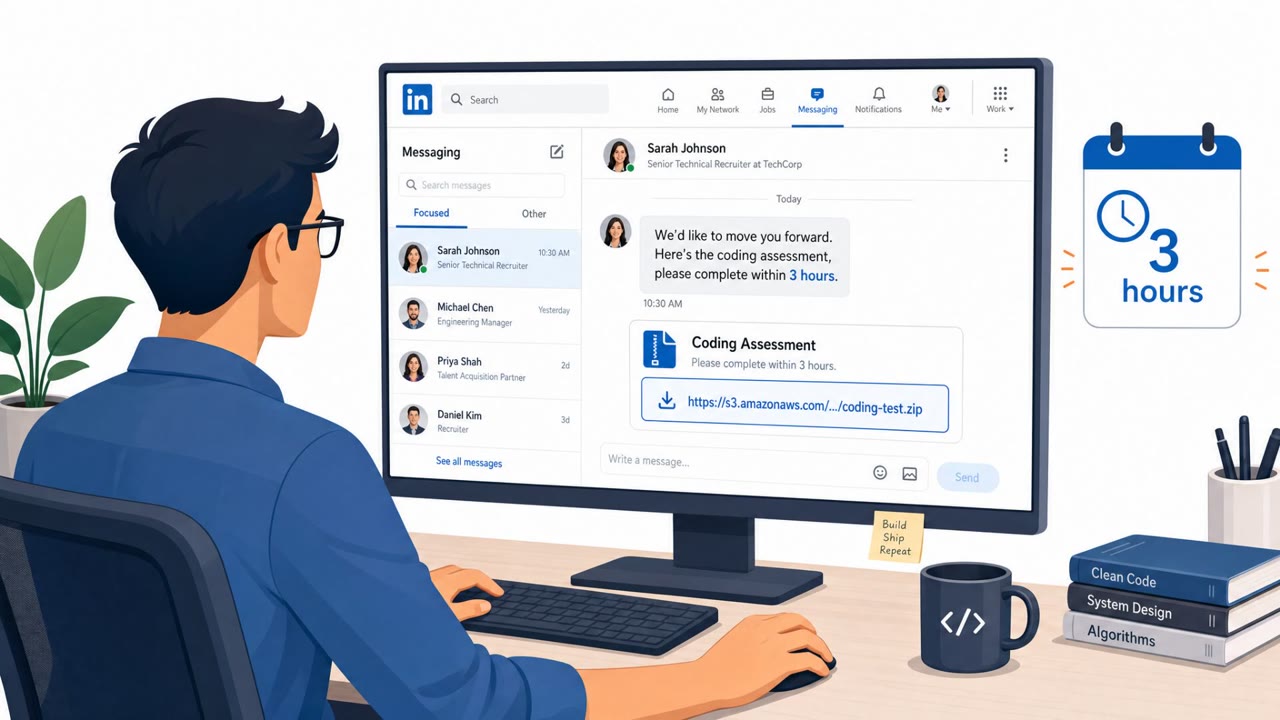
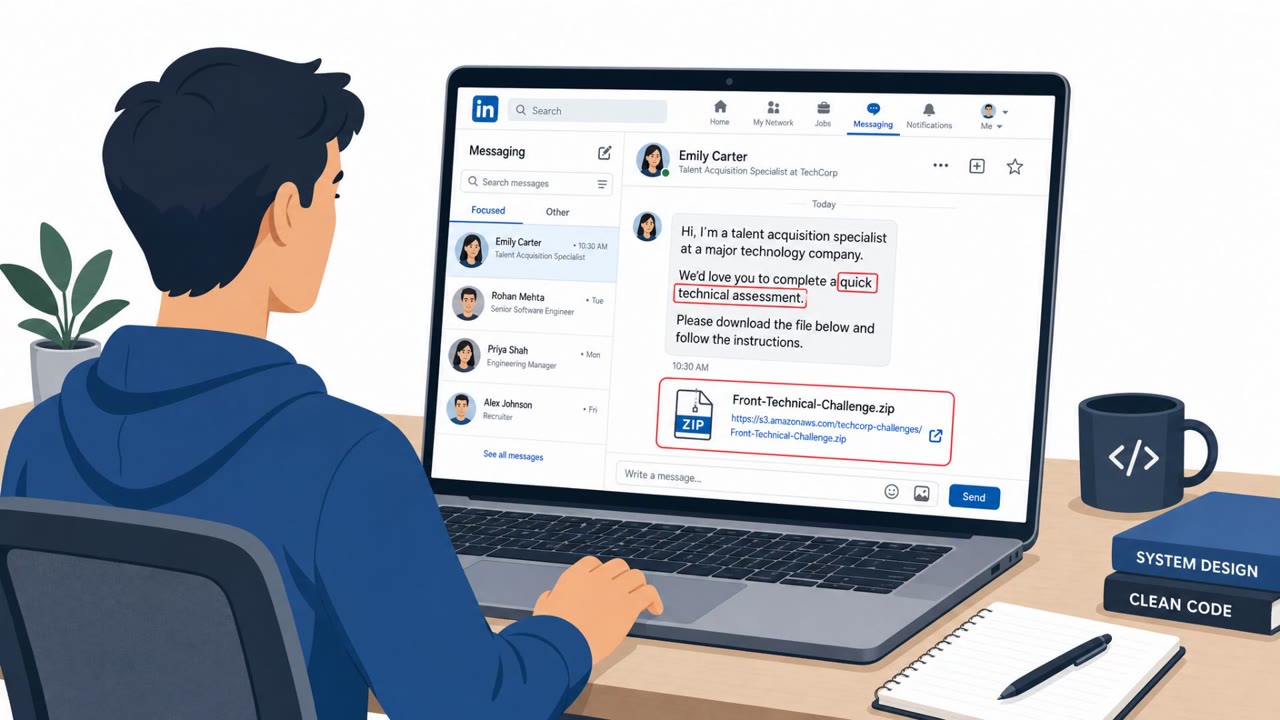
An unknown group suspected to be North Korean state hackers targeted Rust language team members and high-profile package (“crate”) maintainers with phishing that lures victims into a fake conference call. When the victim tries to join, they are told they must install a “video codec” or update conferencing software, but the download is malware. The same roundup also describes “ClickFix” attacks where a fake captcha-like prompt convinces users to paste commands into a terminal, enabling malware installation and potential takeover of privileged apps like Meta’s Muse agent.
How the attack worked
This attack targeted Rust language team members and high-profile crate maintainers with a phishing lure disguised as a collaboration request. The pretext was simple: an invite to join a conference call to discuss a feature request or bug report. Once the target attempted to join, a fake error appeared claiming a new video codec or updated conferencing software was required. The download link provided was malware rather than any legitimate update.
A related technique described in the same roundup, known as ClickFix, uses a different delivery mechanism. A compromised website presents users with an authentication prompt that resembles a captcha, but instructs them to copy a block of text and paste it into a terminal to generate an authentication token. The text is actually an encoded payload that installs malware, in some cases enabling access to privileged tools like microphone or screen recording agents.
Why it succeeded
Both techniques exploit trust in everyday developer workflows. A conference call invite tied to real project work, such as a feature or bug report, looks routine to a maintainer who regularly collaborates with contributors. The fake codec error mimics a common, believable technical hiccup that many users have encountered with legitimate conferencing software.
The ClickFix approach succeeds because it frames a dangerous action, running an unknown command in a terminal, as a normal verification step. Developers and technical staff, who are comfortable using terminals, may be less suspicious of this request than the average user would be of a random download link.
What to watch for
- Unexpected meeting invites from unknown senders that push an urgent software install
- A conferencing error message directing you to download a codec or update outside your organization's approved channels
- Any website asking you to copy and paste text into a terminal or command prompt to "verify" or "authenticate" yourself
- Authentication flows that require software installation or command execution instead of a normal login or MFA step
Building resistance
Organizations, especially those supporting open source maintainers and development teams, should reinforce a few habits. Treat unexpected meeting invites as potential phishing until verified through a trusted channel. Never install codecs or meeting software updates from links shown in pop-ups or error messages, relying only on approved update mechanisms. Most importantly, developers and general staff alike should be trained to never run terminal commands copied from a website or a verification prompt, since this has become a reliable way for attackers to install malware and gain access to privileged applications.
Key findings
- Rust language team members and high-profile crate maintainers were targeted with phishing that pretends to be a collaboration call for a feature request or bug report.
- The lure includes a fake conferencing error that claims a new video codec or software update is required; the provided download is malware.
- “ClickFix” attacks can trick users into copying text and running it in a terminal under the pretense of generating an authentication token, but the text is an encoded payload to install malware.
- The article warns that social engineering can be used to gain privileged access (e.g., to tools with microphone/screen recording access) once malware is installed.
Who’s being targeted
- Commonly targeted roles: Developers, Open source maintainers, Engineering, IT, Security awareness training audience (all staff).
- Affected industries: Open source software, Software development, Technology, Government.
- Attack channels: email, website.
- Impersonated: A conference organizer/collaborator (unknown sender) posing as a legitimate Rust collaborator, A compromised website posing as an authentication/captcha verification system.
Red flags to watch for
- Unexpected invite from an unknown person pushing an urgent software install
- A conferencing “error” that directs you to download a codec/software outside normal app stores or corporate tools
- Download link leads to malware rather than an approved conferencing update channel
- Any website asking you to run commands in Terminal/Command Prompt to “verify” yourself
- Copy/paste blocks of opaque/encoded text presented as “authentication”
- Authentication that requires software installation or command execution rather than a normal login/MFA flow
Frequently asked questions
How were Rust maintainers targeted in this attack?
Attackers sent phishing invites posing as a collaboration call about a feature or bug report, then presented a fake error claiming a new video codec or updated conferencing software was required to join, with the download actually being malware.
What is a ClickFix attack?
A ClickFix attack presents a captcha-like authentication prompt on a compromised website that instructs the user to copy a block of text and run it in a terminal to generate an authentication token, but the text is actually an encoded payload that installs malware.
Why are open source maintainers a valuable target?
Maintainers often have privileged access to code repositories and tools, and social engineering that leads to malware installation can be used to gain access to privileged applications, including those with microphone or screen recording permissions.
What red flags should developers watch for?
Unexpected meeting invites pushing urgent software installs, conferencing errors that direct downloads outside approved app stores, and any website asking users to run terminal commands to verify identity.
Read the video transcript
Imagine this: you’re a Rust maintainer, and you get a slick invite to a ‘quick conference call’ about a new feature or bug report. You click to join, the browser opens, and a fake conferencing error pops up: it says you need a new video codec or updated meeting software, with a big download button, that file is malware. Same playbook with ClickFix: a compromised site shows a captcha‑style box telling you to copy a big block of gibberish into your terminal to ‘generate an authentication token’. That block is an encoded payload to install malware and grab access to tools with mic or screen recording. Here’s the move: if a meeting invite or website tells you to install a ‘codec’ or run terminal commands, stop and verify it through our normal channels before you do anything.