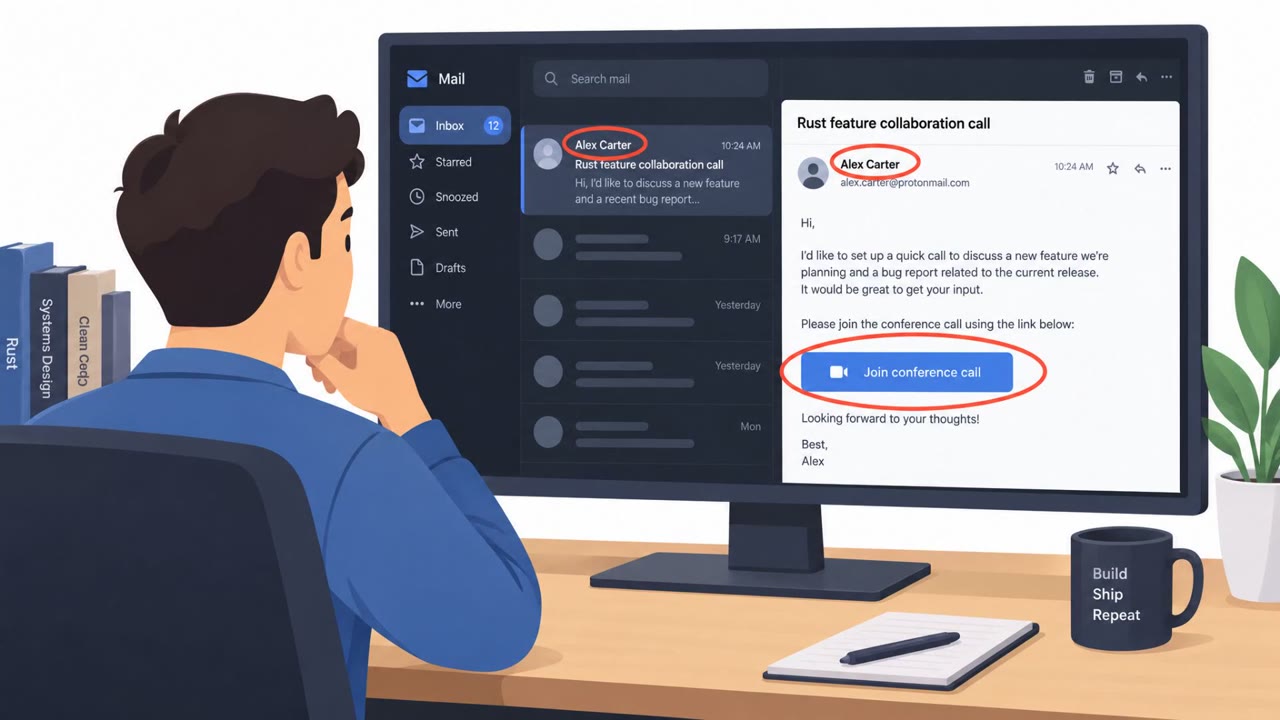
A weekly threat bulletin highlights a North Korea–linked campaign where attackers posed as AI or blockchain employers to trick IT professionals into getting infected and losing cryptocurrency. It also notes a phishing kit that abuses Microsoft’s legitimate device login flow to gain long-lasting access to Microsoft 365 accounts without directly stealing passwords.
How the attack worked
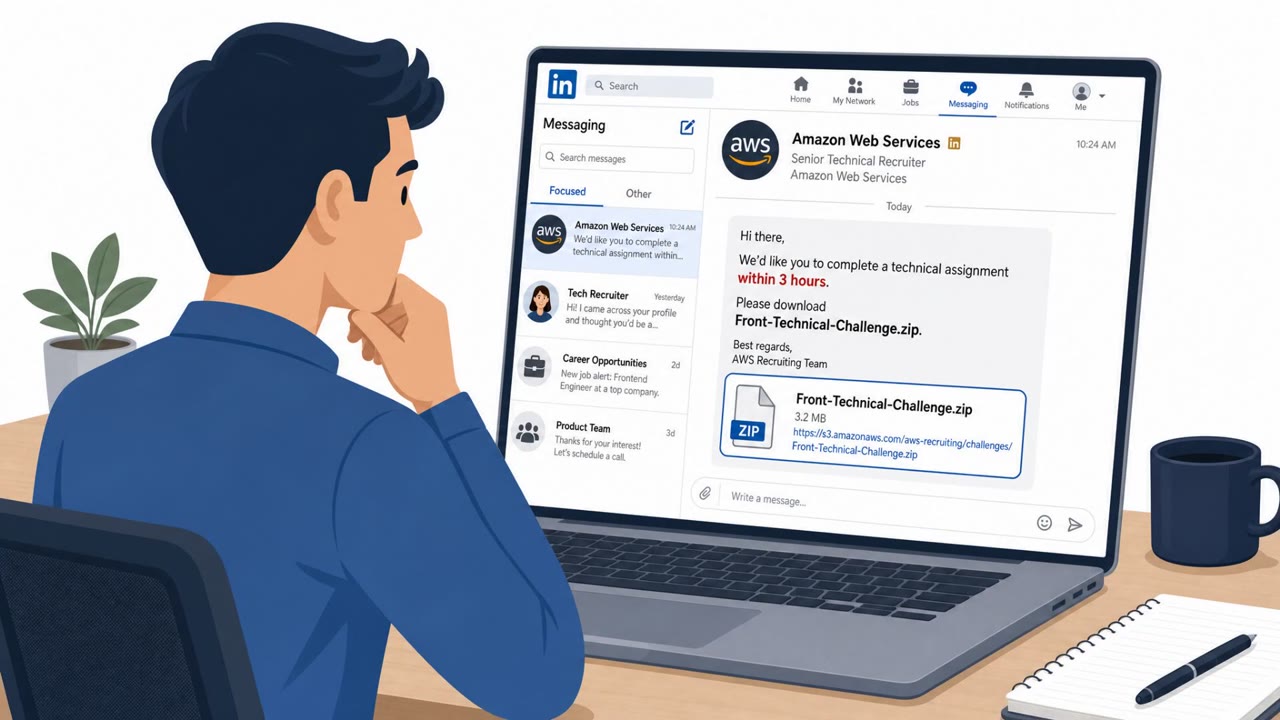
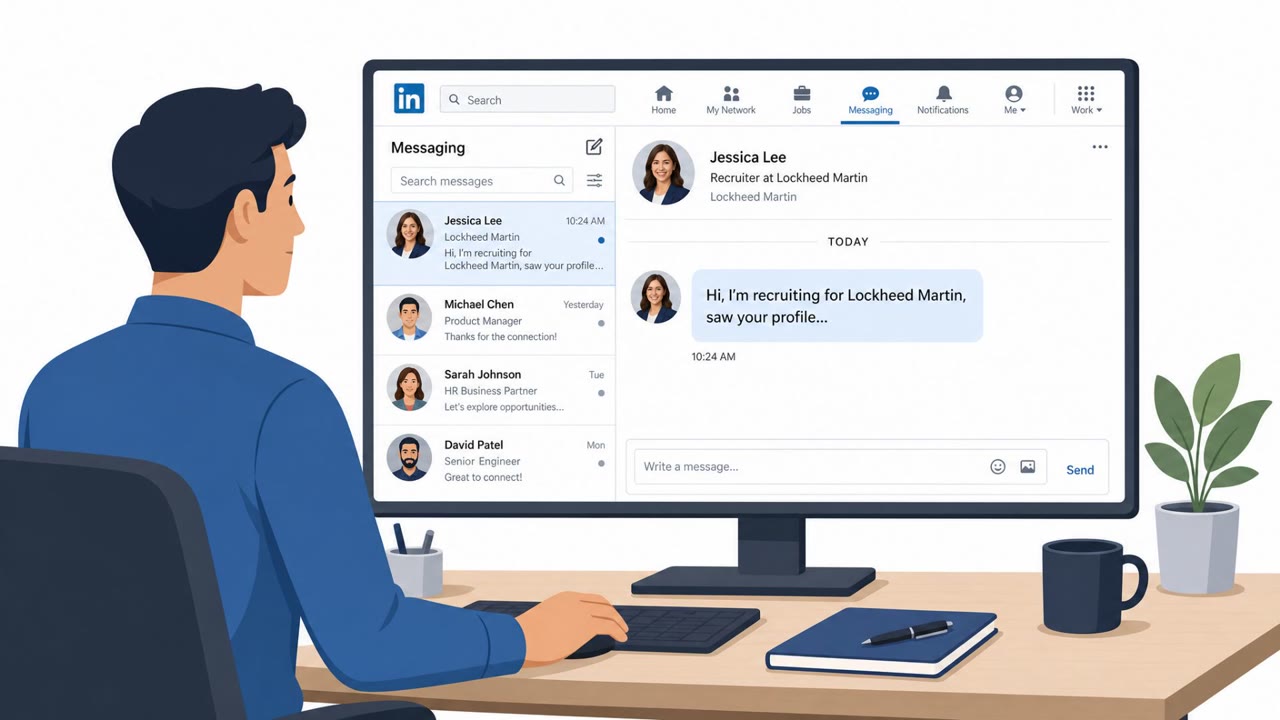
This campaign, tracked as WaterPlum or "Contagious Interview," relied on attackers posing as AI or blockchain employers to reach IT professionals, developers, and blockchain engineers. The pretext was simple and effective: a recruiter reaches out on a platform like LinkedIn, offers an interview for an AI or blockchain role, and asks the target to complete a task as part of the process. That task becomes the delivery mechanism for infection. According to the findings, this approach infected at least 30,000 devices across more than 100 countries, with theft impacting over 7,000 cryptocurrency wallets between December 2025 and July 2026.
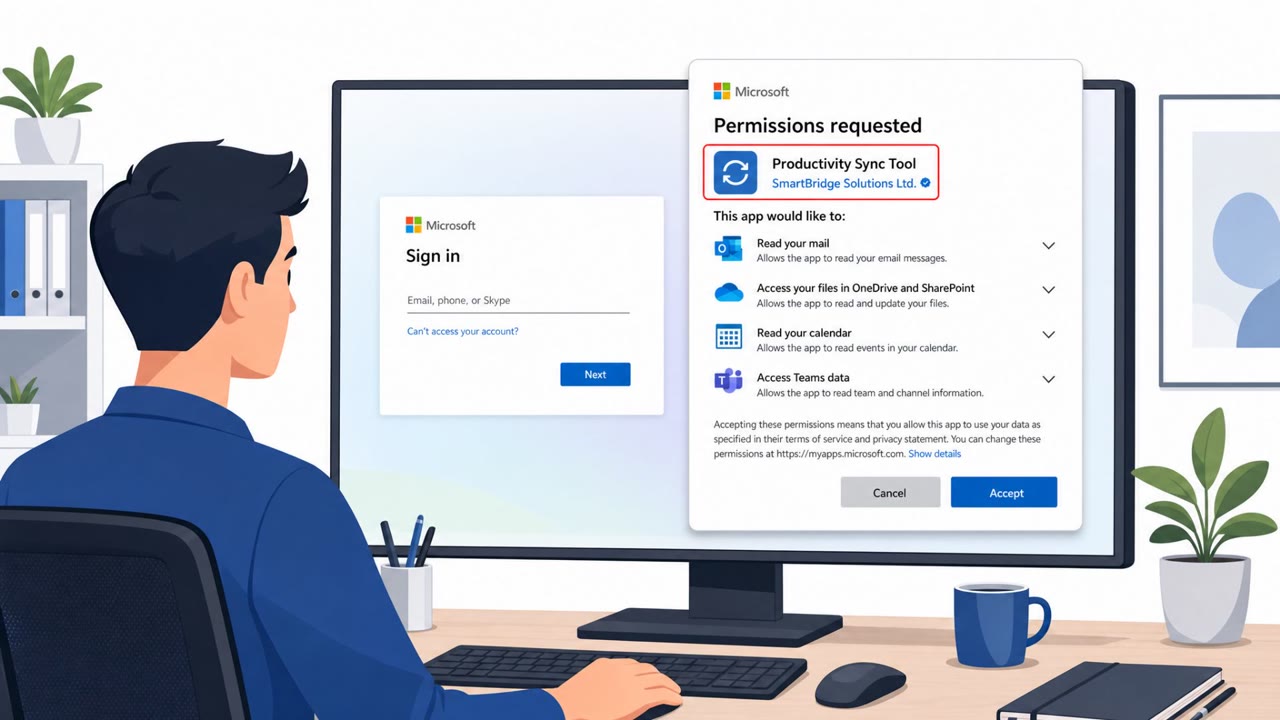
A separate technique described in the same bulletin involves GhostCode, a phishing kit that abuses the legitimate OAuth 2.0 device authorization flow used by Microsoft 365. Instead of stealing a password directly, the kit tricks victims into authenticating through a real Microsoft sign-in page using a device code. Attackers then capture the resulting tokens, giving them persistent account access without needing the password or bypassing MFA outright.
Why it succeeded
Both techniques work because they exploit trust in legitimate-looking processes rather than obviously malicious ones. A job interview is a normal, expected interaction for IT professionals and developers, so a request to complete a technical task does not raise immediate suspicion. Similarly, the device-code flow is a real Microsoft feature, so victims who are asked to enter a code are following what looks like a standard sign-in step, not a fake login page.
What to watch for
- Unsolicited recruiter messages, especially for AI or blockchain roles, that push toward downloading files or running interview "tasks"
- Requests to enter or use a Microsoft device code when you did not initiate a sign-in on another device yourself
- Employer or recruiter profiles that are difficult to verify independently, such as new accounts with limited online history
- Pressure to act quickly to "verify" or "fix" account access tied to a login request
How to build resistance
Organizations should train IT staff, developers, and crypto or finance teams to verify recruiter and employer identities independently before engaging with interview materials or running provided code. Employees across the organization, including executives and HR, should be taught to treat any unexpected device-code sign-in request as suspicious, since MFA alone does not stop token capture. Building awareness around both the recruiter pretext and the device-code flow reduces the chance that either technique succeeds against a given target.
Key findings
- Authorities warned about WaterPlum ("Contagious Interview"), a North Korea-linked campaign that "infected at least 30,000 devices across more than 100 countries."
- WaterPlum operators "posed as AI or blockchain employers" and targeted "IT professionals," with theft impacting "over 7,000 cryptocurrency wallets" (Dec 2025–Jul 2026).
- A device-code phishing kit (GhostCode) abuses the "legitimate OAuth 2.0 device authorization flow" so victims authenticate through Microsoft and attackers capture tokens for persistent access.
Who’s being targeted
- Commonly targeted roles: IT, Developers/Engineering, All Microsoft 365 users, Executives, Finance/Crypto teams.
- Affected industries: Information Technology, Cryptocurrency/Web3, Government.
- Attack channels: linkedin, email, website.
- Impersonated: AI or blockchain employer/recruiter, Microsoft / Microsoft 365 sign-in.
Red flags to watch for
- Unsolicited recruiting message with urgency to move off-platform or run files
- Interview ‘task’ requires downloading/running software or enabling macros
- Employer identity is hard to verify (new profile, limited web presence)
- You are asked to use a ‘device code’ when you weren’t trying to sign in on another device
- Login is initiated from a link you received unexpectedly
- Message pressures you to act quickly to ‘verify’ or ‘fix’ account access
Frequently asked questions
What is the Contagious Interview campaign?
It is a North Korea linked campaign called WaterPlum that posed as AI or blockchain employers to target IT professionals, infecting at least 30,000 devices across more than 100 countries.
How did attackers steal cryptocurrency in this campaign?
By posing as employers and engaging IT professionals in a fake interview process, attackers gained access that led to theft impacting over 7,000 cryptocurrency wallets.
What is device-code phishing and why is it dangerous?
It is a technique where a phishing kit called GhostCode abuses the legitimate OAuth 2.0 device authorization flow so victims authenticate through Microsoft while attackers capture tokens, gaining persistent account access without stealing a password or directly bypassing MFA.
Does MFA protect against this type of attack?
Not fully. Since token-based device-code attacks capture access tokens rather than passwords, users must avoid approving unexpected sign-in requests even if MFA is enabled.
Read the video transcript
Imagine a LinkedIn recruiter for an AI or blockchain role… and that “interview” quietly infects your laptop. WaterPlum, also called Contagious Interview, posed as AI or blockchain employers, hit at least 30,000 devices, and drained over 7,000 crypto wallets when IT pros ran “interview tasks.” Now add GhostCode: an email says, “Use this Microsoft device code to sign in and complete verification.” You really log in to Microsoft, but they capture tokens and keep Microsoft 365 access without your password or even breaking MFA. Your move: if a recruiter wants you to run files, or an email pushes a Microsoft device code you didn’t start, stop and verify the company or sign-in using your own browser, not their link.