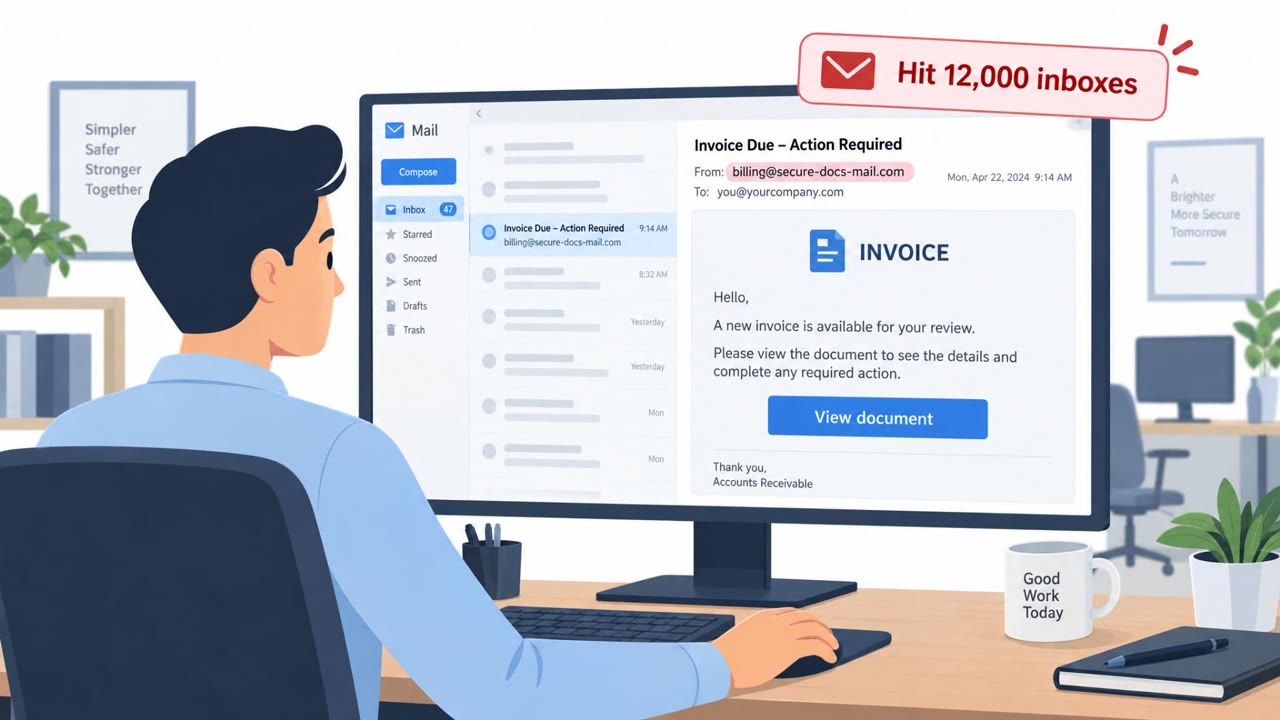
This news roundup describes multiple real-world social engineering operations, including a device-code phishing service that stole access to over 12,000 inboxes and a North Korean campaign posing as recruiters to trick developers during fake coding interviews. The attackers used legitimate login pages, impersonation, and job-offer workflows to get victims to authenticate or run malicious code, then searched for invoices and wire-transfer conversations to monetize access.
Key findings
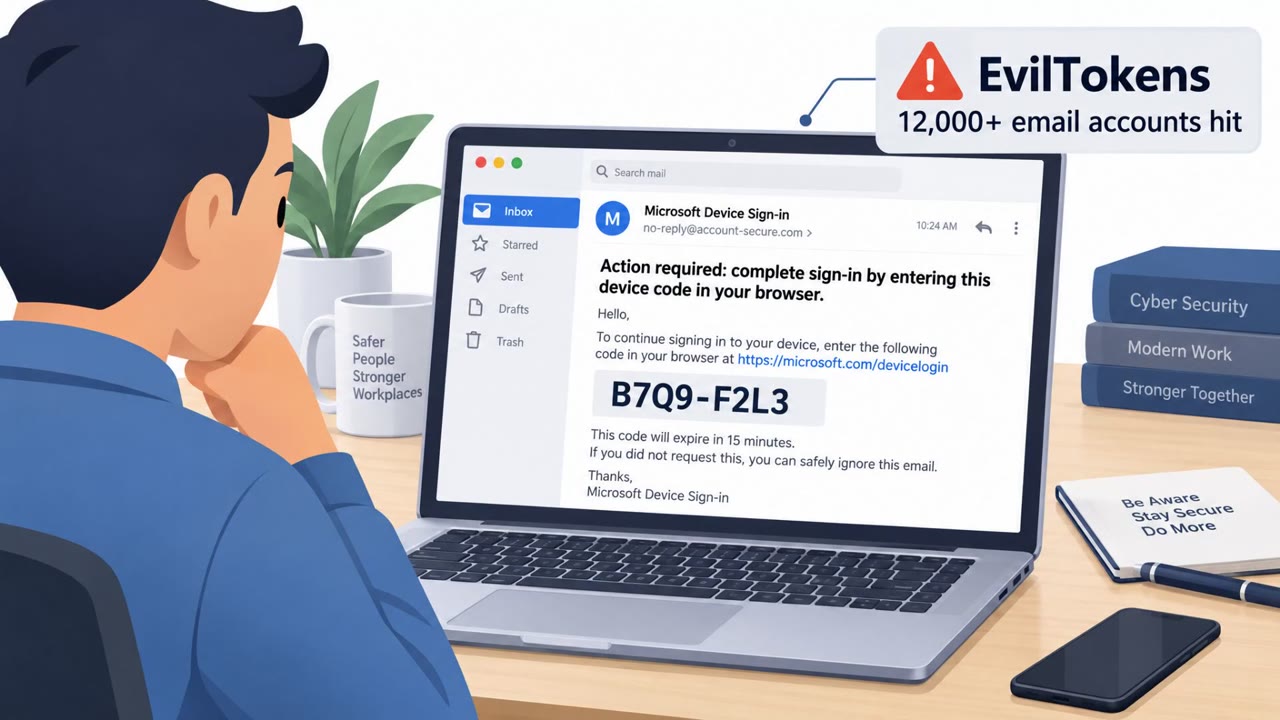
- EvilTokens used device-code phishing to trick users into entering an authentication code on Microsoft’s real sign-in page, enabling access that could persist even after a password reset.
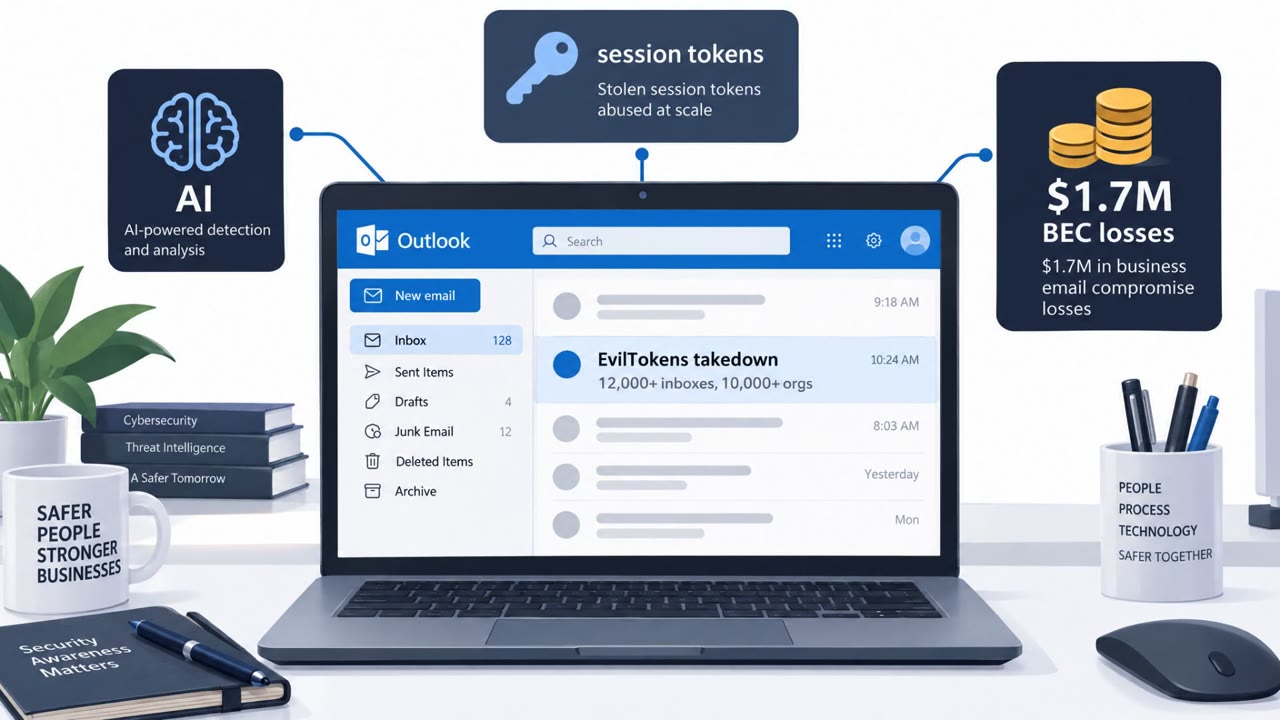
- An AI chatbot was used to read stolen mailboxes and identify wire transfer conversations, vendor invoices, and the best people to impersonate.
- The EvilTokens infrastructure was disrupted via a court order, with 50 websites seized and 150+ domains disabled; two suspects were arrested in London.
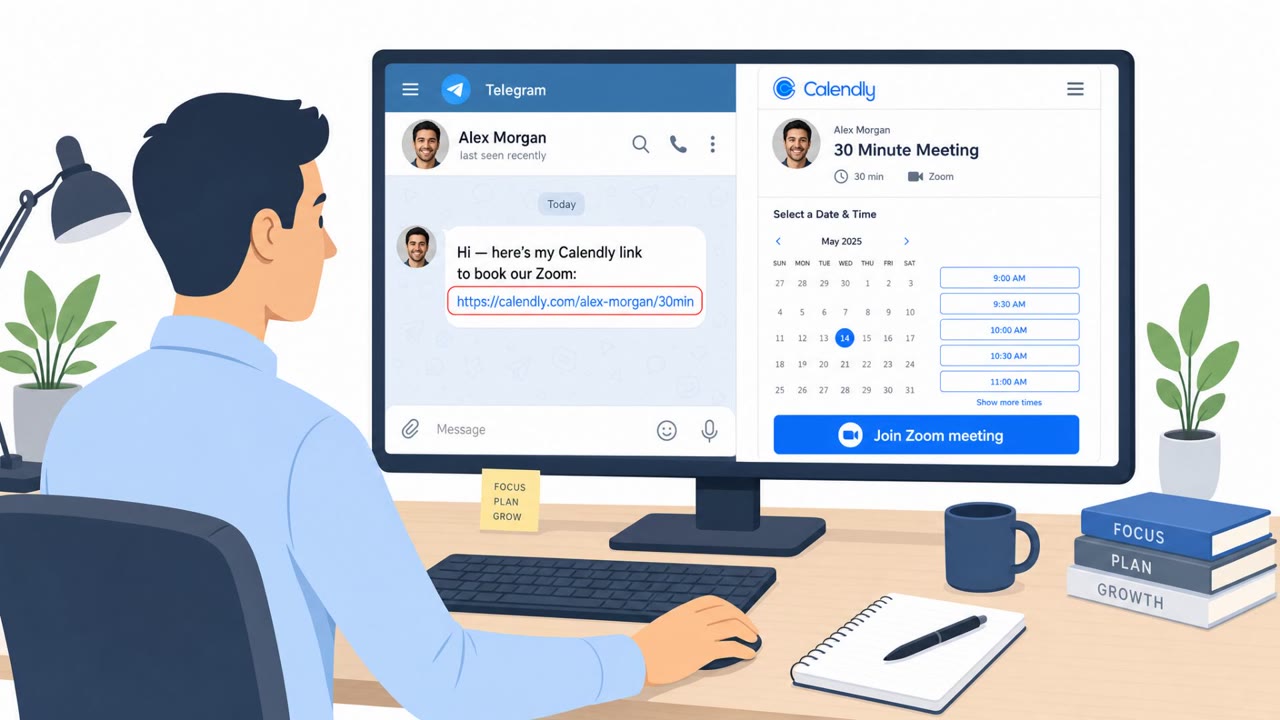
- North Korea’s WaterPlum (Contagious Interview) posed as recruiters and ran fake coding interviews to get developers to execute malicious npm packages or open booby-trapped VS Code projects.
Who’s being targeted
- Commonly targeted roles: All employees, Finance/AP/AR, Executives and executive assistants, Software developers, Engineering management, Recruiting/HR.
- Affected industries: Information technology / software development, Cryptocurrency / digital assets, Healthcare (via Health-ISAC membership exposure), Professional services (organizations broadly targeted via inbox compromise).
- Attack channels: email, website, linkedin.
- Impersonated: Microsoft sign-in / enterprise login flow, Recruiters for AI, crypto, and NFT companies.
Awareness takeaways
- Treat unexpected authentication-code prompts as phishing, even if the login page looks legitimate.
- If an email account is compromised, assume attackers will search for payment workflows; require out-of-band verification for invoices and wire transfers.
- Train developers to treat “coding interview” tasks as a high-risk pathway, do not run unknown packages or projects without safeguards.
Red flags to watch for
- Unexpected request to enter an authentication code you did not initiate
- You are sent to complete a sign-in you didn’t start, even though the page is legitimate
- Follow-on account activity can persist even after a password reset
- Recruiter pushes you to run code or install packages as part of screening
- Unverified project files sent for an interview task
- Pressure to proceed without identity verification or standard hiring steps
Read the video transcript
EvilTokens used device-code phishing, which tricks victims into entering an authentication code on Microsoft’s real sign-in page. You get an email or website saying, 'Go to Microsoft, enter this code.' The page is 100% real, but the sign-in wasn’t started by you. Entering that code hands over access that can survive a password reset. At the same time, WaterPlum ran fake coding interviews on LinkedIn, posing as recruiters for AI, crypto, and NFT companies, pushing developers to run malicious npm packages and booby-trapped VS Code projects. Aha moment: if you didn’t start the login or the interview task, don’t trust it. Your move: stop, don’t enter the code or run the project, and report it to Security immediately.