
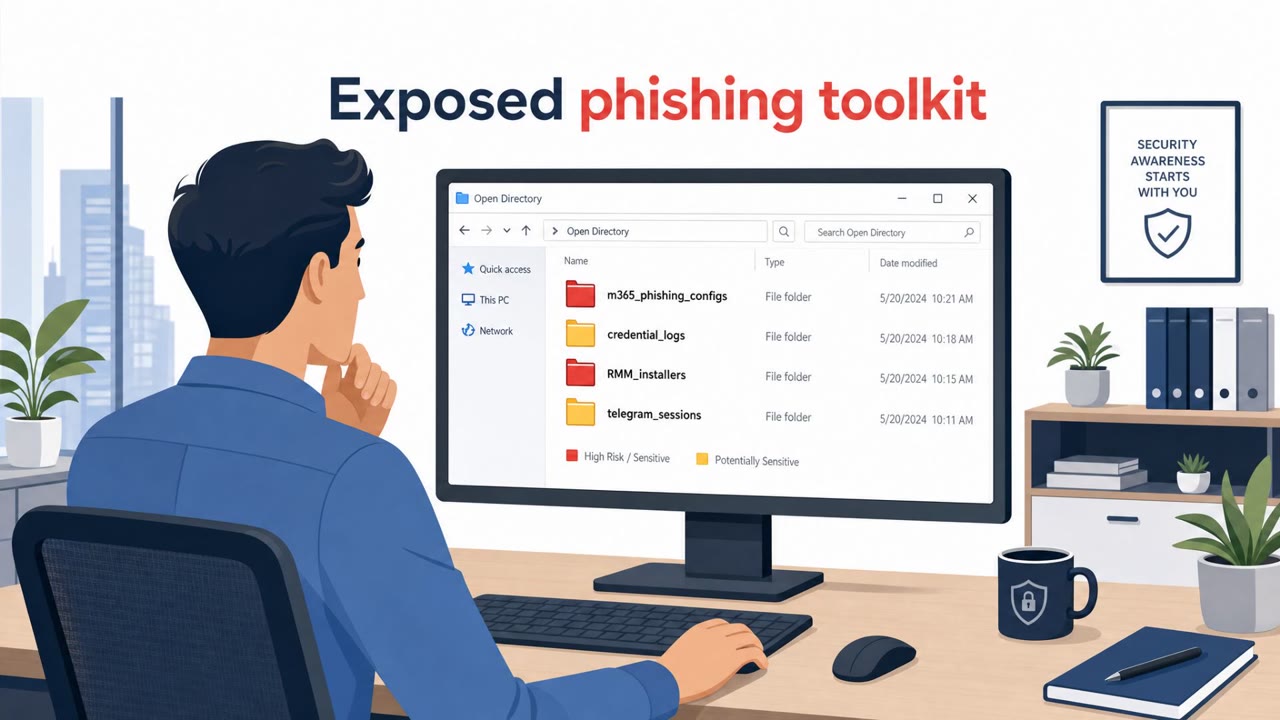
Open Server Exposes M365 Phishing Playbooks
Researchers found a misconfigured server exposing the tools and logs of multiple active phishing operators targeting corporate Microsoft 365 accounts. The…
July 13, 2026
Researchers found a live Microsoft 365 phishing server accidentally left open with directory listing enabled, exposing phishing configs, stolen credential logs, and tooling. The exposed artifacts revealed three separate phishing operations using Evilginx-style adversary-in-the-middle logins and Microsoft device-code sign-ins to capture tokens and keep access even with MFA. The write-up includes clear workflows that can be used to build realistic security-awareness simulations (fake Microsoft login proxy and device-code “Authenticator” lure).
Researchers uncovered three separate Microsoft 365 phishing operations after finding a phishing operator's own server left publicly accessible with directory listing enabled. That exposure revealed the toolkit and logs behind the campaigns, letting analysts pivot from one misconfigured server to three distinct operations, each running a custom fork of the open-source Evilginx proxy pulled from public GitHub.
The campaigns used two mechanically different ways to defeat MFA. The first proxies the live Microsoft login page in an adversary-in-the-middle setup, capturing session cookies and tokens as the victim signs in normally. The second abuses Microsoft's OAuth device code flow: a fake Authenticator-themed page generates a real device code and instructs the victim to enter it at the genuine microsoft.com/devicelogin. Because the victim is completing sign-in and MFA on Microsoft's actual page, the flow feels legitimate even though it hands the attacker a valid session.
Both techniques succeed because they exploit trust in real Microsoft infrastructure rather than relying solely on a convincing fake page. In the device code scenario, the victim signs in on a real Microsoft page and clears MFA themselves, which removes the usual visual red flags associated with a spoofed login screen. The AiTM method similarly benefits from proxying the genuine login experience, making it harder for a typical user to distinguish from normal authentication.
Organizations should recognize that these two techniques do not share a fix. Phishing-resistant MFA options such as FIDO2 or passkeys shut down the AiTM proxy method, but they do not stop device code abuse, which requires separate controls and awareness. Employees, especially those in finance, executive, and IT/identity roles, should be trained to treat unsolicited device codes and unexpected sign-in prompts as suspicious. It's also worth reinforcing that intercepted sessions can outlast a password reset, since stolen tokens and cookies keep working independently of the account password. Combining technical controls with targeted awareness about both fake-login phishing and legitimate-flow abuse gives defenders coverage against the full range of tactics seen in these three campaigns.
Mirage safely runs attacks like this one against your own team, so you find out what happens before a real adversary does.
A phishing operator left a public Python web server with directory listing enabled, exposing its toolkit and logs, which let Lexfo pivot from that one server to identify three separate Microsoft 365 phishing campaigns using custom Evilginx forks.
One method proxies the live Microsoft login to steal session cookies and tokens, defeating common MFA approaches, while a second abuses Microsoft's OAuth device code flow with an Authenticator-themed lure that directs victims to the real microsoft.com/devicelogin to complete sign-in and MFA themselves.
Not necessarily. Stolen session tokens and cookies can keep an account accessible even after a password reset, since the attacker already holds an authenticated session rather than just a password.
It stops the AiTM proxy technique but does not stop device code abuse, since the two techniques do not share a single fix and require different defenses.
Your Microsoft 365 login can be stolen even when you pass MFA, and it still looks like a real Microsoft page. Researchers found an open phishing server running custom Evilginx. It proxied live Microsoft 365 logins, grabbed session cookies, and set a one-year timer so they could stay in mailboxes even after passwords changed. Worse, one campaign abused Microsoft’s device code login. A fake Authenticator page says, “Enter this code at microsoft.com/devicelogin to secure your account.” You go to the real site, sign in, approve MFA, and their backend quietly grabs the token the moment you do. Aha moment: if you didn’t start a sign-in, treat any Microsoft login or device code prompt as hostile. Your move: if a code or re-login pops up out of nowhere, stop and report it to the security team immediately.
Researchers found a misconfigured server exposing the tools and logs of multiple active phishing operators targeting corporate Microsoft 365 accounts. The…
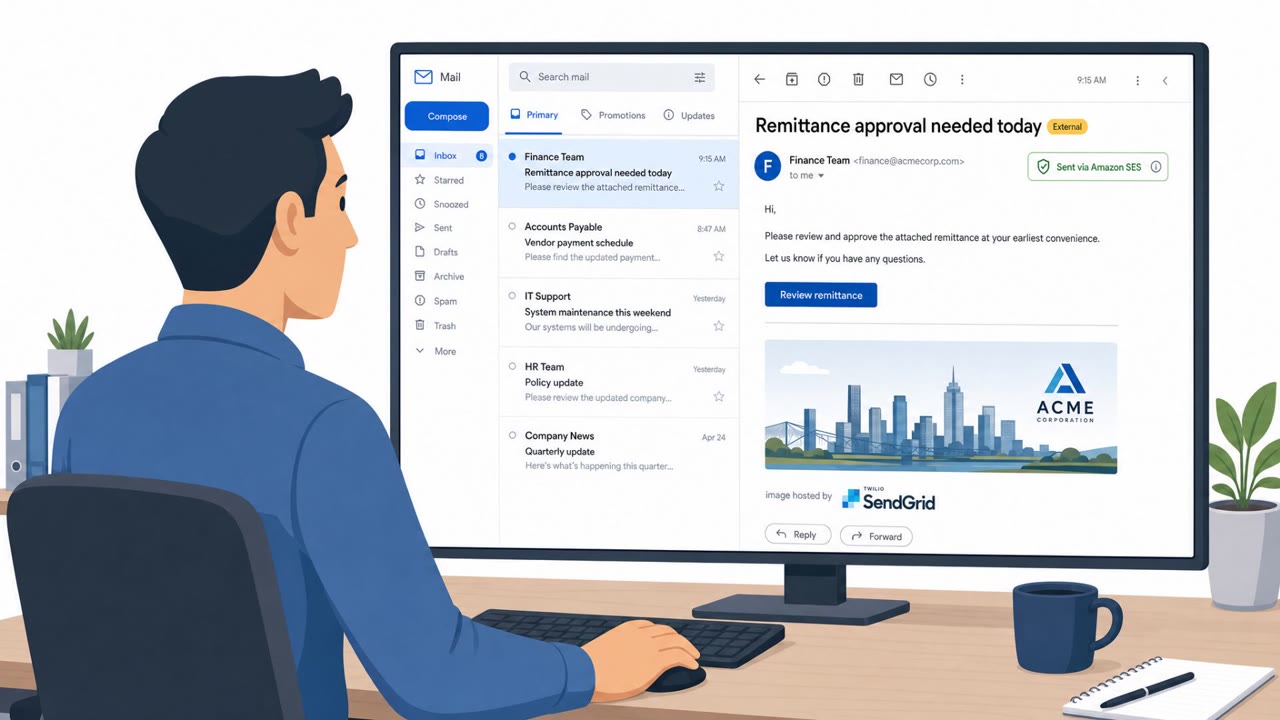
Researchers report an active phishing-as-a-service operation, Forg365, that targets Microsoft 365 users with document/payment-themed lures and techniques that…
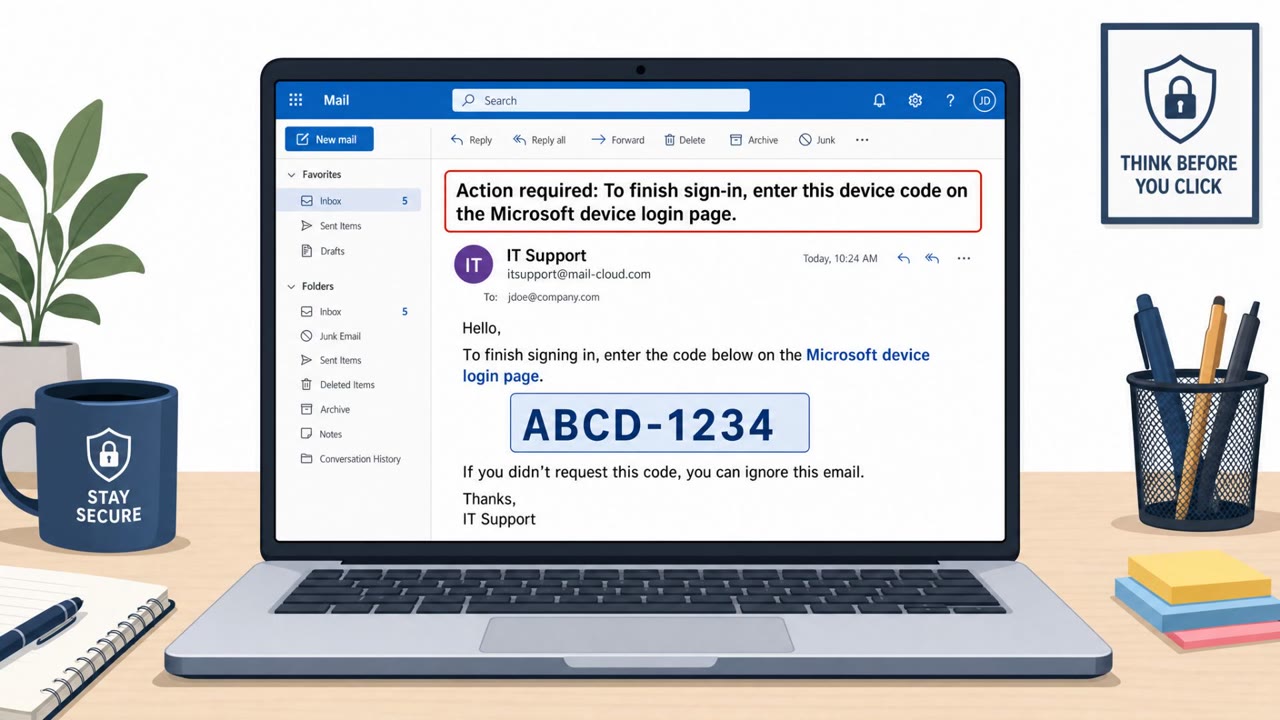
This article describes real-world “device code phishing” campaigns where victims are tricked into approving an OAuth device login, granting attackers access…
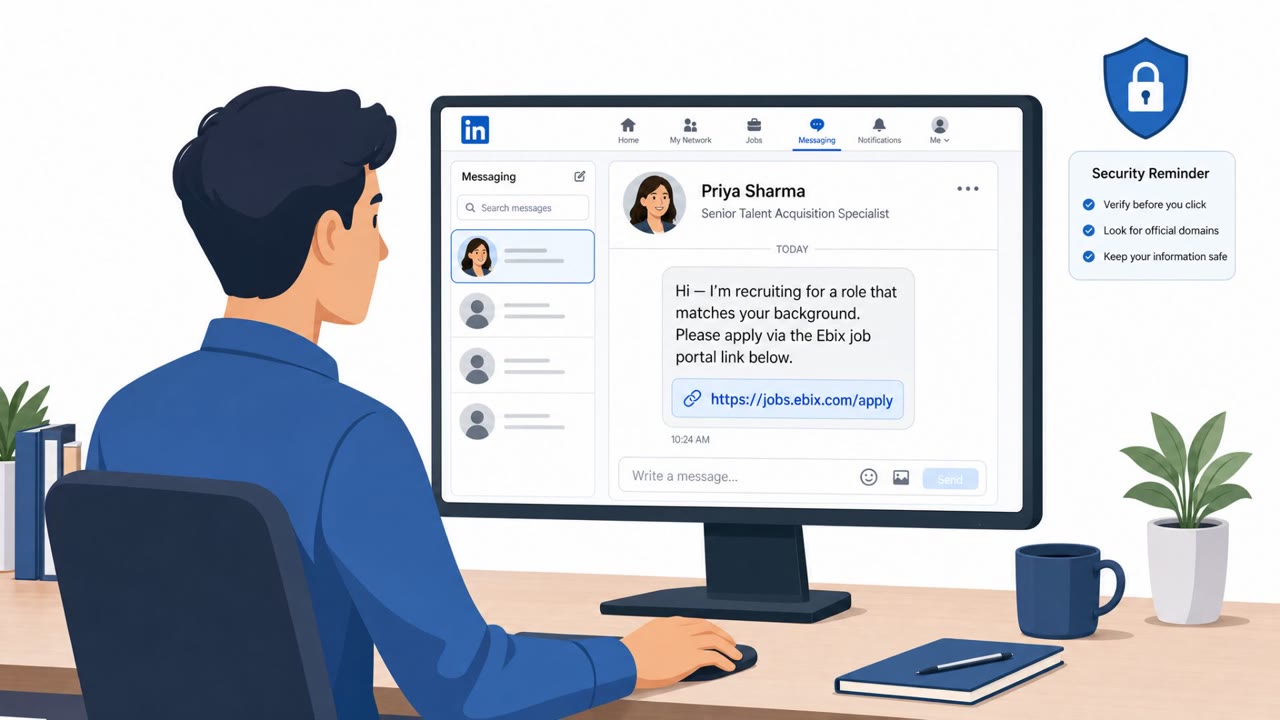
This threat trend report describes multiple real-world APT campaigns that rely on social engineering (job offers, fake recruiters, code reviews, and…
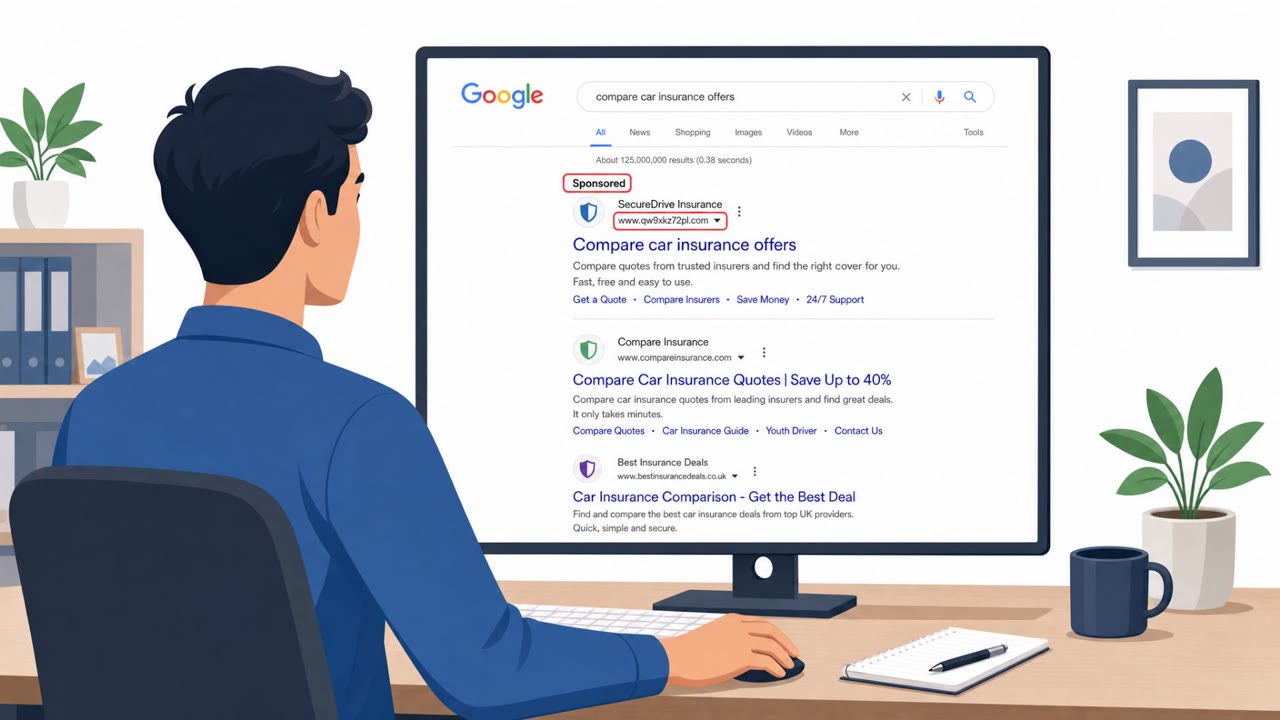
Researchers observed insurance-themed phishing that doesn’t just steal passwords, it hijacks accounts in real time while the victim is actively logging in. The…
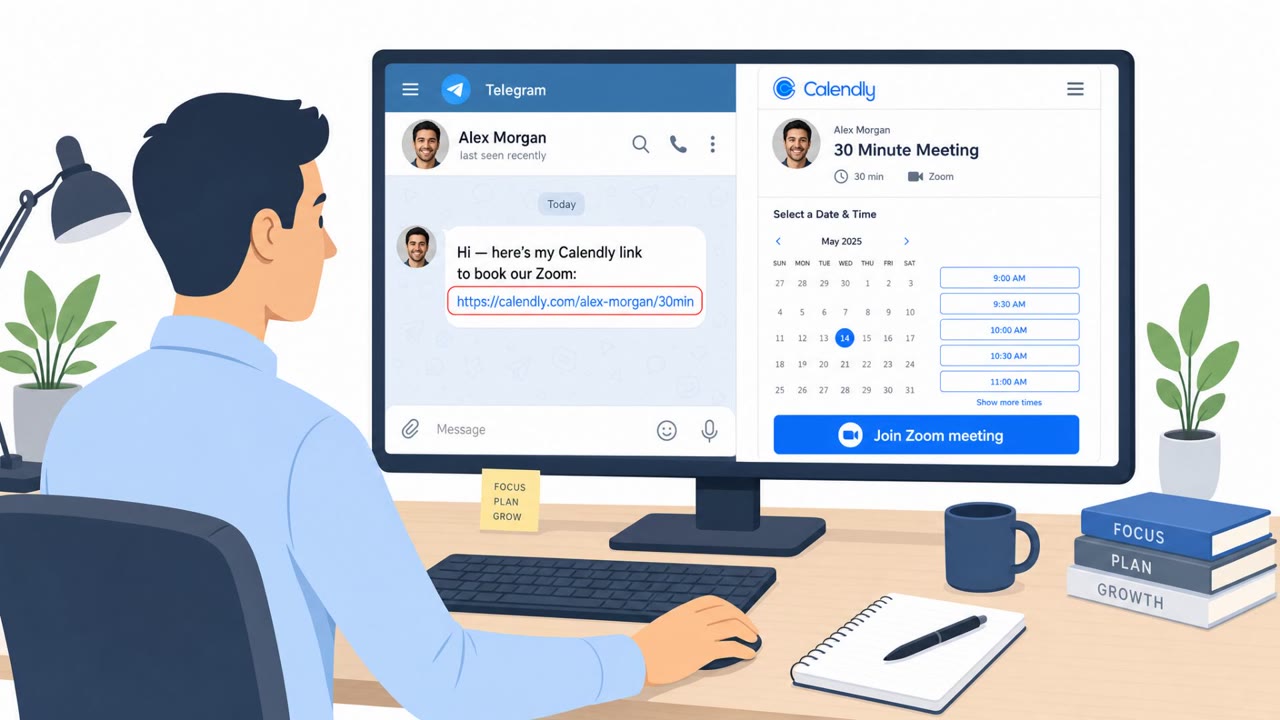
North Korea-linked BlueNoroff is using fake Zoom and Microsoft Teams meeting pages shared from hijacked trusted contacts (often via Telegram) to trick victims…