
Three Live M365 Phish Ops Exposed by Open Server
Researchers found a live Microsoft 365 phishing server accidentally left open with directory listing enabled, exposing phishing configs, stolen credential…
July 13, 2026
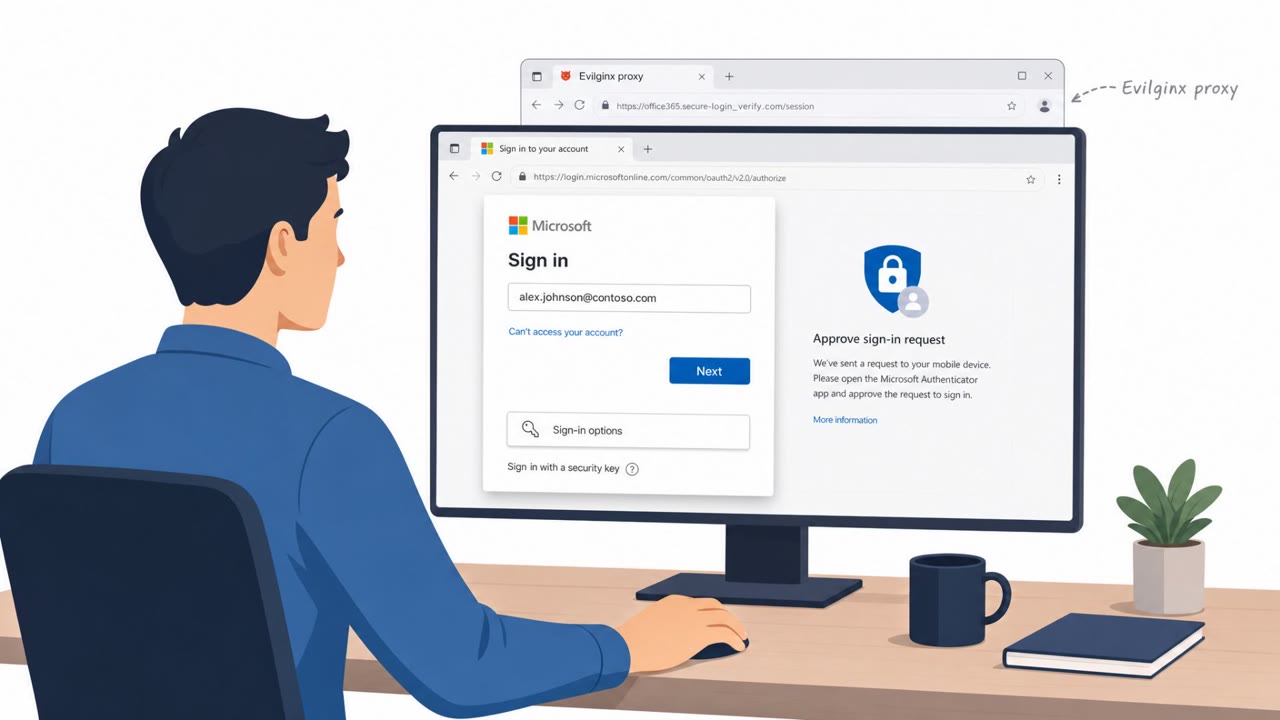
Researchers found a misconfigured server exposing the tools and logs of multiple active phishing operators targeting corporate Microsoft 365 accounts. The exposed data included phishing configurations, stolen credentials/tokens, and tooling for maintaining access, including a campaign abusing Microsoft’s OAuth Device Code Flow to keep refreshing access in the background.
An open, misconfigured server left the operational tooling of multiple active phishing operators exposed to anyone who found it. The exposed data included phishing configurations, stolen credentials and tokens, remote management installers, and even the operators' own Telegram session files. This gave defenders an unusually clear window into how corporate Microsoft 365 accounts were being targeted at scale.
Two distinct techniques stood out among the exposed tooling:
Researchers also noted signs that generative AI may have been used to help build parts of the phishing tooling and code.
Both techniques succeeded because they exploit trust in legitimate Microsoft infrastructure rather than obviously fake login pages. A device code prompt looks like a normal Microsoft authentication step, and an AiTM proxy presents a real-looking sign-in flow. Victims have little reason to suspect anything is wrong because the page they interact with is genuinely Microsoft's, even though the session or token is being intercepted behind the scenes. This is why MFA alone did not prevent account compromise: attackers were not guessing passwords, they were hijacking sessions and tokens after authentication occurred.
Employees, executives, finance, HR, and IT teams should treat these signals as red flags:
Organizations can reduce exposure by disabling Device Code authentication where it isn't operationally needed and limiting how long tokens and sessions persist without re-verification. Just as important is training staff to recognize that a legitimate-looking Microsoft page does not guarantee a legitimate request behind it. Encourage employees to report unsolicited sign-in or re-authentication prompts immediately rather than completing them, and reinforce that MFA is one layer of defense, not a guarantee against session hijacking or Device Code Flow abuse.
Mirage safely runs attacks like this one against your own team, so you find out what happens before a real adversary does.
It abuses a legitimate Microsoft feature where the victim signs in on a real Microsoft page using a device code, while the attacker's backend claims the resulting access token in the background.
Not on its own. Because attackers capture session tokens or use AiTM proxies, they can bypass MFA entirely by hijacking an already-authenticated session.
The campaign ran for over a year and collected 218 confirmed victims across 12 countries, with roughly 94% of them corporate accounts.
Disable Device Code authentication where it is not needed, limit token and session persistence, and train employees to treat unexpected sign-in or re-authentication requests as suspicious.
Imagine this: an open server leaking live Microsoft 365 phishing playbooks, configs, stolen passwords, even tools to stay logged into your account forever. One playbook: an Evilginx adversary-in-the-middle rig to hijack Microsoft 365 sessions. Another: a framework abusing Microsoft’s OAuth Device Code Flow, victims sign in on a real Microsoft page while the attacker quietly grabs and refreshes their access token in the background. Here’s the trap: you get an email, 'Action required: complete Microsoft sign-in using the provided device code.' You go to a legit Microsoft page, enter the code, it all looks normal. Aha: the only fake part was the request itself, that unsolicited device code email. If you ever get a Microsoft 365 device-code or re-auth email you weren’t expecting, stop: don’t use the code or link, report it to IT and sign in only by going to portal.office.com or office.com yourself.
Researchers found a live Microsoft 365 phishing server accidentally left open with directory listing enabled, exposing phishing configs, stolen credential…
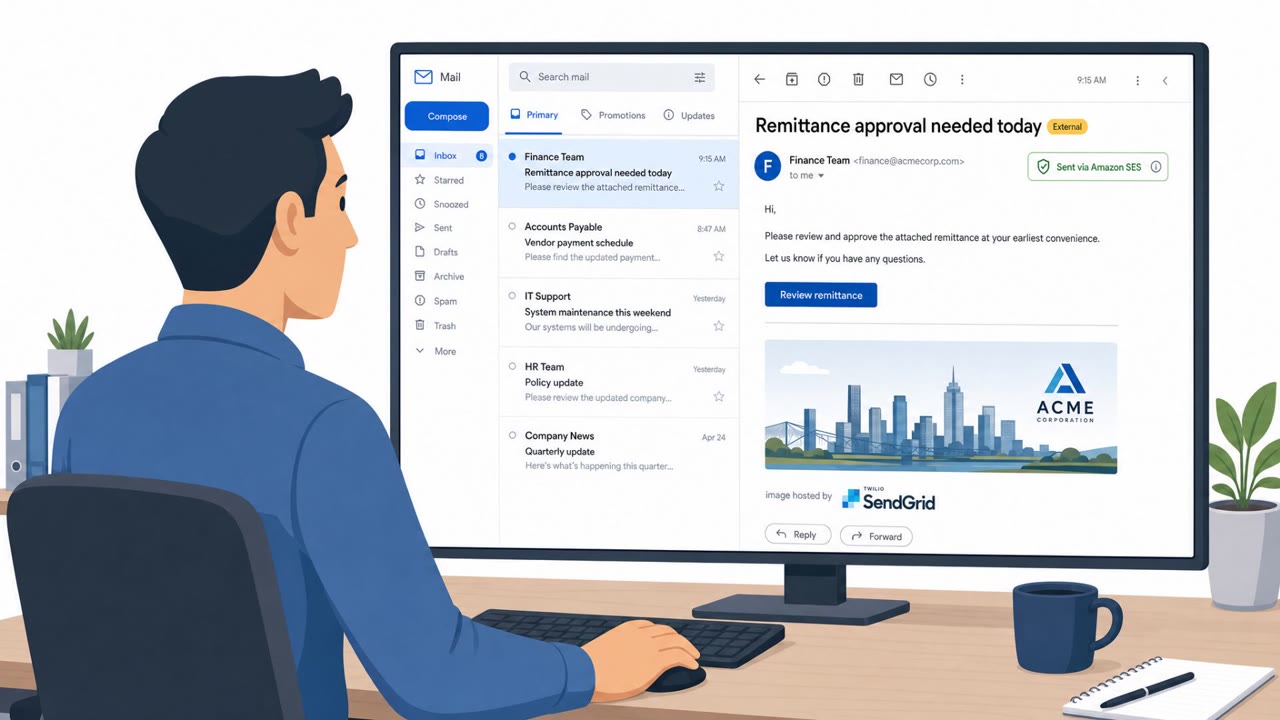
Researchers report an active phishing-as-a-service operation, Forg365, that targets Microsoft 365 users with document/payment-themed lures and techniques that…
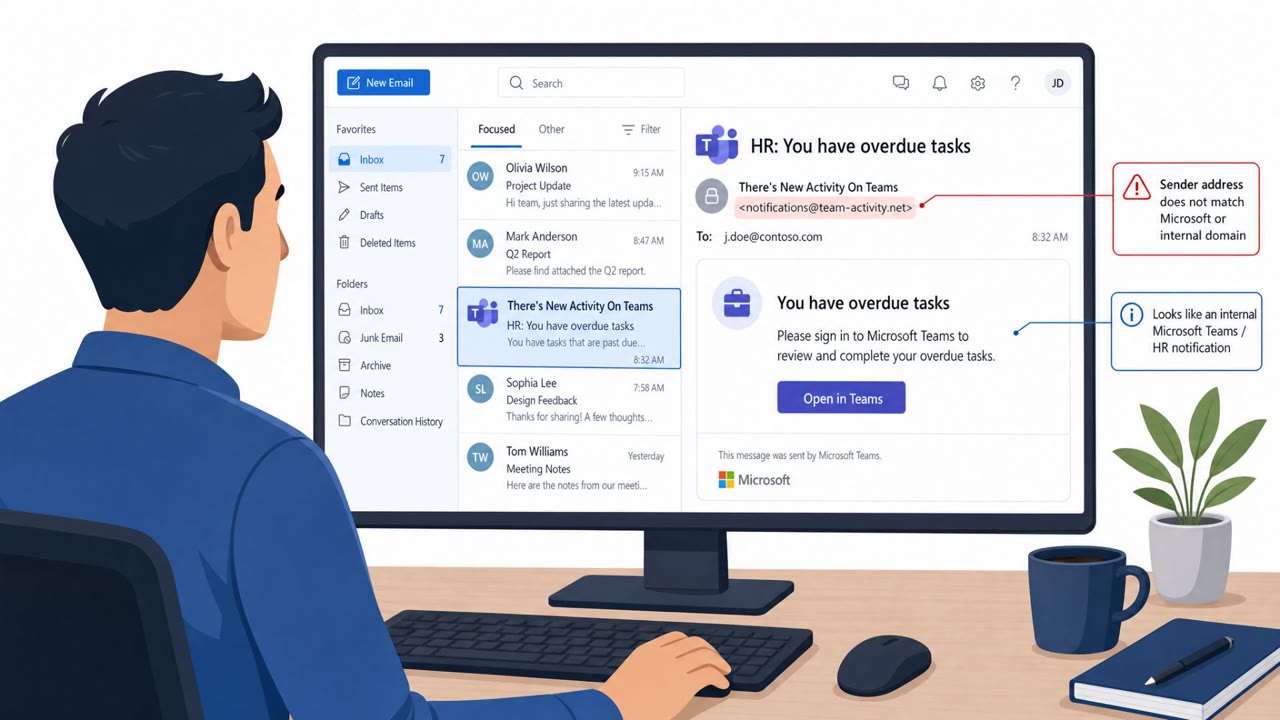
Attackers sent emails that looked like Microsoft Teams/HR notifications and pushed users through Microsoft’s real sign-in and OAuth consent screens. When…
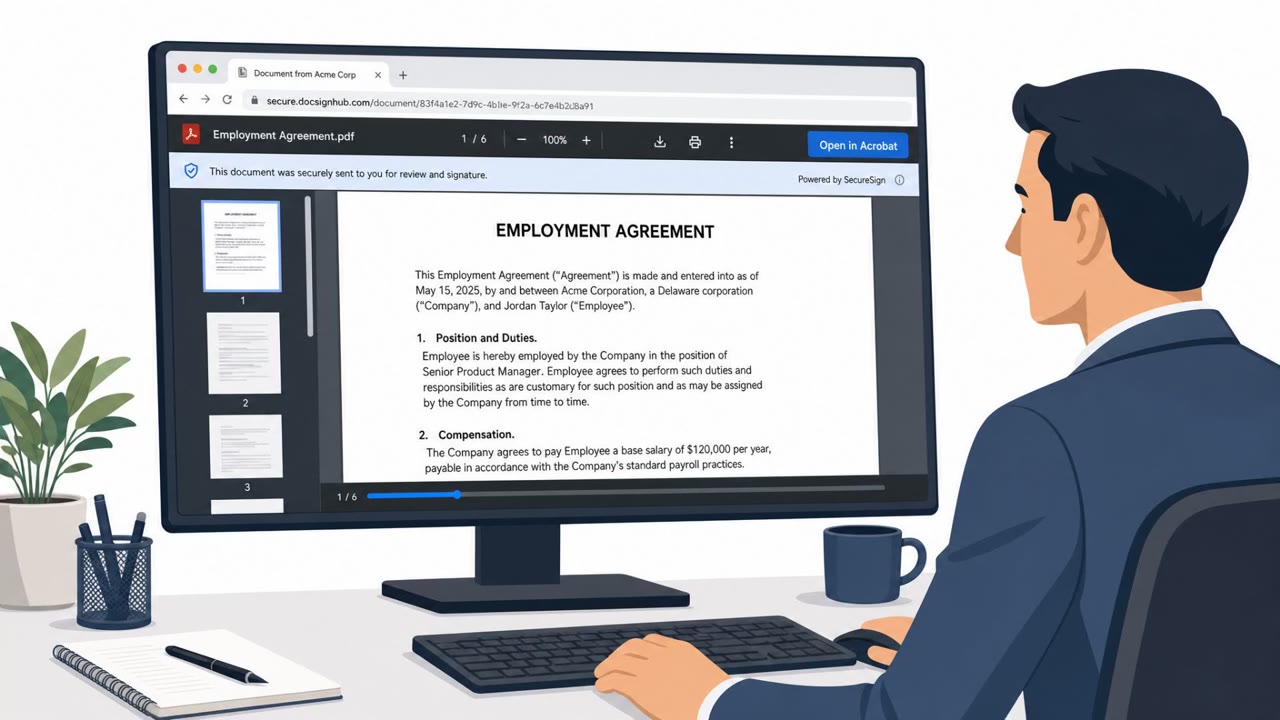
Researchers found a DocuSign lookalike phishing workflow that guides people through a realistic “document viewing” experience and then convinces them to…
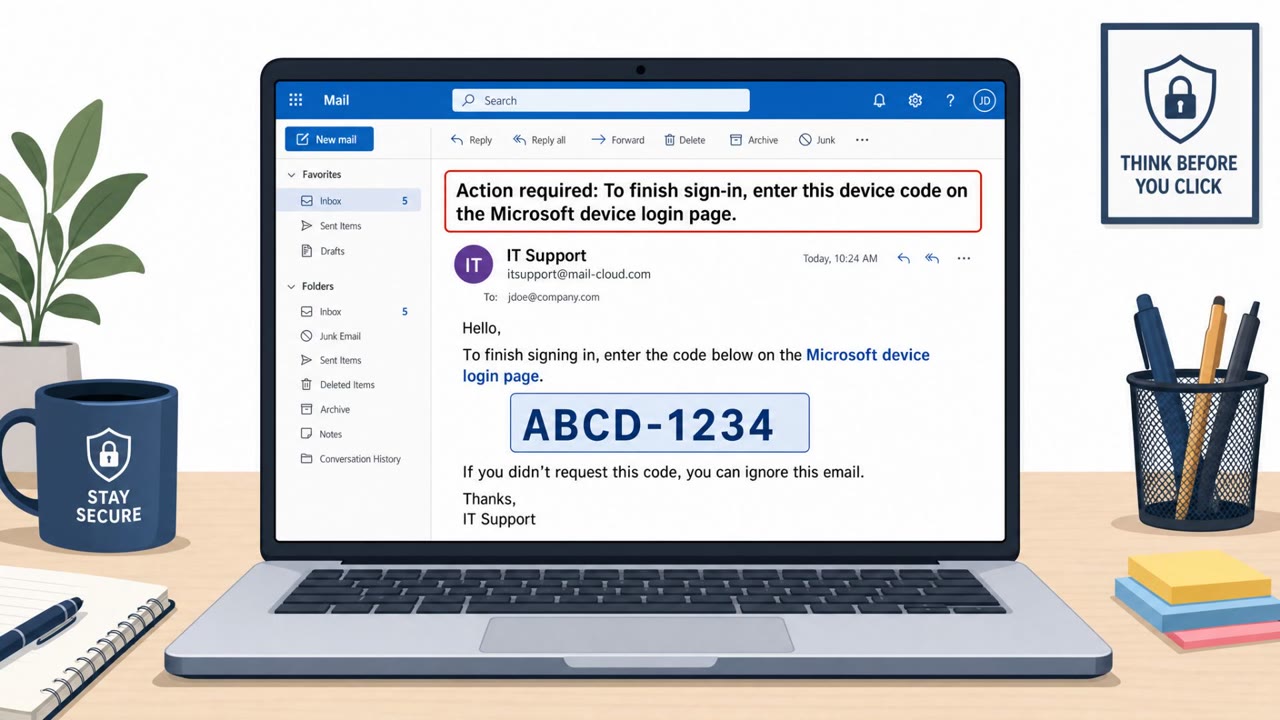
This article describes real-world “device code phishing” campaigns where victims are tricked into approving an OAuth device login, granting attackers access…
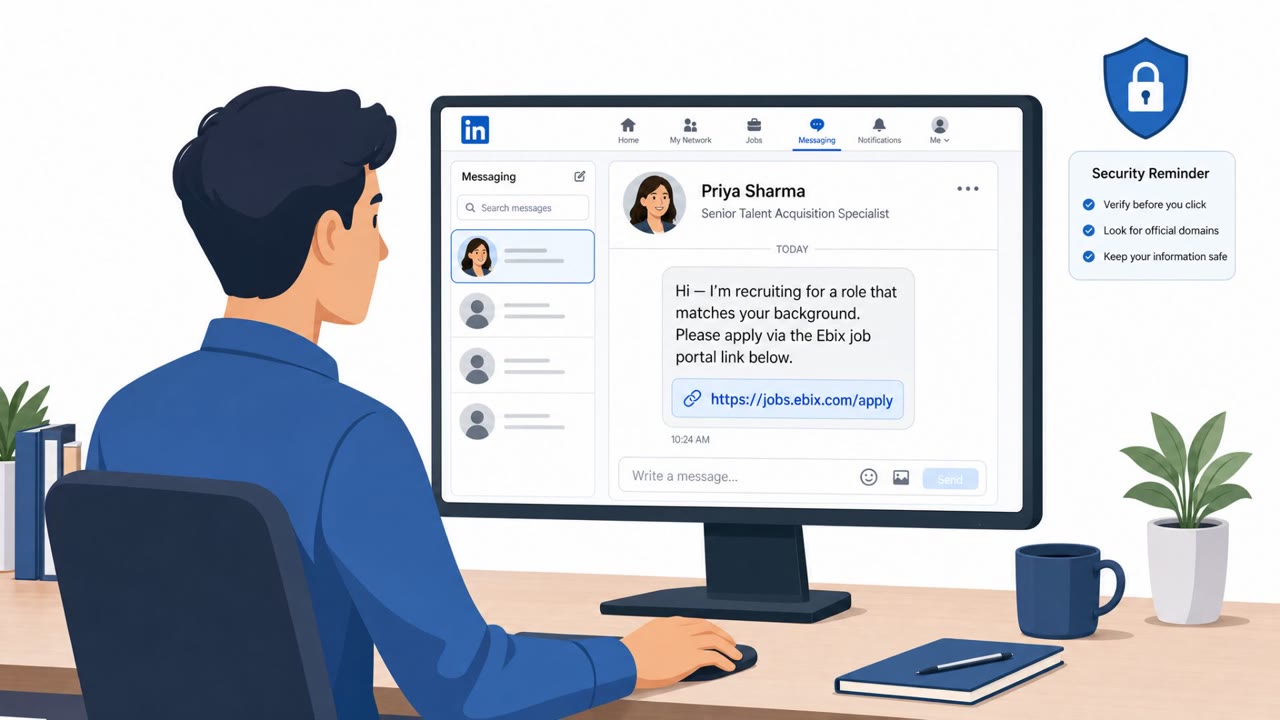
This threat trend report describes multiple real-world APT campaigns that rely on social engineering (job offers, fake recruiters, code reviews, and…