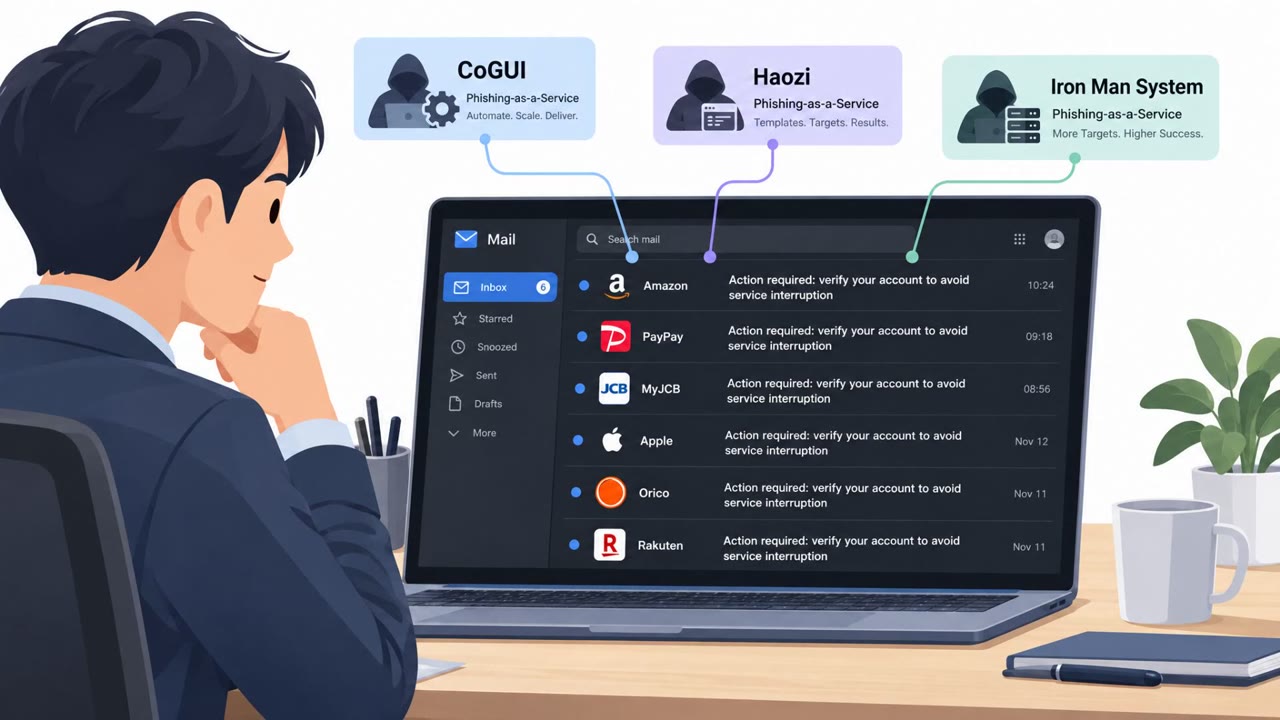
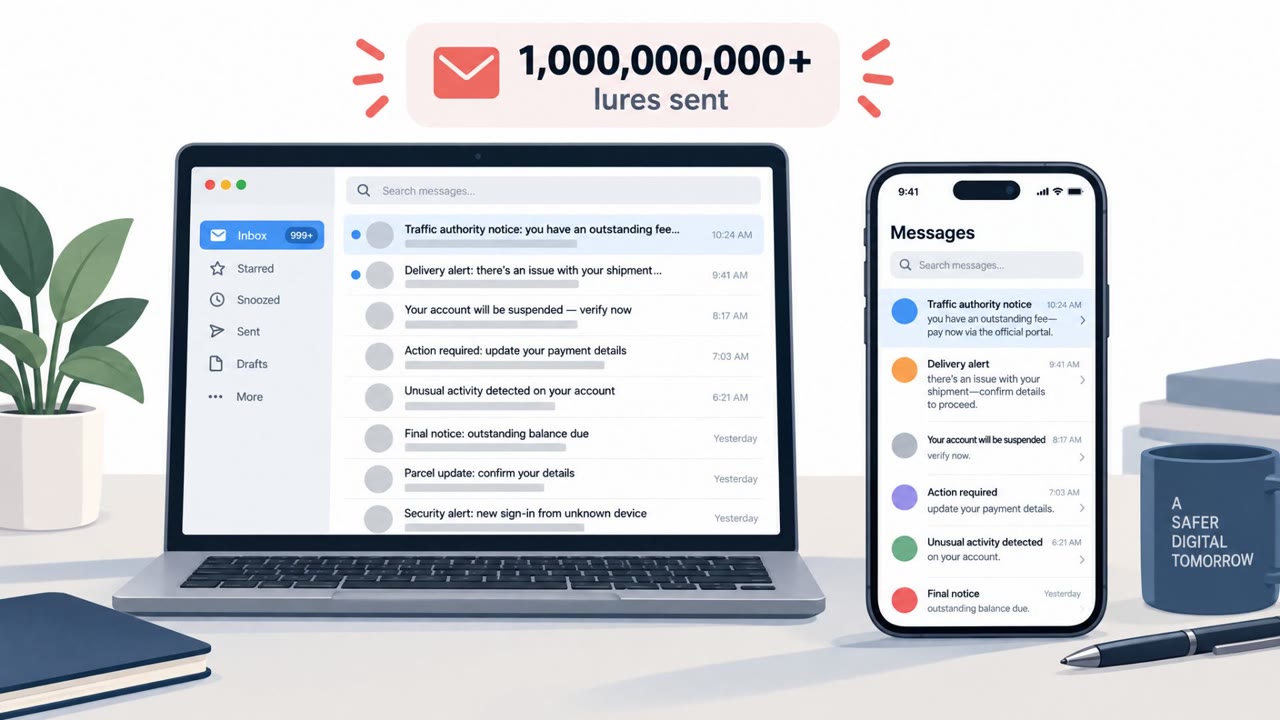
Researchers observed a long-running tech support scam that sent over 13 million emails, mostly to Japanese “.jp” addresses, pushing victims to fake security alert websites. The lures increasingly looked like workplace HR and internal IT notices, aiming to trick employees into clicking links, calling a bogus support line, and ultimately paying fees or moving money while attackers remotely controlled the device.
How the attack worked
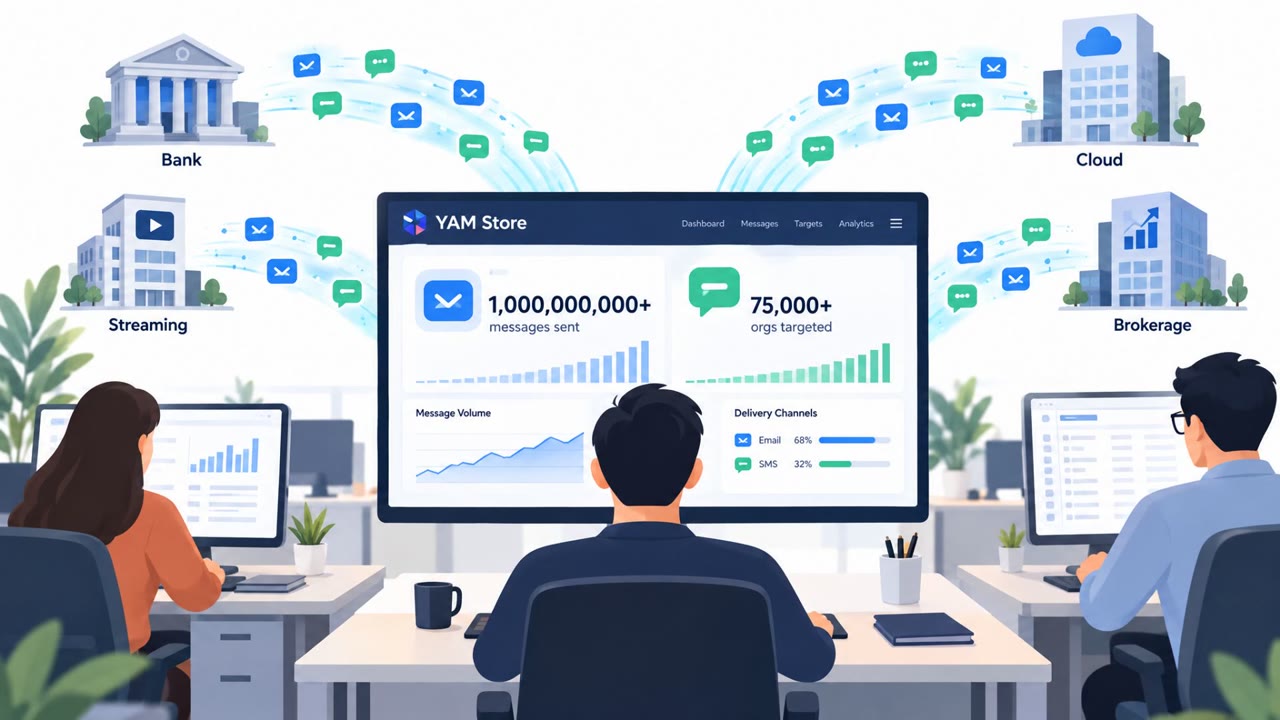
This campaign combined mass email distribution with fake security warning websites and phone-based social engineering. Over a 165 day period, researchers observed more than 13 million emails, with 94% sent to addresses using Japan's .jp top-level domain. The emails used spoofed senders designed to look like the recipient's own address or a legitimate internal service, moving victims from a deceptive email to a fraudulent support call.
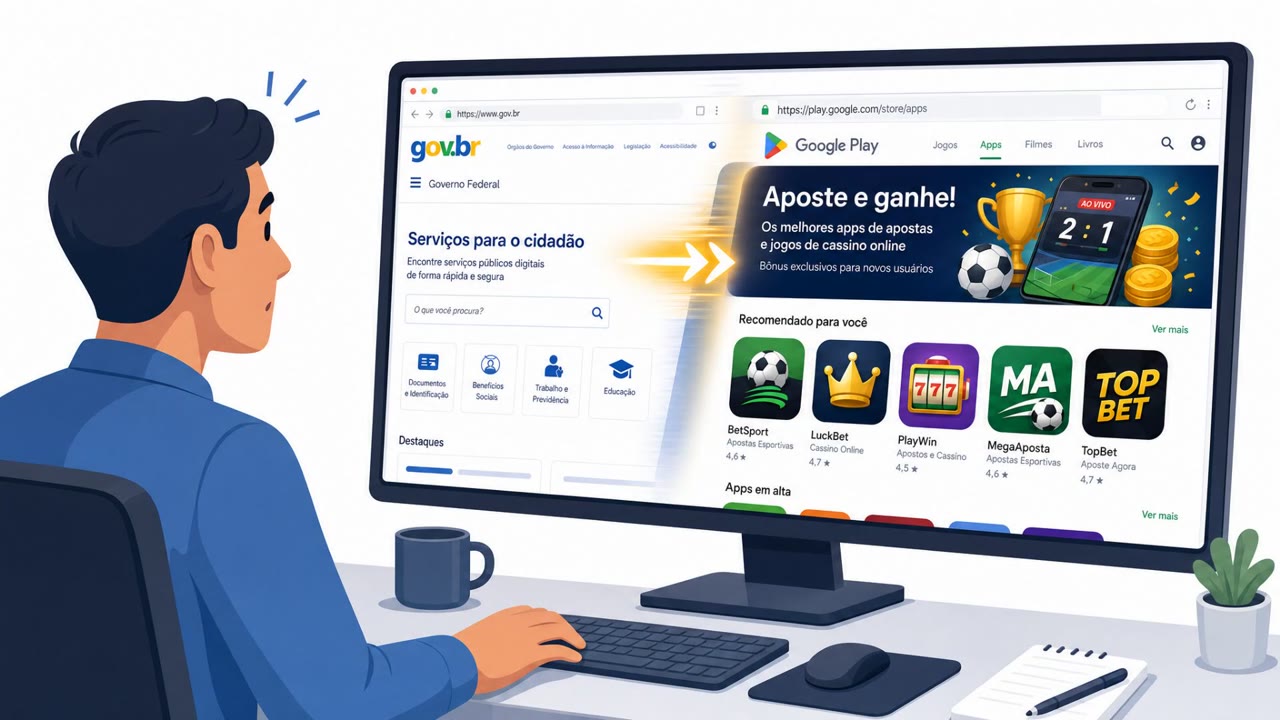
Clicking the link in these emails opened a fake site displaying a bogus security warning. That page pushed the victim to call a listed support number. Once on the phone, the attackers posed as technical support staff and often requested remote control of the victim's device. From there, the scheme moved through three stages: lure the user to the fake alert page, gain remote control while impersonating support staff, and then extract money through fraudulent support fees or wire transfers.
Why it succeeded
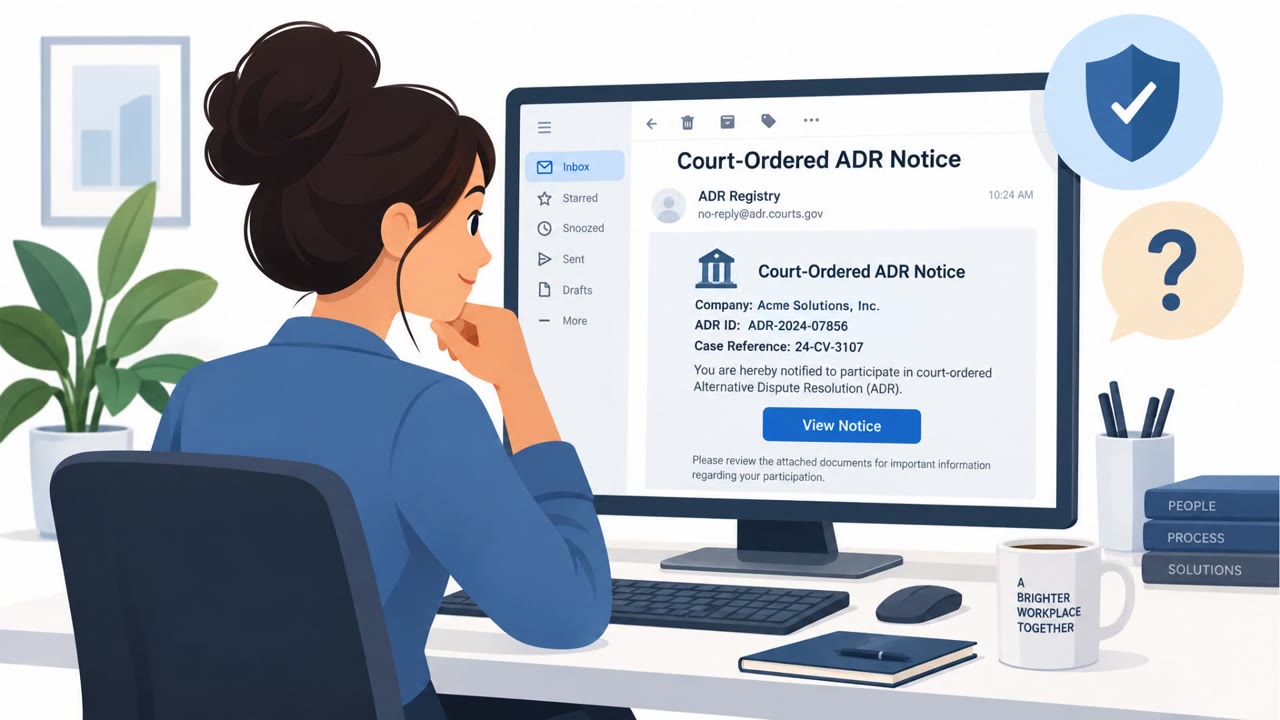
The lures increasingly mimicked ordinary workplace communications rather than generic security pop-ups. Starting in May 2026, subject lines referenced internal network security audits, confidential performance evaluations and promotion lists, and employee benefit notices like digital gift cards for a company anniversary. This shift toward workplace themed lures reflects an attempt to reach individuals inside companies and organizations, likely aiming for larger payouts than typical consumer targeting.
The combination of spoofed senders, rapidly rotating fake alert sites, and legitimate hosting and remote access services made the scam harder to filter and more convincing once a victim reached the fake warning page.
What to watch for
- Urgent internal-sounding emails about security audits, performance reviews, salary changes, or employee benefits that include a link
- Web pages that show alarming security warnings and push a phone call to an unfamiliar support number
- Sender addresses that appear to match the recipient's own address or a familiar internal service
- Requests during a support call to allow remote control of a device, followed by instructions to log into online banking
Building resistance
Organizations can reduce exposure by tightening sender authentication and building specific habits among employees:
- Enforce SPF, DKIM, and DMARC to catch spoofed and self-spoofed sender patterns
- Train employees to verify HR and IT notices through a known internal channel before clicking links
- Instruct staff to close fake warning screens without calling any listed number and to verify alerts through official support contacts
- Limit and monitor remote access tool usage, since scammers used remote control sessions to guide victims into banking actions that led to substantial financial losses
Because these lures now closely resemble routine workplace notices, awareness training should specifically cover HR and IT themed phishing, not just generic security alert scams.
Key findings
- The campaign shifted from primarily malvertising to “sustained email distribution” that drove victims to fake security alert sites and then into fraudulent support calls.
- Over 165 days, researchers observed “more than 13 million emails,” with “94%…sent to emails using Japan’s '.jp' top-level domain.”
- The operation used “spoofed senders,” “rapidly rotating fake alert sites,” and “legitimate hosting and remote access services.”
- Workplace-themed lures (performance reviews, salary revisions, security audits, internal notices) appeared from May 2026, suggesting a push toward organizational victims and larger payouts.
- In confirmed cases, victims were coached, while attackers had remote control, to access online banking, leading to “substantial financial losses.”
Who’s being targeted
- Commonly targeted roles: All employees, HR, IT/Helpdesk, Finance/Accounting, Executives.
- Affected industries: Multiple industries (Japan-based organizations using .jp email), Consumers (individual users).
- Attack channels: email, website, vishing.
- Impersonated: Internal HR/IT / company system administrator (spoofed sender), HR department (internal notice) / internal corporate portal notifications, Company HR / employee benefits team.
Red flags to watch for
- Sender address is spoofed to look like the recipient or an internal admin/service
- Unexpected urgency tied to HR/IT processes with a link to an external site
- Web page shows a scary warning and pushes a phone call to 'support'
- Too-good-to-be-true/curiosity lure (promotion list) delivered by unsolicited email
- Link leads to a security warning page unrelated to HR content
- Pressure to call an unsolicited support number
- Unsolicited 'benefits' email with a link and urgency
- Mismatch between 'gift card' topic and a security warning web page
- Request to pay fees or follow unusual payment/wire instructions
Frequently asked questions
How did the tech support scam campaign work?
Attackers sent spoofed emails mimicking internal HR or IT notices with links to fake security alert sites, which pressured victims to call a bogus support line where scammers requested remote device access.
Why were Japanese users targeted?
According to the research, 94% of the more than 13 million emails observed over 165 days were sent to addresses using Japan's .jp top-level domain.
What happened after victims called the fake support number?
In confirmed cases, victims were coached to access their online banking accounts while attackers remotely controlled their devices, resulting in substantial financial losses.
How can organizations reduce risk from this type of scam?
Enforcing SPF, DKIM, and DMARC helps detect spoofed senders, and employees should avoid calling numbers shown in unsolicited security warning pop-ups, verifying alerts through official channels instead.
Read the video transcript
You get an email: "[Confidential] H2 performance evaluations and promotion list." Tempting, right? This is part of a 13‑million‑email tech support scam hitting .jp addresses. Click the link, and instead of HR, you land on a fake security alert page screaming that your device is infected and you must call support now. If you call, the "support" person walks you through installing a remote access tool, then calmly guides you into your online banking. That HR email just turned into a live money-transfer session under their control. Aha test: if an "internal" HR or IT email sends you to a scary security page with a phone number, stop. Close it, and contact HR or IT using your usual company channels, not that page.