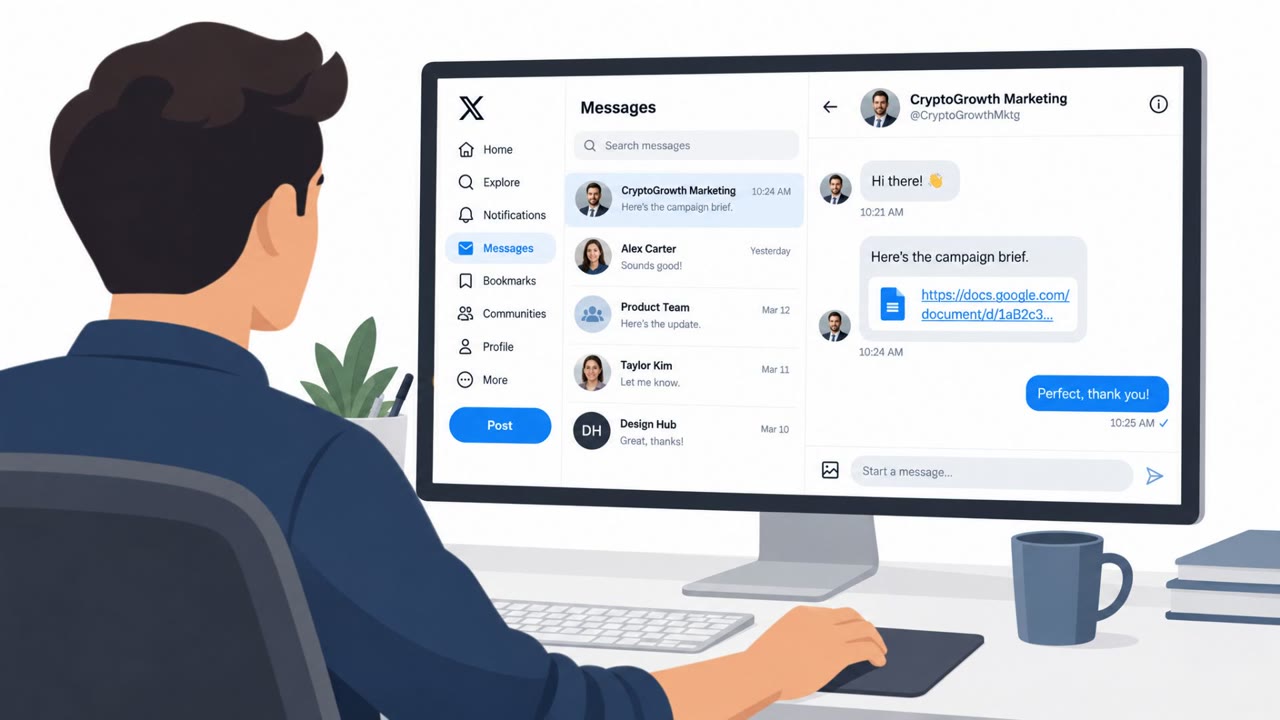
The recap describes a real Microsoft 365 phishing campaign using DocuSign-themed emails that push victims through multiple redirects to a fake sign-in page. The goal is to steal session tokens (so attackers can log in even if a password changes) and also perform “device code” style sign-in abuse. The article also notes a newer trick where QR codes made of plain text can still appear even when email images are blocked.
Key findings
- Attackers used a QR code made from text so it still renders even when email images are blocked.
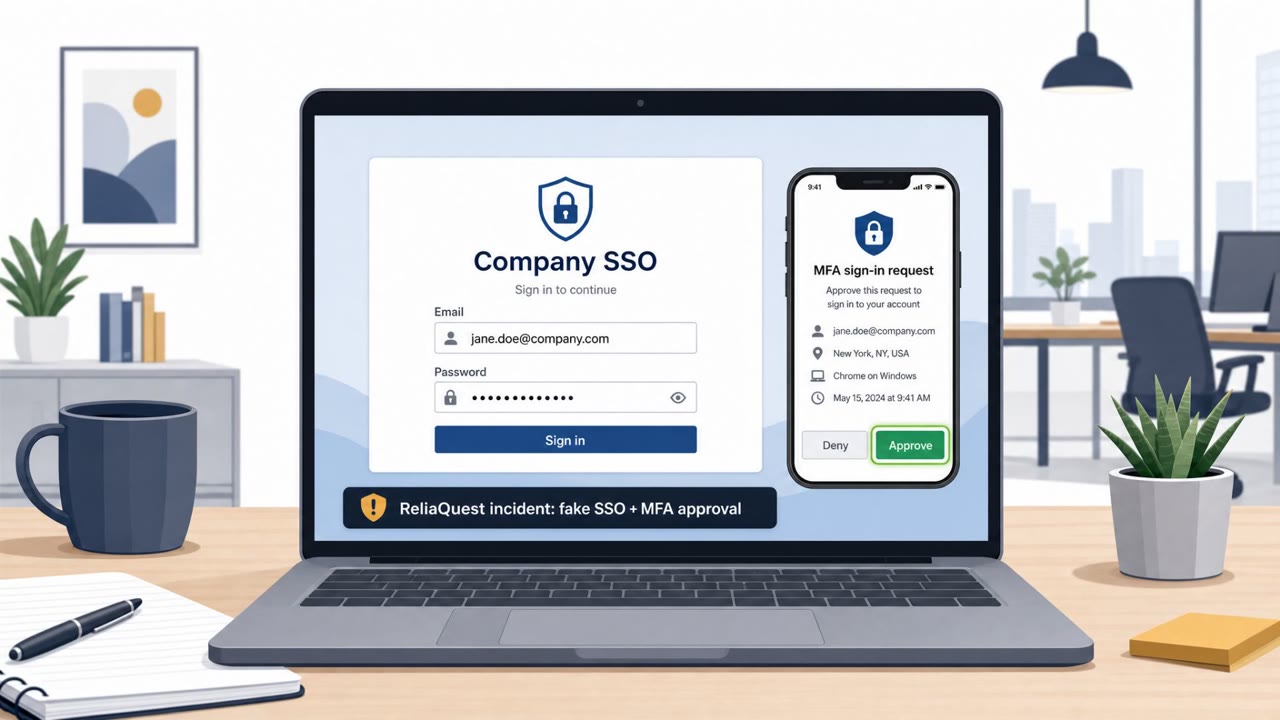
- A Microsoft 365 adversary-in-the-middle (AiTM) phishing kit (“Knight Office”) used DocuSign-themed lures to send victims to fake landing pages designed to steal session tokens.
- The described phishing flow included multiple redirects, including via Monday and a compromised Joomla website, before victims reached the phishing page.
- The recap also mentions other active exploitation activity (browsers, routers, e-commerce platforms), but the most simulation-ready social-engineering detail is the DocuSign-themed M365 phishing lure and redirect workflow.
Who’s being targeted
- Commonly targeted roles: All employees, Executives, Finance, HR, Sales, IT helpdesk (to recognize token-theft/AiTM reports).
- Affected industries: Cross-industry (Microsoft 365 users).
- Attack channels: email, website.
- Impersonated: DocuSign.
Awareness takeaways
- Treat DocuSign-style “review/sign” emails as high-risk and verify the destination before signing in.
- Be suspicious of sign-in flows that bounce through multiple redirects, close the browser and re-open the site from a known bookmark.
- Blocking email images alone is not a complete defense, attackers can still present scannable QR content without images.
Red flags to watch for
- Multiple unexpected redirects before the sign-in page (including through unrelated services).
- Sign-in page is not the normal Microsoft/DocuSign domain.
- Email may still show scannable QR content even with images blocked.
Read the video transcript
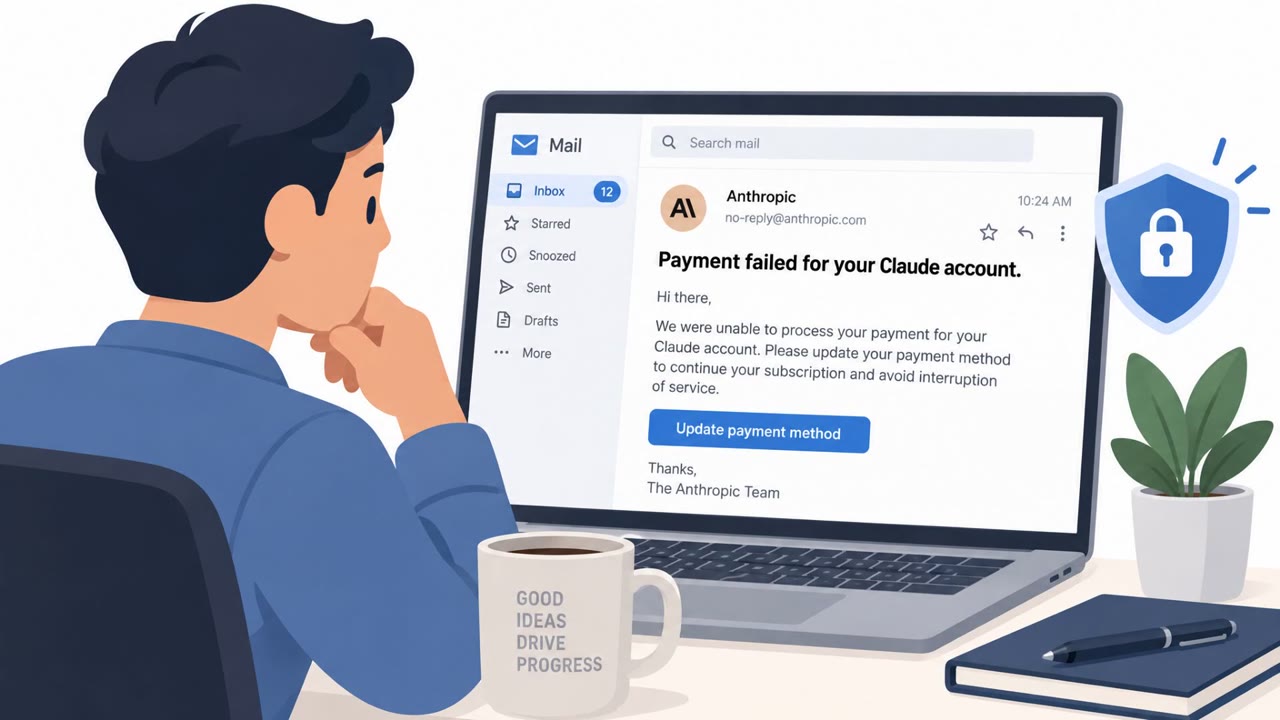
You get an email: “DocuSign: Please review and sign.” Looks normal, right? This one isn’t. You click the link or scan the QR, and your browser bounces: first to Monday.com, then a random Joomla site, then finally a Microsoft 365 sign‑in that looks real. This is a Microsoft 365 adversary‑in‑the‑middle kit called Knight Office. When you sign in here, it doesn’t just steal your password, it steals your session token so they can log in as you even after you change it. If a DocuSign email makes you sign in to Microsoft and you see weird redirects, stop. Close the tab and open DocuSign or M365 from your own bookmark instead.