Researchers uncovered a phishing-as-a-service platform (“AnonyMousKIT”) used by phone thieves to trick victims into handing over iPhone passcodes, Apple ID passwords, and live 2FA codes so thieves can remove Apple’s Activation Lock. The operation uses Apple-branded emails/pages and AI voice agents that call victims while impersonating Apple Support and walking them through a scripted “recovery” process.
How the attack worked
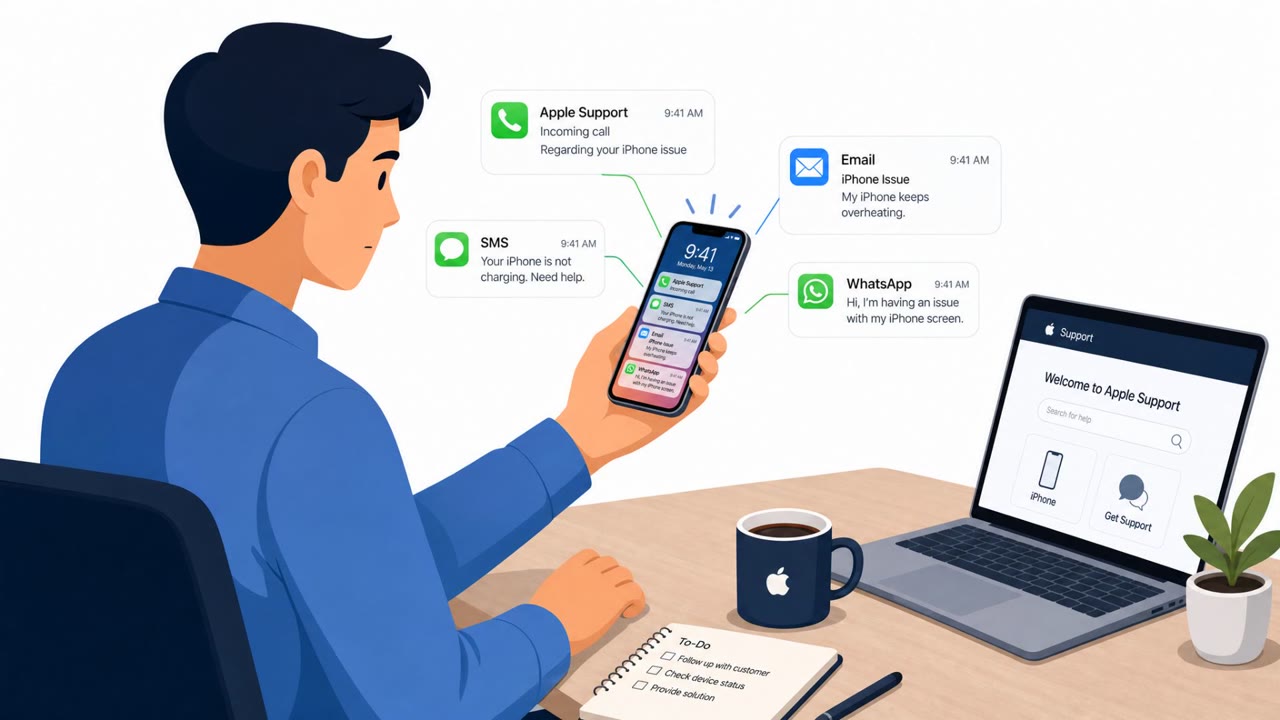
This campaign centers on a phishing-as-a-service kit called AnonyMousKIT, built to help phone thieves remove Apple's Activation Lock from stolen devices. Instead of attacking Apple's systems directly, the kit targets the device owner, using email, SMS, WhatsApp, recorded voice calls, and AI voice agents to walk victims through a scripted recovery flow. Emails used subjects like "Your device has been found" and "Alert," with spoofed Apple-related display names and links to Apple-branded capture pages that even rendered an animated map of the phone's reported location.
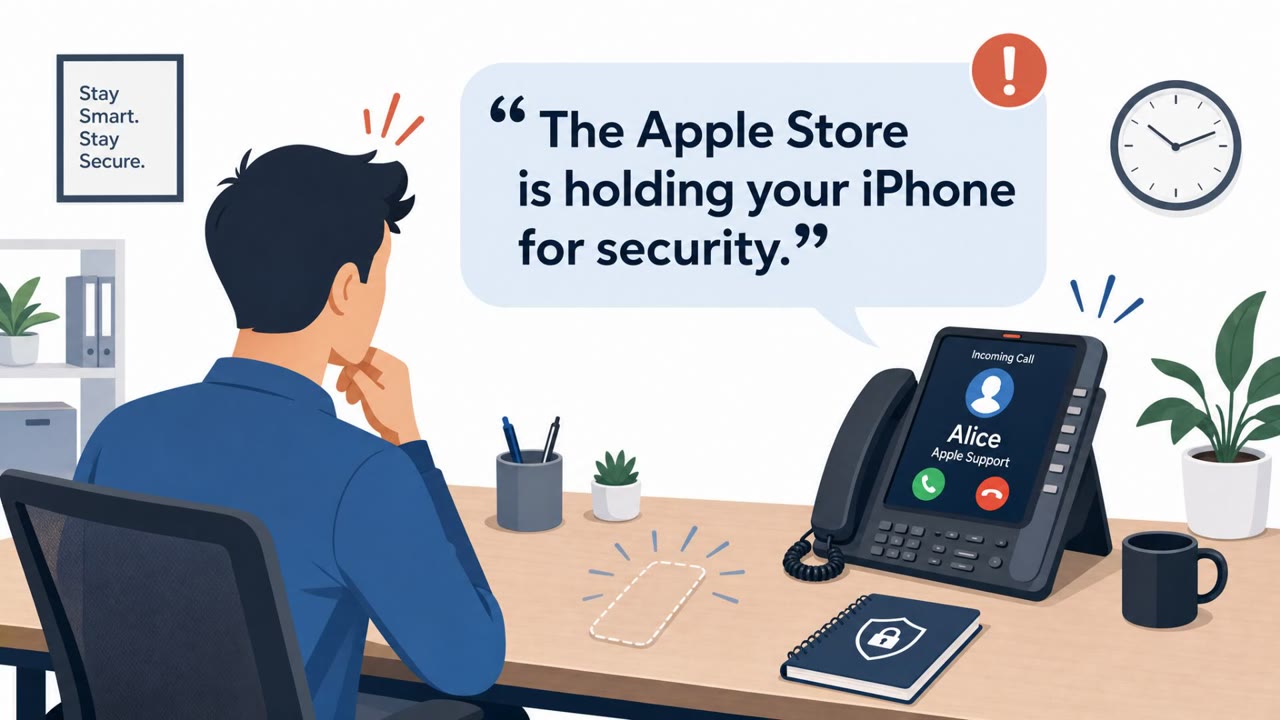
On the voice side, an AI agent persona named Alice from Apple Support called victims directly. In recovered transcripts, the agent asked the victim to confirm ownership, requested the device passcode, and read the digits back to confirm accuracy. It then claimed someone had visited an Apple Store to remove the Activation Lock and asked whether a recovery link had arrived by text, a step designed to capture a live 2FA code in real time.
Why it succeeded
The pretext exploits a moment of genuine stress: a lost or stolen device. Victims already believe something is wrong, so a message claiming their device was "found" or an unsolicited support call about Activation Lock feels plausible rather than suspicious. The use of Apple branding, device-specific details like model identifiers and Find My status, and a calm, human-sounding AI voice agent all reinforce a sense of legitimacy that generic phishing lacks.
What to watch for
- Unsolicited emails or texts with subjects like "Your device has been found" or "Alert"
- Any request, by email, text, or phone, for a device passcode, Apple ID password, or 2FA code
- Links leading to Apple-branded pages with tokenized URL patterns
- Callers who read a passcode back to you "for confirmation"
- References to a recovery link arriving by text during a live call
How to build resistance
Apple's own guidance is unambiguous: the company will never ask for a password, device passcode, or 2FA code as part of support. Treat any such request, regardless of how official it sounds, as a red flag. "Device found" messages should be verified through official Apple channels rather than by clicking the provided link. Suspicious Apple-branded emails or texts can be reported directly to Apple rather than answered. For high-value accounts, moving to physical hardware security keys removes the real-time 2FA interception these attacks depend on, since a code read over the phone can no longer be reused to complete authentication.
Key findings
- A phishing-as-a-service platform (“AnonyMousKIT”) is designed to remove Apple Activation Lock from stolen devices by tricking owners into revealing passcodes, Apple ID credentials, and live 2FA codes.
- The kit is multi-channel (email, SMS, WhatsApp, recorded voice calls, and AI voice agents) and uses Apple/Find My branding plus device-specific context like model identifiers and Find My status.
- Email lures commonly used subjects like “Your device has been found” and “Alert,” spoofed Apple-related display names, and routed many messages through a Gmail relay account.
- Researchers recovered AI voice call artifacts (200 call records, transcripts, and personas) where the agent asks for the passcode and reads it back for confirmation, then prompts for a recovery link via text.
- Apple explicitly warns it will never ask for passwords, device passcodes, or 2FA codes as part of support.
Who’s being targeted
- Commonly targeted roles: All employees, Executives, Traveling staff, IT/Service Desk, Finance leaders (high-value targets even if not the main focus here).
- Affected industries: Consumers/Individuals (stolen-device owners), Government (some recipients had government email domains).
- Attack channels: email, vishing.
- Impersonated: Apple / Find My / Apple Support, Apple Support (AI voice agent persona “Alice”).
Red flags to watch for
- Email pressures you to enter a device passcode/2FA code (Apple says it will never ask)
- Apple-branded page uses a tokenized link pattern (e.g., /help?TOKEN)
- Display name spoofing (Apple/Find My/Apple Support) rather than verified sender
- Caller asks for your device passcode and reads it back for confirmation
- Caller references a ‘recovery link’ arriving by text to capture codes in real time
- Unsolicited support call tied to a stolen device situation
Frequently asked questions
What is AnonyMousKIT?
AnonyMousKIT is a phishing-as-a-service platform used by phone thieves to remove Apple's Activation Lock by tricking device owners into revealing their passcode, Apple ID credentials, and a live 2FA code.
How do the AI voice calls work in this attack?
An AI voice agent persona named Alice from Apple Support calls victims, asks them to confirm ownership, requests the four or six digit passcode, reads it back for confirmation, then asks about a recovery link sent by text.
Would Apple actually ask for a passcode or 2FA code?
No. Apple's own guidance states it will never ask for a password, device passcode, or 2FA code to provide support, and any message or call requesting these should be treated as suspicious.
What should someone do if they get one of these calls or emails?
Do not share any codes or credentials, and report Apple-branded phishing emails or texts to Apple's official reporting address rather than engaging with the sender or caller.
Read the video transcript
Lost your iPhone and then get an email: “Your device has been found”? That’s the setup for a new AI-powered Apple Support scam. You click the link and land on an Apple-branded /help?TOKEN page. Then an AI voice calls: “Hello, this is Alice from Apple Support,” and walks you through entering your 4- or 6-digit passcode, Apple ID, and a live 2FA code to ‘recover’ your phone. Here’s the tell: Apple’s own guidance says it will never ask for your password, device passcode, or 2FA code. Real support will not read your passcode back to you or ask if a ‘recovery link’ just arrived by text. If you get a “device found” message or a call from “Alice at Apple Support,” hang up, don’t click the link, and report it to reportphishing@apple.com and our security team.