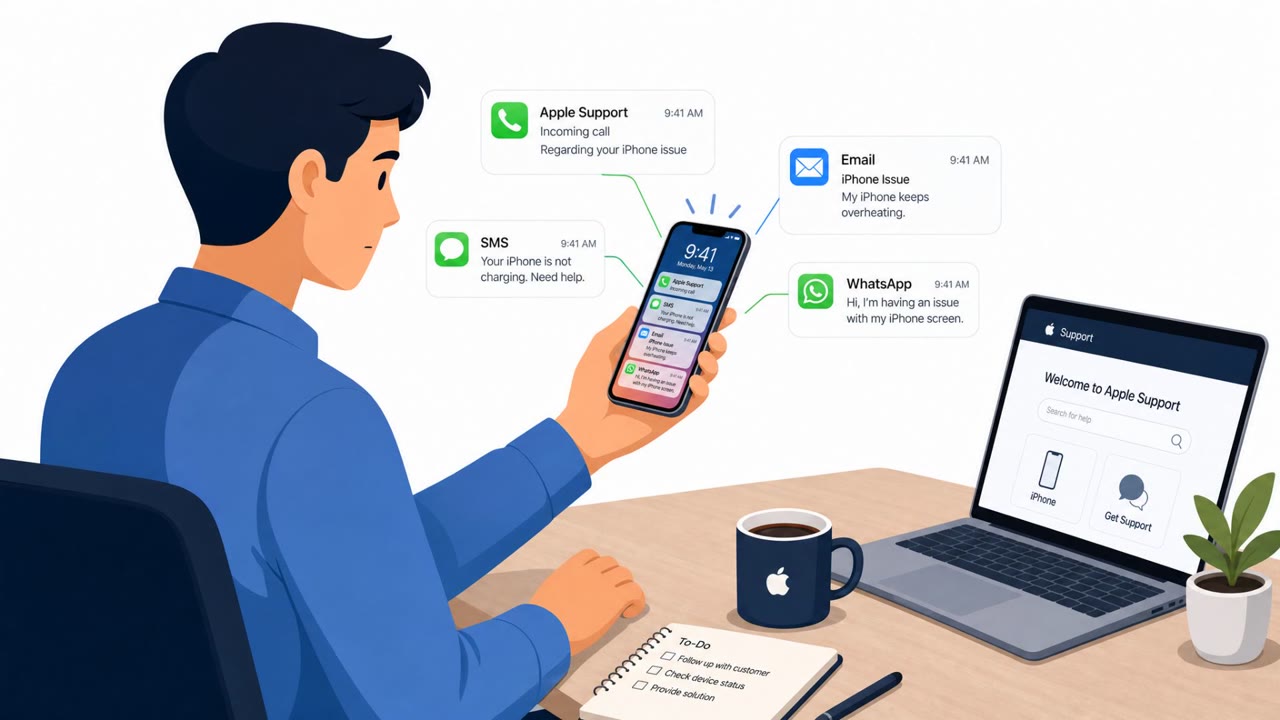
Researchers say a phishing-as-a-service platform called AnonyMousKIT targets people who recently lost or had an iPhone stolen by pretending to be “Apple Support.” The operation uses email/SMS/WhatsApp and AI-assisted voice calls to convince victims to share their iPhone passcode and follow a security link, allowing thieves to remove Activation Lock and resell the device.
Key findings
- AnonyMousKIT is a phishing-as-a-service platform designed to harvest Apple ID-related credentials to remove Activation Lock from stolen iPhones.
- Attackers use accurate device identifiers (serial number/IMEI), model, and live Find My status to make lures more believable.
- Victims are contacted via email, SMS, WhatsApp, recorded calls, and live/AI voice agents impersonating “Apple Support.”
- SOCRadar recovered evidence from the operation, including “200 call logs and 55 transcripts,” showing a scripted workflow that asks for the victim’s device passcode and then pushes a security link/code process.
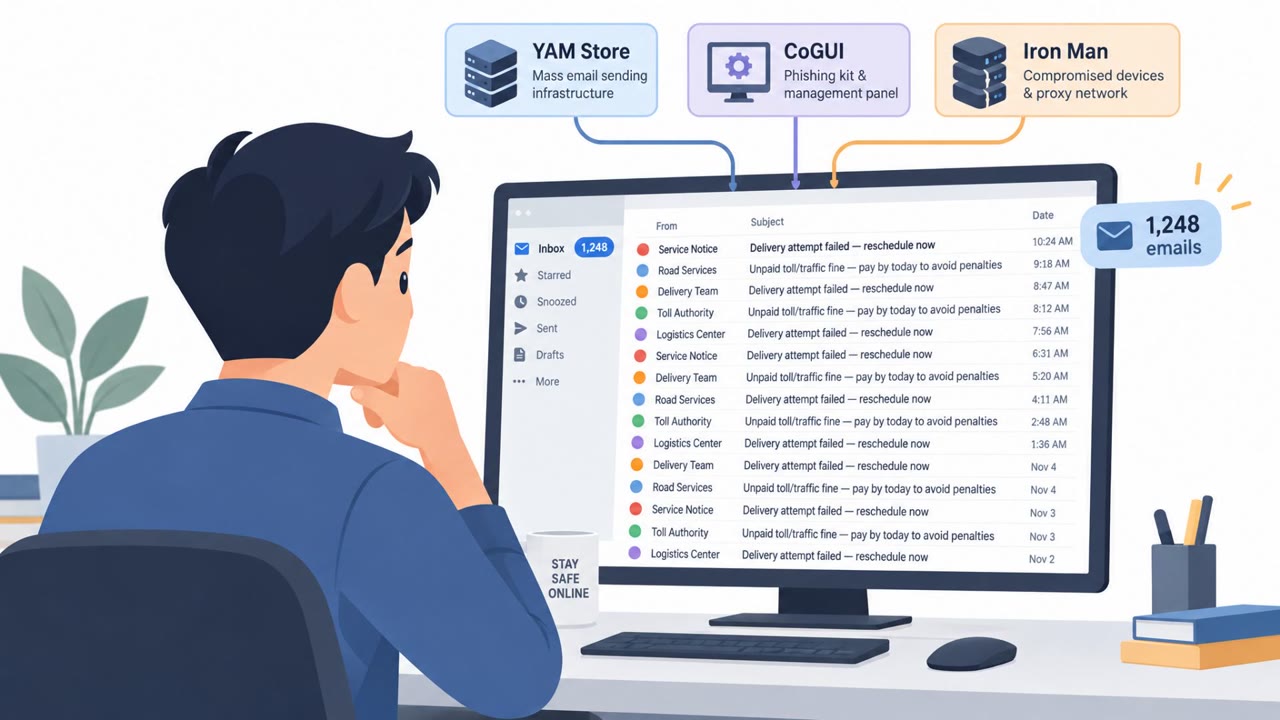
- The operation is organized like a reseller ecosystem: developer → buyers/licensors → operators running branded storefronts (506 domains / 168 storefront brands identified).
Who’s being targeted
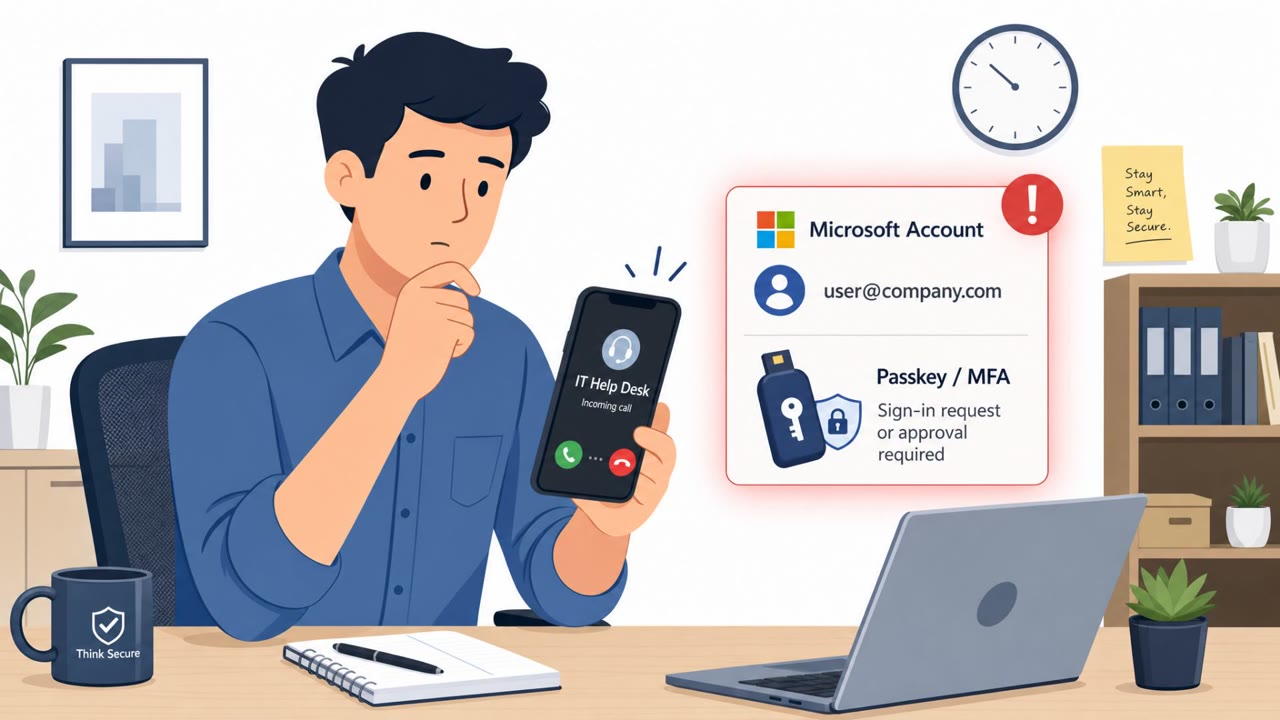
- Commonly targeted roles: All employees, Executives, IT/Helpdesk, Finance (high-value targets who may be socially engineered under pressure).
- Affected industries: Consumer technology (mobile devices), Retail/consumer services (device support), General public / individuals (stolen-device victims).
- Attack channels: vishing, smishing, email, sms, whatsapp, recorded_call.
- Impersonated: Apple Support (persona: “Alice Dias” / “Alice from Apple Support”), Apple Support (voice agent persona), Apple/Find My / Apple Support (implied).
Awareness takeaways
- Train employees that no legitimate support agent will ask for a device passcode; treat any such request as a scam.
- When a call pressures you to click a link or enter a code, stop and verify using official, known-good channels (e.g., Apple Support app/official site), not the caller’s instructions.
- Warn staff that attackers may use real device details (serial/IMEI, model, Find My status) to make scams sound credible, accuracy does not equal legitimacy.
- Include stolen-device scenarios in awareness training, since people are more likely to comply when they believe recovery is possible.
Red flags to watch for
- Unsolicited call claiming Apple Store has your device and asking for your passcode
- Pressure/timing tied to a theft/loss event to rush verification
- A legitimate support agent would not ask for your device passcode over the phone
- Being coached live over the phone to click a link and read back/enter a code
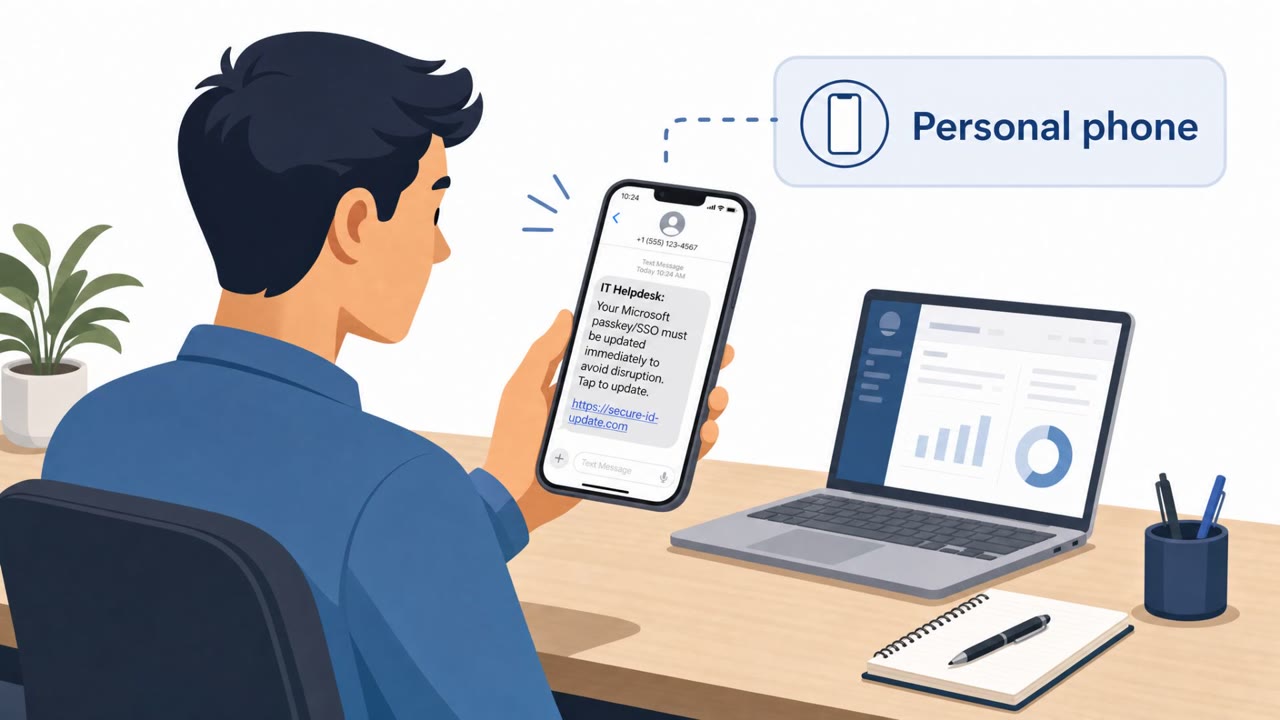
- Text message link related to a “recovery case” you didn’t initiate
- Story uses device model/serial details to gain trust but still asks for sensitive actions
- Unsolicited recovery messages that push you to verify via a link or message reply
- Messages arrive across multiple channels (SMS/WhatsApp/email) to increase pressure
- Uses your real device details to feel legitimate
Read the video transcript
You lose your iPhone… and an hour later, “Hi, this is Alice from Apple Support. The Apple Store is holding your phone for security.” This is AnonyMousKIT, a phishing-as-a-service scam. The AI voice already knows your iPhone model, serial, even Find My status, then asks you to say your four- or six-digit passcode to ‘confirm ownership.’ Next, they say, “I’m sending a security link now,” and coach you through tapping a text message and entering an unlock code while you’re still on the call. Once they have your passcode and that code, they can remove Activation Lock and resell your phone. A real Apple Support agent will never ask for your iPhone passcode or coach you through a link on a call. If anyone does, hang up and contact Apple using the official Support app or website you open yourself.