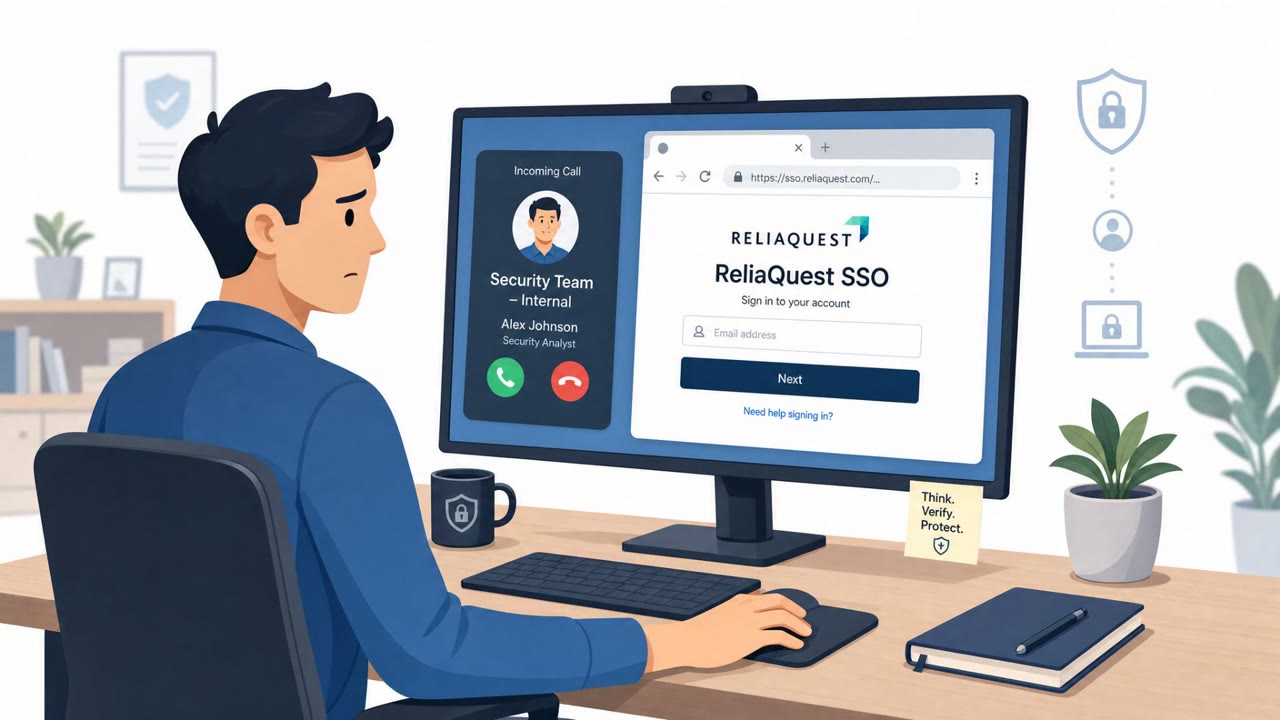
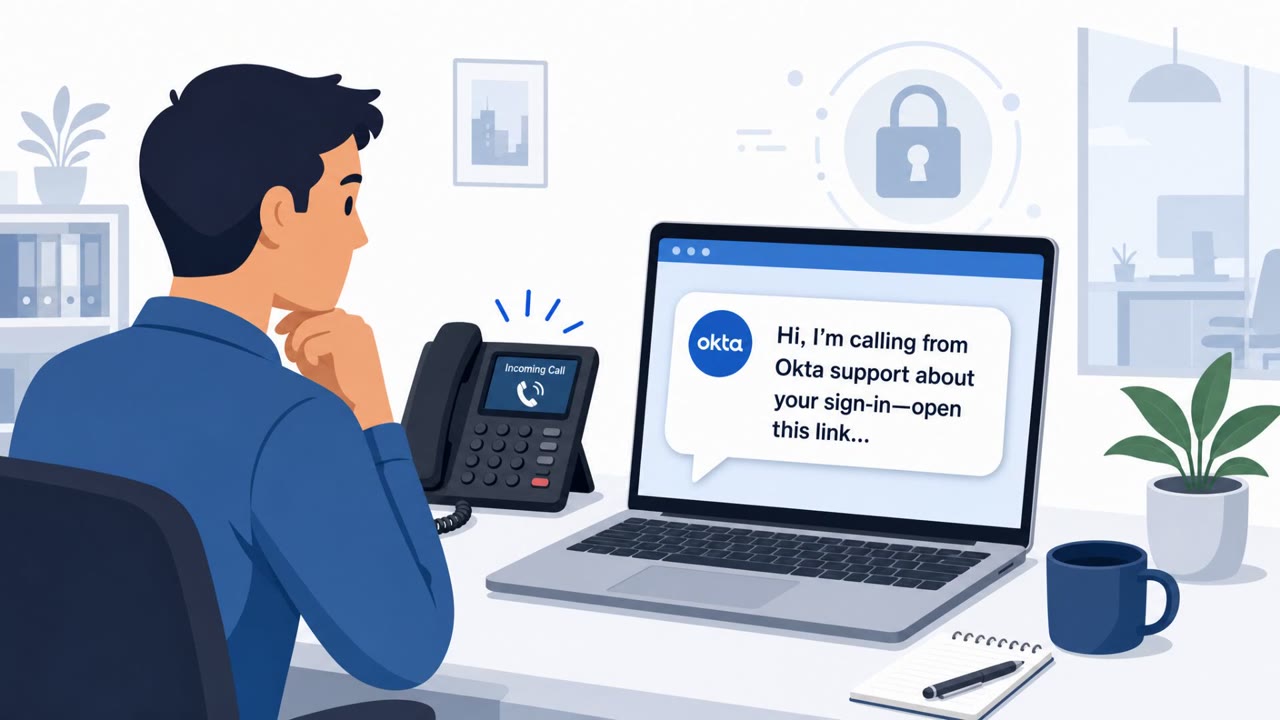
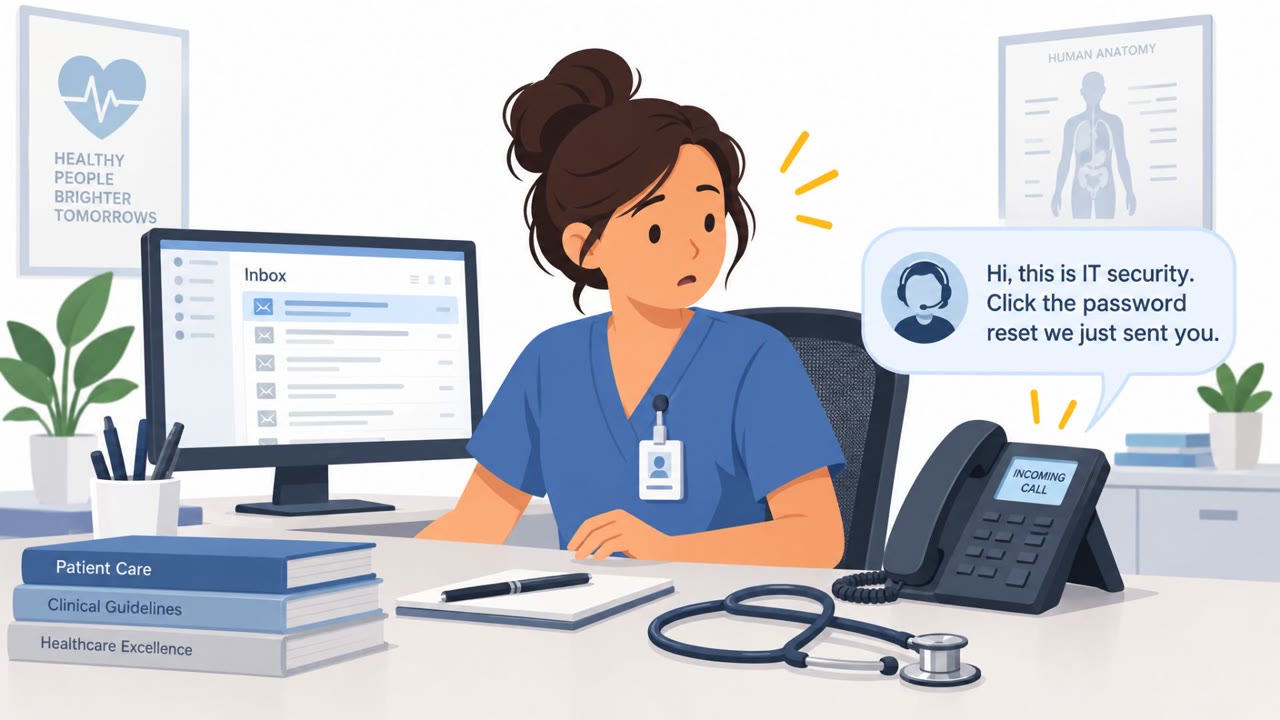
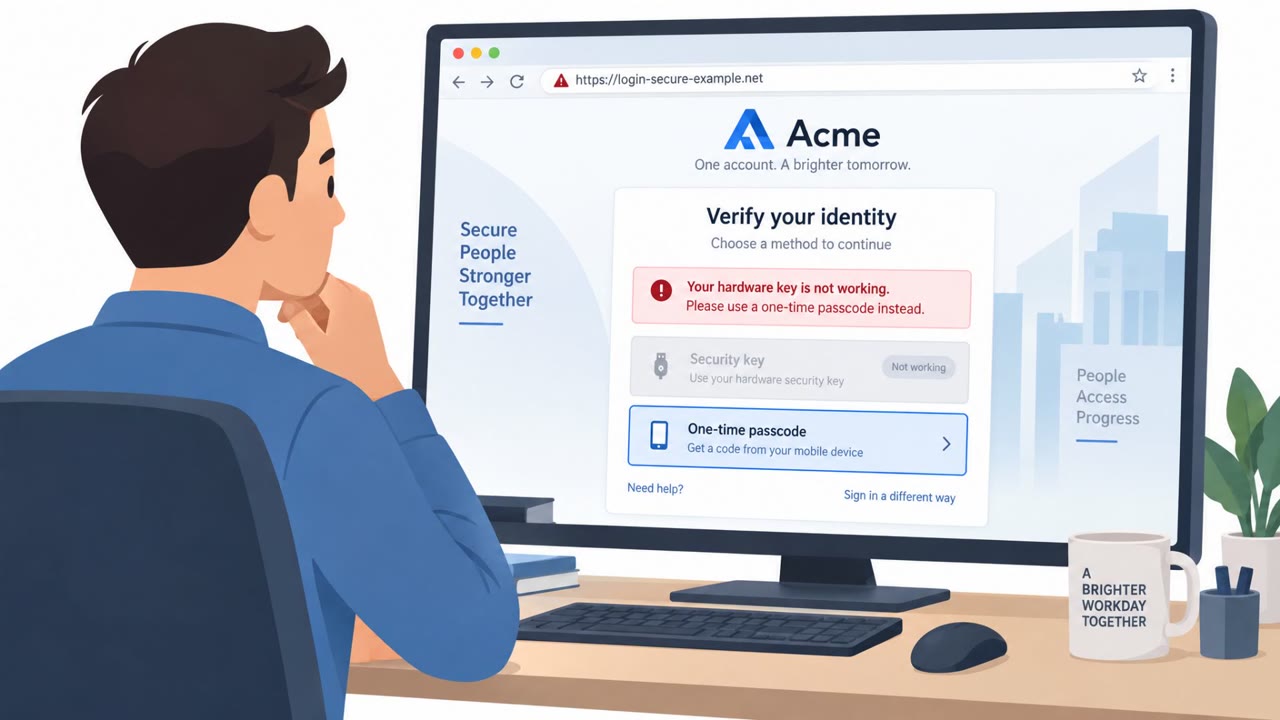
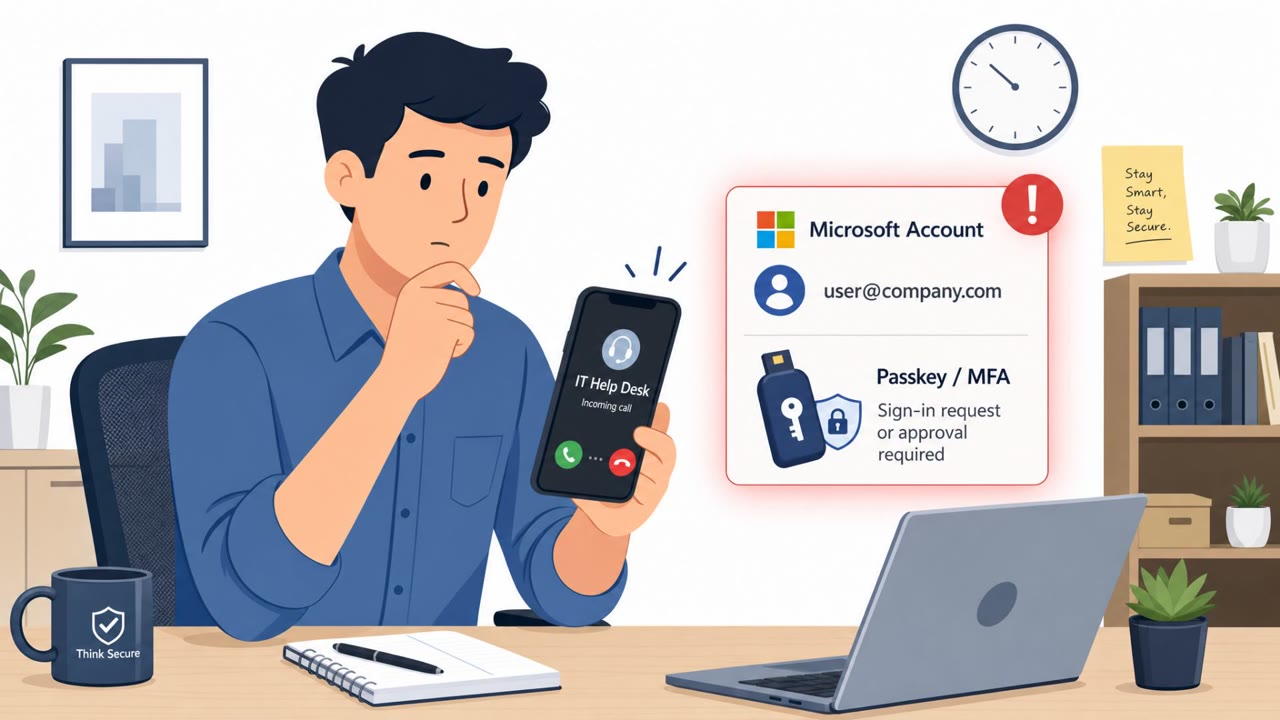
ReliaQuest confirmed an employee was socially engineered into entering their password on a fake SSO page and approving an MFA push, giving attackers a brief “view only” session in the company’s identity dashboard. The attackers allegedly impersonated a named member of the security team over the phone and guided staff to a lookalike login site. ReliaQuest says controls prevented access to business apps or customer data, and the session was terminated quickly.
Key findings
- ReliaQuest confirmed an employee provided a password and approved an MFA push after being guided to a fake SSO page.
- Attackers used a lookalike domain and a fake SSO page “hiding it behind a content delivery network.”
- The phone-based pretext involved impersonating “a named member of the security team.”
- ReliaQuest states attacker access was “view only,” and controls blocked access to applications and customer data.
- Response actions included terminating the session, forcing a password reset, and resetting authentication factors tied to the account.
- The wider campaign referenced registration of domains using company names under the “.claims” TLD and impersonation of “legal teams, help desks, and IT staff.”
Who’s being targeted
- Commonly targeted roles: All employees, IT helpdesk/service desk, Security team, Finance (general high-risk role for impersonation/BEC-style follow-on), Executives.
- Affected industries: Cybersecurity services, Technology / IT services.
- Attack channels: vishing, website.
- Impersonated: ReliaQuest security team (named member).
Awareness takeaways
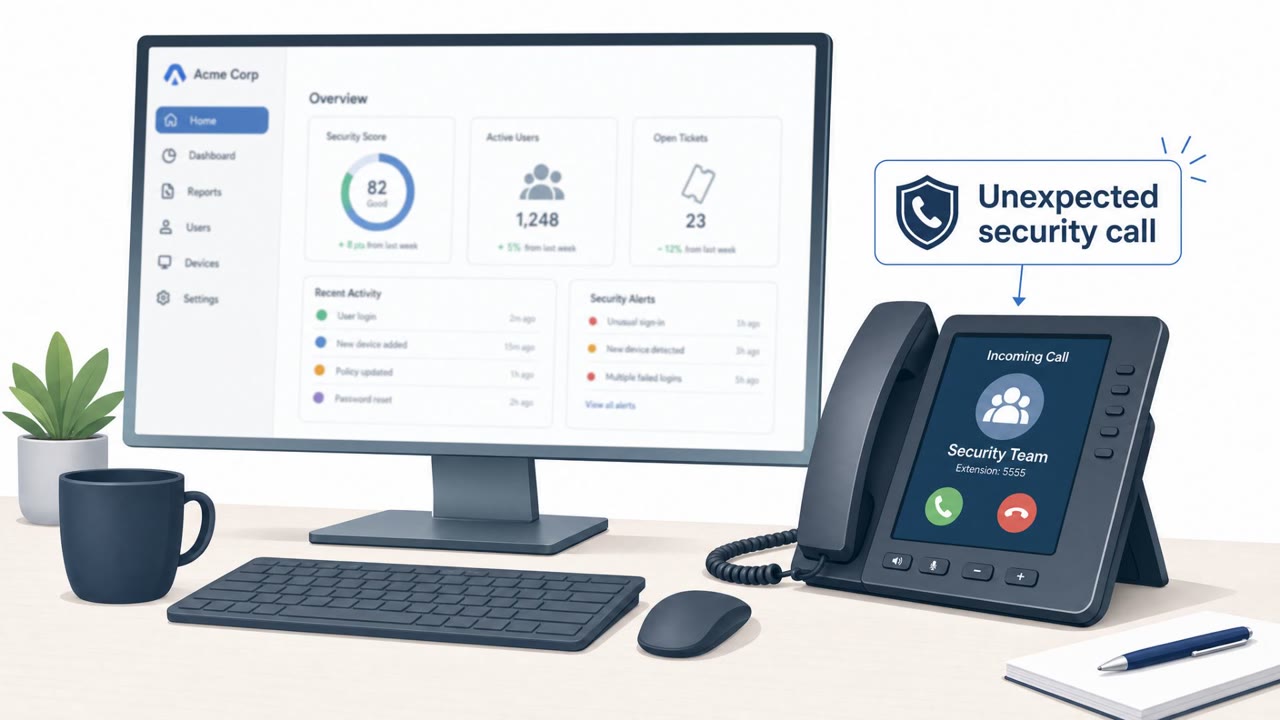
- Treat unexpected calls about security issues as suspicious; verify the caller via a known internal directory or ticketing system before taking action.
- Never approve an MFA push you didn’t initiate; report it immediately as a likely account-takeover attempt.
- Be cautious of lookalike domains and login pages; use bookmarked/known SSO URLs rather than ones provided over the phone.
- Assume credential theft can happen and limit blast radius with strong access controls and rapid response (terminate sessions, reset factors).
Red flags to watch for
- Unexpected phone call urging you to log in via a link/page the caller provides
- Lookalike domain / nonstandard login URL for SSO
- Unsolicited MFA push prompt you did not initiate
Read the video transcript
ReliaQuest just had this: a caller says, “I’m from security,” and walks an employee straight into a fake Okta SSO login. The impostor used a lookalike domain, hid it behind a content delivery network, and coached them to type their password and tap “Approve” on an MFA push. That one tap gave a brief, view-only session into their identity dashboard. The same campaign used company-name '.claims' domains and pretended to be legal, help desk, even IT staff over the phone. Here’s your move: if anyone calls about a “security issue” and tells you where to log in or to approve an MFA push, hang up and call them back using our internal directory before you touch anything.