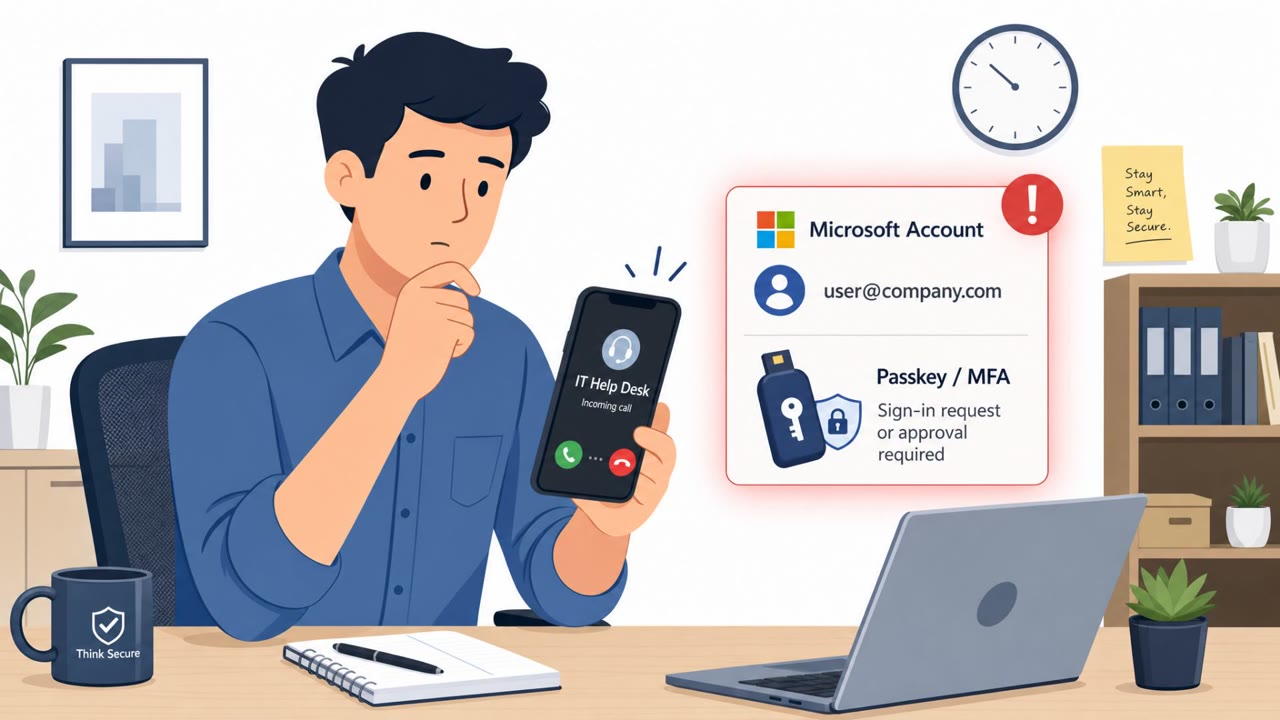
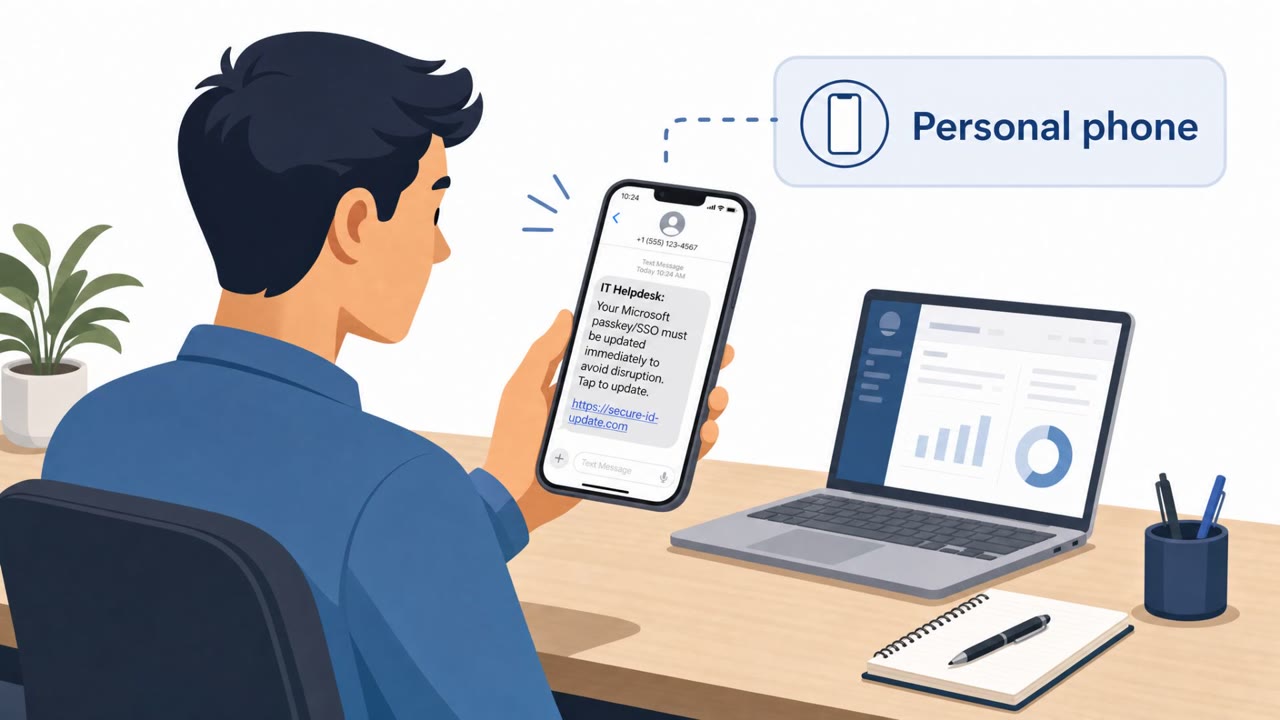
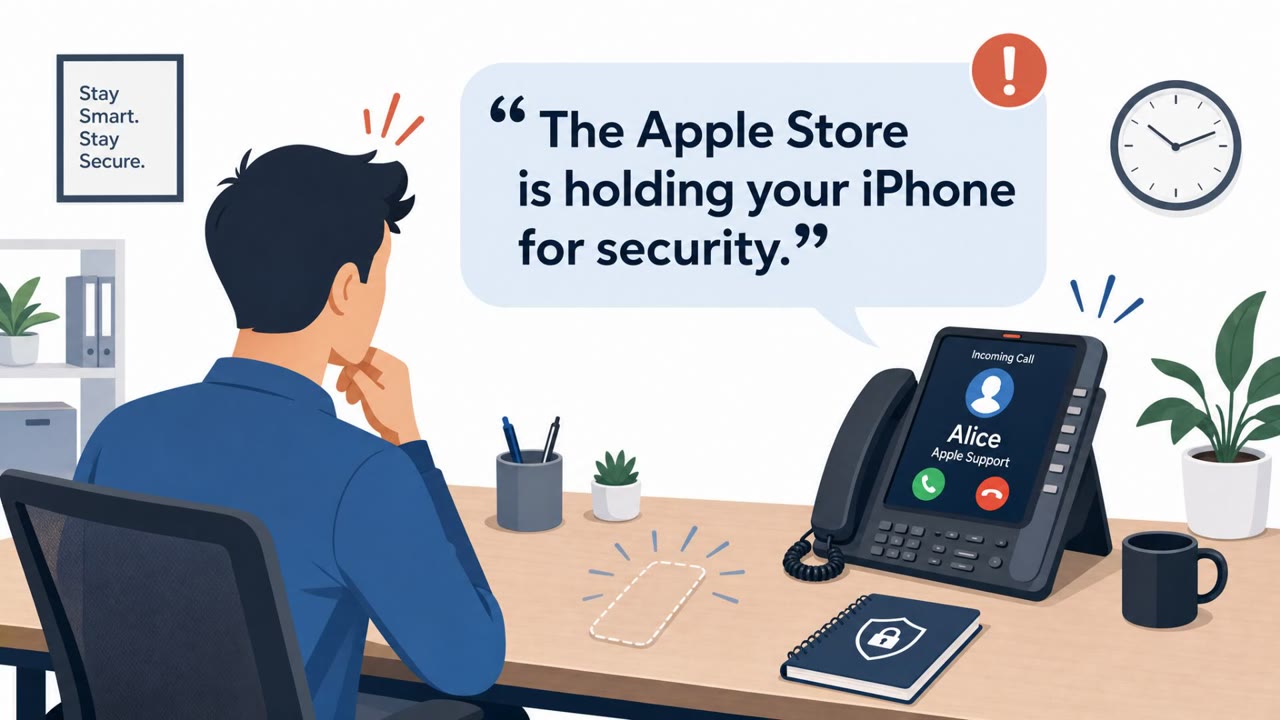
This news roundup describes real social-engineering operations where attackers impersonate trusted support teams to trick people into giving up secrets. One campaign uses email/SMS/WhatsApp plus AI voice calls pretending to be Apple Support to steal iPhone passcodes, while another uses phishing emails posing as an organization’s IT help desk to deliver malware that shows a fake Windows lock screen to capture passwords.
Key findings
- A phishing-as-a-service (PhaaS) platform (“AnonyMousKIT”) impersonates Apple support across email, SMS, WhatsApp, and AI voice calls to steal iPhone passcodes for unlocking/resale of stolen phones.
- Researchers attributed the AnonyMousKIT operation to a large infrastructure footprint: “506 domains and 168 reseller storefronts.”
- A separate malware family (“SynkLoader”) is delivered by “phishing emails that impersonate an organization’s IT help desk,” then uses a “fake Windows lock-screen module” to trick victims into typing their password.
Who’s being targeted
- Commonly targeted roles: All employees, Executives, Finance, IT Help Desk, HR, Customer support / frontline staff.
- Affected industries: Consumers / mobile device owners, Any organization with an IT help desk and email users.
- Attack channels: email, smishing, whatsapp, vishing.
- Impersonated: Apple Support, Organization IT Help Desk.
Awareness takeaways
- Treat any request for a passcode (or MFA/credentials) as a scam, even if it sounds like “support.”
- Train staff to expect multi-channel attacks (email + texts + WhatsApp + calls) and to stop and verify through official channels.
- Remind employees that IT will not “lock” their screen via email-driven actions and ask them to type passwords into unexpected prompts, report it immediately.
Red flags to watch for
- Any “support” request asking for a device passcode is illegitimate
- Pressure/urgency to act so the device can be wiped/unlocked
- Unexpected contact across multiple channels (email/SMS/WhatsApp/voice) about the same issue
- Unexpected “IT help desk” email from an unfamiliar Microsoft 365 tenant
- A sudden lock screen that asks you to type your password to “unlock” (especially outside normal login flow)
- Email-driven “fix” that results in software running or prompts appearing
Read the video transcript
Imagine this: your iPhone goes missing, and minutes later “Apple Support” is calling, texting, and WhatsApping you at the same time. That’s AnonyMousKIT, a phishing-as-a-service platform that impersonates Apple Support by email, SMS, WhatsApp, and AI voice calls, convincing people to read out their iPhone passcode so stolen phones can be wiped, unlocked, and resold. There’s a cousin to this: SynkLoader arrives as a fake IT help desk email from a lookalike Microsoft 365 tenant, then pops up a fake Windows lock screen that says “enter your password to unlock” and quietly steals it. Here’s the rule: if anyone, Apple, IT, anyone, asks for a passcode or password, stop and report it to our security team immediately through our normal reporting channel.