Researchers reported a real-world phone scam where criminals impersonated a victim’s bank and coached the victim into installing an Android app. The installed remote-access malware let the fraudster silently add a second NFC relay app that streamed the victim’s payment card data to a fake terminal, enabling fraudulent transactions and even a loan taken out in the victim’s name.
How the attack worked
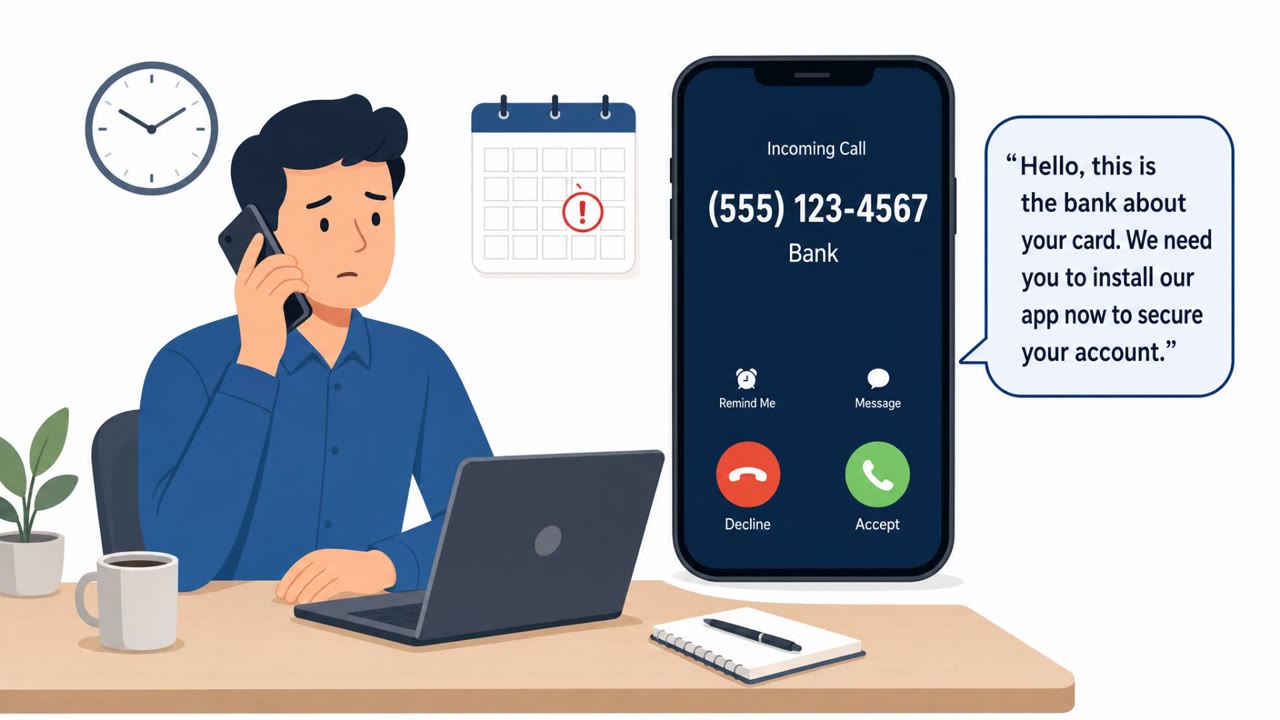
This case began with a live phone call in which the fraudster claimed to be from the victim's bank and said there was a problem with the payment card. Rather than sending a link by text or email, the caller stayed on the line and walked the victim step by step through installing an app to "fix" the issue. That app was SpyNote, a remote access trojan, but its label had been customized to show the victim's own name rather than a generic or unfamiliar title.
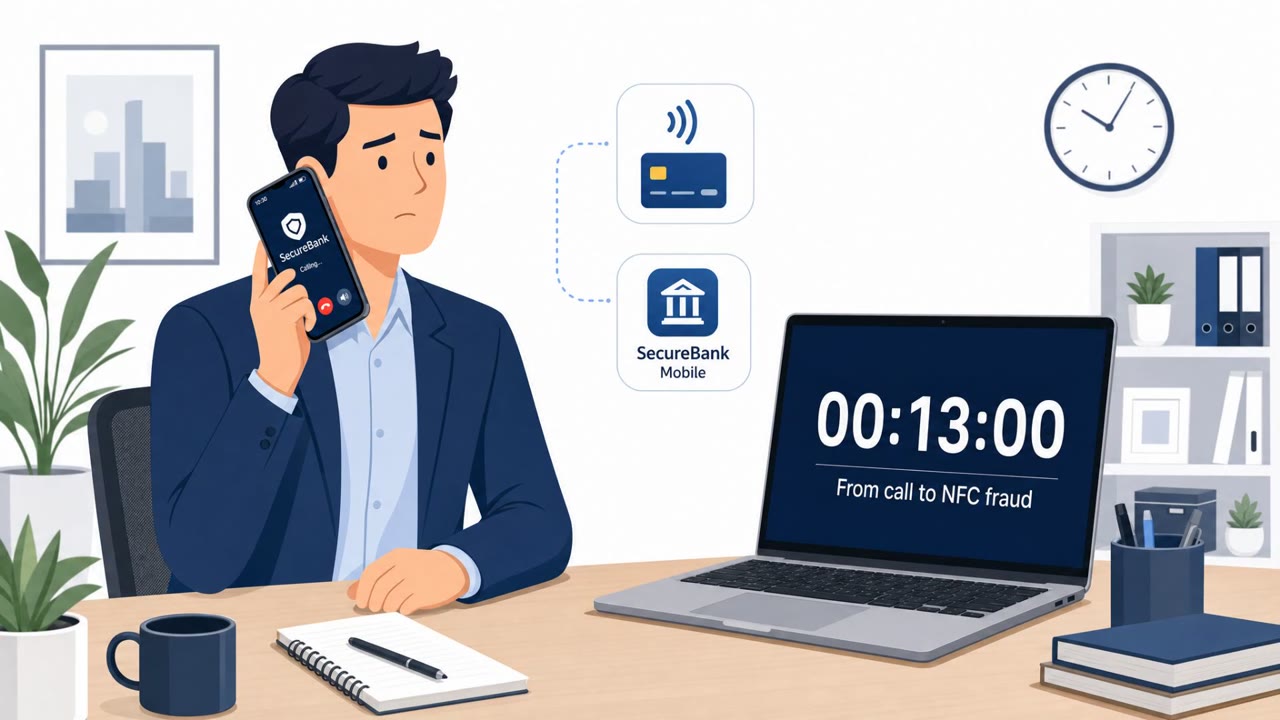
Once SpyNote was installed and remote access was established, the fraudster quietly installed a second app, WindRelay, without needing any further action from the victim. WindRelay relayed the victim's live payment card data over NFC to the attackers, who used it against a fake merchant terminal to push through fraudulent transactions. In one documented case, within a 13 minute call the fraudster installed the RAT, initiated a loan through the victim's own mobile banking app, and streamed card data, with transactions appearing on the account shortly after the call ended.
Why it succeeded
The attack relied on the victim staying engaged on a live call for the entire incident, which kept them focused on following instructions rather than questioning them. Personalization was a key trust signal: an app labeled with the victim's own name looks far less suspicious than one with a generic or odd name. Because the fraudster guided the install directly, the victim never had reason to second guess the source of the app until it was too late. Every transaction was also approved using the PIN the victim entered themselves, meaning the fraud looked legitimate from the bank's perspective at the moment it happened.
What to watch for
- Unsolicited calls claiming an urgent card problem that push for immediate action
- Being guided, during a call, to install any app on your phone
- Pressure to remain on the line while completing banking actions or entering a PIN
- An app name or label that looks personalized or unusually familiar, which can be a fabricated trust signal
Building resistance
Treat unsolicited calls claiming to be from a bank as suspicious by default. Hang up and call back using the number on the back of the card or the bank's official app or website rather than any number or link provided during the call. Never install an app because someone on the phone instructs you to, especially while they keep you engaged. Recognize that trust signals like a personalized app name can be faked, since builder toolkits let operators customize an app's label for each target. If a PIN was entered or a transaction completed during a suspicious call, assume compromise and report it immediately, since related fraud can appear on the account within minutes of the call ending.
Key findings
- Attack begins with a live phone call where the fraudster pretends to be the victim’s bank and claims there is a problem with the card.
- Victim is guided to install SpyNote (a remote access trojan); the app label is customized to show the victim’s own name to reduce suspicion.
- After remote access is gained, the fraudster installs a second app (WindRelay) without further victim action.
- WindRelay relays live payment card data over NFC to attackers in real time, enabling transactions via a “fake merchant terminal.”
- In a documented case, within a 13-minute call the fraudster installed the RAT, took out a loan via the victim’s mobile banking app, and streamed card data; transactions appeared shortly after the call ended.
- Group-IB observed 23 samples (Nov 2025–Jul 2026) and campaigns targeting victims in Czechia, Slovakia, and Slovenia; four C2 IPs were linked to NFC relay activity.
- Samples were tailored per victim and country, including victim-specific names and local-language interface text.
Who’s being targeted
- Commonly targeted roles: All employees, Executives, Finance, Customer support/call center staff, Mobile device users.
- Affected industries: Banking/Financial Services, Consumers/Individuals.
- Attack channels: vishing.
- Impersonated: Victim’s bank, Victim’s bank / bank support.
Red flags to watch for
- Unsolicited call claiming urgent card issue and pushing immediate action
- Caller guides the victim to install an app during the call
- Pressure to stay on the line while completing sensitive actions (banking, PIN entry)
- App identity is unusual (an app named after the user is not normal for banks)
- Customization of app name/label to build trust
- Installing apps from a link or guidance during a cold call
Frequently asked questions
How did the fraudster get access to the victim's phone?
The fraudster called pretending to be from the victim's bank, claimed there was a card problem, and guided the victim to install an app themselves, which turned out to be the SpyNote remote access trojan.
What did the second app do?
After remote access was gained, the fraudster installed a second app called WindRelay without further victim action; it relayed live payment card data over NFC to attackers in real time, enabling transactions via a fake merchant terminal.
Why did the fake app fool the victim?
The app's label was customized to show the victim's own name instead of a strange or generic one, which lowered the victim's guard since SpyNote's builder toolkit allows per-target customization.
What should someone do if they suspect this happened to them?
If a PIN was entered or transactions occurred during a suspicious call, assume compromise and report it immediately, since fraud can appear on the account shortly after the call ends.
Read the video transcript
You get a call: “This is your bank, there’s a problem with your card, stay on the line.” Sounds routine, right? In one real case, during a 13‑minute call, the caller walked the victim through installing an Android app called SpyNote, renamed to show the victim’s own name, then silently pushed a second app, WindRelay, to stream their card data over NFC. The victim stayed on the call, entered their PIN in their real banking app, and minutes after hanging up, saw card charges and even a loan taken out in their name, approved with the PIN they typed themselves. If any “bank” caller ever tells you to install an app, hang up, then call the number on your card or in your banking app and ask if the call was real.