Researchers described a real scam where criminals called victims pretending to be bank support and convinced them to install a “legitimate” Android app. The app was actually SpyNote malware, giving the attacker remote control of the phone, after which a second tool (WindRelay) was used to relay live NFC (tap-to-pay) transactions and steal money within minutes.
How the Attack Worked
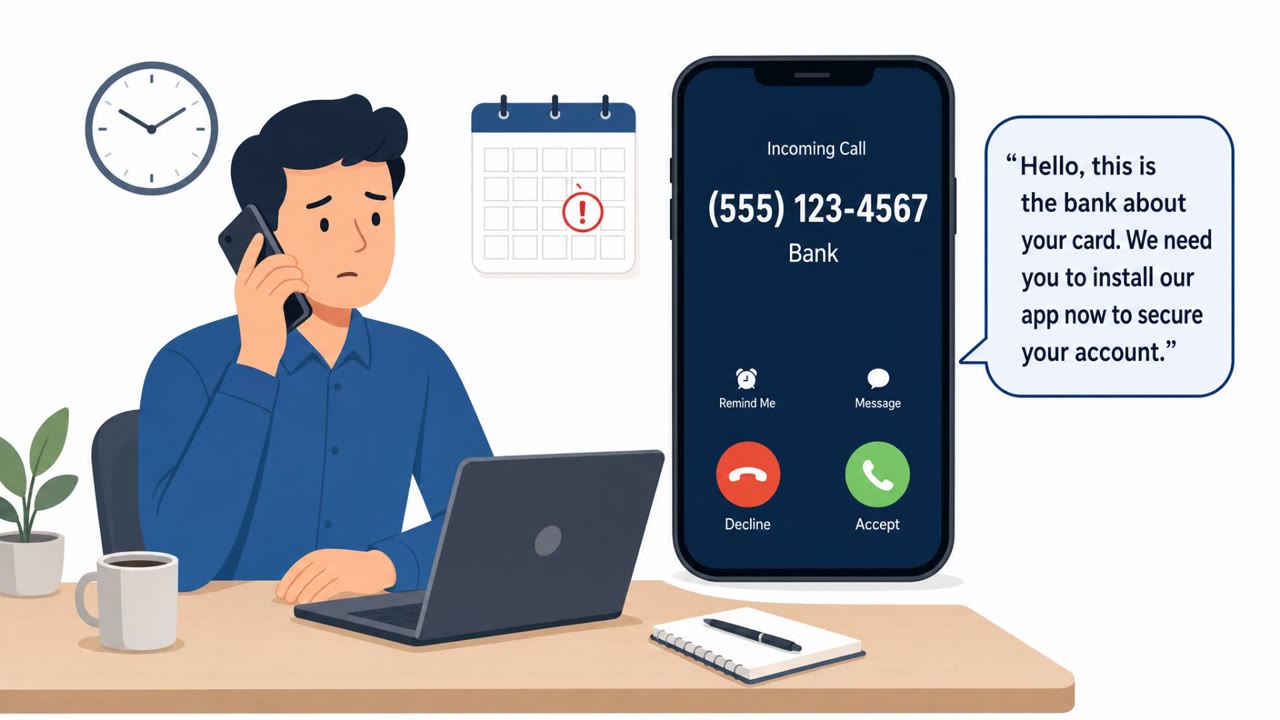
This attack, documented by Group-IB, began with a phone call. The caller impersonated bank support staff and convinced the victim that an account issue needed to be resolved by installing an app. That app was a customized version of the SpyNote Android remote access trojan, personalized with the victim's own name to appear credible. Because it was sideloaded from outside Google Play, the victim also had to be talked into granting the Android Accessibility Service permission, which gave the attacker the ability to view and control the device's screen remotely.
Once the attacker had remote control, they deployed a second tool, WindRelay, to relay live NFC (tap-to-pay) transactions. According to Group-IB, the entire sequence, from the initial support call to a completed live NFC fraud transaction, took about 13 minutes. Attackers reportedly also took out a loan in the victim's name as part of the broader fraud.
Why It Succeeded
The scheme worked because it layered several trust-building steps on top of each other:
- A phone call created urgency and an appearance of legitimate bank contact.
- Personalizing the malicious app with the victim's name reduced suspicion.
- Framing the install and permission request as necessary steps to "fix" an account issue made the requests feel routine rather than alarming.
- Once remote access and Accessibility permissions were granted, the victim had little visibility into what was actually happening on their device.
What to Watch For
Key red flags identified in this attack pattern include:
- A caller claiming to be bank support who asks you to install an app from outside the official app store.
- Requests to enable Android Accessibility Service permissions for an app you did not seek out yourself.
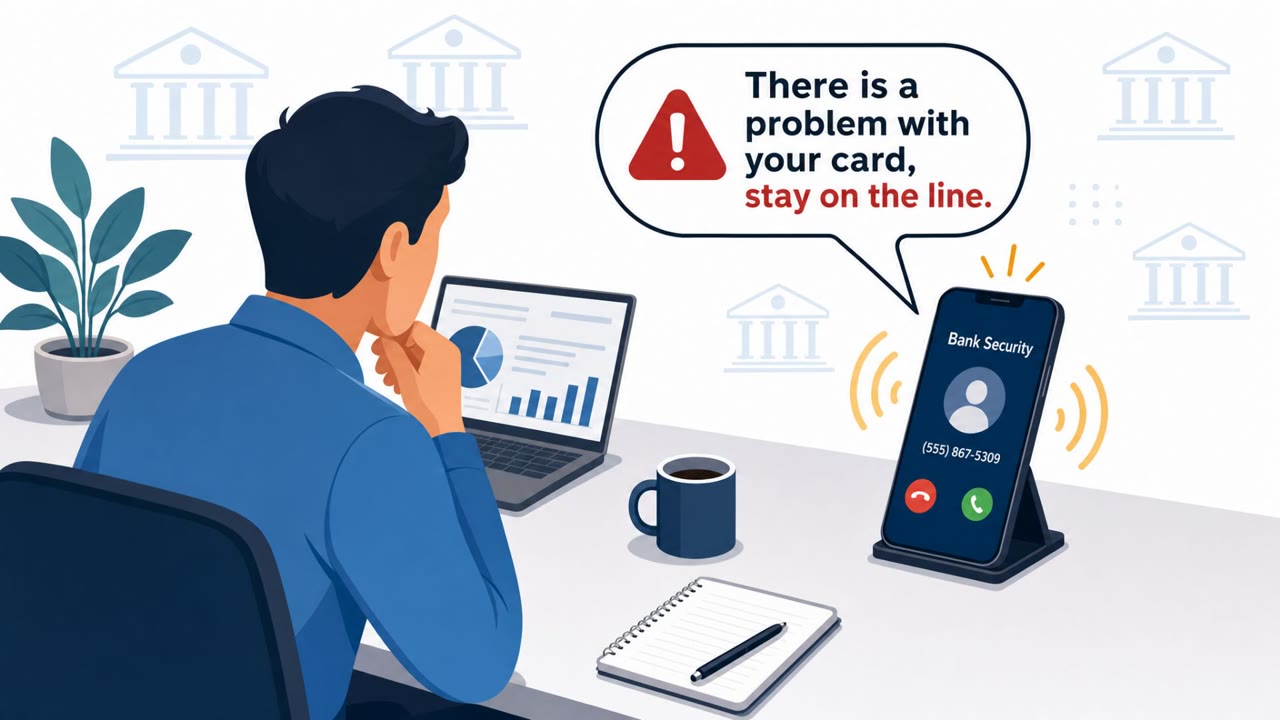
- Pressure to act quickly during an unsolicited support call.
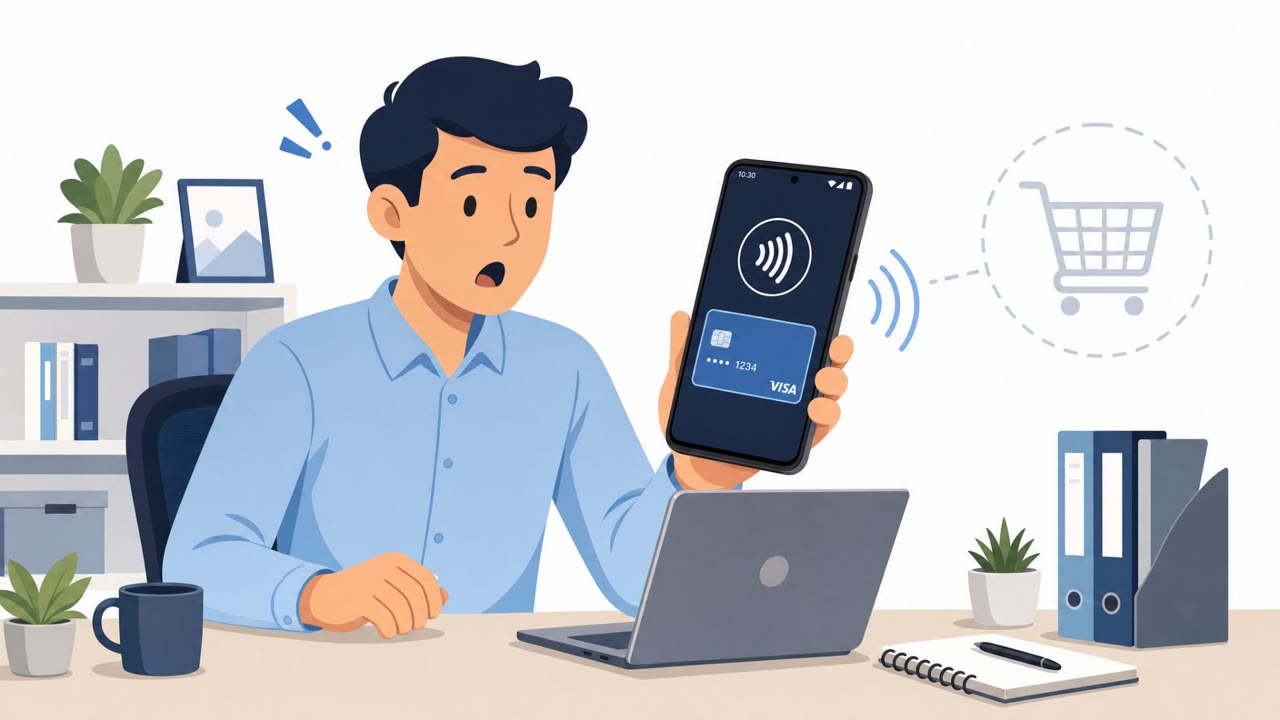
- Being instructed to use your payment card as part of a "support" process.
- Unexpected financial activity, such as a loan appearing in your name that you did not initiate.
Building Resistance
Awareness efforts should reinforce a few concrete habits. Treat unsolicited bank support calls with suspicion, and instead hang up and call back using the number on the back of your card or the bank's official website. Only install apps from official stores such as Google Play, never based on instructions from a phone call. Be cautious about granting Accessibility permissions, since this level of access can enable full remote control of a device. Finally, remember that a legitimate bank representative should never need you to sideload an app, grant special device permissions, or use your payment card to resolve a support issue. These habits directly counter each step used in this real-world attack chain.
Key findings
- Attackers used fake bank support phone calls to persuade victims to install a malicious Android app.
- The initial app was a customized SpyNote Android RAT, personalized with victim details (e.g., the victim’s name) to appear credible.
- Victims were convinced to sideload the app (outside Google Play) and grant Accessibility permissions, enabling remote control.
- After compromise, attackers remotely installed WindRelay and used it to relay live NFC transactions, enabling contactless card fraud.
- Group-IB reported the end-to-end conversion from support call to live NFC fraud took about 13 minutes.
- Attackers also conducted conventional banking fraud steps such as taking out a loan in the victim’s name.
Who’s being targeted
- Commonly targeted roles: All staff (mobile device users), Finance / cardholders (corporate card users), Executives (high-value targets for fraud), Customer support teams (to recognize and warn about callback scams).
- Affected industries: Banking/Financial services, Consumers/retail banking customers.
- Attack channels: vishing.
- Impersonated: Bank support / bank representative.
Red flags to watch for
- Caller asks you to install an app outside the official app store
- Caller asks for Android Accessibility Service permissions
- Pressure to act immediately during a “support” call
- Being told to use your payment card as part of “support”
- Unexplained urgency and scripted instructions while on the phone
- Unexpected financial activity such as a loan opened in your name
Frequently asked questions
How did attackers trick victims into installing malware?
Attackers called victims pretending to be bank support and convinced them to sideload a customized Android app that was actually the SpyNote remote access trojan.
What made the malicious app seem trustworthy?
The SpyNote app was personalized with the victim's own name, which made it appear legitimate during the phone call.
How fast did the fraud happen once the app was installed?
Group-IB reported that the end-to-end process from the initial support call to live NFC fraud took about 13 minutes.
What permission did the attackers need to control the phone remotely?
They persuaded victims to grant the Android Accessibility Service permission, which let the attacker view and control screen content remotely.
Read the video transcript
Imagine this: a “bank support” call, and 13 minutes later, your Android is running live tap-to-pay fraud. Researchers saw this: caller pretends to fix an issue, walks the victim through installing a “support” app that’s actually SpyNote, sideloaded outside Google Play, then tricks them into granting Android Accessibility so they can drive the phone remotely. Once SpyNote is in, they push WindRelay, tell the victim to 'make a test payment,' and relay live NFC transactions in the background, plus classic fraud like taking out a loan in the victim’s name. Here’s your move: if “bank support” ever asks you to install an app or use your card on that call, hang up and call the number on the back of your card instead.