Researchers described a real scam where criminals impersonated a bank on a phone call to trick a victim into installing a malicious Android app. The attackers then remotely controlled the phone and guided the victim to tap their payment card and enter their PIN, allowing real-time contactless fraud (“ghost tapping”) at payment terminals or contactless ATMs.
How the attack worked
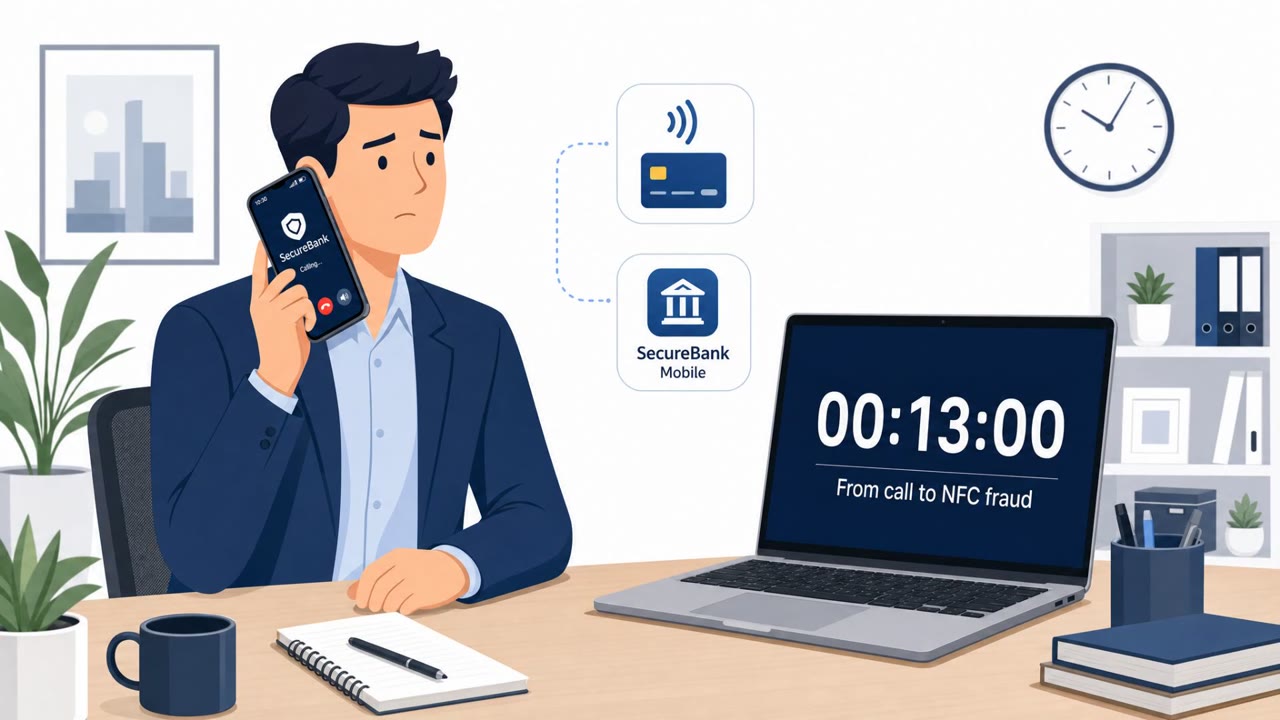
A victim received a phone call from someone claiming to be their bank. Over a 13 minute conversation, the caller convinced the victim to install an Android app labeled with the bank's name. That app was actually SpyNote, a remote access Trojan that gave the attackers control-style access to the phone. Using that access, the attackers quietly installed a second app, WindRelay, built to relay NFC payment data in real time.
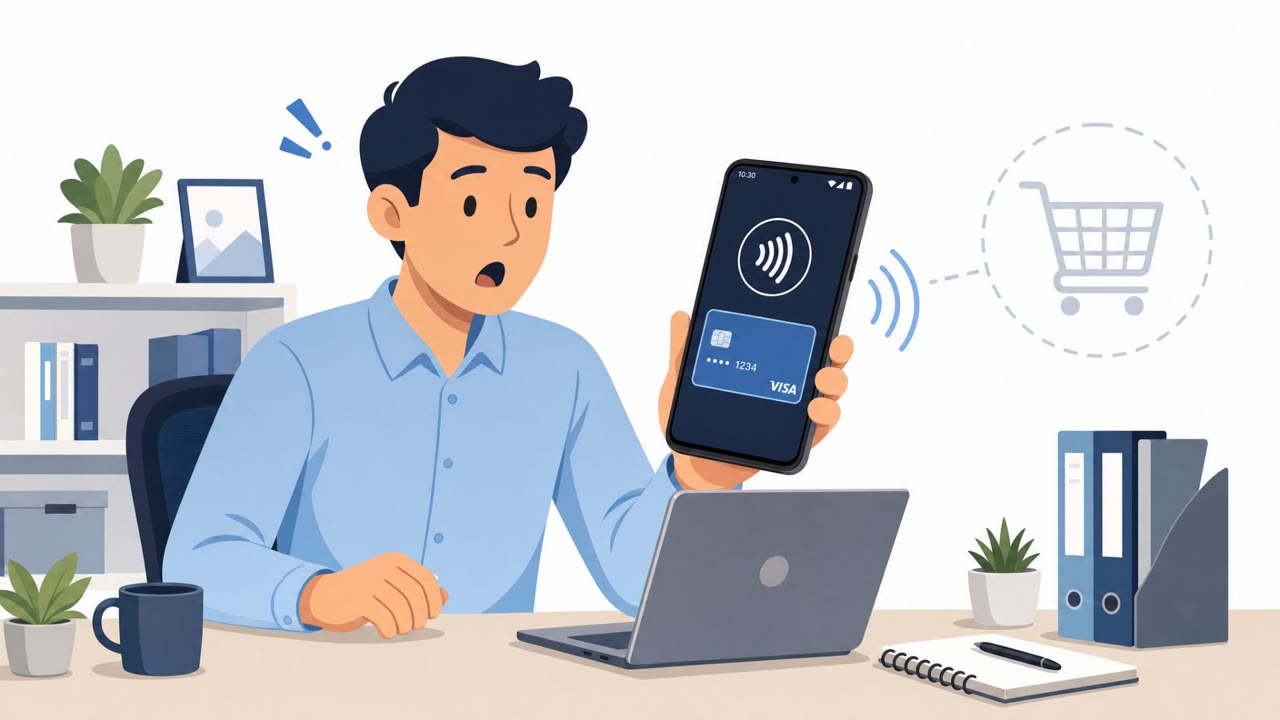
With both apps in place, the attackers remotely opened the victim's legitimate banking app and arranged a loan in the victim's name. At the same time, they instructed the victim to tap their physical payment card against the phone and enter its PIN. That tap allowed the second app to forward the card's contactless data to the criminals at the exact moment of the tap, enabling purchases or ATM withdrawals.
Why it succeeded
The phone call was not just a lure to get malware installed, it also served as the attackers' control channel throughout the fraud. Staying on the line let them respond to the victim's confusion instantly and coordinate the precise timing needed for installation, the card tap, and PIN entry. Because modern contactless payments rely on dynamic, one-time transaction codes, this real-time coordination was essential for the fraud to work at all.
What to watch for
- An unexpected, urgent call from someone claiming to be your bank
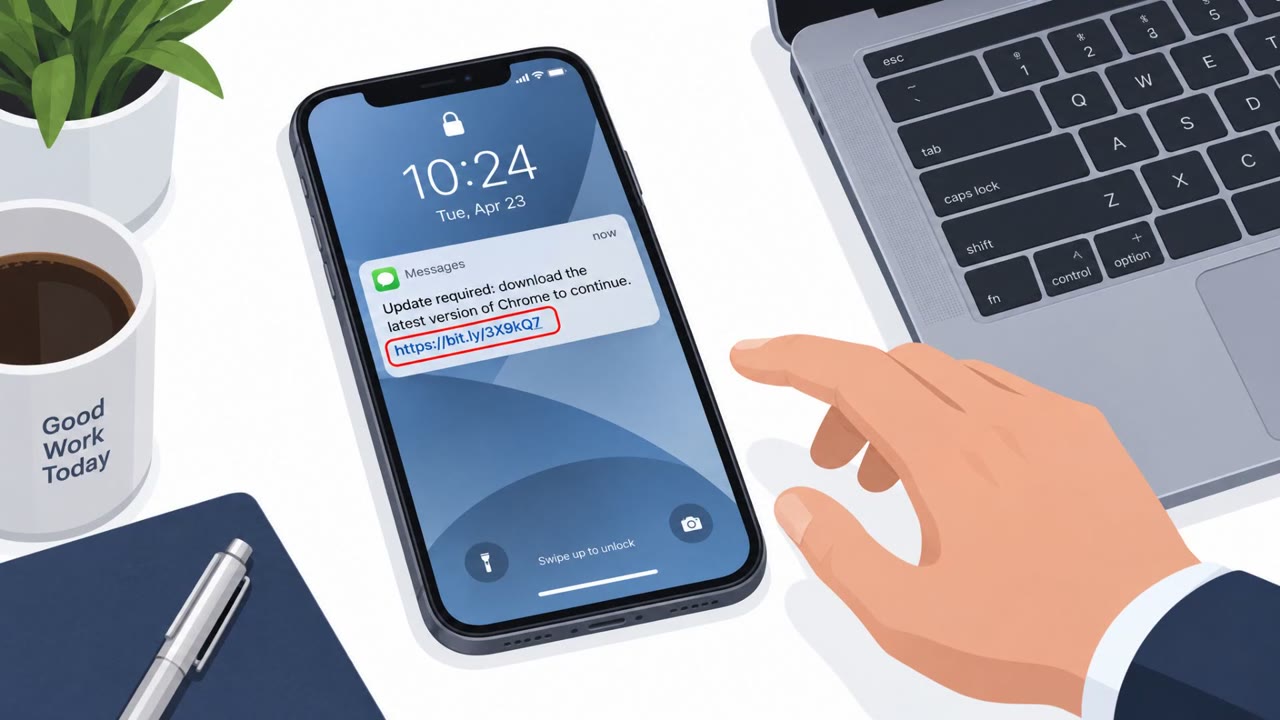
- Being told to install an app from a link, text message, or other unofficial source
- A request to tap your payment card against your phone for “verification”
- Being asked, directly or indirectly, to enter your card PIN during a call
- Pressure to act immediately while the caller stays on the line
How to build resistance
Organizations and individuals can reduce exposure to this kind of attack by reinforcing a few habits. Treat unexpected urgent bank calls as suspicious and slow down before acting on any request. Verify claims by calling the bank back using an official number looked up independently, never one provided during the call. Remember that a bank will not ask someone to install an app from an unofficial source to secure a card. Finally, avoid sideloading apps outside of official app stores, and treat unexpected requests for Accessibility or device-control permissions as a serious warning sign, since that access is what let the attackers operate the phone and time the fraud around the victim's card tap and PIN entry.
Key findings
- A victim received a 13-minute phone call where the caller impersonated a bank and convinced them to install an Android app labeled as the bank, which was actually the SpyNote RAT.
- SpyNote enabled remote control of the phone and “quiet installation” of a second app, WindRelay, designed to relay NFC payment data in real time.
- Attackers remotely opened the legitimate banking app, arranged a loan in the victim’s name, and instructed the victim to tap their physical payment card to the phone and enter its PIN.
- Real-time NFC relaying is critical because modern contactless payments use dynamic, one-time transaction codes; relaying must happen at the moment of the tap.
- The phone call served as both the lure and the control channel to coordinate installation, card tap timing, and PIN entry.
Who’s being targeted
- Commonly targeted roles: All employees (mobile security awareness), Finance teams, Employees who use corporate cards or expense cards, Customer support / front office staff who may receive ‘bank’ scam reports.
- Affected industries: Retail banking, Consumer payments, Financial services.
- Attack channels: vishing.
- Impersonated: Victim’s bank (bank impersonation).
Red flags to watch for
- Unexpected urgent call claiming to be your bank
- Being told to install an app from an unofficial source
- Pressure to act immediately while staying on the phone
- A ‘bank’ asking for your card PIN (directly or indirectly)
- Being coached to tap your card to your phone for “verification”
- The caller stays on the line to time your actions precisely
Frequently asked questions
What is ghost tapping fraud?
Ghost tapping refers to criminals relaying a victim's contactless card data in real time to a payment terminal or ATM, allowing them to make purchases or withdraw cash using data captured at the moment the victim taps their card.
How did the attackers get the victim to install malware?
A caller impersonated the victim's bank during a 13 minute phone call and convinced the victim to install an Android app labeled with the bank's name, which was actually the SpyNote remote access Trojan.
Why did the attackers need the victim to tap their card and enter a PIN?
Modern contactless payments use dynamic, one-time transaction codes, so the attackers needed the card tap and PIN entry to happen live so a second app could relay that data to them in real time.
What should someone do if a caller claims to be their bank?
Hang up and call the bank back using an official number you look up yourself, and never install an app or enter a PIN based on instructions given during an unsolicited call.
Read the video transcript
You get a call: “Hello, this is the bank about your card. We need you to install our app now to secure your account.” In a real case, a 13‑minute call like this pushed a victim to install an Android app with the bank’s name that was actually SpyNote, a remote access Trojan. While they stayed on the line, SpyNote quietly installed a second app, WindRelay, to hijack NFC payments. From there, the caller remotely opened the real banking app, took out a loan in the victim’s name, then said, “To verify your card, tap it to your phone and enter your PIN now.” That tap let WindRelay ghost‑tap their card at a real terminal. If any ‘bank’ call tells you to install an app or tap your card to your phone, hang up and call the bank back using the number on your card or their official website.