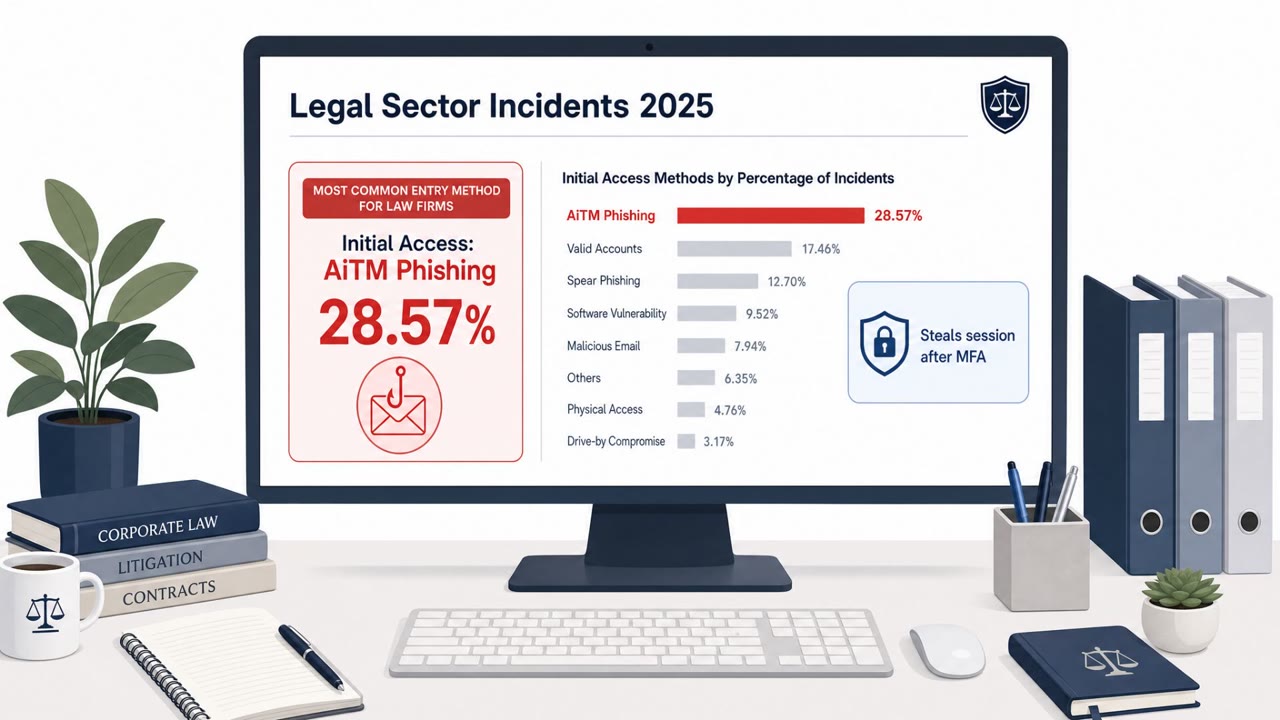
Researchers say the “BigBear 2.0” phishing-as-a-service operation compromised Microsoft 365 accounts by stealing authenticated session cookies after users completed MFA normally. This let attackers replay the session and access accounts without triggering another MFA prompt, impacting 258 organizations with confirmed MFA-bypass compromises.
How the attack worked
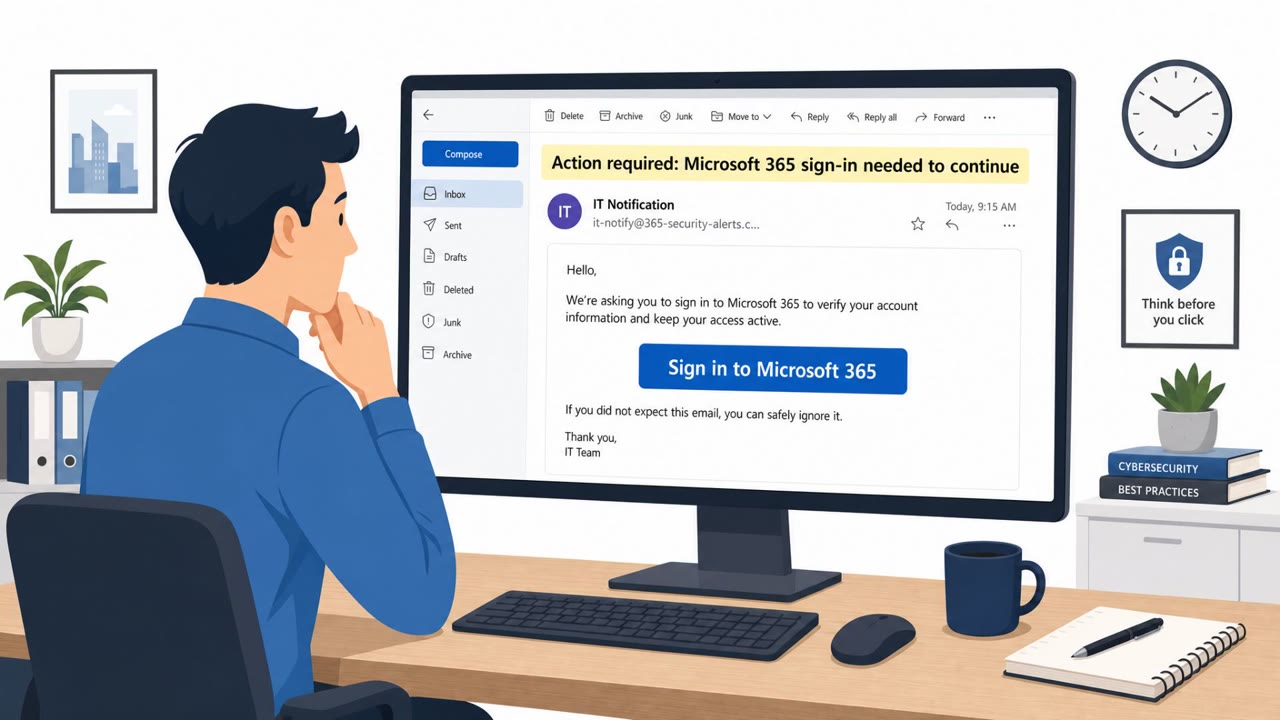
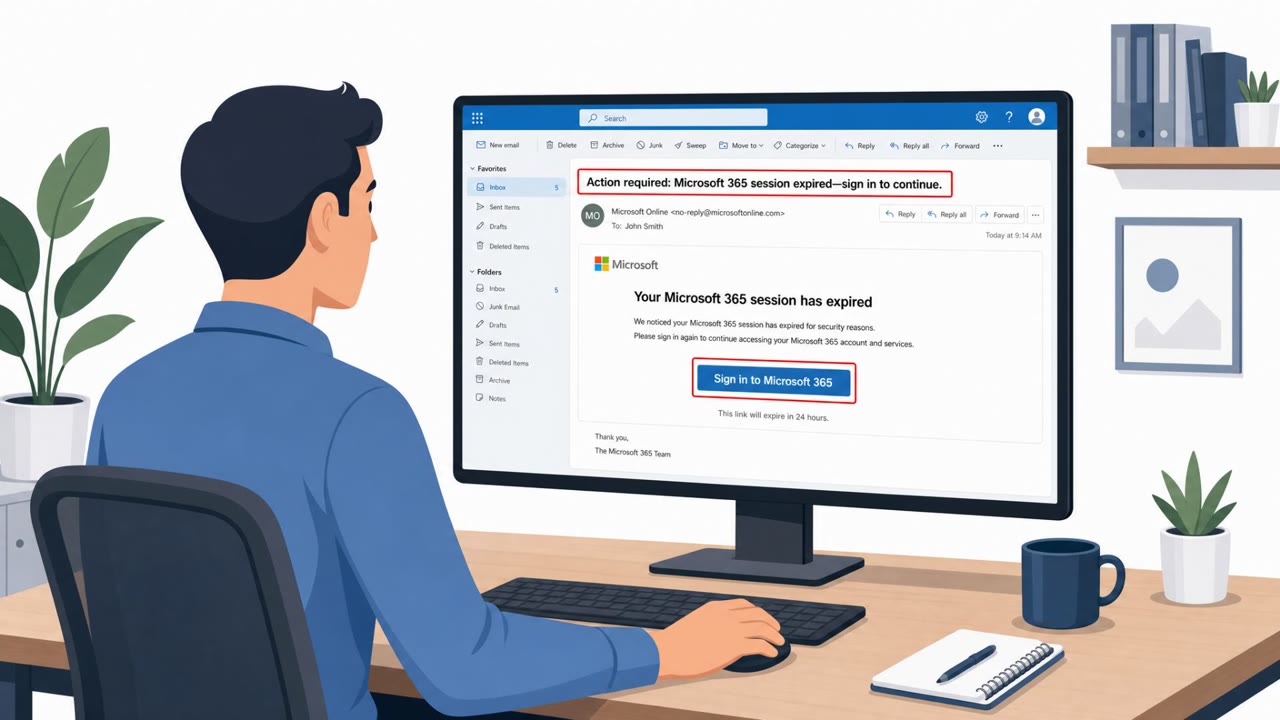
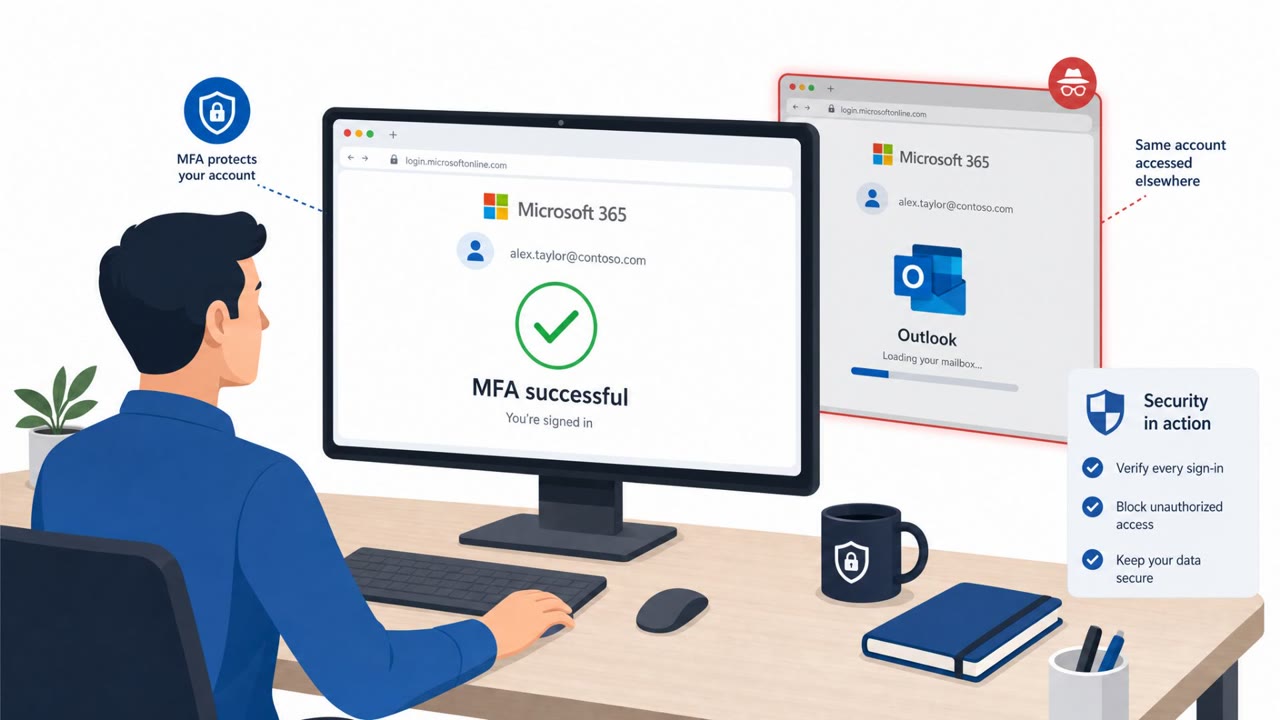
The BigBear 2.0 operation, reported by CloudSEK, did not try to defeat multifactor authentication directly. Instead, victims were lured to a lookalike Microsoft 365 sign in page that acted as a phishing proxy. The victim entered credentials and completed MFA exactly as they normally would. Because the login flow appeared legitimate, the proxy sat between the victim and Microsoft, capturing the authenticated session cookie issued after successful login. That cookie could then be replayed by the attacker, granting access to the account without ever triggering a second MFA prompt.
CloudSEK's access to an admin panel tied to the operation showed the scale involved: thousands of session cookies, plaintext passwords, and completed MFA bypassed authentications across hundreds of targeted organizations. Residential proxies spread across dozens of countries helped disguise suspicious logins as normal geographic activity, while custom JavaScript on the phishing pages could disable FIDO2 or WebAuthn options, steering victims toward weaker, more interceptable authentication methods.
Why it succeeded
The technique succeeded because it exploited trust in the MFA process itself rather than trying to break it. Employees are trained to treat a completed MFA challenge as a sign that a login is safe, but this campaign shows that a successful MFA prompt cannot automatically be treated as proof that a session is trustworthy. Once the session cookie is stolen, MFA has already served its purpose and offers no further protection against replay.
The presence of at least five affiliate operators receiving stolen data through separate Telegram bots also points to an organized, service based model that could scale across many targets, including IT services and MSPs, whose compromise can extend risk to their downstream customers.
What to watch for
- Login flows that route through a proxy or lookalike page rather than the standard Microsoft sign in experience
- Missing or disabled security key (FIDO2/WebAuthn) options during authentication
- Unusual account activity occurring shortly after an apparently successful MFA completion
Building resistance
Defenders should enforce phishing resistant authentication such as FIDO2 or WebAuthn rather than simply offering it as an option, since this campaign specifically targeted weaker methods. Conditional Access policies that require managed or compliant devices can reduce reliance on location signals, which the operation's residential proxies were designed to undermine. When compromise is suspected, organizations should revoke active sessions and refresh tokens, force affected users to reauthenticate, and reset any exposed passwords promptly to limit the window in which stolen session cookies remain useful to an attacker.
Key findings
- CloudSEK reported an MFA-bypass phishing-as-a-service operation that “bypassed multifactor authentication at 258 organizations by stealing authenticated Microsoft 365 sessions.”
- CloudSEK’s access to an admin panel showed “5,137 records” tied to “461 targeted organizations,” including “4,148 session cookies,” “1,032 plaintext passwords,” and “474 completed MFA-bypassed authentications.”
- The operation uses an adversary-in-the-middle (Evilginx2) approach: users complete MFA, then the proxy “captures the authenticated session cookie… and can replay it.”
- Residential proxies in “69 countries” were used to make suspicious logins look geographically normal.
- Custom JavaScript on phishing pages could “disable FIDO2/WebAuthn functionality,” potentially pushing victims toward interceptable methods.
- CloudSEK identified “at least five affiliate operators” receiving stolen information via “separate Telegram bots.”
- IT services/MSPs were heavily represented: “151 organizations identified,” raising downstream customer risk.
Who’s being targeted
- Commonly targeted roles: All Microsoft 365 users, IT services and MSP teams, Identity and Access Management (IAM) teams, Security operations (SOC).
- Affected industries: IT services, Managed service providers (MSPs).
- Attack channels: website.
- Impersonated: Microsoft 365 sign-in (Microsoft login service).
Red flags to watch for
- The login is happening through a phishing proxy/lookalike page rather than the normal Microsoft sign-in experience
- Security key (FIDO2/WebAuthn) options may be missing or disabled compared to normal
- A “successful MFA” is followed by unusual activity because the session cookie was stolen and replayed
Frequently asked questions
How did BigBear 2.0 bypass multifactor authentication?
It used an adversary-in-the-middle proxy so victims completed MFA normally, then captured the authenticated session cookie issued by Microsoft and replayed it, giving attackers access without triggering another MFA prompt.
Did BigBear 2.0 disable security keys like FIDO2?
CloudSEK found custom JavaScript on the phishing pages that could disable FIDO2/WebAuthn functionality, which may push victims toward more interceptable authentication methods.
What should organizations do if they suspect a BigBear 2.0 style compromise?
Organizations that detect related activity should revoke active sessions and refresh tokens, force affected users to reauthenticate, and reset exposed passwords.
Why were IT services and MSPs a notable target?
CloudSEK identified 151 organizations in the IT services/MSP category among the targets, which raises downstream risk for their customers.
Read the video transcript
You can do MFA perfectly…and BigBear 2.0 can still walk into your Microsoft 365 account. BigBear 2.0 is a phishing-as-a-service kit using Evilginx2. You see a perfect-looking 'Sign in to Microsoft 365' page, enter your password, approve MFA…and their proxy quietly steals your authenticated session cookie. Here’s the twist: instead of cracking MFA, they let you complete it. Then they replay that cookie from residential IPs in 69 countries, so logins look local. Your security key option might even vanish, because their JavaScript disables FIDO2 and WebAuthn. If anything feels off with a Microsoft 365 login or you spot odd activity after MFA, don’t just trust the prompt, report it and have IT revoke all active sessions for that account immediately.