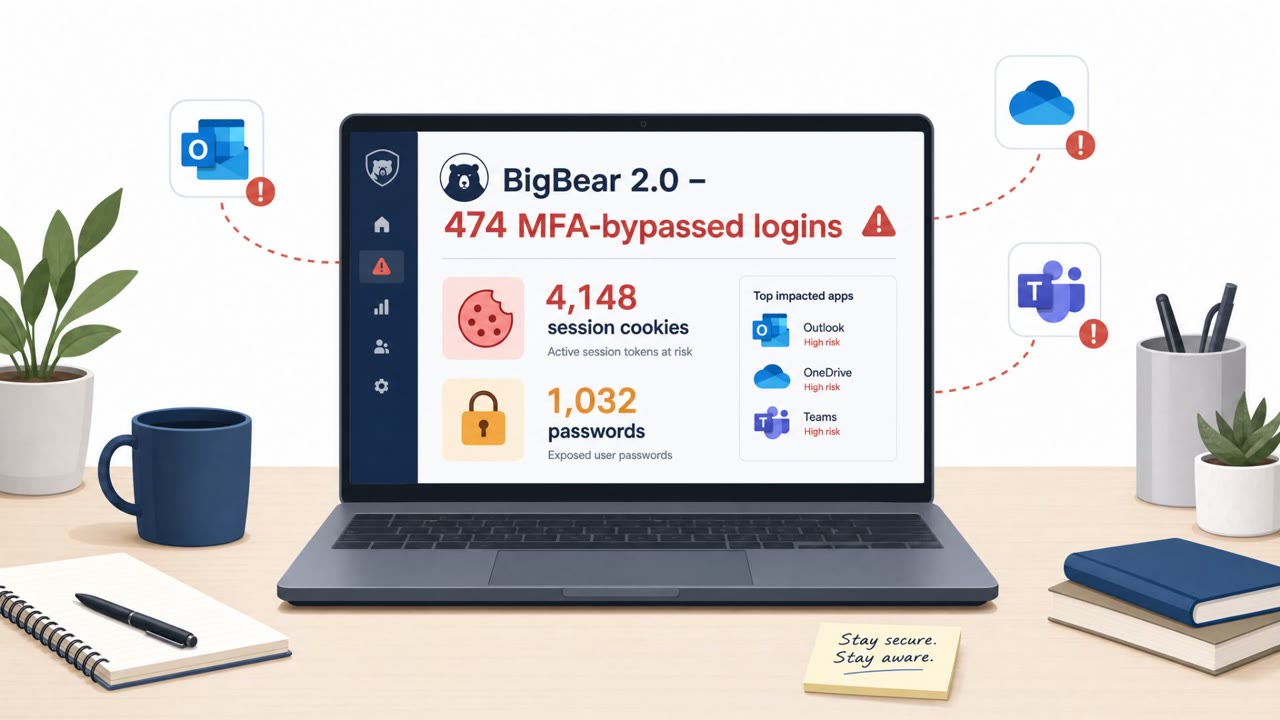
CloudSEK reported a phishing-as-a-service operation (“BigBear 2.0”) that tricks Microsoft 365 users into signing in and completing MFA on a lookalike login page. Even though MFA succeeds, the attackers capture the authenticated session cookie and reuse it to access the victim’s Microsoft 365 session without needing another MFA prompt. The campaign targeted hundreds of organizations globally, with IT services and managed service providers heavily represented.
Key findings
- CloudSEK found thousands of stolen Microsoft 365 session cookies and over a thousand plaintext passwords tied to 461 organizations across 40+ countries.
- The operation uses an attacker-in-the-middle (AiTM) reverse proxy (Evilginx2) to capture authenticated session cookies after the victim completes MFA.
- Residential proxies are used to make attacker traffic appear to come from the victim’s country, potentially weakening location-based Conditional Access checks.
- Researchers found code intended to disable FIDO2/WebAuthn options on phishing pages, pushing victims toward easier-to-phish MFA methods.
- IT services and managed service providers were the most represented sector in CloudSEK’s data (151 organizations).
Who’s being targeted
- Commonly targeted roles: All Microsoft 365 users, Executives, Finance, IT Helpdesk, IT administrators, Managed service provider staff.
- Affected industries: IT services, Managed service providers (MSPs).
- Attack channels: email, website.
- Impersonated: Microsoft 365 sign-in / Microsoft authentication service, Microsoft 365 sign-in page (proxied).
Awareness takeaways
- Train users that ‘MFA succeeded’ does not always mean the session is safe, report unexpected sign-in prompts immediately.
- Teach staff to check the URL carefully on Microsoft 365 sign-in pages and to avoid signing in from emailed links when possible (navigate directly).
- Promote and enforce phishing-resistant authentication (FIDO2/WebAuthn/passkeys) and warn users if those options are missing on a login page.
- Coach incident responders and IT to treat this as ‘session compromise’ (revoke sessions/tokens), not just a password reset.
Red flags to watch for
- Login page URL/domain is not Microsoft, even though it looks identical
- Unexpected sign-in prompt not initiated by the user
- MFA succeeds but is immediately followed by unusual account activity
- Security key/passkey options (FIDO2/WebAuthn) appear missing or disabled on the login page
- The sign-in experience looks slightly “off” or behaves unusually (extra prompts/redirects)
- Sign-in appears to come from a “normal” location but device/app behavior is unfamiliar
Read the video transcript
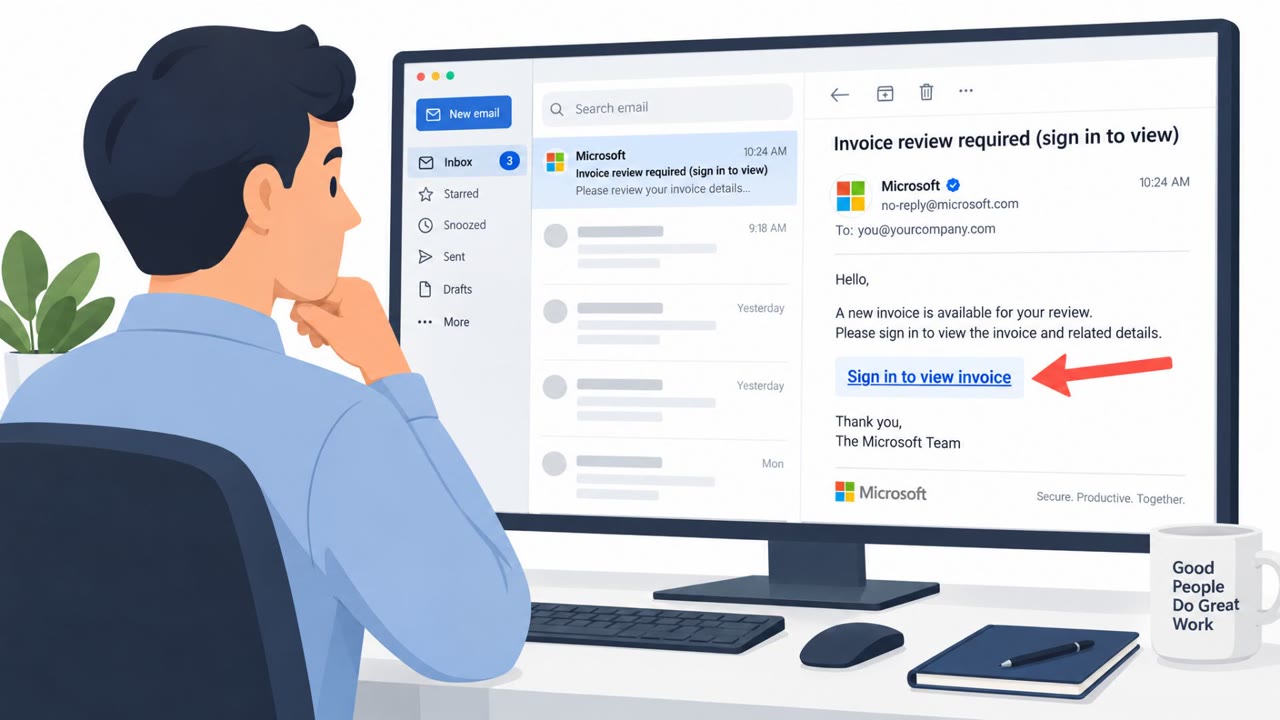
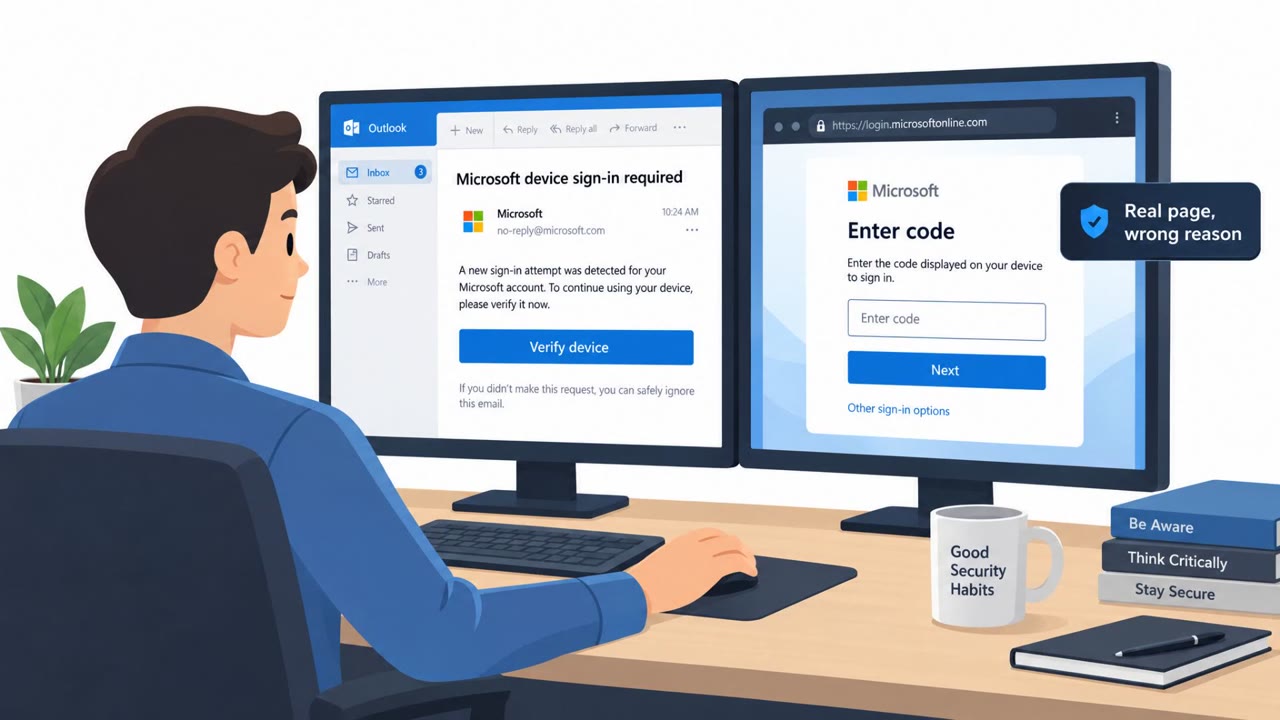
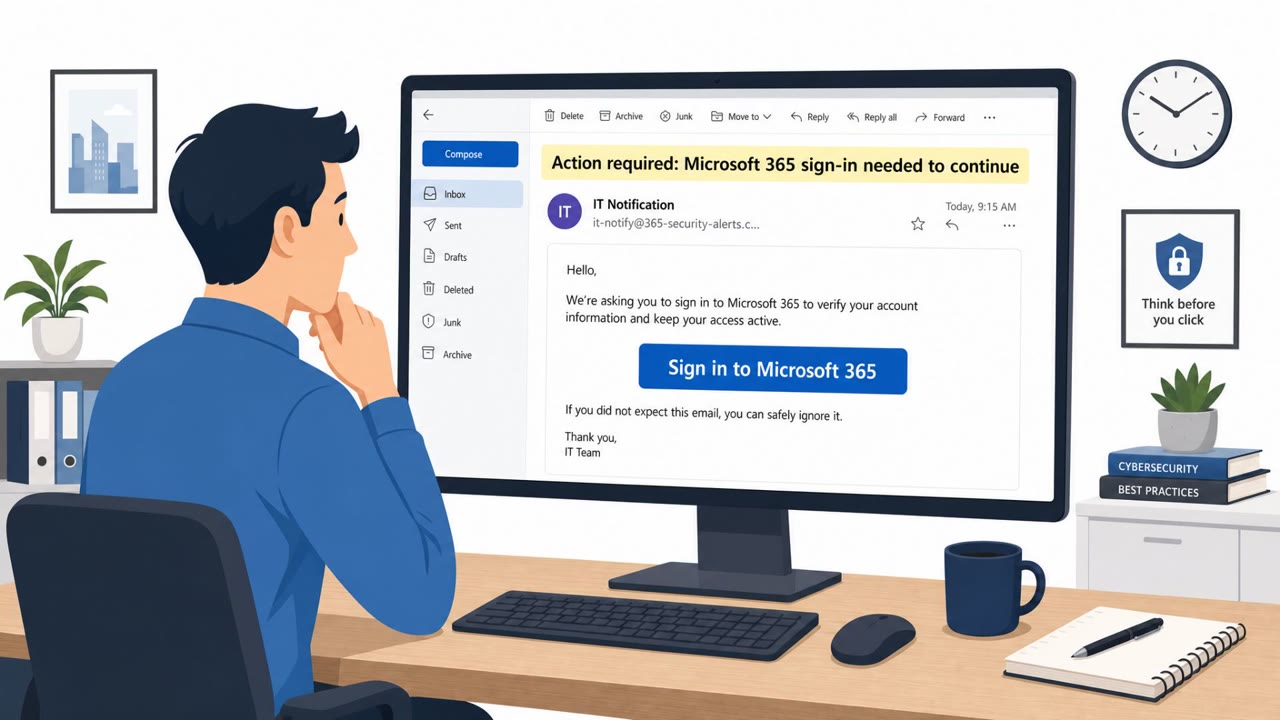
You sign in to Microsoft 365, approve MFA, everything looks fine… but someone else is now in your mailbox too. That’s BigBear 2.0. You get an email: “Action required: Sign in to Microsoft 365 to continue.” The link opens a perfect-looking login, but the URL isn’t Microsoft. You sign in, complete MFA, and an Evilginx2 attacker-in-the-middle proxy quietly steals your authenticated session cookie. CloudSEK found thousands of stolen Microsoft 365 session cookies from 461 organizations. BigBear even tries to hide FIDO2 and WebAuthn options to push you into easier-to-phish OTP or push MFA. Residential proxies then replay your cookie from your country, so the login looks normal in logs. Here’s the move: if you ever get an unexpected Microsoft 365 sign-in or MFA prompt, do not click the email link, go to office.com yourself, sign in, and if you didn’t start it, report it immediately as a suspicious sign-in.