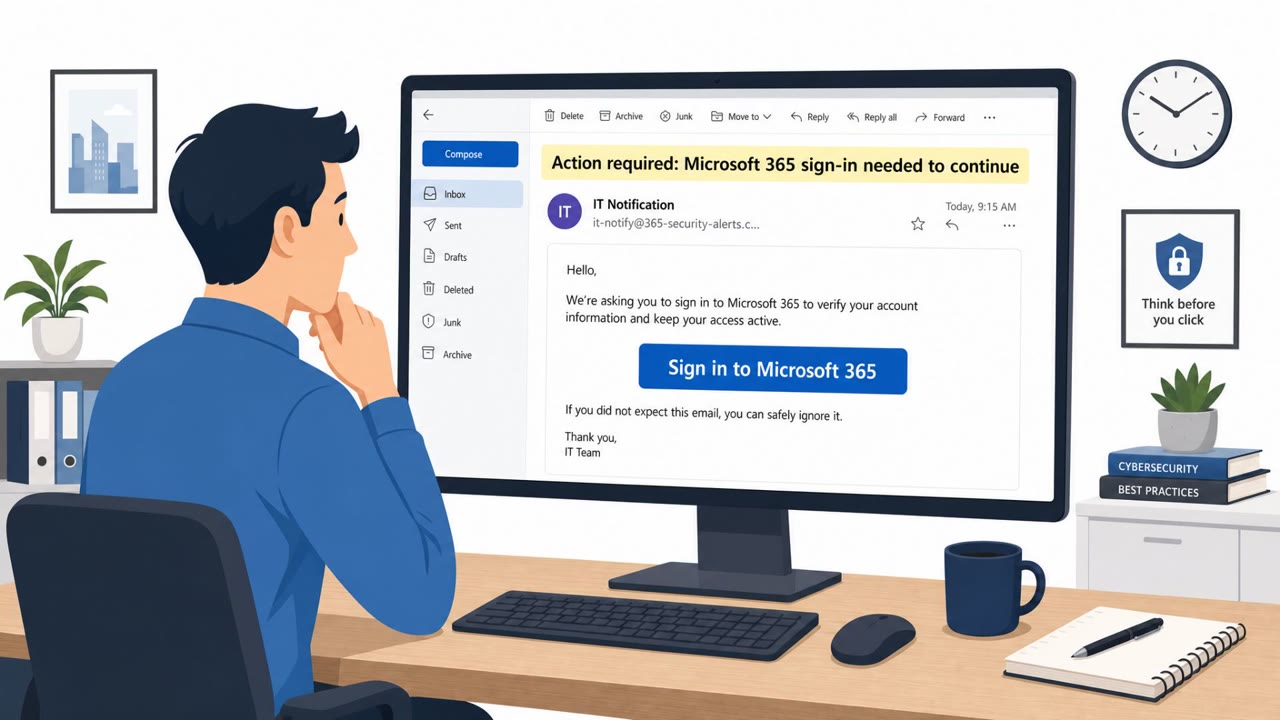
A phishing-as-a-service toolkit called Mirage2FA has been targeting organizations by abusing real Microsoft 365 login pages through a man-in-the-middle proxy. The attackers capture usernames, passwords, and live two-factor authentication codes, then take over the user’s session using stolen session cookies, meaning a password reset alone may not kick them out.
Key findings
- Mirage2FA uses adversary-in-the-middle (AiTM) proxies to capture Microsoft 365 usernames, passwords, and live 2FA codes, then hijacks session cookies.
- About 4,500 organizations across 60+ countries have been targeted, with large concentrations in technology, manufacturing, and education.
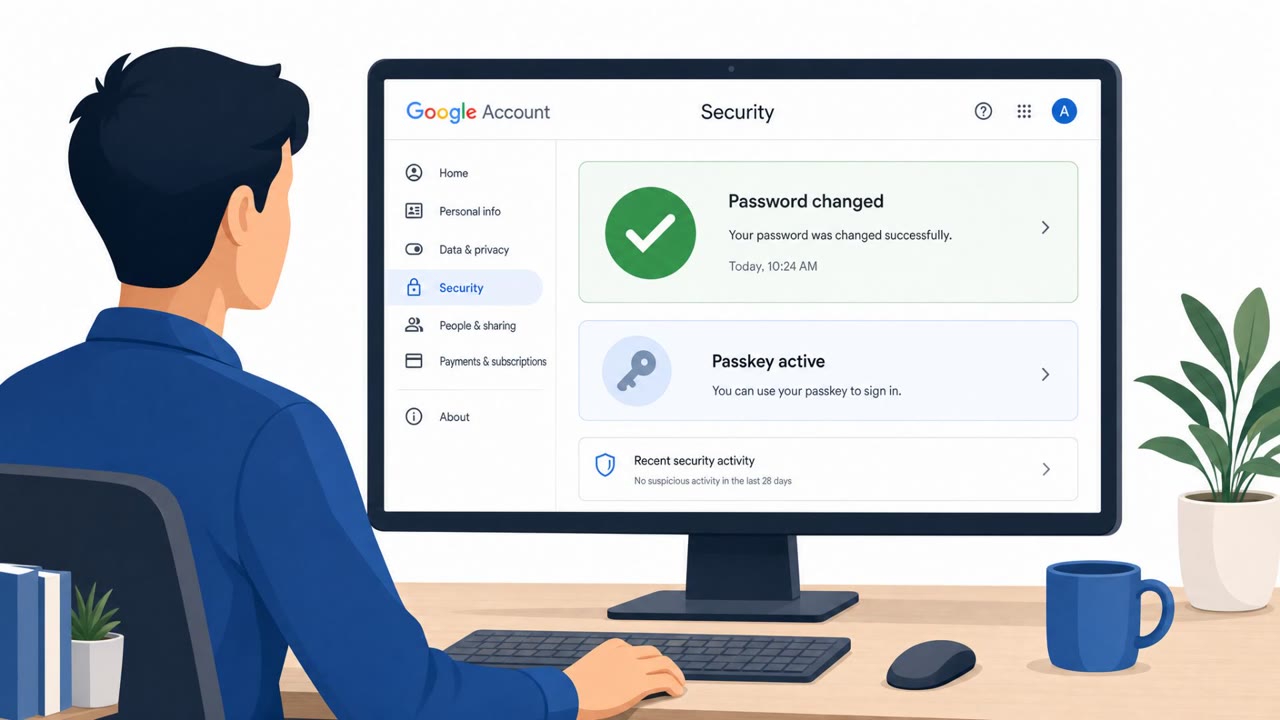
- Because attackers steal an active session cookie, resetting a password may not remove attacker access by itself.
Who’s being targeted
- Commonly targeted roles: All employees, Executives, IT helpdesk, Security team.
- Affected industries: Technology, Manufacturing, Education.
- Attack channels: email, website.
- Impersonated: Microsoft 365.
Awareness takeaways
- Treat unexpected Microsoft 365 sign-in prompts from email links as suspicious; navigate to Microsoft 365 using bookmarks or known URLs instead.
- If you entered credentials and a 2FA code on a suspicious page, report immediately, attackers may have an active session even if you reset your password.
- Train staff that “2FA approved” does not always mean “safe”, session hijacking can bypass protections even when 2FA is used correctly.
Red flags to watch for
- Unexpected sign-in prompt reached via an email link
- Login page behaves unusually (extra prompts/redirects) before or after authentication
- Account still shows suspicious activity even after a password change
Read the video transcript
You click an email: “Action required: Microsoft 365 session expired, sign in to continue.” You log in, approve 2FA… and they still get in. This is Mirage2FA, an adversary-in-the-middle kit that abuses real Microsoft 365 login pages, grabs your username, password, and live 2FA code, then steals the session cookie. Here’s the twist: they don’t just have your password; they hijack your active Microsoft 365 session. So even if you change your password, their stolen session cookie can keep them inside. If an email link makes you sign in to Microsoft 365 and approve 2FA unexpectedly, stop using that tab and go to Microsoft 365 from your bookmark or our official portal instead.