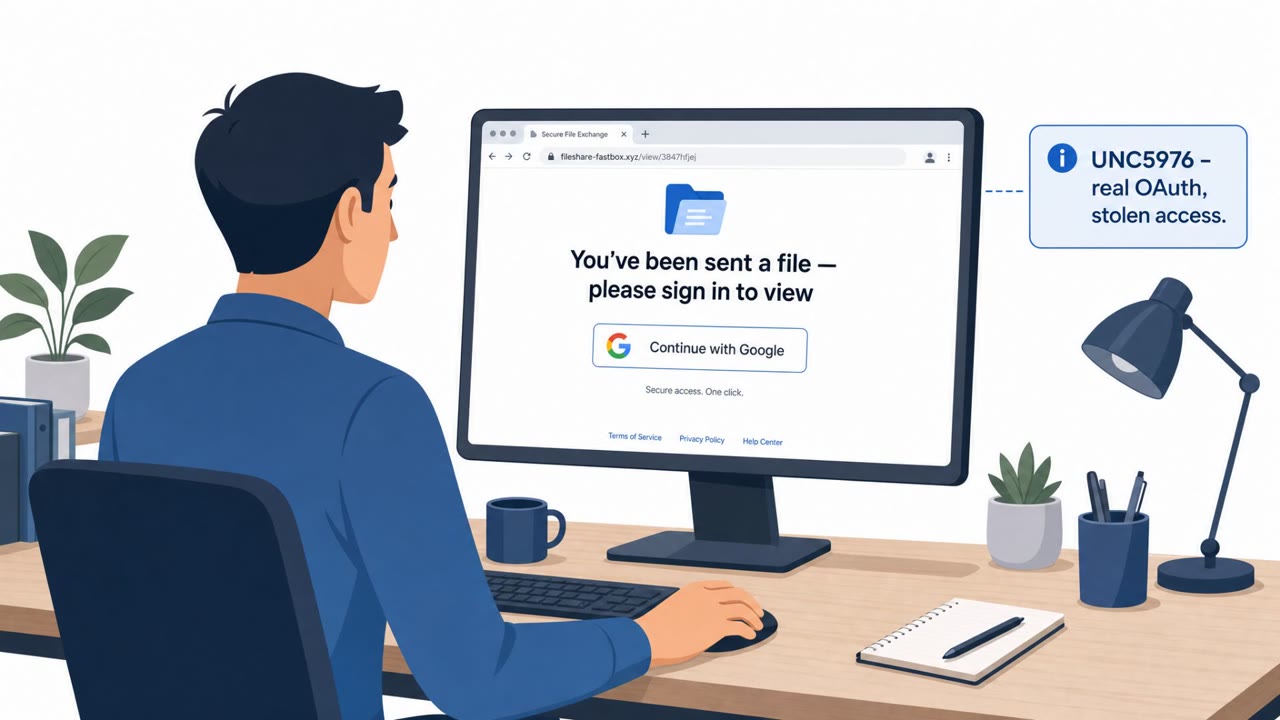
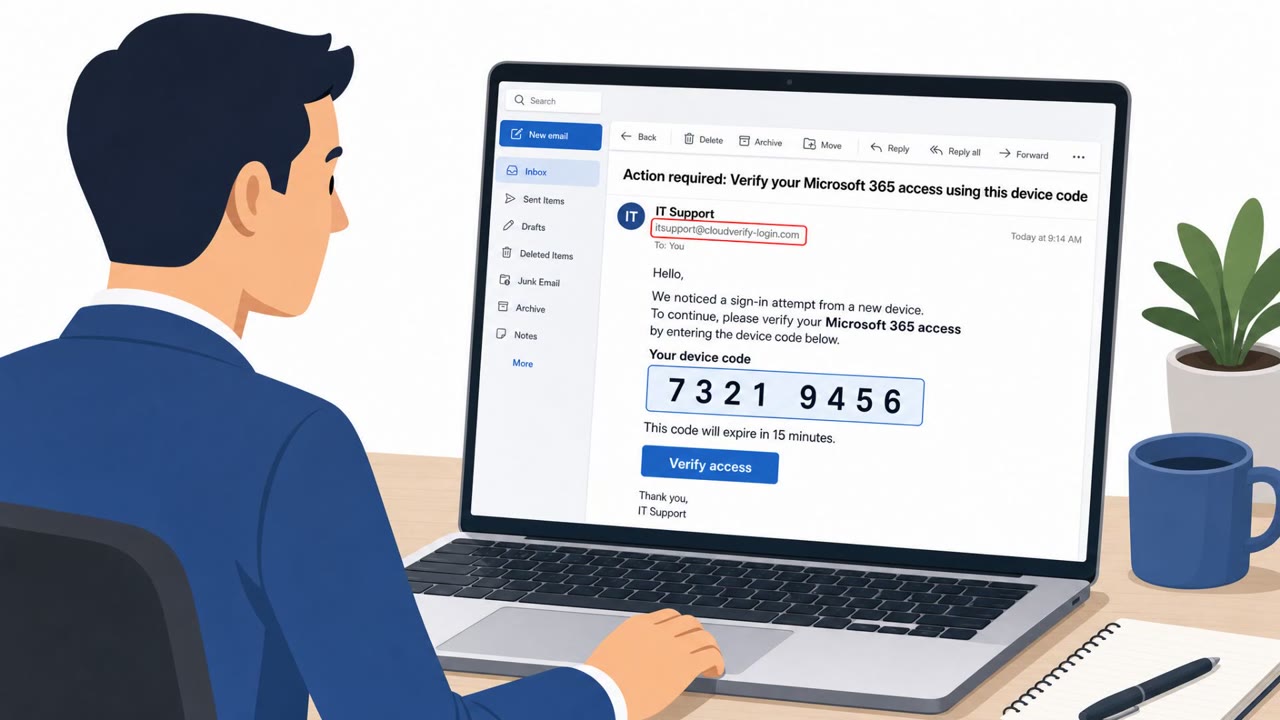
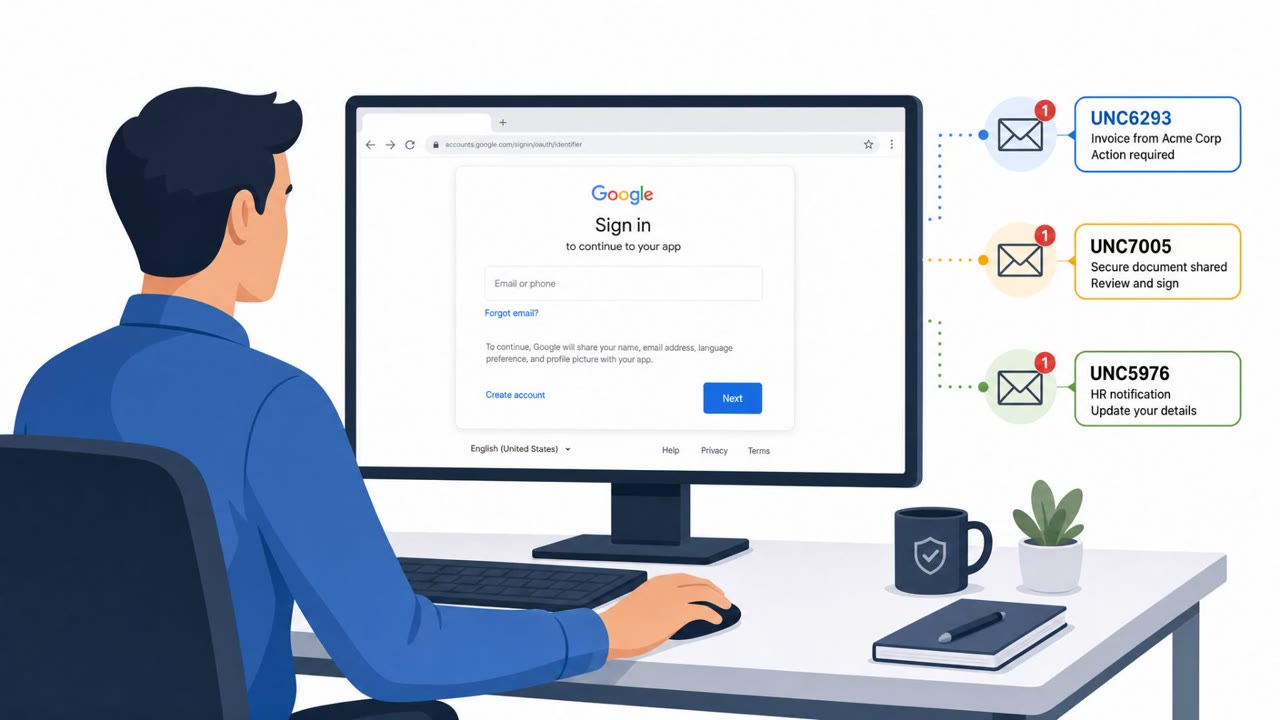
Google says three suspected Russian espionage clusters are targeting academics, think tanks, diplomats, and related nonprofit staff by abusing legitimate login and verification workflows that may not look like “classic phishing.” The campaigns include app-password scams, OAuth/device-code tricks, and a WhatsApp “device linking” lure that can lead to account takeover and even covert audio/video recording.
Key findings
- Three suspected Russian clusters targeted individuals in academia, aerospace/defense, government, and think tanks by abusing legitimate authentication workflows (app passwords, OAuth/device codes, and account linking).
- UNC6293 impersonated the U.S. State Department and lured targets into creating an app password named `ms.state.gov`, then sharing it back (by email in 2025; via a form on a “legitimate looking website” in later activity).
- UNC6293 also used OAuth phishing, asking targets to share a URL or “verification code” after a legitimate login, which would grant the attacker account access.
- UNC7005 ran conference/event-themed lures (including spoofing GLOBSEC) to drive victims to attacker sites, then pushed “identity verification” via Microsoft device code flows.
- UNC7005 spoofed WhatsApp to trick victims into linking their account to an attacker-controlled device, then presented follow-on prompts (voice call/chat/file) including a fake call designed to record audio/video.
Who’s being targeted
- Commonly targeted roles: Academia (faculty, researchers, administrators), Think tank / policy research staff, Government and diplomatic staff, Nonprofit program staff, Executive assistants and event coordinators (frequent invite recipients).
- Affected industries: Education (academia), Government, Aerospace and Defense, Think tanks / policy research, Nonprofits.
- Attack channels: email, website.
- Impersonated: U.S. State Department, A conference/event organizer (spoofed GLOBSEC), WhatsApp (spoofed).
Awareness takeaways
- Treat requests to create and share “app passwords” as a major warning sign; never send passwords to anyone or enter them into forms from unsolicited outreach.
- Be suspicious when an event invite or “registration” ends with Microsoft “device code” or “identity verification” steps, verify the event through a trusted channel before signing in.
- Never link WhatsApp (or other messaging apps) to a new device from a website link; only link devices from within the official app settings.
- When a login/verification step asks you to share a URL or “verification code,” assume it could be an account-takeover attempt and stop to verify independently.
Red flags to watch for
- Being asked to create a special/app-specific password with an unusual name
- Asked to submit a password back to someone (via email or a form)
- Diplomatic/conference-themed urgency coming from an unexpected sender
- Conference invite comes from a newly created or lookalike event domain
- Registration ends with unexpected “identity verification” tied to Microsoft sign-in/device code
- Page text mismatches the event (template artifacts)
- A third-party website asking you to link WhatsApp via QR/linking code
- Unexpected request to provide phone number and link a new device for a “secure call”
- Follow-on prompts to download files or join a call immediately after linking
Read the video transcript
You get an email: “Action required: create an app password for ms.state.gov.” Looks official, right? That’s the trap. Russian clusters like UNC6293 and UNC7005 aren’t sending classic phishing links. They abuse real login flows, app passwords, OAuth URLs, Microsoft device codes, even WhatsApp device linking, to quietly take over accounts. Example: a fake State Department email walks you through creating an app password literally named ms.state.gov, then tells you to paste that password into a form on a very legit-looking site. The moment you do, they own your mailbox. Aha moment: any email or site that asks you to create a special password or device code and then send it back is not verification, it’s account theft. Stop there and report it to security.