The article explains how generative AI is making phishing and impersonation more convincing, so “bad grammar” is no longer a reliable warning sign. It cites a real case in Hong Kong where fraudsters used deepfake video to impersonate senior colleagues on a video meeting and tricked a finance worker into transferring about $25 million. It recommends shifting training toward verification steps (out-of-band callbacks, multi-person approvals, and strong credential protections) rather than judging email wording alone.
How the attack worked
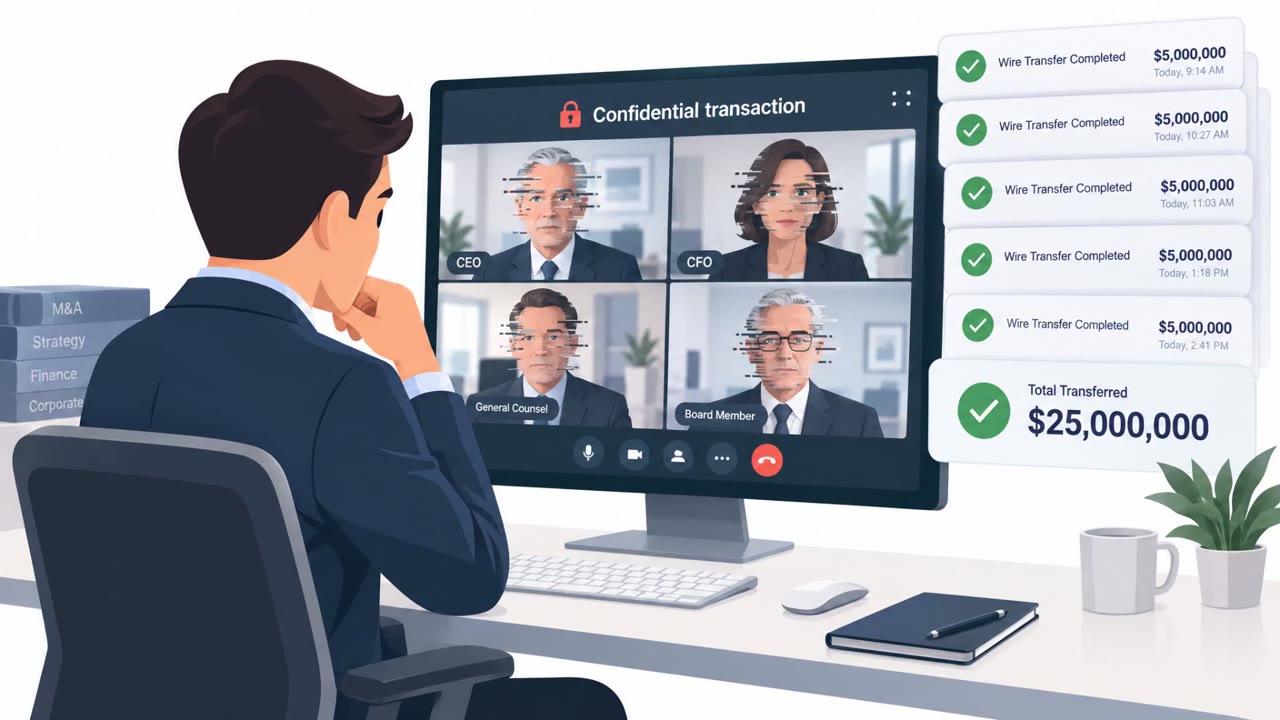
In a widely referenced 2024 incident, fraudsters used deepfake video to impersonate senior colleagues during a video meeting with a finance worker in Hong Kong. The fake executives requested an urgent, high-value transfer, and the employee, believing the call was legitimate because the people on screen looked familiar, processed the payment. The result was a transfer of about $25 million based entirely on instructions given during that call.
This case illustrates a broader shift described in the source material: generative AI now allows attackers to convincingly impersonate trusted people across text, voice, and video, not just email. That means the old advice to watch for bad grammar or awkward phrasing no longer holds up as a reliable warning sign.
Why it succeeded
The scenario worked because it exploited trust in visual and audio cues rather than exploiting a technical vulnerability. A few conditions made it effective:
- The request came through a real-time video call, which felt more credible than a text-based message.
- The urgency and authority of "senior colleagues" pressured the employee to act quickly.
- The payment appears to have bypassed normal verification or change-control steps, relying instead on the visual confirmation of familiar faces.
What to watch for
Organizations in finance, accounts payable, treasury, payroll, and related roles should treat certain patterns as red flags:
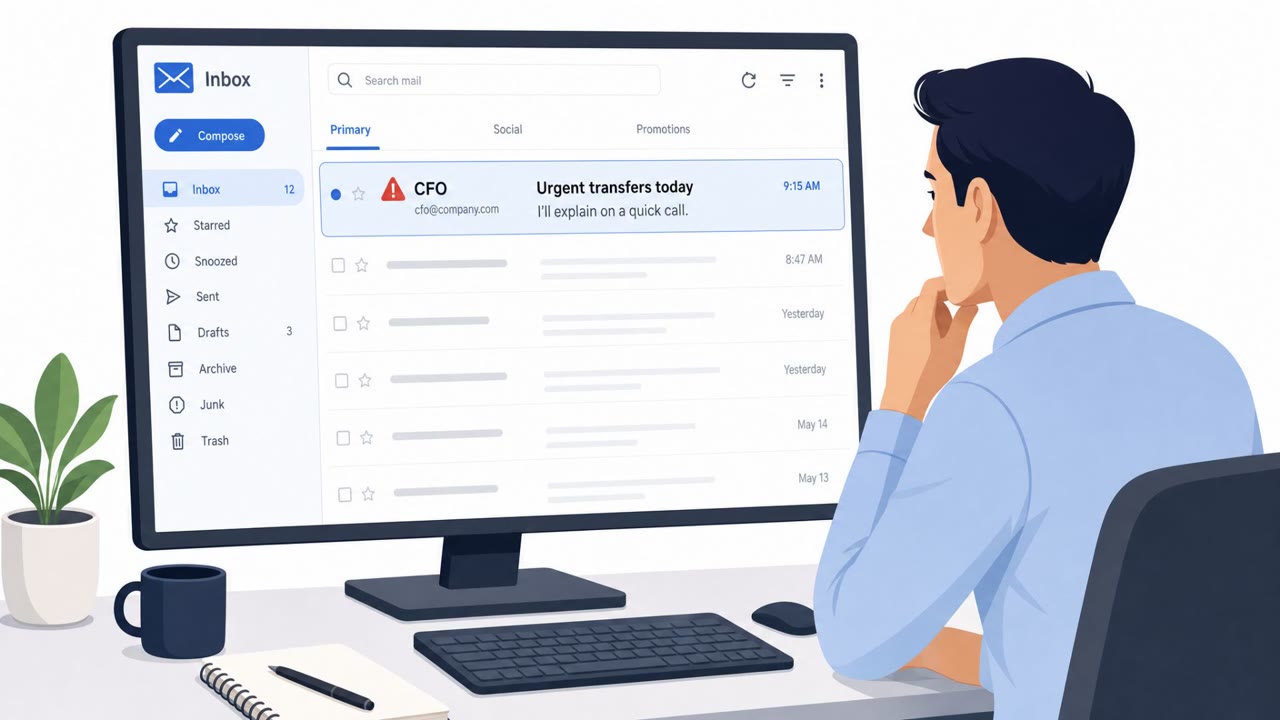
- Pressure for a large, urgent payment introduced during a live call rather than through standard channels.
- Approval decisions that rest on recognizing a voice or face rather than following documented verification procedures.
- Requests that skip or shortcut the normal payment or change-control process.
As the source material notes, seeing a familiar face on a call is no longer enough to approve a sensitive request, since both voice and video can be synthetically generated.
How to build resistance
Defending against this style of attack means shifting verification away from "does this look and sound right" toward structured, out-of-band checks:
- Verify any unusual, sensitive, or urgent request through a separate trusted channel, not the phone number or contact details supplied during the suspicious call itself.
- Use contact details the business already trusts, such as a saved vendor number or internal directory entry, rather than anything provided in the request.
- Require a second approver for high-risk actions like large transfers, new vendor bank details, or privileged access changes, so no single person's judgment can authorize the transaction alone.
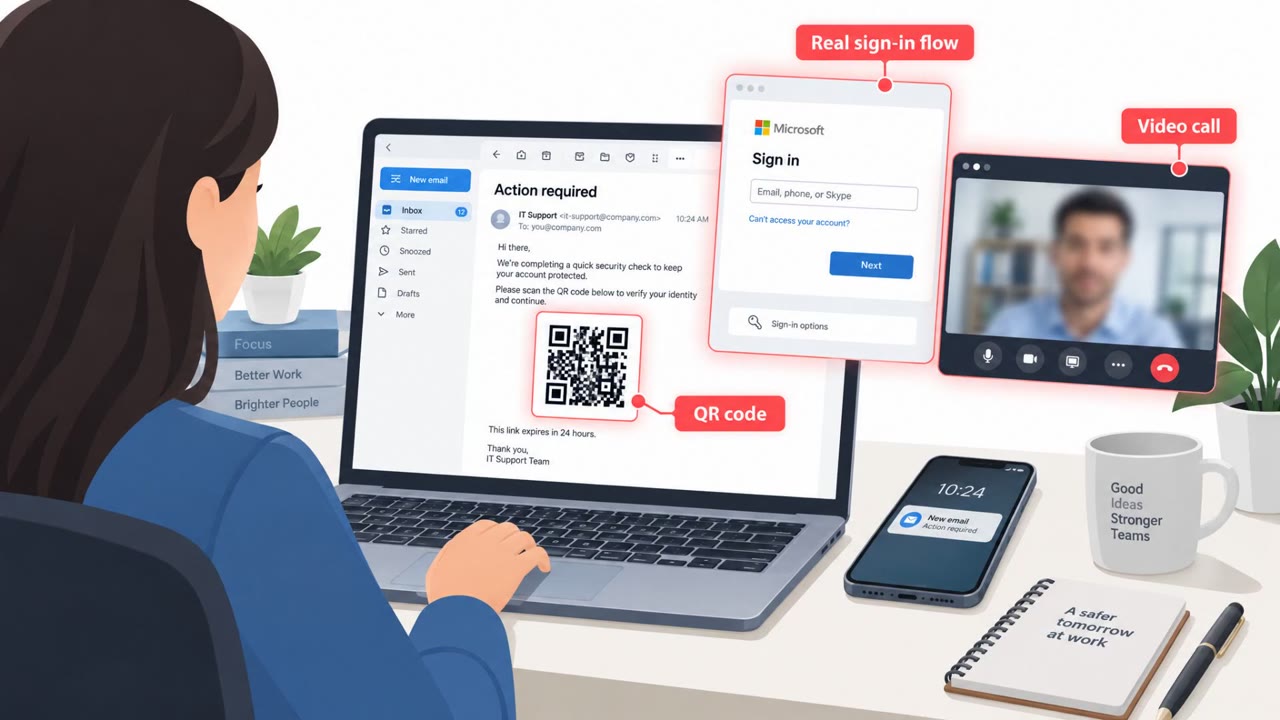
- Reinforce credential protections, including unique passwords and multi-factor authentication, since these attacks often depend on abusing legitimate contexts and access, not just the deepfake media itself.
Training that focuses on process discipline, rather than trying to visually or audibly detect a deepfake, gives finance and approval teams a more durable defense.
Key findings
- AI makes phishing messages more fluent, targeted, and scalable, reducing reliance on obvious errors as a detection cue.
- Attackers can impersonate trusted people and contexts using AI across multiple media (text, voice, video).
- A real incident is referenced where a finance worker was tricked via deepfake video impersonation into transferring about $25 million.
- Recommended defenses emphasize verification processes (out-of-band verification, multi-person approval) and credential protections (unique passwords, MFA).
Who’s being targeted
- Commonly targeted roles: Finance, Accounts Payable, Payroll, Executive assistants, HR, Procurement/Vendor management, IT helpdesk/service desk.
- Affected industries: Small and medium-sized businesses (cross-industry), Finance/Accounting departments (cross-industry).
- Attack channels: teams.
- Impersonated: Senior colleagues (e.g., CFO/executives) using deepfake video.
Red flags to watch for
- Pressure for a large, urgent payment during a call
- Approval is based on “seeing” familiar faces rather than normal verification steps
- Request bypasses normal payment/change-control process
Frequently asked questions
How did the deepfake video call scam work?
Fraudsters used AI-generated deepfake video to impersonate senior colleagues during a video meeting, pressuring a finance worker to transfer about $25 million based on instructions given during the call.
Why didn't recognizing familiar faces prevent the fraud?
Deepfake technology can generate a familiar face or voice on a call, so seeing or hearing someone you recognize is no longer reliable proof of their identity for approving sensitive requests.
What defenses help against deepfake-driven payment fraud?
Recommended defenses include out-of-band verification through trusted contact channels, requiring a second approver for high-risk payment actions, and strong credential protections like unique passwords and MFA.
Who is most at risk from this type of attack?
Finance, accounts payable, treasury, and payroll staff are primary targets, since they are the ones authorized to move money or approve vendor and payment changes.
Read the video transcript
Imagine a Teams call where your CFO and leadership team ask you to move $25 million… and every single one of them is fake. In 2024, a finance worker in Hong Kong was tricked into transferring about $25 million after deepfake video copies of their senior colleagues joined a call and said, “We need you to process this transfer now.” Here’s the trap: you see familiar faces on screen, feel the pressure of a huge, urgent payment, and skip the normal approval steps, because it “looked” real. But seeing a familiar face on a call is no longer proof of anything. If a video or voice call asks for money, credentials, or access changes, stop. Don’t trust the call, verify it through a separate, trusted channel before you do anything.